crwdns2915892:0crwdne2915892:0
The LG Cinebeam's (Model# PH150B) motherboard recognizes the inputs for the projector, so if your device doesn't recognize the inputs, you should replace it.
Typically, the motherboard doesn't break easily when the device is closed. However, when opened, be careful as you could damage it or one of its parts.
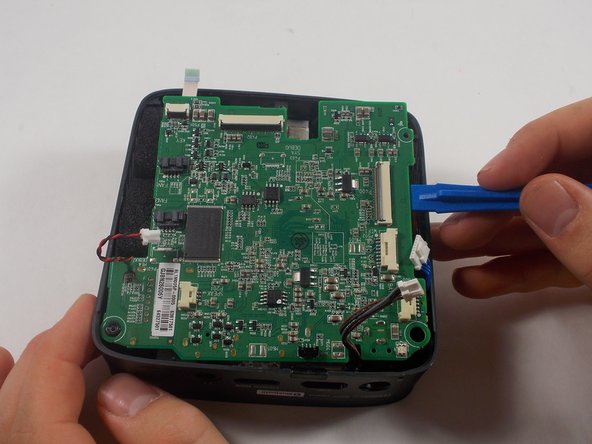
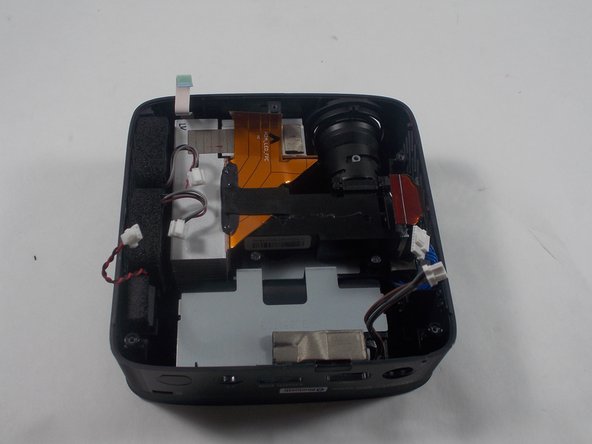
Removing the motherboard also grants access to the other parts of the projector. This guide will help you through the process of removing the motherboard.
Before beginning, make sure to power off the projector completely and disconnect from any external power source.
When done, make sure all the cables/wires are placed correctly and secured.
crwdns2942213:0crwdne2942213:0
-
-
-
Remove three 6 mm screws on the bottom plate with a Phillips #00 screwdriver.
 crwdns2952109:0crwdne2952109:0
-
-
-
Using an iFixit opening tool, pry the bottom plate off of the device and remove it fully.
-
-
-
-
-
-
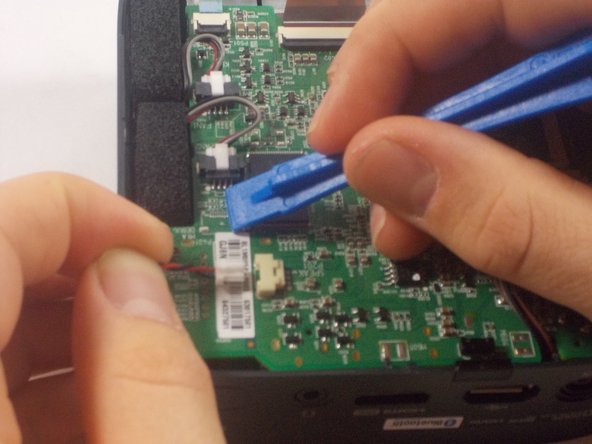
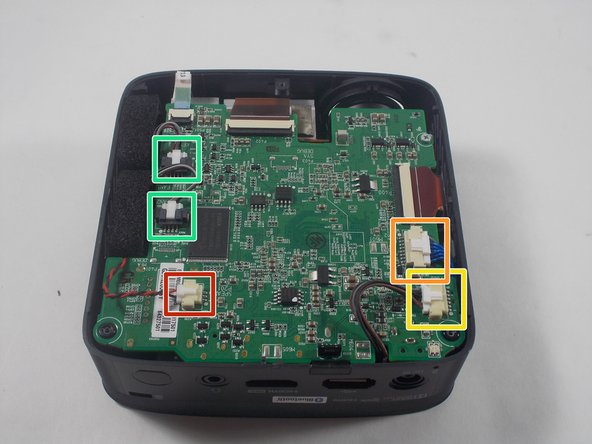
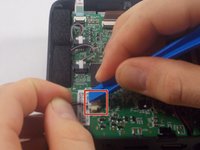
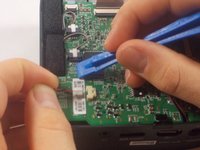
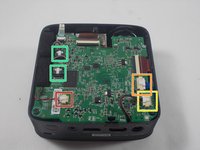
Using an iFixit opening tool, press down the lever on the top of the minilock connector for the speaker and pull the plug out gently.
-
Repeat this process to remove the WiFi/Bluetooth card connector.
-
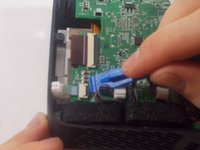
Remove the battery connector.
-
Remove the fan connectors.
-
-
-
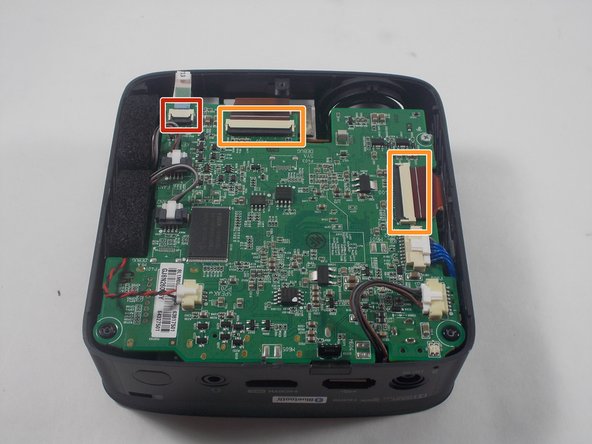
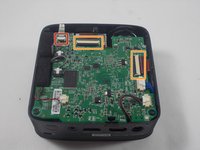
Using an iFixit opening tool, pry up the black plastic tabs on the back of the power button/joystick board cable.
-
Gently pull the ribbon cable out of the socket.
-
Repeat this process for the two display cables.
-
-
-
Lift the motherboard out of the casing.
-
-




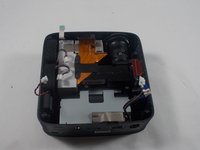
To reassemble your device, follow these instructions in reverse order.

crwdns2935287:0crwdne2935287:0

UMass Dartmouth, Team 1-5, Botvin Spring 2022 crwdns2935289:0UMass Dartmouth, Team 1-5, Botvin Spring 2022crwdne2935289:0
UMASSD-BOTVIN-S22S1G5
crwdns2931471:03crwdne2931471:0
crwdns2935297:072crwdne2935297:0
