
LG Chocolate 3 Side Buttons Replacement

crwdns2959932:0crwdnd2959932:0Brenna Yagadecrwdnd2959932:0crwdnd2959932:0crwdnd2959932:012crwdnd2959932:0crwdne2959932:0
crwdns2959936:0Mud 7, 2024crwdne2959936:0
crwdns2869540:0crwdne2869540:0: 636
crwdns2959988:0crwdne2959988:0
- crwdns2959990:0crwdne2959990:0
- 0
- crwdns2959992:0crwdne2959992:0
- 13
- crwdns2959994:0crwdne2959994:0
- 41
- crwdns2959996:0crwdne2959996:0
- 636
crwdns2955950:0crwdne2955950:0: 0
crwdns2959998:0crwdne2959998:0
crwdns2960000:0crwdne2960000:0crwdns2959984:0crwdne2959984:0: 0 1
crwdns2959956:0crwdne2959956:0
crwdns2959968:01crwdne2959968:0
crwdns2959986:0crwdne2959986:0: 1 2
crwdns2959980:01crwdne2959980:0
crwdns2959978:02crwdne2959978:0
crwdns2862633:0crwdne2862633:0
crwdns2862634:0crwdne2862634:0
crwdns2915892:0crwdne2915892:0
crwdns2959928:0crwdne2959928:0 ↓Use this guide to replace the side buttons. Be prepared to deal with small parts, including screws and the buttons themselves.
crwdns2959930:0crwdne2959930:0
crwdns2943215:0crwdne2943215:0
-
Spudger4.9
-


-
-
-
Place the phone face down.
-
Press your finger down on the indentation and slide the back plate off.
 crwdns2952109:0crwdne2952109:0
-
-
-
Using your index finger lift and remove the battery from the phone.
-
-
-
-
-
Use the pointed end of the spudger to pull out the plastic inserts that are located on the left and right-hand corners.
-
-
-
crwdns2935267:0crwdne2935267:0Tweezers$4.99
-
Using a Phillips #00 screwdriver, remove the six 3mm long screws found along the edges of the phone.
-
-
-
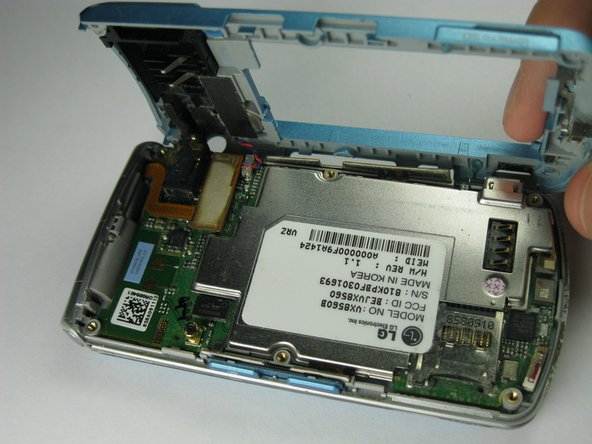
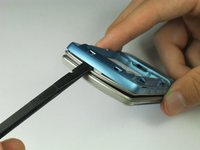
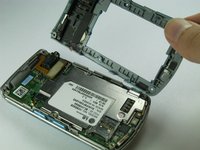
Pull the rear case up using the spudger.
-
-
-
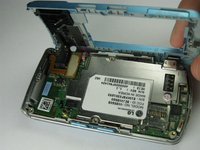
Use tweezers to pull the clear end of the red and blue speaker cables away from motherboard.
-
-
-
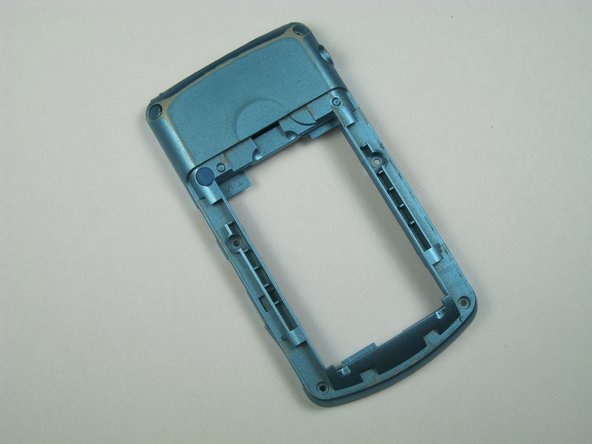
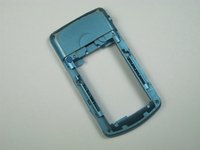
Carefully remove the rear case from the phone.
-
-
-
-
crwdns2935267:0crwdne2935267:0Tweezers$4.99
-
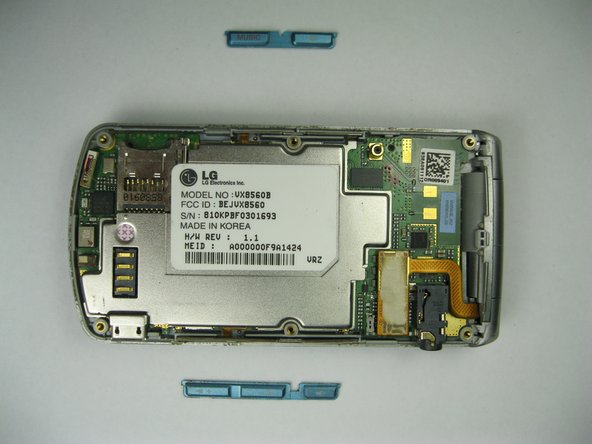
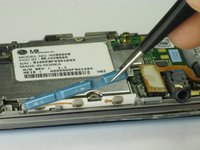
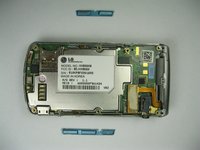
Use tweezers to remove the music button found on the side of the phone.
-
-
-
Use tweezers to remove the volume control buttons on the opposite side of the phone.
-
-






To reassemble your device, follow these instructions in reverse order.

crwdns2935287:0crwdne2935287:0

Cal Poly, Team 12-35, Amido Spring 2013 crwdns2935289:0Cal Poly, Team 12-35, Amido Spring 2013crwdne2935289:0
CPSU-AMIDO-S13S12G35
crwdns2931471:05crwdne2931471:0
crwdns2935297:072crwdne2935297:0
