crwdns2942213:0crwdne2942213:0
-
-
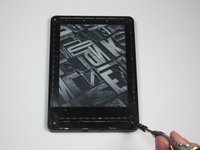
At each corner, use the blue plastic opening tool to unhook and separate the front panel from the adhesive.
-
Run the tool along the seams to pry open the front panel.
 crwdns2952109:0crwdne2952109:0
-
-
-
Peel the front panel off to remove it from the Kindle.
-
To prevent damaging the front panel, peel the panel from the corners towards the middle of the Kindle.
-
-
-
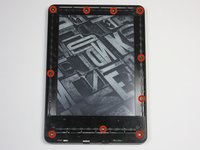
Remove the ten 5.0 mm T5 Torx screws.
-
-
-
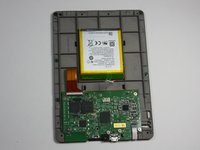
Working evenly along the corners and edges, separate the internal contents from the back panel.
-
-
-
crwdns2935267:0crwdne2935267:0Tweezers$4.99
-
Flip the screen over to face the motherboard and battery pack.
-
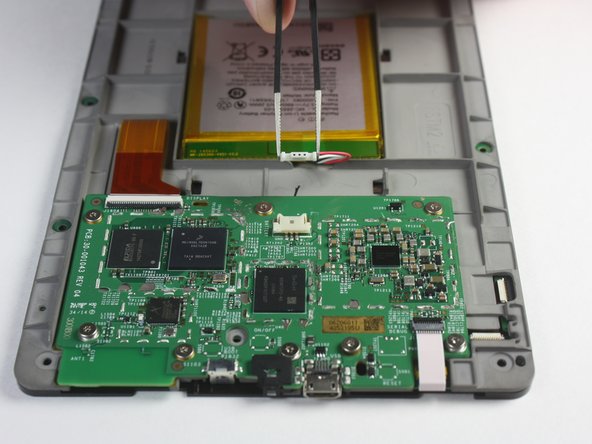
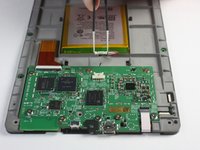
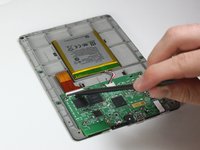
Use the blunted precision tweezers to gently unclip and detach the cable connecting the battery pack and motherboard.
-
-
-
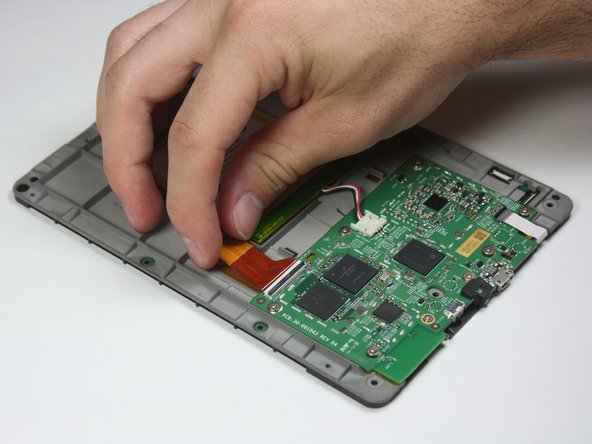
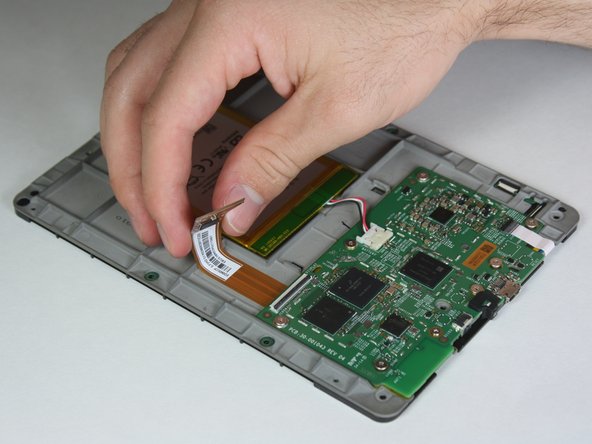
Use the tip of the spudger to flip up the small retaining flap on the copper colored zero insertion force (ZIF) connector.
-
Pull the cable from the connector.
-
-
-
Similar to the previous step, flip up the retaining flap on the white cable connector.
-
Pull the white cable from the connection.
-
-
-
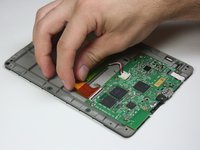
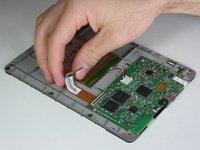
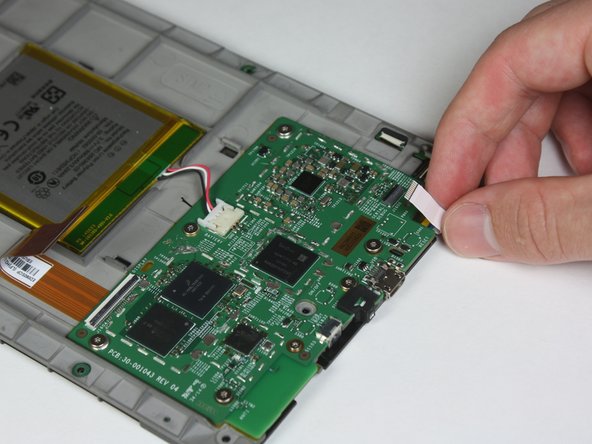
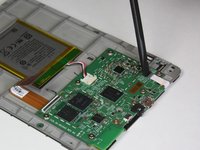
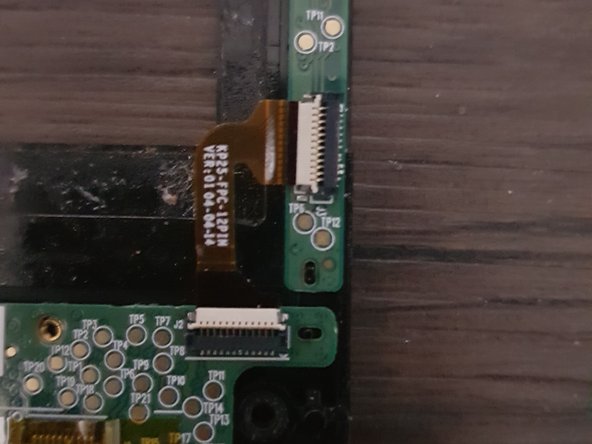
Disconnect the touch digitiser bridge cable by using your Spudger to lift up the white tabs on both connectors.
-
Use tweezers to pull out the cable.
-
The touch digitiser bridge cable is the one connecting between these two connectors.
-
-
-
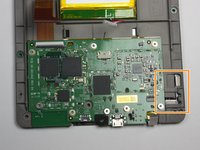
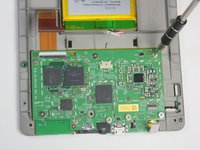
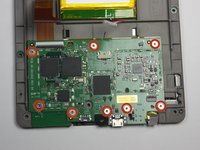
Use the T5 Torx screwdriver to remove the eight 3.0 mm Torx screws.
-
-
-
Remove the motherboard.
-







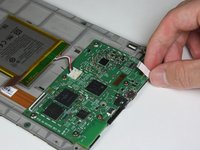


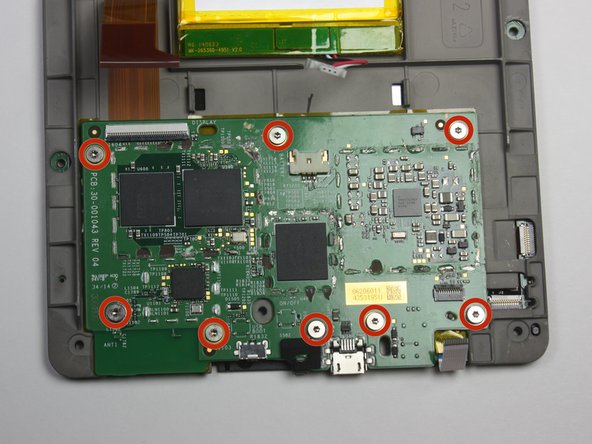

To reassemble your device, follow these instructions in reverse order.
crwdns2935221:0crwdne2935221:0
crwdns2935229:04crwdne2935229:0

crwdns2935287:0crwdne2935287:0

Cal Poly, Team 6-28, Amido Winter 2015 crwdns2935289:0Cal Poly, Team 6-28, Amido Winter 2015crwdne2935289:0
CPSU-AMIDO-W15S6G28
crwdns2931471:04crwdne2931471:0
crwdns2935297:026crwdne2935297:0
crwdns2947412:03crwdne2947412:0
This doesn’t look like my 7th generation. Close but not quite the same. Does the motherboard have to be removed to replace the screen?
Shonna Partlow - crwdns2934203:0crwdne2934203:0 crwdns2950251:0crwdne2950251:0
Anyone know where to buy parts? I’m struggling to find any
Adrianne - crwdns2934203:0crwdne2934203:0 crwdns2950251:0crwdne2950251:0
yes this is Def not the same as my 7th gen but it's an 8 inch so maybe that's the difference.. all I see is 4 screws holding down the motherboard n I've removed them but still can't get the board loose.. it's like one side of it is held down under these plastic tabs that don't move..
Heather Hodge - crwdns2934203:0crwdne2934203:0 crwdns2950251:0crwdne2950251:0
