crwdns2915892:0crwdne2915892:0
This guide shows how to replace the projector's bulb if you are experiencing no image being betrayed by the projector. You will need a replacement bulb and an iFixit tool kit.
crwdns2942213:0crwdne2942213:0
-
-
-
To remove the lamp door, use a metal or plastic pry tool and unclip the lamp door from the projector. Set this aside for reassembly.
 crwdns2952109:0crwdne2952109:0
-
-
-
Remove the two gold 1 cm screws and washers on the side of lens housing using the 4.0 flat-head bit
-
Pinch the white wire tab to gently detach the side that connects with the lens housing.
-
-
-
-
Slide the bulb housing out of the projector.
-
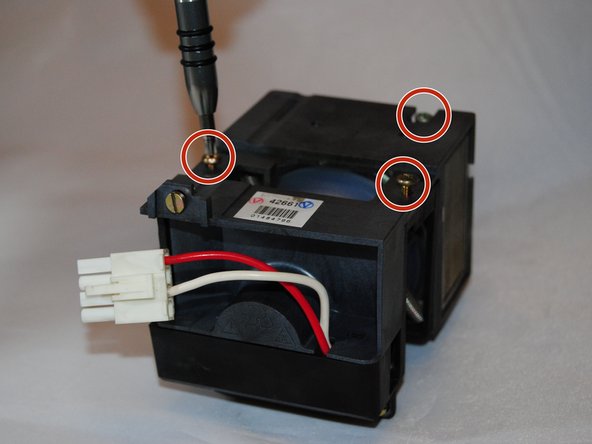
Use the Phillips #1 screwdriver to remove the three 1 cm gold screws on the bulb housing.
-
-
-
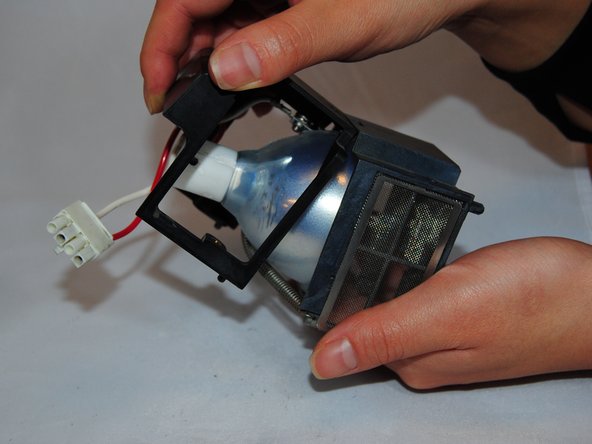
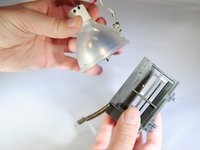
Gently pull the top of the bulb housing off.
-
Lift up the middle of the bulb housing to remove it.
-
-
-
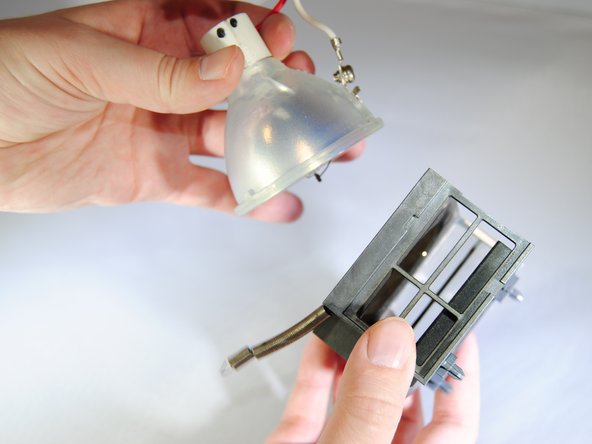
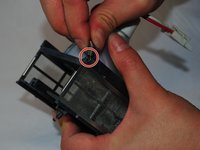
Unhook the spring from the bulb housing.
-
Gently remove the bulb.
-
-







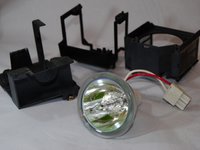
To reassemble the device, follow these instructions in reverse order.
crwdns2935221:0crwdne2935221:0
crwdns2935227:0crwdne2935227:0

crwdns2935287:0crwdne2935287:0

Eastern Washington University, Team S2-G3, Crane Fall 2017 crwdns2935289:0Eastern Washington University, Team S2-G3, Crane Fall 2017crwdne2935289:0
EWU-CRANE-F17S2G3
crwdns2931471:05crwdne2931471:0
crwdns2935297:084crwdne2935297:0
crwdns2947412:03crwdne2947412:0
To remove and later disassemble the lamp, you don’t need to remove whole cover. Just open the lamp bay door and follow the steps starting from 6!
madyogi - crwdns2934203:0crwdne2934203:0 crwdns2950251:0crwdne2950251:0
madyogi, exactly. You are absolutely right!
ilya.zhizhin - crwdns2934203:0crwdne2934203:0 crwdns2950251:0crwdne2950251:0
I was able to fix an old projector I got for $40. Thank you so much for the tutorial.
Madelyn Tapia - crwdns2934203:0crwdne2934203:0 crwdns2950251:0crwdne2950251:0
