crwdns2942213:0crwdne2942213:0
-
-
Lift open the back cover
-
Disconnect the Battery
-
Disconnect the SIMcard
-
Remove the MicroSD card from its slot
-
-
-
Remove the 8 screws on the back and place them on the magnetic mat
-
-
-
-
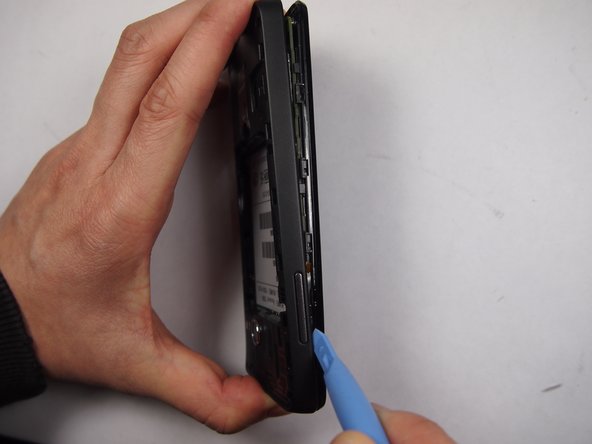
Pull of the back cover using the plastic opening tool
-
-
-
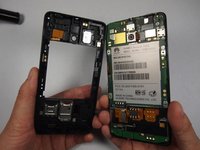
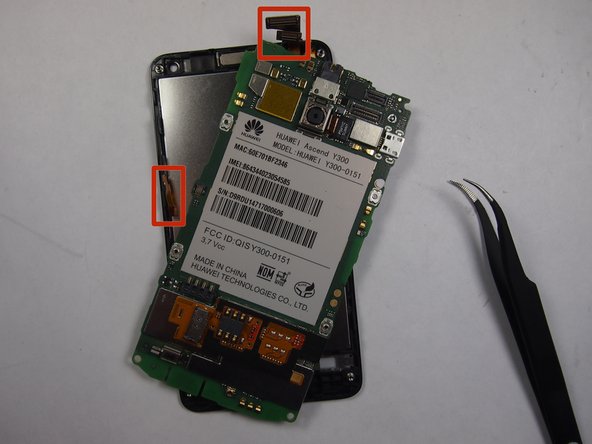
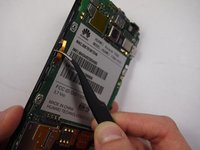
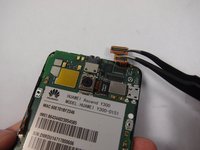
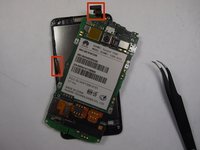
Carefully detach the LCD and speaker ribbons from the Motherboard using the pliers
-
-
-
replace the motherboard with a new one and re-attach the ribbon wires to the motherboard
-






To reassemble your device, follow these instructions in reverse order.
crwdns2935221:0crwdne2935221:0
crwdns2935229:032crwdne2935229:0

crwdns2935287:0crwdne2935287:0

UMass Dartmouth, Team 5-3, Vijaybhaskar Fall 2014 crwdns2935289:0UMass Dartmouth, Team 5-3, Vijaybhaskar Fall 2014crwdne2935289:0
UMASSD-VIJAYBHASKAR-F14S5G3
crwdns2931471:04crwdne2931471:0
crwdns2935297:08crwdne2935297:0
crwdns2947412:05crwdne2947412:0
So nice I am so lucky
sumon - crwdns2934203:0crwdne2934203:0 crwdns2950251:0crwdne2950251:0
To good and new I am so lucku
sumon - crwdns2934203:0crwdne2934203:0 crwdns2950251:0crwdne2950251:0
can i get schematic diagram review of this model plz i need it too much............thanx
DHAFER - crwdns2934203:0crwdne2934203:0 crwdns2950251:0crwdne2950251:0
plz help...where can in get a new huawei Y300 motherboard in nairobi kenya 0728499331
huwa - crwdns2934203:0crwdne2934203:0 crwdns2950251:0crwdne2950251:0
الهاتف إذا إتخبط مني يفصل
mahkma20 - crwdns2934203:0crwdne2934203:0 crwdns2950251:0crwdne2950251:0
