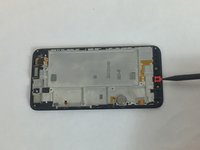
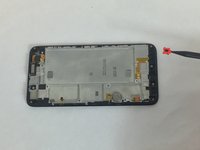
crwdns2933423:0crwdne2933423:0
crwdns2947577:0crwdnd2947577:0crwdne2947577:0

Huawei SnapTo G-620 Microphone Replacement

crwdns2942213:0crwdne2942213:0

    1. Huawei SnapTo G-620 Microphone Replacement, Battery: crwdns2935265:01crwdnd2935265:01crwdnd2935265:03crwdne2935265:0 Huawei SnapTo G-620 Microphone Replacement, Battery: crwdns2935265:01crwdnd2935265:02crwdnd2935265:03crwdne2935265:0 Huawei SnapTo G-620 Microphone Replacement, Battery: crwdns2935265:01crwdnd2935265:03crwdnd2935265:03crwdne2935265:0
      • Pry open the back cover with your fingernail, using the divot to the lower left hand corner.

      • Remove all fifteen 4mm Phillips J00 screws on the back panel.

      • Using a metal spudger or your fingernail, remove the back panel.

      crwdns2952109:0crwdne2952109:0

      crwdns2917038:0crwdne2917038:0

    2. Huawei SnapTo G-620 Microphone Replacement: crwdns2935265:02crwdnd2935265:01crwdnd2935265:01crwdne2935265:0
      • Remove the pictured 4mm Phillips J00 screw.

      crwdns2952109:0crwdne2952109:0

      crwdns2917038:0crwdne2917038:0

    3. Huawei SnapTo G-620 Microphone Replacement: crwdns2935265:03crwdnd2935265:01crwdnd2935265:02crwdne2935265:0 Huawei SnapTo G-620 Microphone Replacement: crwdns2935265:03crwdnd2935265:02crwdnd2935265:02crwdne2935265:0
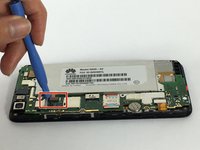
      • Use a plastic opening tool to remove the pictured flat-top connector.

      crwdns2952109:0crwdne2952109:0

      crwdns2917038:0crwdne2917038:0

    4. Huawei SnapTo G-620 Microphone Replacement: crwdns2935265:04crwdnd2935265:01crwdnd2935265:01crwdne2935265:0
      • Remove the battery.

      crwdns2952109:0crwdne2952109:0

      crwdns2917038:0crwdne2917038:0

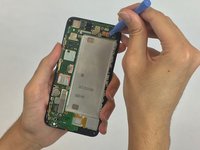
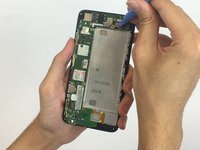
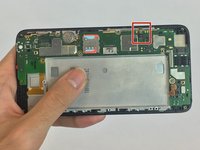
    1. Huawei SnapTo G-620 Microphone Replacement, Microphone: crwdns2935265:05crwdnd2935265:01crwdnd2935265:02crwdne2935265:0 Huawei SnapTo G-620 Microphone Replacement, Microphone: crwdns2935265:05crwdnd2935265:02crwdnd2935265:02crwdne2935265:0
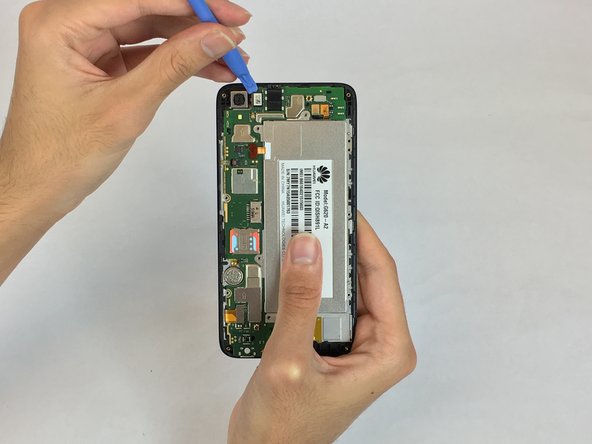
      • Use a plastic opening tool to remove the pictured flat-top connector.

      • Using the plastic opening tool remove the camera.

      crwdns2952109:0crwdne2952109:0

      crwdns2917038:0crwdne2917038:0

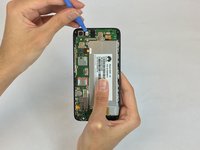
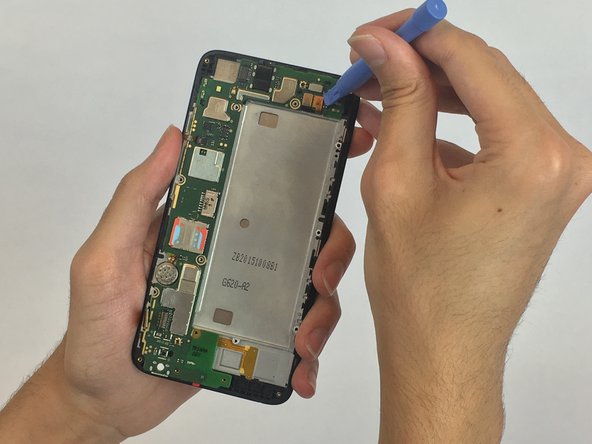
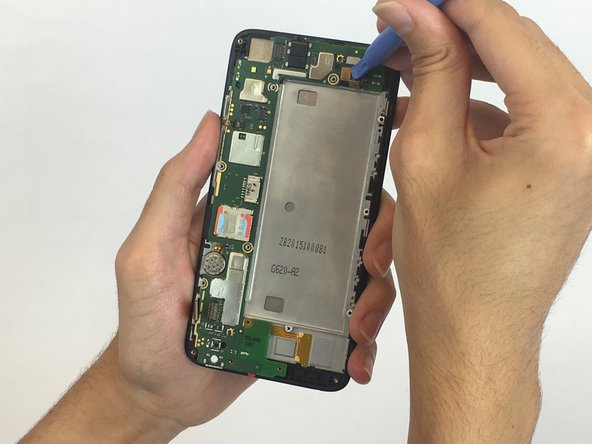
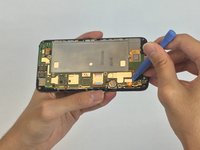
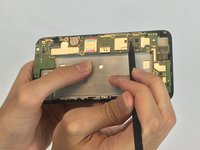
    2. Huawei SnapTo G-620 Microphone Replacement: crwdns2935265:06crwdnd2935265:01crwdnd2935265:03crwdne2935265:0 Huawei SnapTo G-620 Microphone Replacement: crwdns2935265:06crwdnd2935265:02crwdnd2935265:03crwdne2935265:0 Huawei SnapTo G-620 Microphone Replacement: crwdns2935265:06crwdnd2935265:03crwdnd2935265:03crwdne2935265:0
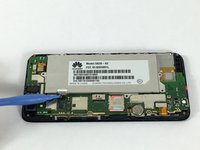
      • Use the plastic opening tool to remove all the remaining flat-top connectors.

      crwdns2952109:0crwdne2952109:0

      crwdns2917038:0crwdne2917038:0

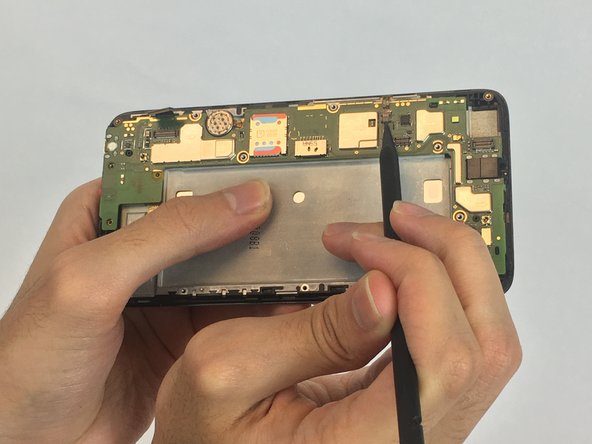
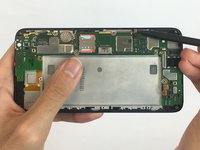
    3. Huawei SnapTo G-620 Microphone Replacement: crwdns2935265:07crwdnd2935265:01crwdnd2935265:03crwdne2935265:0 Huawei SnapTo G-620 Microphone Replacement: crwdns2935265:07crwdnd2935265:02crwdnd2935265:03crwdne2935265:0 Huawei SnapTo G-620 Microphone Replacement: crwdns2935265:07crwdnd2935265:03crwdnd2935265:03crwdne2935265:0
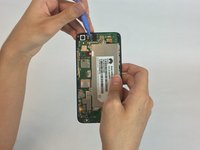
      • Using the spudger, pry open the zif connector, and remove the cable.

      crwdns2952109:0crwdne2952109:0

      crwdns2917038:0crwdne2917038:0

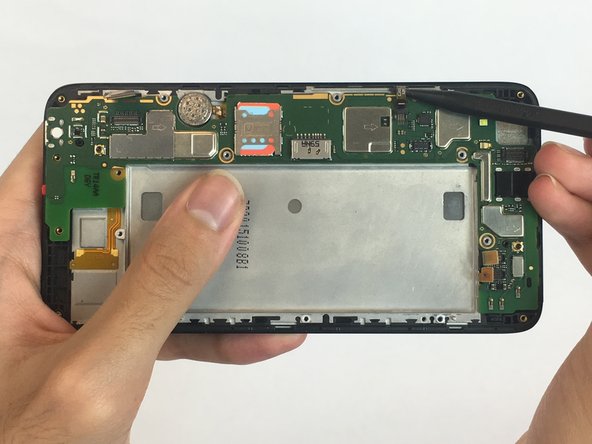
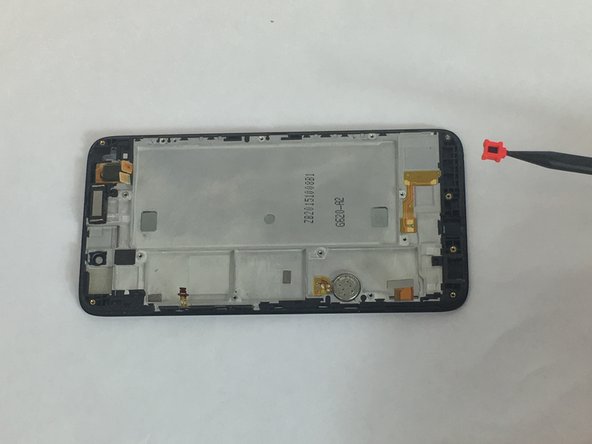
    4. Huawei SnapTo G-620 Microphone Replacement: crwdns2935265:08crwdnd2935265:01crwdnd2935265:02crwdne2935265:0 Huawei SnapTo G-620 Microphone Replacement: crwdns2935265:08crwdnd2935265:02crwdnd2935265:02crwdne2935265:0
      crwdns2935267:0crwdne2935267:0
      Tweezers
      $4.99
      • Using tweezers or the spudger, remove the microphone.

      crwdns2952109:0crwdne2952109:0

      crwdns2917038:0crwdne2917038:0

crwdns2915888:0crwdne2915888:0

To reassemble your device, follow these instructions in reverse order.

crwdns2935221:0crwdne2935221:0

Coleson Perry

crwdns2935283:009/28/17crwdne2935283:0

101 crwdns2915208:0crwdne2915208:0

crwdns2935295:0crwdne2935295:0

crwdns2935287:0crwdne2935287:0

USF Tampa, Team S2-G6, Nance Fall 2017 crwdns2935289:0USF Tampa, Team S2-G6, Nance Fall 2017crwdne2935289:0

USFT-NANCE-F17S2G6

crwdns2931471:04crwdne2931471:0

crwdns2935297:060crwdne2935297:0

crwdns2947412:00crwdne2947412:0

crwdns2917038:0crwdne2917038:0

crwdns2936625:0crwdne2936625:0:

crwdns2936751:024crwdne2936751:0 1

crwdns2936753:07crwdne2936753:0 6

crwdns2936753:030crwdne2936753:0 25

crwdns2942667:0crwdne2942667:0 457