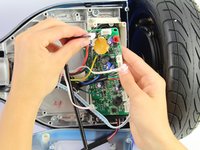
crwdns2933423:0crwdne2933423:0
crwdns2947577:0crwdnd2947577:0crwdne2947577:0

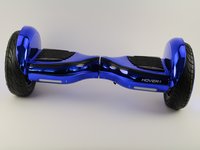
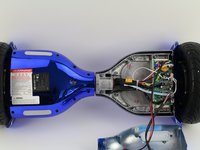
Hover-1 Titan Left Gyroscope Replacement

crwdns2942213:0crwdne2942213:0

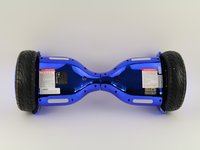
    1. Hover-1 Titan Left Gyroscope Replacement, Bottom Left Panel: crwdns2935265:01crwdnd2935265:01crwdnd2935265:02crwdne2935265:0 Hover-1 Titan Left Gyroscope Replacement, Bottom Left Panel: crwdns2935265:01crwdnd2935265:02crwdnd2935265:02crwdne2935265:0
      • Flip the hoverboard so the bottom is facing up.

      • The left side is the side that has the charge port. There is also an "L" on the metal plate underneath the wires.

      crwdns2952109:0crwdne2952109:0

      crwdns2917038:0crwdne2917038:0

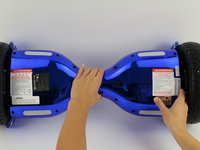
    2. Hover-1 Titan Left Gyroscope Replacement: crwdns2935265:02crwdnd2935265:01crwdnd2935265:02crwdne2935265:0 Hover-1 Titan Left Gyroscope Replacement: crwdns2935265:02crwdnd2935265:02crwdnd2935265:02crwdne2935265:0
      • Using a Phillips #1 screwdriver, remove the two 14 mm screws located closest to the center of the hoverboard.

      • Using a Phillips #1 screwdriver, remove the four 12 mm screws located in the middle of the panel.

      • Using a Phillips #1 screwdriver, remove two 15 mm screws located closest to the wheel.

      crwdns2952109:0crwdne2952109:0

      crwdns2917038:0crwdne2917038:0

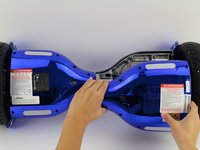
    3. Hover-1 Titan Left Gyroscope Replacement: crwdns2935265:03crwdnd2935265:01crwdnd2935265:03crwdne2935265:0 Hover-1 Titan Left Gyroscope Replacement: crwdns2935265:03crwdnd2935265:02crwdnd2935265:03crwdne2935265:0 Hover-1 Titan Left Gyroscope Replacement: crwdns2935265:03crwdnd2935265:03crwdnd2935265:03crwdne2935265:0
      • Grip the bottom left panel and lift up to remove.

      crwdns2952109:0crwdne2952109:0

      crwdns2917038:0crwdne2917038:0

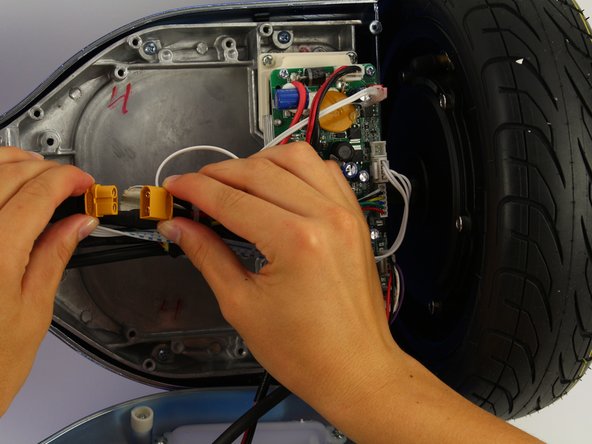
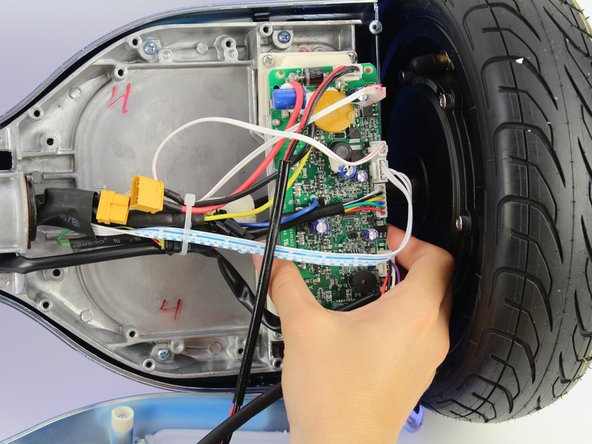
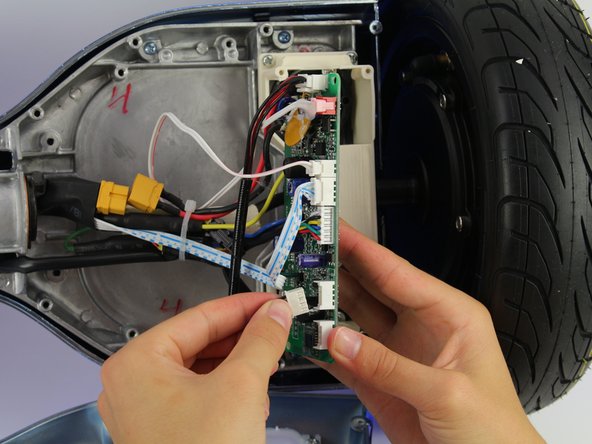
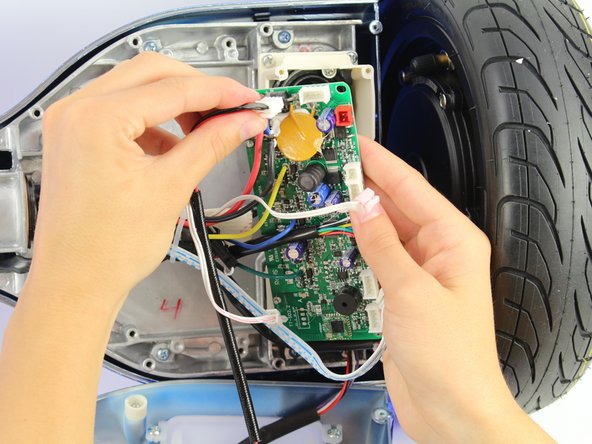
    1. Hover-1 Titan Left Gyroscope Replacement, Left Gyroscope and Motherboard: crwdns2935265:04crwdnd2935265:01crwdnd2935265:02crwdne2935265:0 Hover-1 Titan Left Gyroscope Replacement, Left Gyroscope and Motherboard: crwdns2935265:04crwdnd2935265:02crwdnd2935265:02crwdne2935265:0
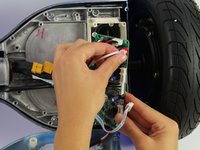
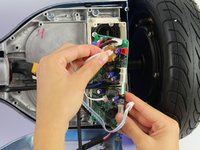
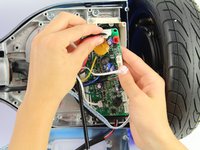
      • Unplug the battery from the gyroscope by holding the yellow connector and pulling apart.

      crwdns2952109:0crwdne2952109:0

      crwdns2917038:0crwdne2917038:0

    2. Hover-1 Titan Left Gyroscope Replacement: crwdns2935265:05crwdnd2935265:01crwdnd2935265:03crwdne2935265:0 Hover-1 Titan Left Gyroscope Replacement: crwdns2935265:05crwdnd2935265:02crwdnd2935265:03crwdne2935265:0 Hover-1 Titan Left Gyroscope Replacement: crwdns2935265:05crwdnd2935265:03crwdnd2935265:03crwdne2935265:0
      • Remove four 12 mm Phillips #1 head screws from the corners of the green gyroscope/motherboard.

      crwdns2952109:0crwdne2952109:0

      crwdns2917038:0crwdne2917038:0

    3. Hover-1 Titan Left Gyroscope Replacement: crwdns2935265:06crwdnd2935265:01crwdnd2935265:02crwdne2935265:0 Hover-1 Titan Left Gyroscope Replacement: crwdns2935265:06crwdnd2935265:02crwdnd2935265:02crwdne2935265:0
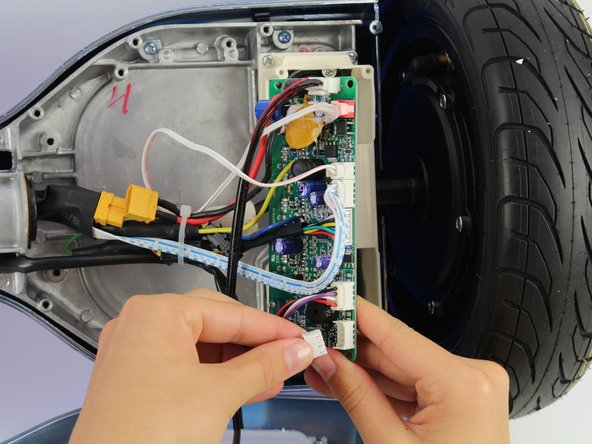
      • Unplug the bottom right connector by squeezing it and pulling it away from the board.

      crwdns2952109:0crwdne2952109:0

      crwdns2917038:0crwdne2917038:0

    4. Hover-1 Titan Left Gyroscope Replacement: crwdns2935265:07crwdnd2935265:01crwdnd2935265:02crwdne2935265:0 Hover-1 Titan Left Gyroscope Replacement: crwdns2935265:07crwdnd2935265:02crwdnd2935265:02crwdne2935265:0
      • Unplug the light connector by squeezing it and pulling away from the board.

      crwdns2952109:0crwdne2952109:0

      crwdns2917038:0crwdne2917038:0

    5. Hover-1 Titan Left Gyroscope Replacement: crwdns2935265:08crwdnd2935265:01crwdnd2935265:02crwdne2935265:0 Hover-1 Titan Left Gyroscope Replacement: crwdns2935265:08crwdnd2935265:02crwdnd2935265:02crwdne2935265:0
      • Unplug the blue and white wires by squeezing the connector and pulling away from the board.

      crwdns2952109:0crwdne2952109:0

      crwdns2917038:0crwdne2917038:0

    6. Hover-1 Titan Left Gyroscope Replacement: crwdns2935265:09crwdnd2935265:01crwdnd2935265:02crwdne2935265:0 Hover-1 Titan Left Gyroscope Replacement: crwdns2935265:09crwdnd2935265:02crwdnd2935265:02crwdne2935265:0
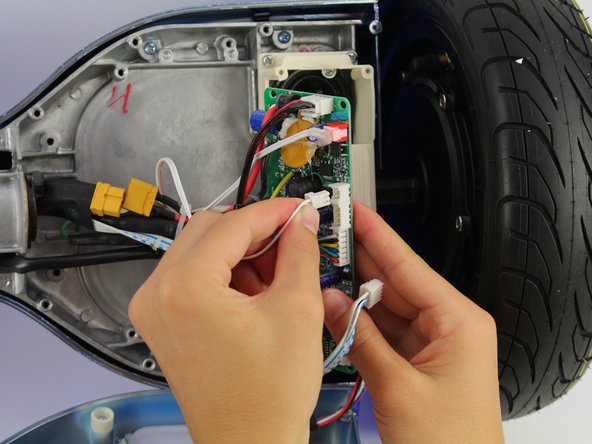
      • Unplug the small white connector by squeezing it and pulling away from the board.

      crwdns2952109:0crwdne2952109:0

      crwdns2917038:0crwdne2917038:0

    7. Hover-1 Titan Left Gyroscope Replacement: crwdns2935265:010crwdnd2935265:01crwdnd2935265:02crwdne2935265:0 Hover-1 Titan Left Gyroscope Replacement: crwdns2935265:010crwdnd2935265:02crwdnd2935265:02crwdne2935265:0
      • Unplug the plug in the red connector.

      • The red plug is glued to the board, so this step will require extra force.

      crwdns2952109:0crwdne2952109:0

      crwdns2917038:0crwdne2917038:0

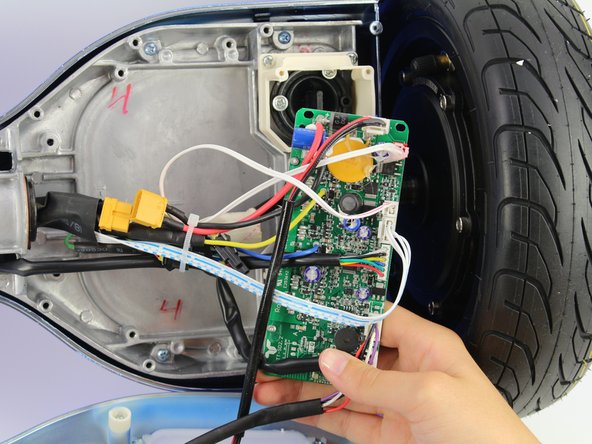
    8. Hover-1 Titan Left Gyroscope Replacement: crwdns2935265:011crwdnd2935265:01crwdnd2935265:02crwdne2935265:0 Hover-1 Titan Left Gyroscope Replacement: crwdns2935265:011crwdnd2935265:02crwdnd2935265:02crwdne2935265:0
      • Unplug the charging cable connector by squeezing it and pulling it away from the board.

      crwdns2952109:0crwdne2952109:0

      crwdns2917038:0crwdne2917038:0

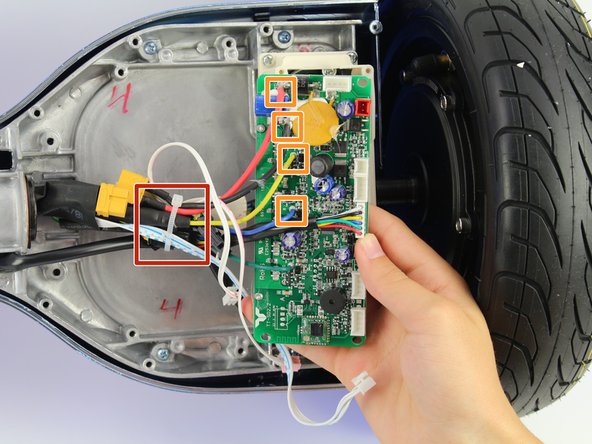
    9. Hover-1 Titan Left Gyroscope Replacement: crwdns2935265:012crwdnd2935265:01crwdnd2935265:01crwdne2935265:0
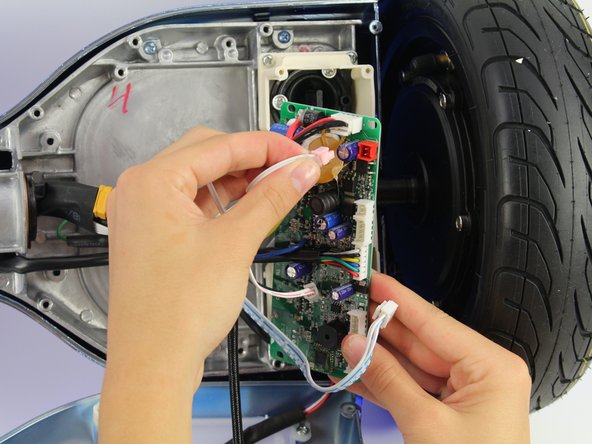
      • Cut the cable tie.

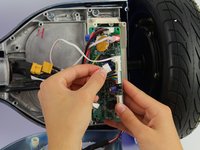
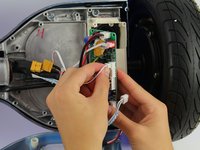
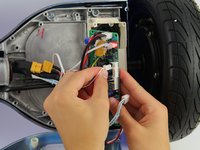
      • Unplug the remaining wires.

      • The connectors for the remaining wires are in the rubber covers.

      crwdns2952109:0crwdne2952109:0

      crwdns2917038:0crwdne2917038:0

crwdns2915888:0crwdne2915888:0

To reassemble your device, follow these instructions in reverse order.

crwdns2935221:0crwdne2935221:0

Jessica Ouyang

crwdns2935283:010/08/18crwdne2935283:0

634 crwdns2915208:0crwdne2915208:0

crwdns2935297:04crwdne2935297:0

crwdns2935287:0crwdne2935287:0

Cal Poly, Team S15-G4, White Fall 2018 crwdns2935289:0Cal Poly, Team S15-G4, White Fall 2018crwdne2935289:0

CPSU-WHITE-F18S15G4

crwdns2931471:04crwdne2931471:0

crwdns2935297:096crwdne2935297:0

crwdns2947412:02crwdne2947412:0

I’ve got an active broken on the cover not the one to to speaker the other one. Does anyone know where is terminates. I can’t see where it came from. It can only reach the circuit board or the active of the speaker.

Mark - crwdns2934203:0crwdne2934203:0 crwdns2950251:0crwdne2950251:0
crwdns2917038:0crwdne2917038:0

crwdns2936625:0crwdne2936625:0:

crwdns2936751:024crwdne2936751:0 4

crwdns2936753:07crwdne2936753:0 21

crwdns2936753:030crwdne2936753:0 54

crwdns2942667:0crwdne2942667:0 1,784