crwdns2915892:0crwdne2915892:0
Give your phone a battery boost by replacing the battery in your HTC One S.
crwdns2942213:0crwdne2942213:0
-
-
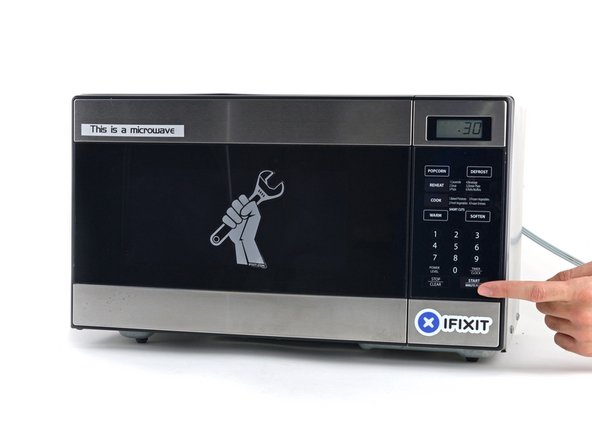
Place the iOpener in the center of the microwave.
 crwdns2952109:0crwdne2952109:0
-
-
-
Heat the iOpener for thirty seconds.
-
Throughout the repair procedure, as the iOpener cools, reheat it in the microwave for an additional thirty seconds at a time.
-
-
-
Remove the iOpener from the microwave, holding it by one of the two flat ends to avoid the hot center.
-
-
-
Fill a pot or pan with enough water to fully submerge an iOpener.
-
Heat the water to a boil. Turn off the heat.
-
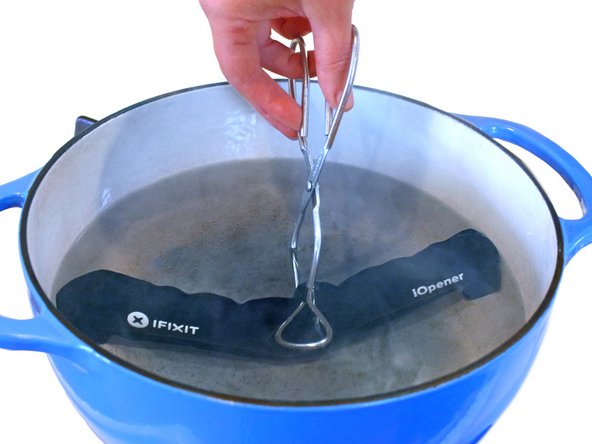
Place an iOpener into the hot water for 2-3 minutes. Make sure the iOpener is fully submerged in the water.
-
Use tongs to extract the heated iOpener from the hot water.
-
Thoroughly dry the iOpener with a towel.
-
Your iOpener is ready for use! If you need to reheat the iOpener, heat the water to a boil, turn off the heat, and place the iOpener in the water for 2-3 minutes.
-
-
-
Handling it by the tag, place the heated iOpener across the bottom casing.
-
-
-
-
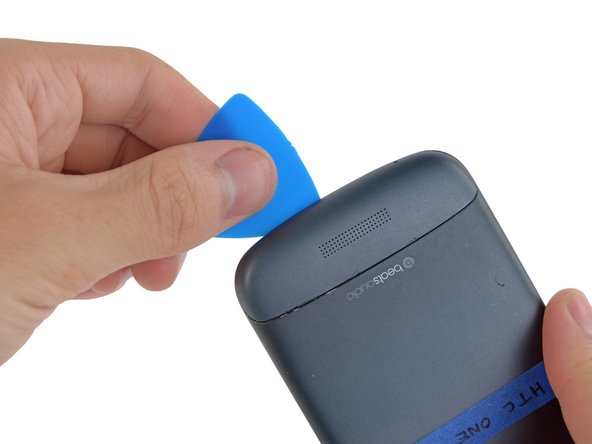
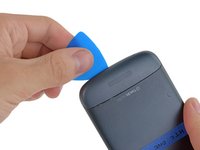
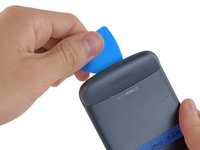
Gently place an opening pick in the corner of the gap between the bottom casing and rear case.
-
Slide the opening pick along the side of the casing, prying it away from the adhesive as you go.
-
-
-
Use your fingers to pull the bottom casing off the rest of the phone.
-
-
-
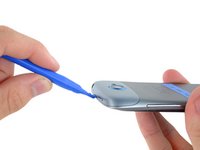
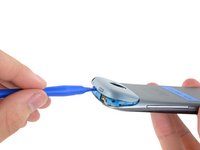
Starting at the groove near the headphone jack, use a plastic opening tool to lift the top casing.
-
-
-
Use your fingers to pull the top casing off of the rest of the phone.
-
-
-
Remove the following screws holding the rear case to the rest of the phone:
-
Two 3.15 mm Phillips #00 screws
-
One 4.15 Torx T5 screw
-
One 4 mm Torx T5 screw
-
-
-
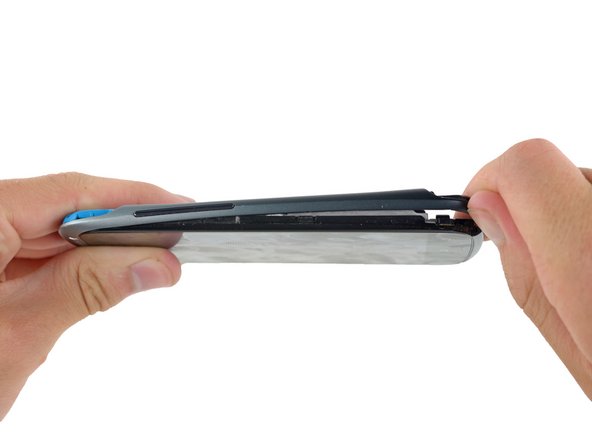
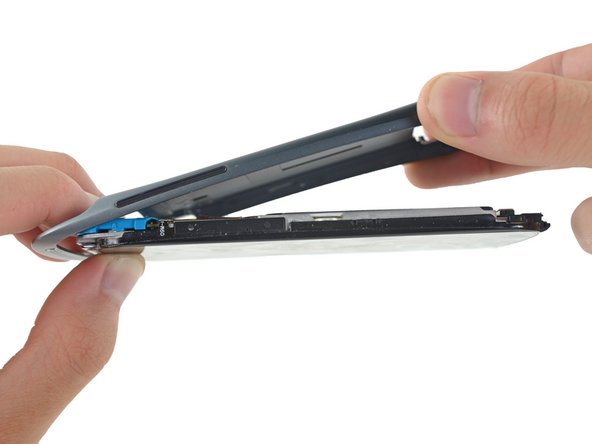
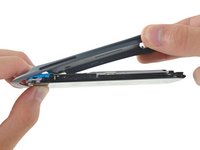
Place your fingers on either side of the phone and gently push up on the rear case.
-
-
-
Pull the rear case away from the rest of the phone with your hands.
-
-
-
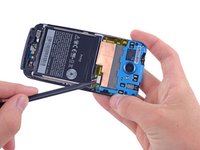
Using the pointed end of a spudger, lift the battery cable and release the connector.
-
-
-
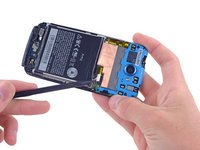
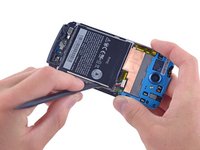
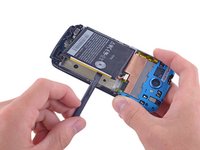
Switching to the flat end of the spudger, work your way underneath the battery and peel it away from the adhesive.
-
-
-
Remove the battery from the phone.
-


















To reassemble your device, follow these instructions in reverse order.
crwdns2935221:0crwdne2935221:0
crwdns2935229:012crwdne2935229:0

crwdns2935287:0crwdne2935287:0

Cal Poly, Team 10-55, Amido Spring 2014 crwdns2935289:0Cal Poly, Team 10-55, Amido Spring 2014crwdne2935289:0
CPSU-AMIDO-S14S10G55
crwdns2931471:04crwdne2931471:0
crwdns2935297:038crwdne2935297:0
crwdns2947412:04crwdne2947412:0
i charge the battery very well but once i on the phone it will go off immediately
kene - crwdns2934203:0crwdne2934203:0 crwdns2950251:0crwdne2950251:0
Hello thank you for the guide. Getting the backplate off was tough. When assembling a little rubber block was loose. this goes next to the motor
J Shepherd - crwdns2934203:0crwdne2934203:0 crwdns2950251:0crwdne2950251:0
What do you use to glue the cover back on, so that in the future you can replace the battery again?
Natalie - crwdns2934203:0crwdne2934203:0 crwdns2950251:0crwdne2950251:0
What adhesive(s) should be used under the battery and to
reseal the case after completing replacement of the battery?
Dan Koren - crwdns2934203:0crwdne2934203:0 crwdns2950251:0crwdne2950251:0
