crwdns2933423:0crwdne2933423:0
crwdns2947577:0crwdnd2947577:0crwdne2947577:0

HTC Hero Touch Screen Digitizer Replacement

crwdns2942213:0crwdne2942213:0

  1. HTC Hero Touch Screen Digitizer Replacement, Back Case: crwdns2935265:01crwdnd2935265:01crwdnd2935265:01crwdne2935265:0
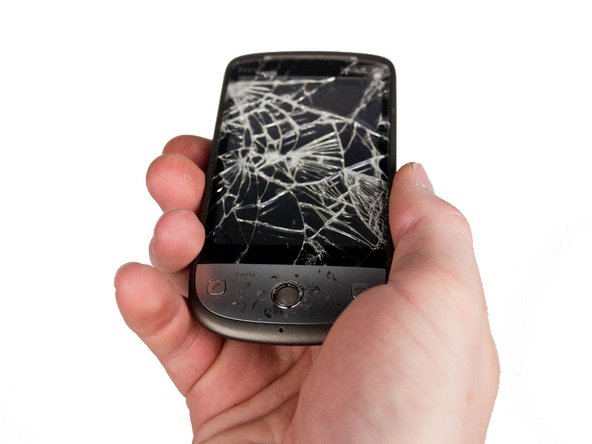
    • Remove the back of the phone by pushing firmly with your thumbs up towards the camera.

    • Remove both the battery and the SD card (Press SD card in to release)

    • Locate and remove the four Torx screws highlighted in the photo, with the phone laying face down on your work space.

    crwdns2952109:0crwdne2952109:0

    crwdns2917038:0crwdne2917038:0

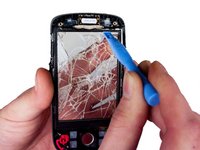
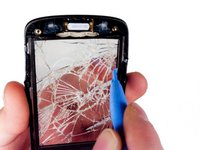
  2. HTC Hero Touch Screen Digitizer Replacement: crwdns2935265:02crwdnd2935265:01crwdnd2935265:01crwdne2935265:0
    • Carefully pry the inside back cover from the device using an appropriate size plastic opening tool or small flathead screwdriver.

    • Insert the flat end between the back and front enclosure, working your way around the rim.

    crwdns2952109:0crwdne2952109:0

    crwdns2917038:0crwdne2917038:0

  3. HTC Hero Touch Screen Digitizer Replacement: crwdns2935265:03crwdnd2935265:01crwdnd2935265:01crwdne2935265:0
    • Gently depress and release the small plastic tabs around the rim in the front enclosure, highlighted here.

    • It is best to start with the tab found on the top center of the phone, as it is easiest to locate.

    crwdns2952109:0crwdne2952109:0

    crwdns2917038:0crwdne2917038:0

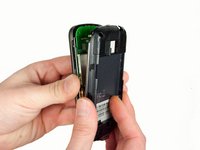
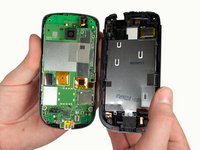
  4. HTC Hero Touch Screen Digitizer Replacement: crwdns2935265:04crwdnd2935265:01crwdnd2935265:02crwdne2935265:0 HTC Hero Touch Screen Digitizer Replacement: crwdns2935265:04crwdnd2935265:02crwdnd2935265:02crwdne2935265:0
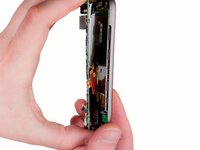
    • Carefully separate the front and back enclosures once all of the clips have been disengaged.

    • Be sure to not separate too quickly or you risk breaking an attached tab.

    crwdns2952109:0crwdne2952109:0

    crwdns2917038:0crwdne2917038:0

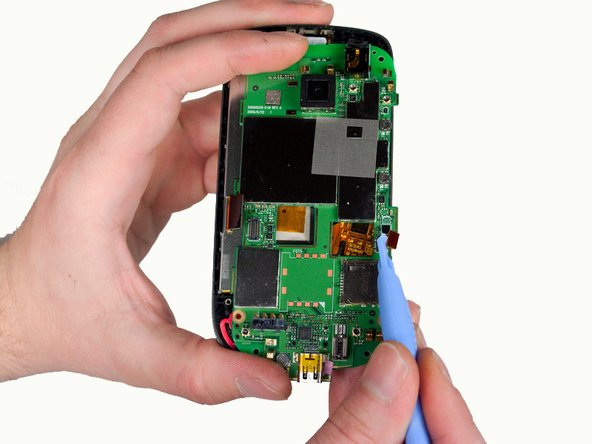
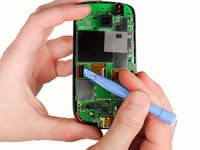
  5. HTC Hero Touch Screen Digitizer Replacement, Touch Screen: crwdns2935265:05crwdnd2935265:01crwdnd2935265:02crwdne2935265:0 HTC Hero Touch Screen Digitizer Replacement, Touch Screen: crwdns2935265:05crwdnd2935265:02crwdnd2935265:02crwdne2935265:0
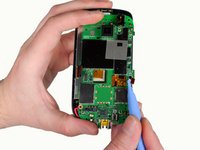
    • Gently release the two ribbon cables using a plastic opening tool by prying up the pop connectors used to attach the ribbon cables to the motherboard.

    crwdns2952109:0crwdne2952109:0

    crwdns2917038:0crwdne2917038:0

  6. HTC Hero Touch Screen Digitizer Replacement: crwdns2935265:06crwdnd2935265:01crwdnd2935265:02crwdne2935265:0 HTC Hero Touch Screen Digitizer Replacement: crwdns2935265:06crwdnd2935265:02crwdnd2935265:02crwdne2935265:0
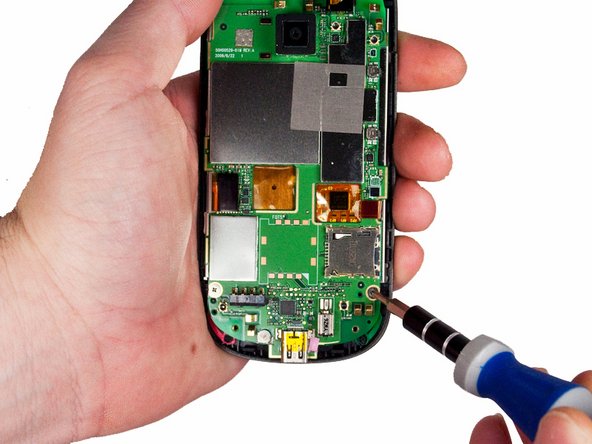
    • Remove the two screws located at the bottom left and right of the motherboard using a small Phillips screwdriver.

    crwdns2952109:0crwdne2952109:0

    crwdns2917038:0crwdne2917038:0

  7. HTC Hero Touch Screen Digitizer Replacement: crwdns2935265:07crwdnd2935265:01crwdnd2935265:02crwdne2935265:0 HTC Hero Touch Screen Digitizer Replacement: crwdns2935265:07crwdnd2935265:02crwdnd2935265:02crwdne2935265:0
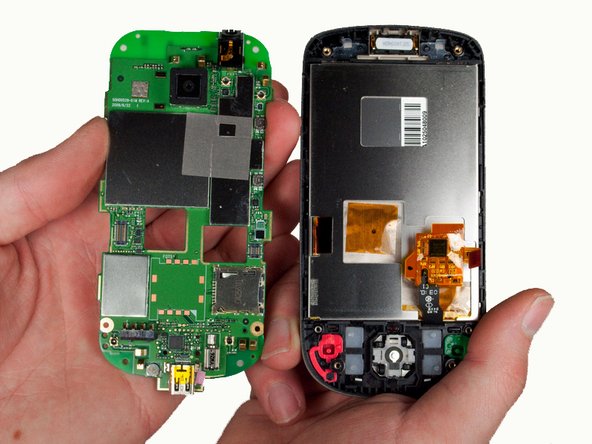
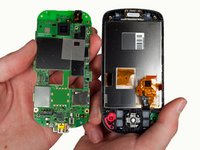
    • Gently lift the motherboard out of the front enclosure once the screws are removed.

    crwdns2952109:0crwdne2952109:0

    crwdns2917038:0crwdne2917038:0

  8. HTC Hero Touch Screen Digitizer Replacement: crwdns2935265:08crwdnd2935265:01crwdnd2935265:03crwdne2935265:0 HTC Hero Touch Screen Digitizer Replacement: crwdns2935265:08crwdnd2935265:02crwdnd2935265:03crwdne2935265:0 HTC Hero Touch Screen Digitizer Replacement: crwdns2935265:08crwdnd2935265:03crwdnd2935265:03crwdne2935265:0
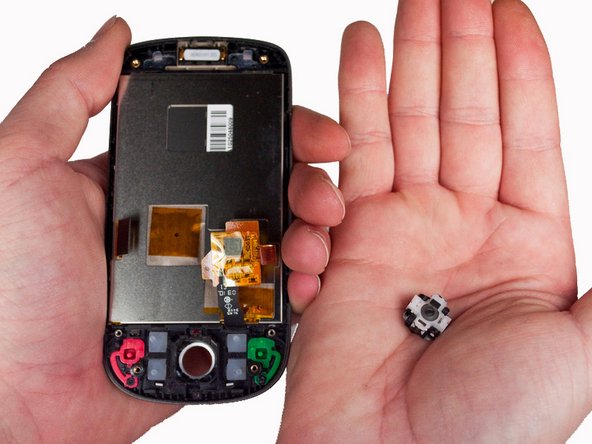
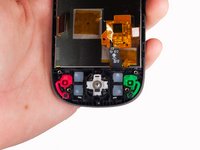
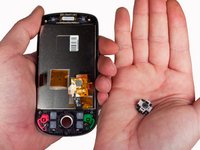
    • Remove the trackball and its enclosure by turning the phone over into your cupped hand and allowing the trackball and enclosure to fall out.

    crwdns2952109:0crwdne2952109:0

    crwdns2917038:0crwdne2917038:0

  9. HTC Hero Touch Screen Digitizer Replacement: crwdns2935265:09crwdnd2935265:01crwdnd2935265:03crwdne2935265:0 HTC Hero Touch Screen Digitizer Replacement: crwdns2935265:09crwdnd2935265:02crwdnd2935265:03crwdne2935265:0 HTC Hero Touch Screen Digitizer Replacement: crwdns2935265:09crwdnd2935265:03crwdnd2935265:03crwdne2935265:0
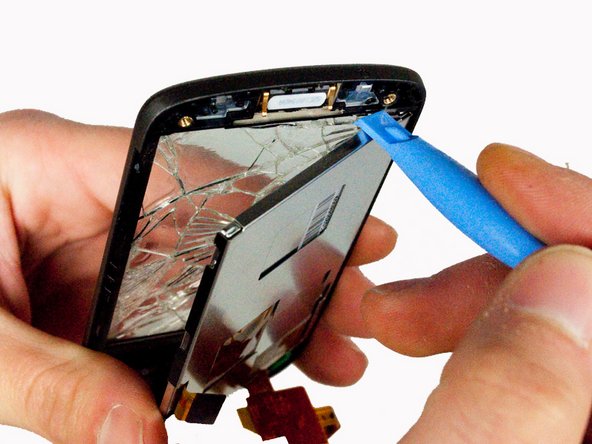
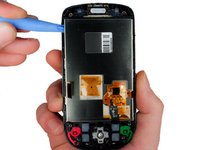
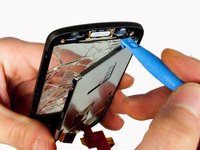
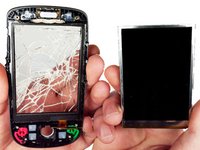
    • Gently pry out the LCD screen from the top left side of the enclosure using a plastic tool, as illustrated.

    crwdns2952109:0crwdne2952109:0

    crwdns2917038:0crwdne2917038:0

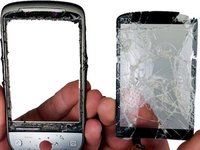
  10. HTC Hero Touch Screen Digitizer Replacement: crwdns2935265:010crwdnd2935265:01crwdnd2935265:02crwdne2935265:0 HTC Hero Touch Screen Digitizer Replacement: crwdns2935265:010crwdnd2935265:02crwdnd2935265:02crwdne2935265:0
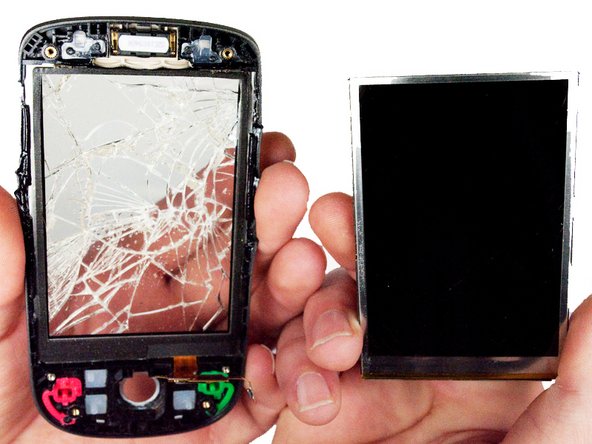
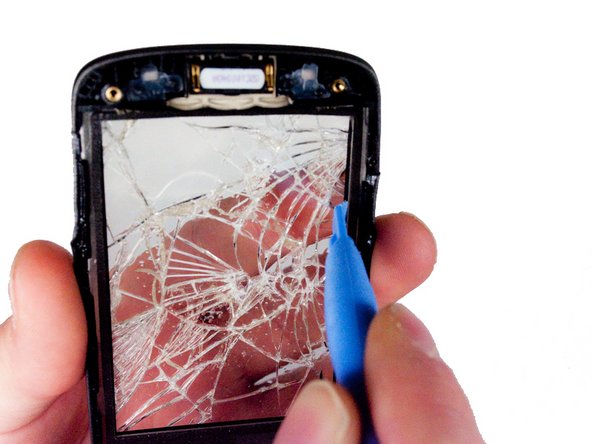
    • Using a plastic opening tool, gently pry the glass from the frame by inserting the flat end between the glass and the frame from the inside of the phone.

    • Follow the edges of the glass to ensure that all the adhesive has been released.

    crwdns2952109:0crwdne2952109:0

    crwdns2917038:0crwdne2917038:0

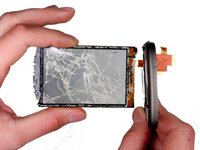
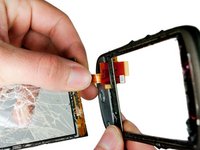
  11. HTC Hero Touch Screen Digitizer Replacement: crwdns2935265:011crwdnd2935265:01crwdnd2935265:01crwdne2935265:0
    • Using a heat lamp or gun, warm the glass to loosen the adhesive binding it to the frame.

    • Once the adhesive has been released, you should be able to remove the glass by pushing on it from the inside of the phone.

    • Be careful to remove the glass slowly. The ribbon cable that connects to the glass is routed through the plastic frame at the bottom.

    crwdns2952109:0crwdne2952109:0

    crwdns2917038:0crwdne2917038:0

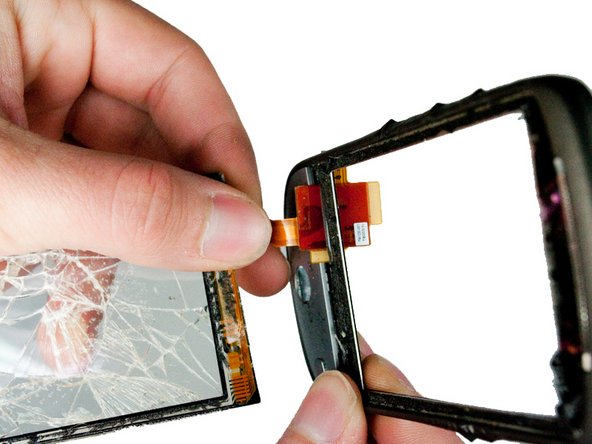
  12. HTC Hero Touch Screen Digitizer Replacement: crwdns2935265:012crwdnd2935265:01crwdnd2935265:03crwdne2935265:0 HTC Hero Touch Screen Digitizer Replacement: crwdns2935265:012crwdnd2935265:02crwdnd2935265:03crwdne2935265:0 HTC Hero Touch Screen Digitizer Replacement: crwdns2935265:012crwdnd2935265:03crwdnd2935265:03crwdne2935265:0
    • Carefully feed the ribbon cable through the slot in the plastic frame.

    crwdns2952109:0crwdne2952109:0

    crwdns2917038:0crwdne2917038:0

  13. HTC Hero Touch Screen Digitizer Replacement: crwdns2935265:013crwdnd2935265:01crwdnd2935265:01crwdne2935265:0
    • Remove any excess adhesive from the plastic frame.

    crwdns2952109:0crwdne2952109:0

    crwdns2917038:0crwdne2917038:0

crwdns2915888:0crwdne2915888:0

To reassemble your device, follow these instructions in reverse order.

crwdns2935221:0crwdne2935221:0

Max Brown

crwdns2935283:001/23/12crwdne2935283:0

139 crwdns2915208:0crwdne2915208:0

crwdns2935297:04crwdne2935297:0

crwdns2935287:0crwdne2935287:0

Cal Poly, Team 3-26, Amido Winter 2012 crwdns2935289:0Cal Poly, Team 3-26, Amido Winter 2012crwdne2935289:0

CPSU-AMIDO-W12S3G26

crwdns2931471:05crwdne2931471:0

crwdns2935297:012crwdne2935297:0

crwdns2947412:00crwdne2947412:0

crwdns2917038:0crwdne2917038:0

crwdns2936625:0crwdne2936625:0:

crwdns2936751:024crwdne2936751:0 3

crwdns2936753:07crwdne2936753:0 11

crwdns2936753:030crwdne2936753:0 39

crwdns2942667:0crwdne2942667:0 3,784