crwdns2933423:0crwdne2933423:0
crwdns2947577:0crwdnd2947577:0crwdne2947577:0

HTC Flyer MicroUSB Port Replacement

crwdns2942213:0crwdne2942213:0

    1. HTC Flyer MicroUSB Port Replacement, Back Cover: crwdns2935265:01crwdnd2935265:01crwdnd2935265:03crwdne2935265:0 HTC Flyer MicroUSB Port Replacement, Back Cover: crwdns2935265:01crwdnd2935265:02crwdnd2935265:03crwdne2935265:0 HTC Flyer MicroUSB Port Replacement, Back Cover: crwdns2935265:01crwdnd2935265:03crwdnd2935265:03crwdne2935265:0
      • Apply pressure along the bottom of the white panel containing the camera and push upwards.

      • It may take some effort, but it will smoothly slide off.

      crwdns2952109:0crwdne2952109:0

      crwdns2917038:0crwdne2917038:0

    2. HTC Flyer MicroUSB Port Replacement: crwdns2935265:02crwdnd2935265:01crwdnd2935265:03crwdne2935265:0 HTC Flyer MicroUSB Port Replacement: crwdns2935265:02crwdnd2935265:02crwdnd2935265:03crwdne2935265:0 HTC Flyer MicroUSB Port Replacement: crwdns2935265:02crwdnd2935265:03crwdnd2935265:03crwdne2935265:0
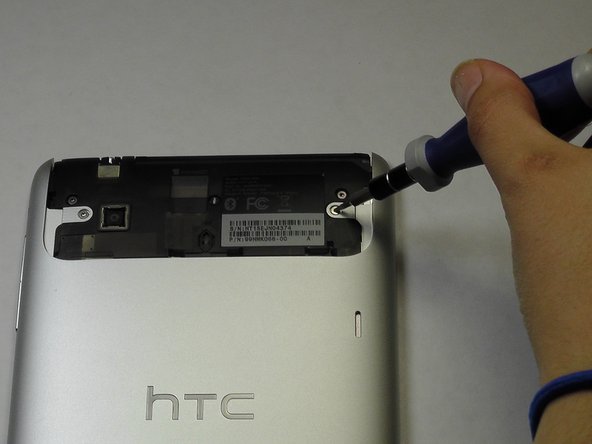
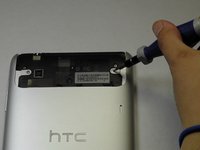
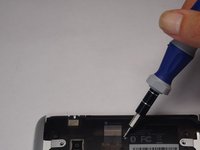
      • Unscrew the four of 3.5mm Torx T5 screws that run along the sides of the exposed innards.

      • All screws in the device will use the Torx T5 screwdriver, so keep it handy.

      crwdns2952109:0crwdne2952109:0

      crwdns2917038:0crwdne2917038:0

    3. HTC Flyer MicroUSB Port Replacement: crwdns2935265:03crwdnd2935265:01crwdnd2935265:03crwdne2935265:0 HTC Flyer MicroUSB Port Replacement: crwdns2935265:03crwdnd2935265:02crwdnd2935265:03crwdne2935265:0 HTC Flyer MicroUSB Port Replacement: crwdns2935265:03crwdnd2935265:03crwdnd2935265:03crwdne2935265:0
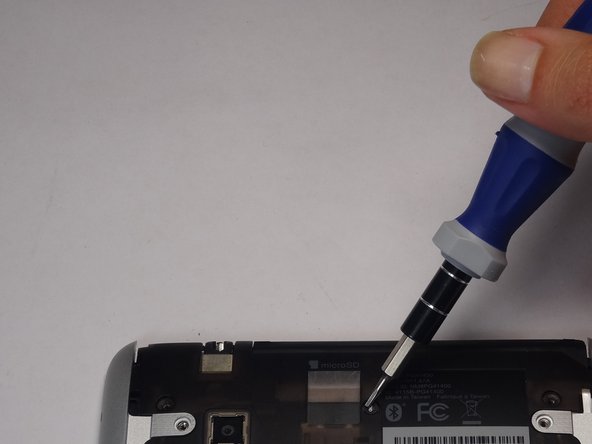
      • Remove the black protective piece of plastic by sliding it upwards.

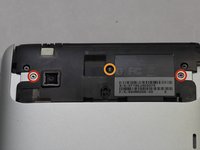
      • Remove the two 3.5mm Torx #5 screws holding the protective plastic down on along the sides.

      • A center 3.5mm Torx screw will be covered by "VOID" sticker.

      • Either remove the sticker or jam the screwdriver into the screw, and remove the screw.

      • Remove the protective panel by sliding it upwards.

      crwdns2952109:0crwdne2952109:0

      crwdns2917038:0crwdne2917038:0

    4. HTC Flyer MicroUSB Port Replacement: crwdns2935265:04crwdnd2935265:01crwdnd2935265:02crwdne2935265:0 HTC Flyer MicroUSB Port Replacement: crwdns2935265:04crwdnd2935265:02crwdnd2935265:02crwdne2935265:0
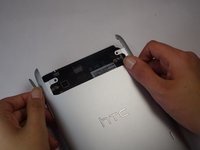
      • Before removing the back cover, apply some scotch tape to the volume buttons to prevent them from falling out of the back panel.

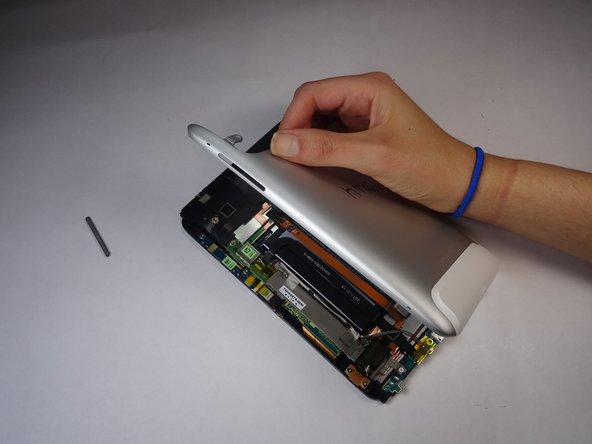
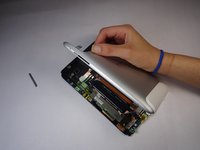
      • Use a plastic opening tool to lever up the top half of the cover.

      • Lift the back panel up and remove it from the device.

      crwdns2952109:0crwdne2952109:0

      crwdns2917038:0crwdne2917038:0

    1. HTC Flyer MicroUSB Port Replacement, Battery: crwdns2935265:05crwdnd2935265:01crwdnd2935265:02crwdne2935265:0 HTC Flyer MicroUSB Port Replacement, Battery: crwdns2935265:05crwdnd2935265:02crwdnd2935265:02crwdne2935265:0
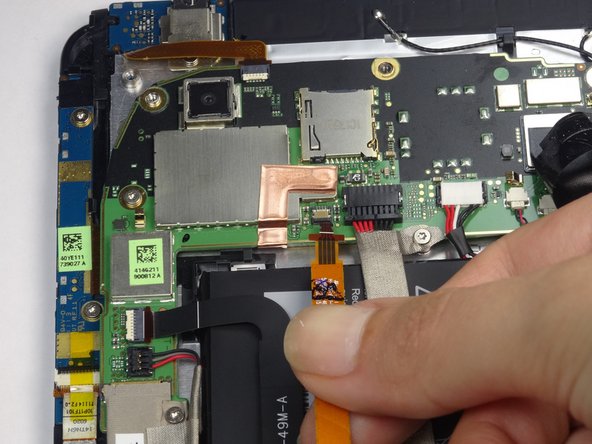
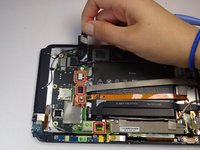
      • Gently unfold the black tape along the top that covers the cable attachment points.

      • Leave the tape partially attached so that it can be easily re-attached.

      crwdns2952109:0crwdne2952109:0

      crwdns2917038:0crwdne2917038:0

    2. HTC Flyer MicroUSB Port Replacement: crwdns2935265:06crwdnd2935265:01crwdnd2935265:03crwdne2935265:0 HTC Flyer MicroUSB Port Replacement: crwdns2935265:06crwdnd2935265:02crwdnd2935265:03crwdne2935265:0 HTC Flyer MicroUSB Port Replacement: crwdns2935265:06crwdnd2935265:03crwdnd2935265:03crwdne2935265:0
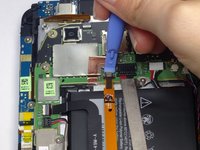
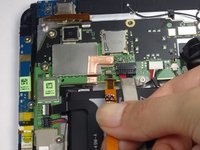
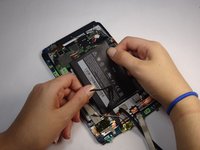
      • Use the tip of a spudger as a lever to disconnect the four cable connectors.

      • Gently pull out these cables after releasing the back piece.

      crwdns2952109:0crwdne2952109:0

      crwdns2917038:0crwdne2917038:0

    3. HTC Flyer MicroUSB Port Replacement: crwdns2935265:07crwdnd2935265:01crwdnd2935265:01crwdne2935265:0
      • Remove the single 2.5mm Torx T5 screw holding the battery down along the top side.

      crwdns2952109:0crwdne2952109:0

      crwdns2917038:0crwdne2917038:0

    4. HTC Flyer MicroUSB Port Replacement: crwdns2935265:08crwdnd2935265:01crwdnd2935265:03crwdne2935265:0 HTC Flyer MicroUSB Port Replacement: crwdns2935265:08crwdnd2935265:02crwdnd2935265:03crwdne2935265:0 HTC Flyer MicroUSB Port Replacement: crwdns2935265:08crwdnd2935265:03crwdnd2935265:03crwdne2935265:0
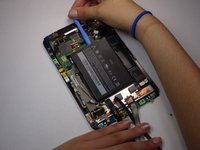
      • Wedge the flat end of a spudger inbetween the battery and the front panel assembly.

      • Run the flat end of a spudger along the top edge of the battery to separate it from the adhesive securing it to the front panel assembly.

      • If you encounter any resistance from the remaining adhesive, simply use the flat end of a spudger to remove the excess adhesive.

      crwdns2952109:0crwdne2952109:0

      crwdns2917038:0crwdne2917038:0

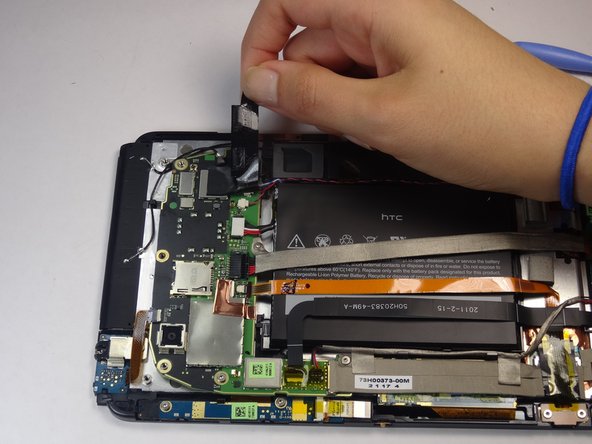
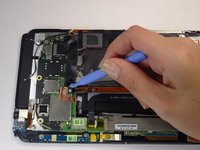
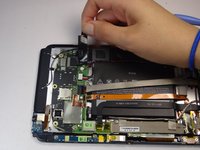
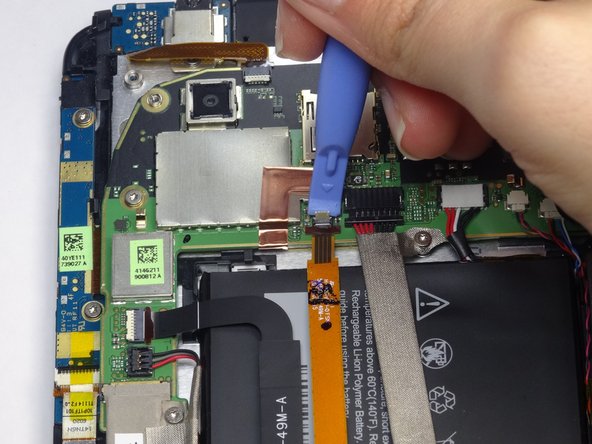
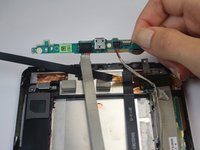
    1. HTC Flyer MicroUSB Port Replacement, MicroUSB Port: crwdns2935265:09crwdnd2935265:01crwdnd2935265:01crwdne2935265:0
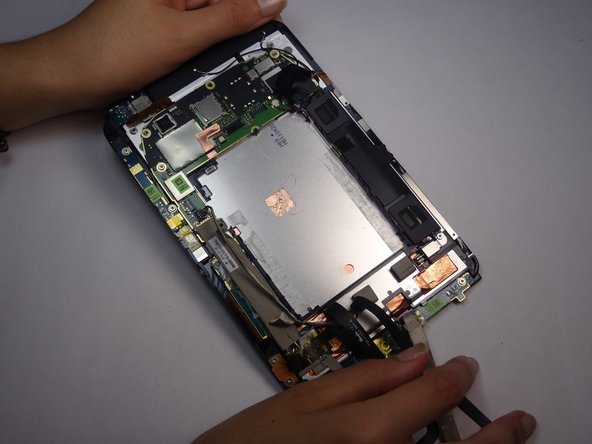
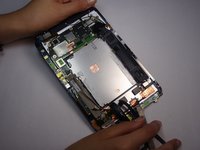
      • Use a spudger to unclip the the wires attached to the power jack

      • The clips have a white or black relief tab that, when pressed, releases the wires.

      crwdns2952109:0crwdne2952109:0

      crwdns2917038:0crwdne2917038:0

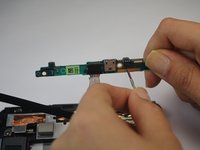
    2. HTC Flyer MicroUSB Port Replacement: crwdns2935265:010crwdnd2935265:01crwdnd2935265:02crwdne2935265:0 HTC Flyer MicroUSB Port Replacement: crwdns2935265:010crwdnd2935265:02crwdnd2935265:02crwdne2935265:0
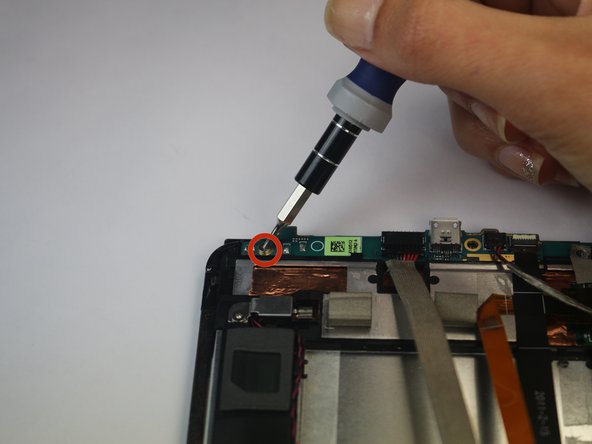
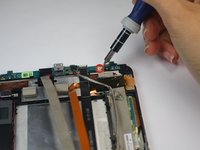
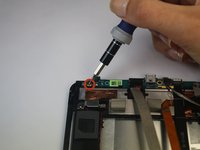
      • Remove the two 2.5mm Torx T5 screws from both sides of the power jack panel.

      crwdns2952109:0crwdne2952109:0

      crwdns2917038:0crwdne2917038:0

    3. HTC Flyer MicroUSB Port Replacement: crwdns2935265:011crwdnd2935265:01crwdnd2935265:02crwdne2935265:0 HTC Flyer MicroUSB Port Replacement: crwdns2935265:011crwdnd2935265:02crwdnd2935265:02crwdne2935265:0
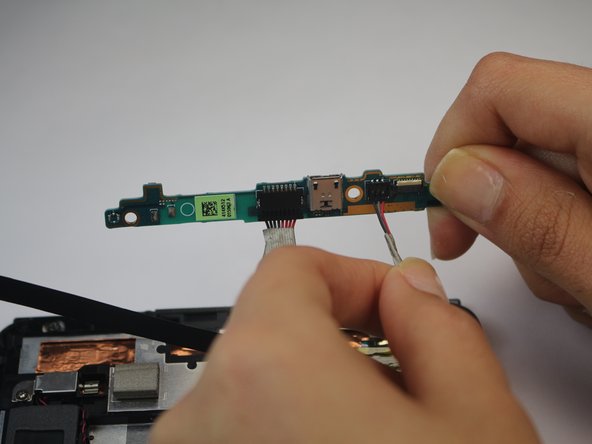
      • Gently remove the power jack panel.

      crwdns2952109:0crwdne2952109:0

      crwdns2917038:0crwdne2917038:0

crwdns2915888:0crwdne2915888:0

To reassemble your device, follow these instructions in reverse order.

crwdns2935221:0crwdne2935221:0

crwdns2935229:04crwdne2935229:0

Joshua

crwdns2935283:010/07/14crwdne2935283:0

185 crwdns2915208:0crwdne2915208:0

crwdns2935295:0crwdne2935295:0

crwdns2935287:0crwdne2935287:0

USF Tampa, Team 8-5, Leahy Fall 2014 crwdns2935289:0USF Tampa, Team 8-5, Leahy Fall 2014crwdne2935289:0

USFT-LEAHY-F14S8G5

crwdns2931471:03crwdne2931471:0

crwdns2935297:072crwdne2935297:0

crwdns2947412:00crwdne2947412:0

crwdns2917038:0crwdne2917038:0

crwdns2936625:0crwdne2936625:0:

crwdns2936751:024crwdne2936751:0 3

crwdns2936753:07crwdne2936753:0 10

crwdns2936753:030crwdne2936753:0 34

crwdns2942667:0crwdne2942667:0 1,553