crwdns2933423:0crwdne2933423:0

HP Pavilion 15-cs3065cl WiFi Module Upgrade/Replacement

crwdns2942213:0crwdne2942213:0

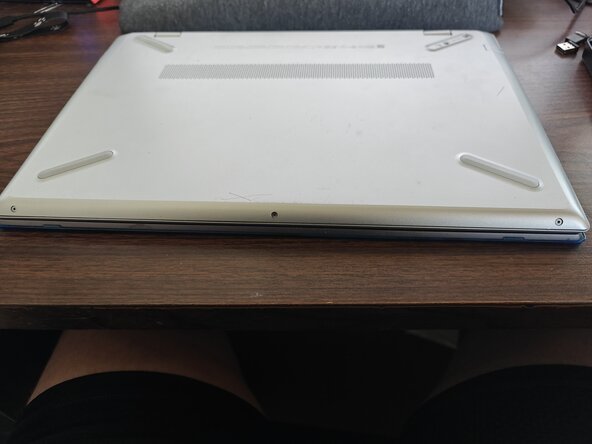
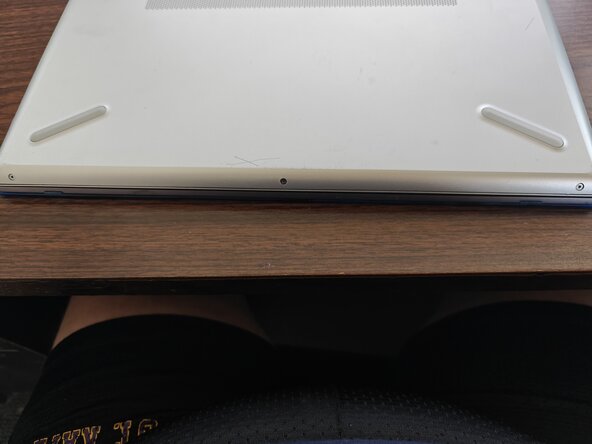
  1. HP Pavilion 15-cs3065cl WiFi Module Upgrade/Replacement, Flip it over: crwdns2935265:01crwdnd2935265:01crwdnd2935265:01crwdne2935265:0
    • First thing you'll do is flip it over, remove any SD cards, USBs, and remove any case.

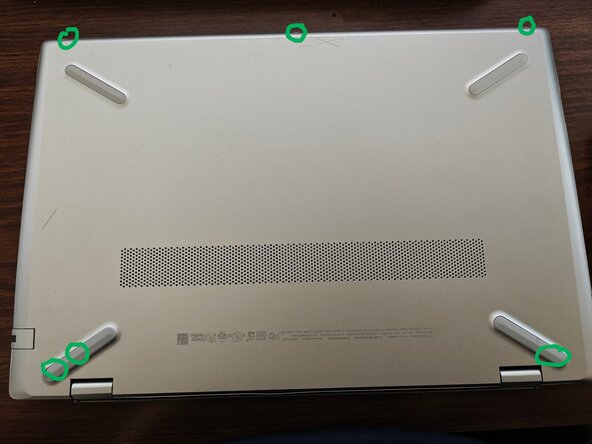
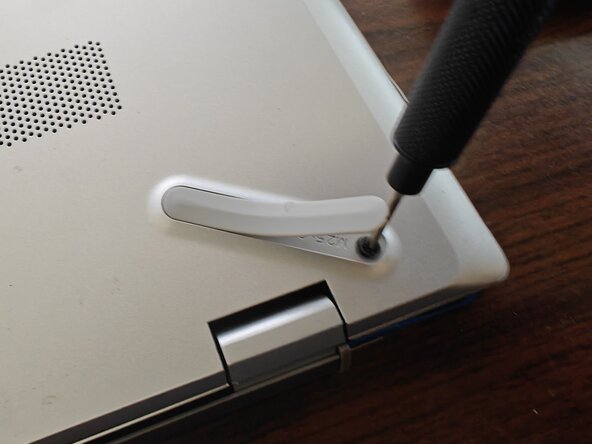
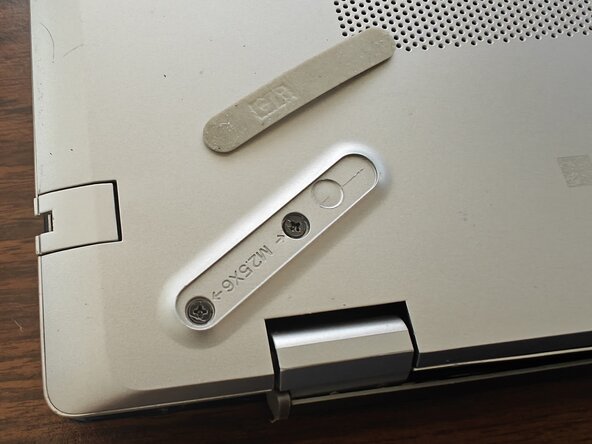
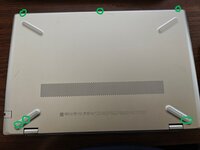
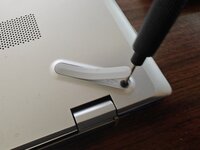
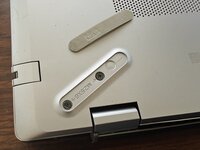
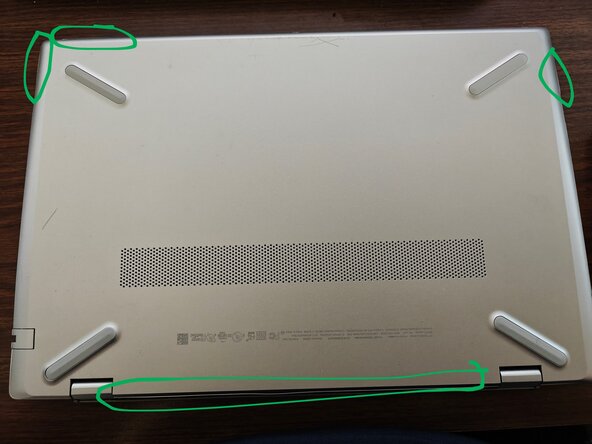
  2. HP Pavilion 15-cs3065cl WiFi Module Upgrade/Replacement, Remove screws: crwdns2935265:02crwdnd2935265:01crwdnd2935265:03crwdne2935265:0 HP Pavilion 15-cs3065cl WiFi Module Upgrade/Replacement, Remove screws: crwdns2935265:02crwdnd2935265:02crwdnd2935265:03crwdne2935265:0 HP Pavilion 15-cs3065cl WiFi Module Upgrade/Replacement, Remove screws: crwdns2935265:02crwdnd2935265:03crwdnd2935265:03crwdne2935265:0
    • There will be about 6 screws you'll need to remove.

    • You will have to at least partially remove the rubber feet to access 3 of the screws.

    • The screws are really tiny, so I recommend putting them in a Tupperware or Ziploc if you don't have a magnetic screw tray.

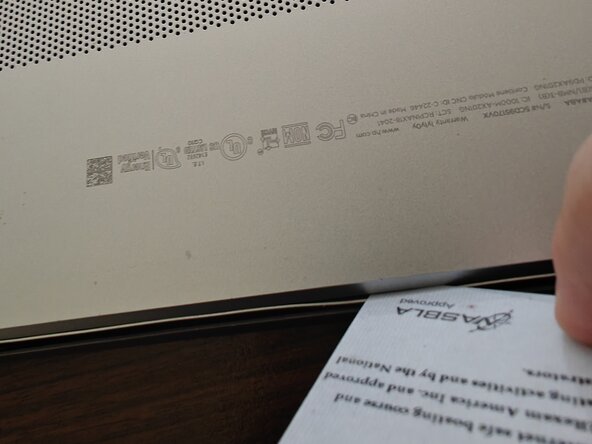
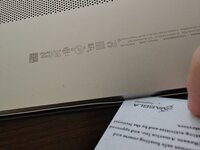
  3. HP Pavilion 15-cs3065cl WiFi Module Upgrade/Replacement, Credit Card or Pry Tool: crwdns2935265:03crwdnd2935265:01crwdnd2935265:02crwdne2935265:0 HP Pavilion 15-cs3065cl WiFi Module Upgrade/Replacement, Credit Card or Pry Tool: crwdns2935265:03crwdnd2935265:02crwdnd2935265:02crwdne2935265:0
    • You'll use a credit card, ID card, or pry tool to separate the bottom of the laptop from the rest of it. Make sure it's plastic, not metal.

    • You might want to use multiple to hold sections open as you work your way around.

  4. HP Pavilion 15-cs3065cl WiFi Module Upgrade/Replacement, Pop That Sucker Off: crwdns2935265:04crwdnd2935265:01crwdnd2935265:01crwdne2935265:0
    • You remove the bottom to reveal the guts.

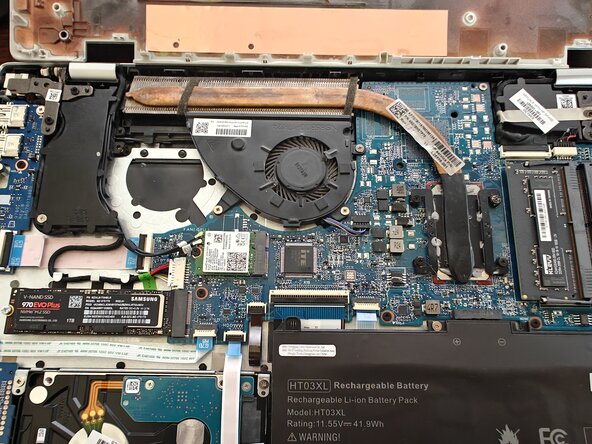
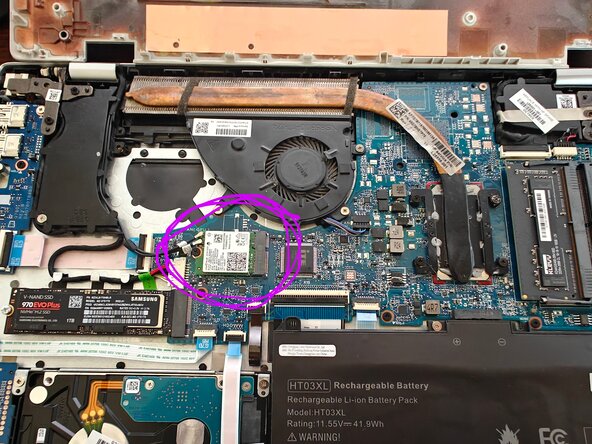
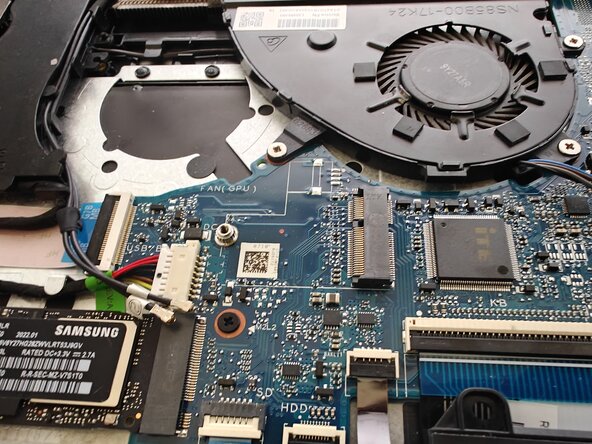
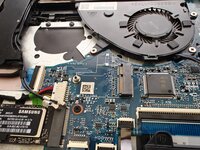
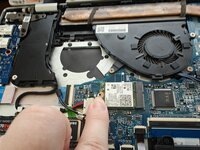
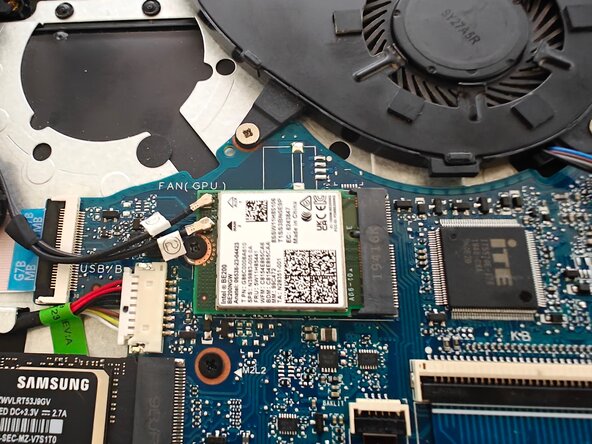
  5. HP Pavilion 15-cs3065cl WiFi Module Upgrade/Replacement, Where's Waldo?: crwdns2935265:05crwdnd2935265:01crwdnd2935265:02crwdne2935265:0 HP Pavilion 15-cs3065cl WiFi Module Upgrade/Replacement, Where's Waldo?: crwdns2935265:05crwdnd2935265:02crwdnd2935265:02crwdne2935265:0
    • Find the WiFi module.

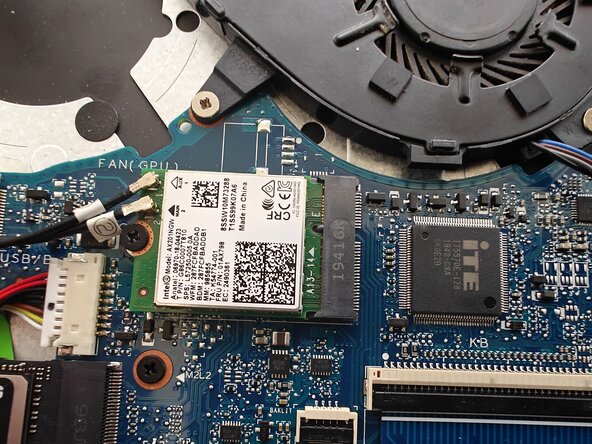
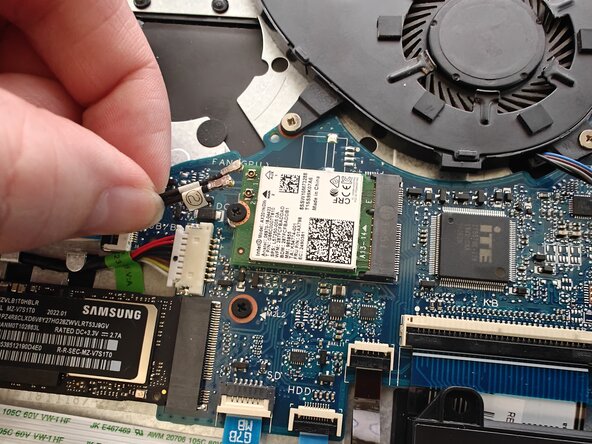
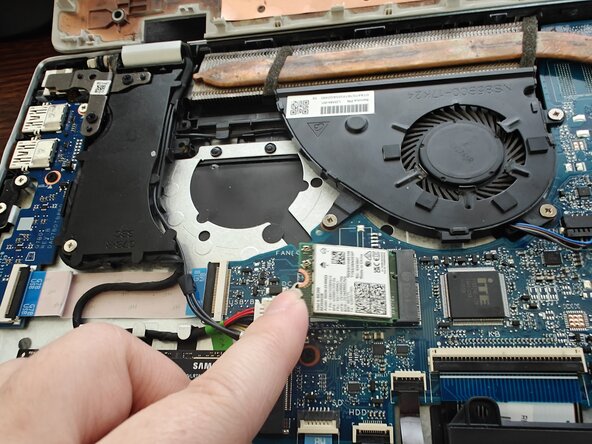
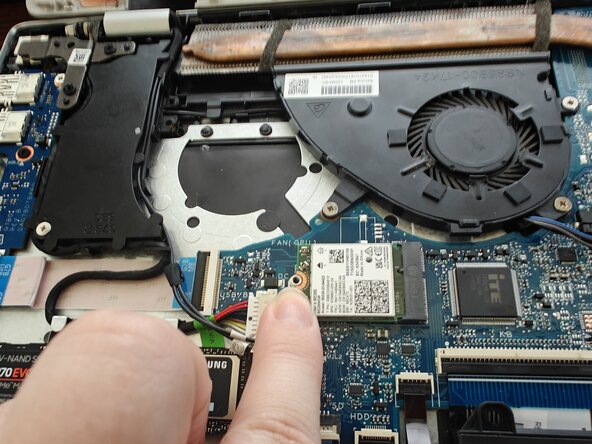
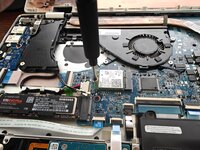
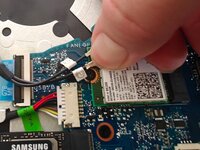
  6. HP Pavilion 15-cs3065cl WiFi Module Upgrade/Replacement, Unplugging: crwdns2935265:06crwdnd2935265:01crwdnd2935265:01crwdne2935265:0
    • Detach the antenna cables.

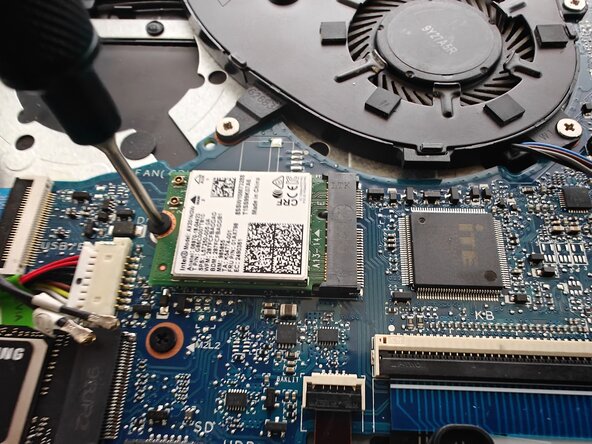
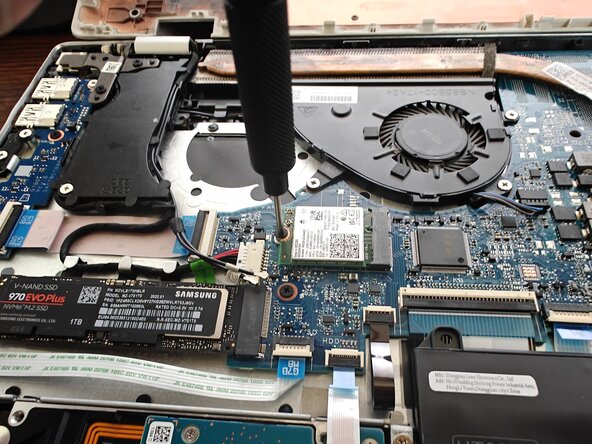
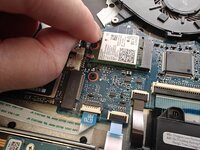
  7. HP Pavilion 15-cs3065cl WiFi Module Upgrade/Replacement, Unscrew the Module: crwdns2935265:07crwdnd2935265:01crwdnd2935265:02crwdne2935265:0 HP Pavilion 15-cs3065cl WiFi Module Upgrade/Replacement, Unscrew the Module: crwdns2935265:07crwdnd2935265:02crwdnd2935265:02crwdne2935265:0
    • Unscrew the screw.

    • It will pop up once it's unscrewed. That's normal.

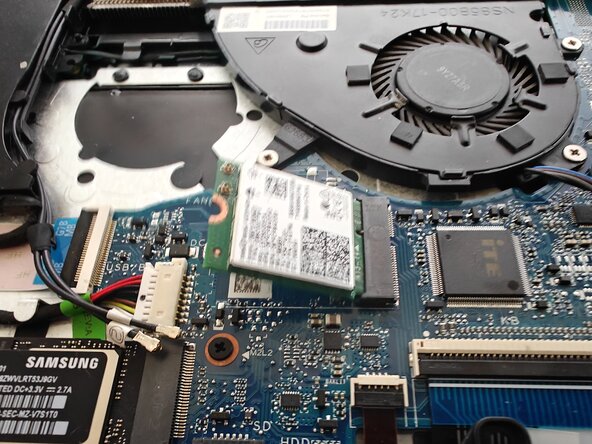
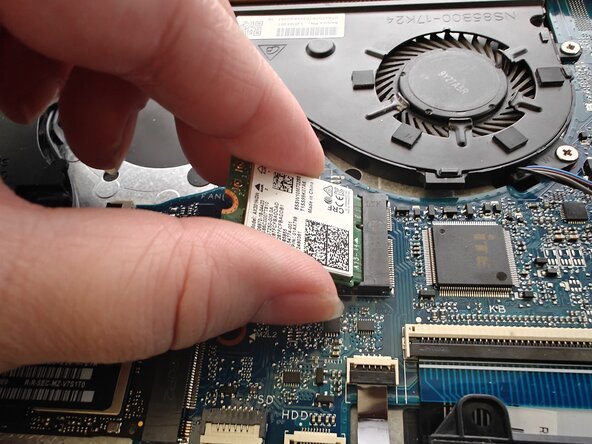
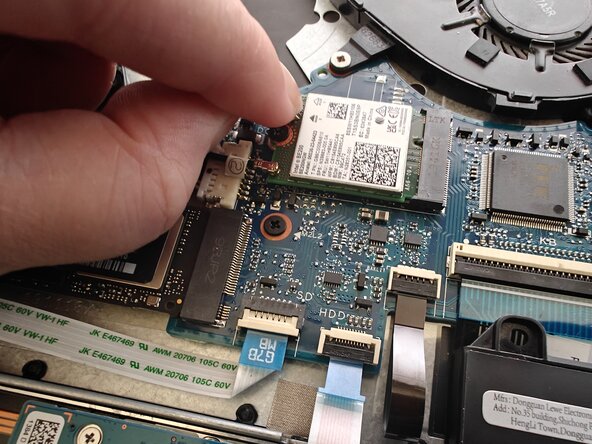
  8. HP Pavilion 15-cs3065cl WiFi Module Upgrade/Replacement, Yoink: crwdns2935265:08crwdnd2935265:01crwdnd2935265:02crwdne2935265:0 HP Pavilion 15-cs3065cl WiFi Module Upgrade/Replacement, Yoink: crwdns2935265:08crwdnd2935265:02crwdnd2935265:02crwdne2935265:0
    • Pull the module out.

  9. HP Pavilion 15-cs3065cl WiFi Module Upgrade/Replacement, Put in the New Module: crwdns2935265:09crwdnd2935265:01crwdnd2935265:01crwdne2935265:0
    • Put in the new module.

    • You might need to push the end to get it to seat.

  10. HP Pavilion 15-cs3065cl WiFi Module Upgrade/Replacement, Screw it in: crwdns2935265:010crwdnd2935265:01crwdnd2935265:02crwdne2935265:0 HP Pavilion 15-cs3065cl WiFi Module Upgrade/Replacement, Screw it in: crwdns2935265:010crwdnd2935265:02crwdnd2935265:02crwdne2935265:0
    • Push it flat and screw it in.

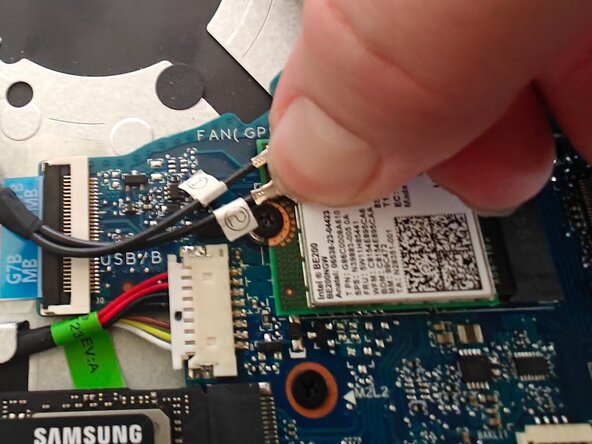
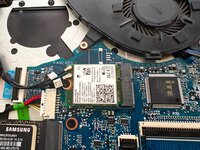
  11. HP Pavilion 15-cs3065cl WiFi Module Upgrade/Replacement, Reattach Cables: crwdns2935265:011crwdnd2935265:01crwdnd2935265:03crwdne2935265:0 HP Pavilion 15-cs3065cl WiFi Module Upgrade/Replacement, Reattach Cables: crwdns2935265:011crwdnd2935265:02crwdnd2935265:03crwdne2935265:0 HP Pavilion 15-cs3065cl WiFi Module Upgrade/Replacement, Reattach Cables: crwdns2935265:011crwdnd2935265:03crwdnd2935265:03crwdne2935265:0
    • Reattach the antenna cables.

    • They should have labels "1" and "2" on the cables. Attach them to the points labeled "1" and "2" on your new WiFi module.

    • They're teeny-tiny snap buttons, like miniature versions of what you'd find on a jacket.

    • Make sure they snap on properly, you might need to use your thumbnail. You can give them a gentle tug to make sure they're actually attached.

  12. HP Pavilion 15-cs3065cl WiFi Module Upgrade/Replacement, Close it up!: crwdns2935265:012crwdnd2935265:01crwdnd2935265:01crwdne2935265:0
    • Snap the lid back on

    • Put the lid screws back in

    • Stick the sticky rubber feetsies back on

    • Plug back in any SD cards, USBs, and put your case back on if you have one

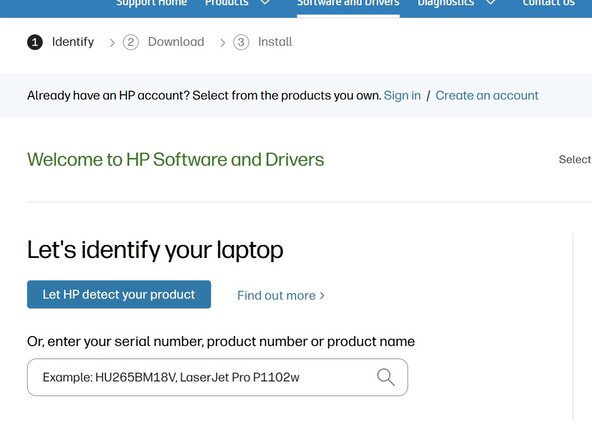
  13. HP Pavilion 15-cs3065cl WiFi Module Upgrade/Replacement, Drivers (Software): crwdns2935265:013crwdnd2935265:01crwdnd2935265:01crwdne2935265:0
    • Go to this link and install the WiFi and Bluetooth drivers that Intel recommends.

    • Power cycle your laptop (off and on again).

    • That's it, you're good to go!

crwdns2915888:0crwdne2915888:0

You're all set!

Quinn Enestvedt

crwdns2935283:009/05/25crwdne2935283:0

493 crwdns2915208:0crwdne2915208:0

crwdns2935297:03crwdne2935297:0

crwdns2947412:00crwdne2947412:0

crwdns2917038:0crwdne2917038:0

crwdns2936625:0crwdne2936625:0:

crwdns2936751:024crwdne2936751:0 0

crwdns2936753:07crwdne2936753:0 2

crwdns2936753:030crwdne2936753:0 21

crwdns2942667:0crwdne2942667:0 23