crwdns2933423:0crwdne2933423:0
crwdns2947577:0crwdnd2947577:0crwdne2947577:0

HP Officejet Pro 8625 Display Replacement

crwdns2942213:0crwdne2942213:0

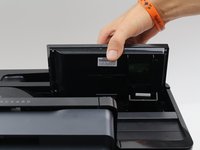
  1. HP Officejet Pro 8625 Display  Replacement, Display Motherboard: crwdns2935265:01crwdnd2935265:01crwdnd2935265:02crwdne2935265:0 HP Officejet Pro 8625 Display  Replacement, Display Motherboard: crwdns2935265:01crwdnd2935265:02crwdnd2935265:02crwdne2935265:0
    • Disconnect the display by holding it in place while pulling down on the plastic hinge.

    • Slowly apply more and more force as it does take a lot to separate, do not worry about the hinge or display breaking.

    crwdns2952109:0crwdne2952109:0

    crwdns2917038:0crwdne2917038:0

  2. HP Officejet Pro 8625 Display  Replacement: crwdns2935265:02crwdnd2935265:01crwdnd2935265:03crwdne2935265:0 HP Officejet Pro 8625 Display  Replacement: crwdns2935265:02crwdnd2935265:02crwdnd2935265:03crwdne2935265:0 HP Officejet Pro 8625 Display  Replacement: crwdns2935265:02crwdnd2935265:03crwdnd2935265:03crwdne2935265:0
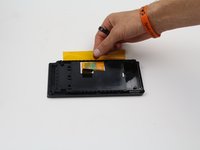
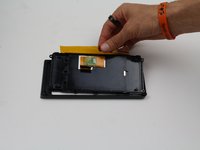
    • Lift the display as high as it will allow to expose the back of the display.

    • Pinch the sides of the cover and pull away from the printer to reveal the connector.

    • Remove the connector by pulling both away from the display and towards the printer.

    crwdns2952109:0crwdne2952109:0

    crwdns2917038:0crwdne2917038:0

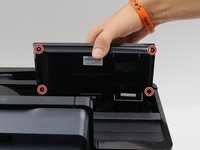
  3. HP Officejet Pro 8625 Display  Replacement: crwdns2935265:03crwdnd2935265:01crwdnd2935265:03crwdne2935265:0 HP Officejet Pro 8625 Display  Replacement: crwdns2935265:03crwdnd2935265:02crwdnd2935265:03crwdne2935265:0 HP Officejet Pro 8625 Display  Replacement: crwdns2935265:03crwdnd2935265:03crwdnd2935265:03crwdne2935265:0
    • Remove the four 6.2 mm T9 screws from the back of the display.

    • Pull the display assembly up and away from the printer.

    crwdns2952109:0crwdne2952109:0

    crwdns2917038:0crwdne2917038:0

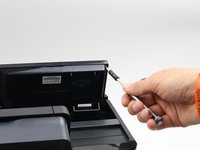
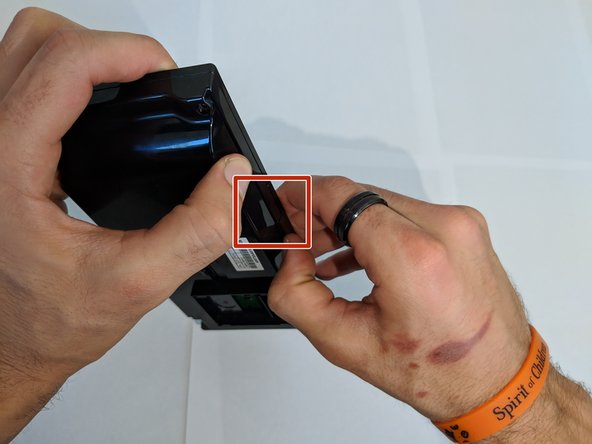
  4. HP Officejet Pro 8625 Display  Replacement: crwdns2935265:04crwdnd2935265:01crwdnd2935265:02crwdne2935265:0 HP Officejet Pro 8625 Display  Replacement: crwdns2935265:04crwdnd2935265:02crwdnd2935265:02crwdne2935265:0
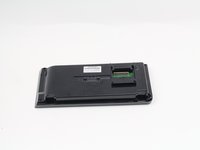
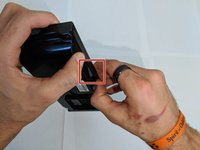
    • Remove the back cover from the display assembly by pressing down on the point of connection.

    • If you use a plastic spudger for this step, be careful not to brake the plastic as you do not need to use much force to remove the back cover.

    crwdns2952109:0crwdne2952109:0

    crwdns2917038:0crwdne2917038:0

  5. HP Officejet Pro 8625 Display  Replacement: crwdns2935265:05crwdnd2935265:01crwdnd2935265:02crwdne2935265:0 HP Officejet Pro 8625 Display  Replacement: crwdns2935265:05crwdnd2935265:02crwdnd2935265:02crwdne2935265:0
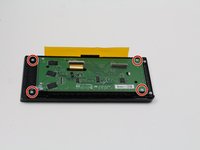
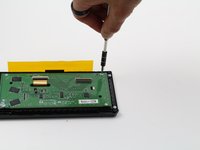
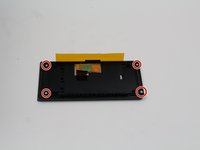
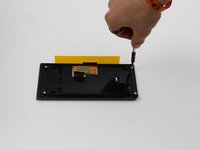
    • Remove the four 4.8 mm T6 screws from the back of the display motherboard.

    crwdns2952109:0crwdne2952109:0

    crwdns2917038:0crwdne2917038:0

  6. HP Officejet Pro 8625 Display  Replacement: crwdns2935265:06crwdnd2935265:01crwdnd2935265:02crwdne2935265:0 HP Officejet Pro 8625 Display  Replacement: crwdns2935265:06crwdnd2935265:02crwdnd2935265:02crwdne2935265:0
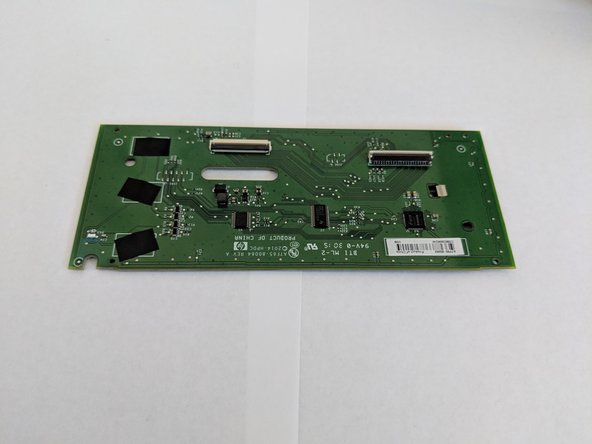
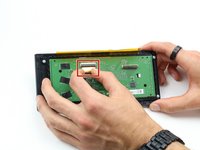
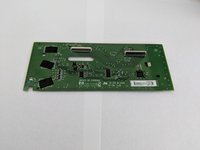
    • Remove the connection on the front of the display motherboard.

    • Remove the display motherboard.

    crwdns2952109:0crwdne2952109:0

    crwdns2917038:0crwdne2917038:0

  7. HP Officejet Pro 8625 Display  Replacement, Display: crwdns2935265:07crwdnd2935265:01crwdnd2935265:02crwdne2935265:0 HP Officejet Pro 8625 Display  Replacement, Display: crwdns2935265:07crwdnd2935265:02crwdnd2935265:02crwdne2935265:0
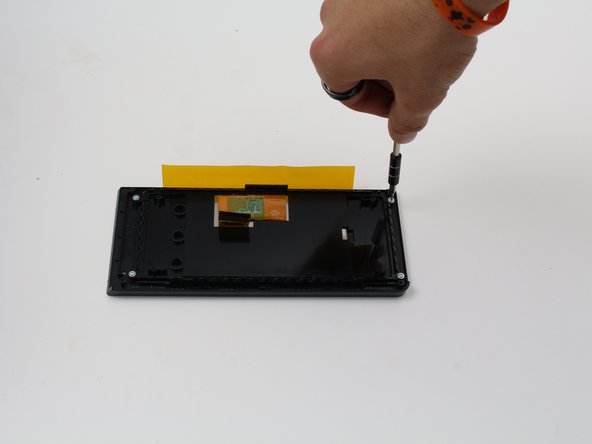
    • Remove the four 4.8 mm screws from the back of the display using a T6 screwdriver.

    crwdns2952109:0crwdne2952109:0

    crwdns2917038:0crwdne2917038:0

  8. HP Officejet Pro 8625 Display  Replacement: crwdns2935265:08crwdnd2935265:01crwdnd2935265:03crwdne2935265:0 HP Officejet Pro 8625 Display  Replacement: crwdns2935265:08crwdnd2935265:02crwdnd2935265:03crwdne2935265:0 HP Officejet Pro 8625 Display  Replacement: crwdns2935265:08crwdnd2935265:03crwdnd2935265:03crwdne2935265:0
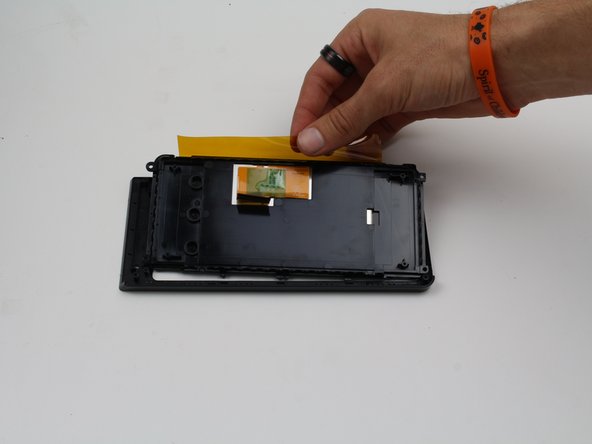
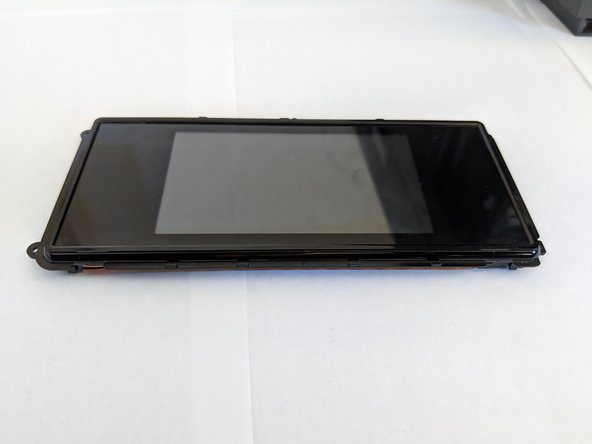
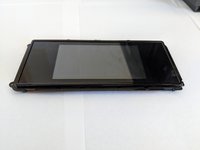
    • Lift the display out of the case.

    crwdns2952109:0crwdne2952109:0

    crwdns2917038:0crwdne2917038:0

crwdns2915888:0crwdne2915888:0

To reassemble your device, follow these instructions in reverse order.

crwdns2935221:0crwdne2935221:0

Cole Andrews

crwdns2935283:010/08/18crwdne2935283:0

273 crwdns2915208:0crwdne2915208:0

crwdns2935297:02crwdne2935297:0

crwdns2935287:0crwdne2935287:0

Cal Poly, Team S13-G3, White Fall 2018 crwdns2935289:0Cal Poly, Team S13-G3, White Fall 2018crwdne2935289:0

CPSU-WHITE-F18S13G3

crwdns2931471:03crwdne2931471:0

crwdns2935297:014crwdne2935297:0

crwdns2947412:00crwdne2947412:0

crwdns2917038:0crwdne2917038:0

crwdns2936625:0crwdne2936625:0:

crwdns2936751:024crwdne2936751:0 1

crwdns2936753:07crwdne2936753:0 5

crwdns2936753:030crwdne2936753:0 28

crwdns2942667:0crwdne2942667:0 852