crwdns2933423:0crwdne2933423:0
crwdns2947577:0crwdnd2947577:0crwdne2947577:0

HP G62-234DX Webcam Replacement

crwdns2942213:0crwdne2942213:0

    1. HP G62-234DX Webcam Replacement, Screen: crwdns2935265:01crwdnd2935265:01crwdnd2935265:03crwdne2935265:0 HP G62-234DX Webcam Replacement, Screen: crwdns2935265:01crwdnd2935265:02crwdnd2935265:03crwdne2935265:0 HP G62-234DX Webcam Replacement, Screen: crwdns2935265:01crwdnd2935265:03crwdnd2935265:03crwdne2935265:0
      • Make sure the computer is turned off and disconnected from a charger.

      • Place your laptop on a clean, flat surface with the bottom facing up.

      • Slide the battery lock to the left.

      • Slide the battery out from the laptop while holding the lock to the left.

      • Remove the battery.

      crwdns2952109:0crwdne2952109:0

      crwdns2917038:0crwdne2917038:0

    2. HP G62-234DX Webcam Replacement: crwdns2935265:02crwdnd2935265:01crwdnd2935265:03crwdne2935265:0 HP G62-234DX Webcam Replacement: crwdns2935265:02crwdnd2935265:02crwdnd2935265:03crwdne2935265:0 HP G62-234DX Webcam Replacement: crwdns2935265:02crwdnd2935265:03crwdnd2935265:03crwdne2935265:0
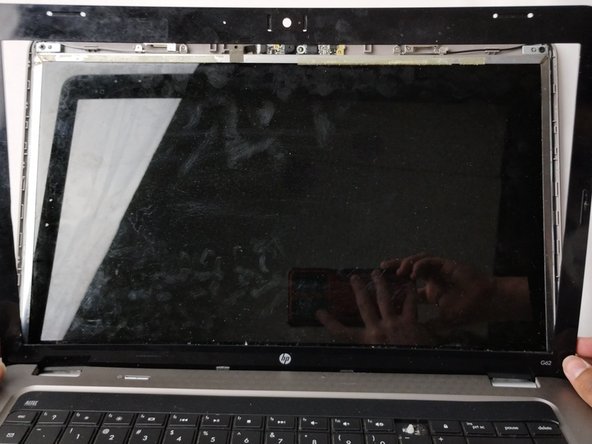
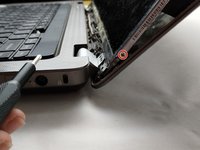
      • Flip over the laptop and open the laptop.

      • Using a spudger and opening picks, loosen the screen bezel (outer frame).

      • Start from one side of the bezel and work your way around to the other side.

      crwdns2952109:0crwdne2952109:0

      crwdns2917038:0crwdne2917038:0

    3. HP G62-234DX Webcam Replacement: crwdns2935265:03crwdnd2935265:01crwdnd2935265:03crwdne2935265:0 HP G62-234DX Webcam Replacement: crwdns2935265:03crwdnd2935265:02crwdnd2935265:03crwdne2935265:0 HP G62-234DX Webcam Replacement: crwdns2935265:03crwdnd2935265:03crwdnd2935265:03crwdne2935265:0
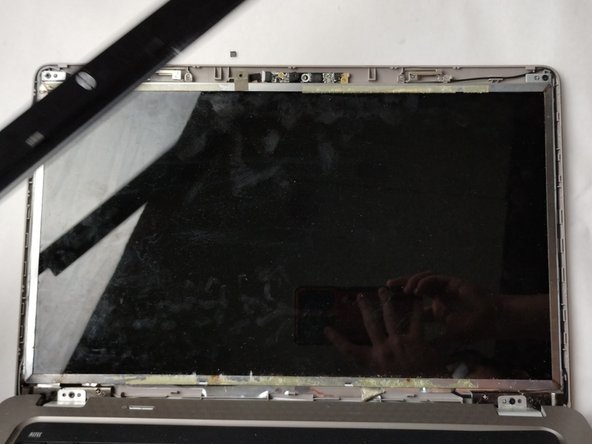
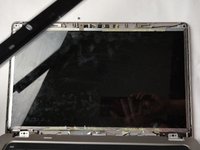
      • Lift the screen bezel with your fingers to reveal the screen unit.

      crwdns2952109:0crwdne2952109:0

      crwdns2917038:0crwdne2917038:0

    4. HP G62-234DX Webcam Replacement: crwdns2935265:04crwdnd2935265:01crwdnd2935265:02crwdne2935265:0 HP G62-234DX Webcam Replacement: crwdns2935265:04crwdnd2935265:02crwdnd2935265:02crwdne2935265:0
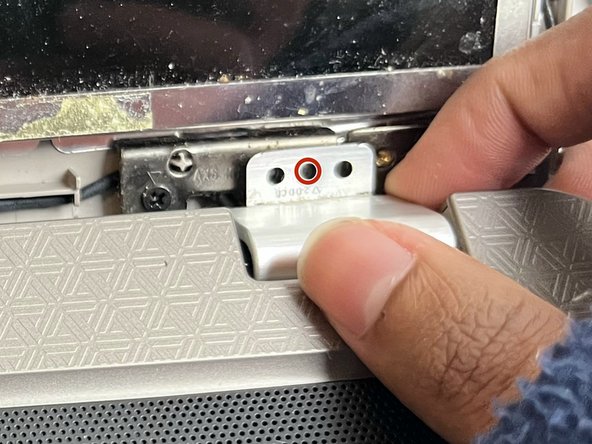
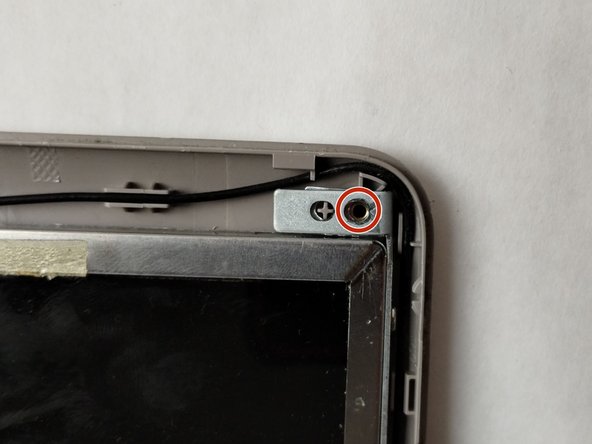
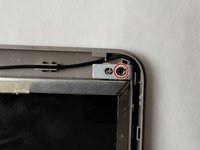
      • Use a Phillips #0 screwdriver to remove one 4.0 mm screw on the left and right hinges.

      • Lift the hinges with your fingers.

      crwdns2952109:0crwdne2952109:0

      crwdns2917038:0crwdne2917038:0

    5. HP G62-234DX Webcam Replacement: crwdns2935265:05crwdnd2935265:01crwdnd2935265:02crwdne2935265:0 HP G62-234DX Webcam Replacement: crwdns2935265:05crwdnd2935265:02crwdnd2935265:02crwdne2935265:0
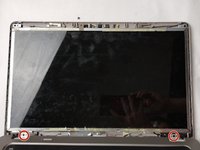
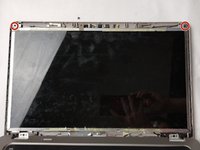
      • Use a Phillips #0 screwdriver to remove the two 3.0 mm screws on the top of the display.

      crwdns2952109:0crwdne2952109:0

      crwdns2917038:0crwdne2917038:0

    6. HP G62-234DX Webcam Replacement: crwdns2935265:06crwdnd2935265:01crwdnd2935265:02crwdne2935265:0 HP G62-234DX Webcam Replacement: crwdns2935265:06crwdnd2935265:02crwdnd2935265:02crwdne2935265:0
      • Use a Phillips #0 screwdriver to remove a total of four 3.0 mm screws along the edge of both sides of the screen.

      crwdns2952109:0crwdne2952109:0

      crwdns2917038:0crwdne2917038:0

    7. HP G62-234DX Webcam Replacement: crwdns2935265:07crwdnd2935265:01crwdnd2935265:03crwdne2935265:0 HP G62-234DX Webcam Replacement: crwdns2935265:07crwdnd2935265:02crwdnd2935265:03crwdne2935265:0 HP G62-234DX Webcam Replacement: crwdns2935265:07crwdnd2935265:03crwdnd2935265:03crwdne2935265:0
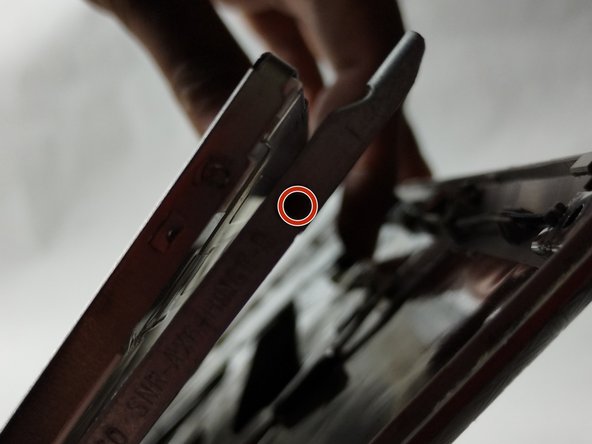
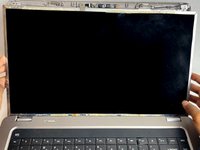
      • Carefully loosen the adhesive under the screen unit using your spudger.

      • Pull off the screen unit using your fingers.

      • The screen is still connected by the display cable.

      crwdns2952109:0crwdne2952109:0

      crwdns2917038:0crwdne2917038:0

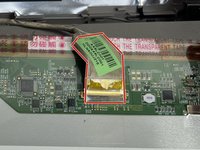
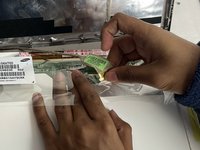
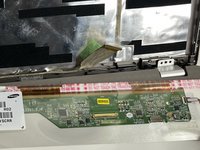
    8. HP G62-234DX Webcam Replacement: crwdns2935265:08crwdnd2935265:01crwdnd2935265:03crwdne2935265:0 HP G62-234DX Webcam Replacement: crwdns2935265:08crwdnd2935265:02crwdnd2935265:03crwdne2935265:0 HP G62-234DX Webcam Replacement: crwdns2935265:08crwdnd2935265:03crwdnd2935265:03crwdne2935265:0
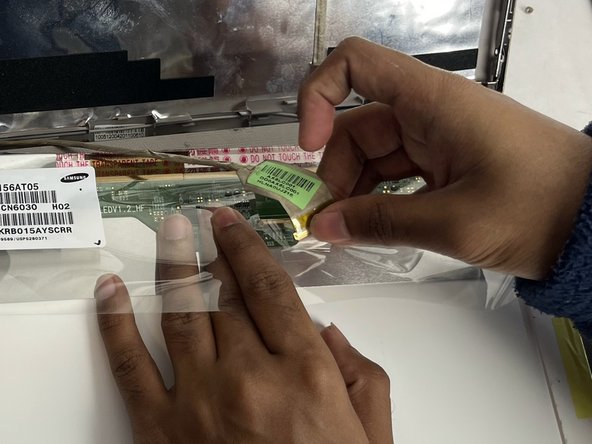
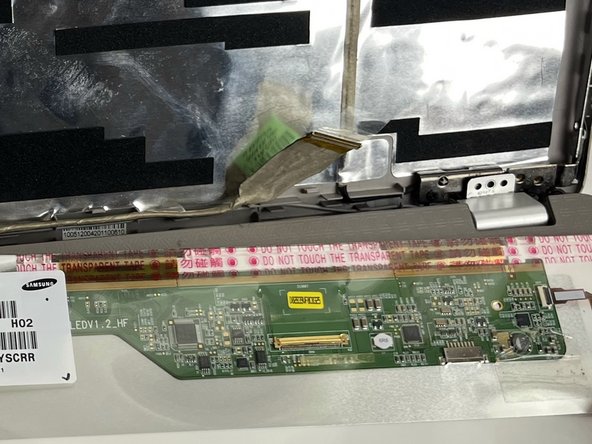
      • To disconnect the display cable connector, gently push the tip of a spudger under the clip. Then, swing the clip over to the other side of the socket, so that it lays flat against the cable.

      • Lift the protective film slightly and, holding the clip and cable together, gently pull in the direction of the cable to remove the connector from its socket.

      • Safely remove the screen.

      crwdns2952109:0crwdne2952109:0

      crwdns2917038:0crwdne2917038:0

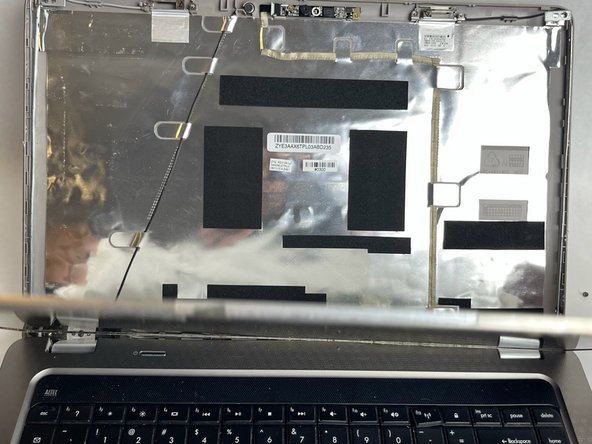
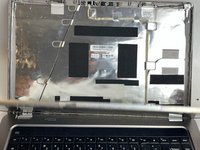
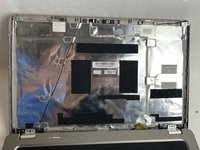
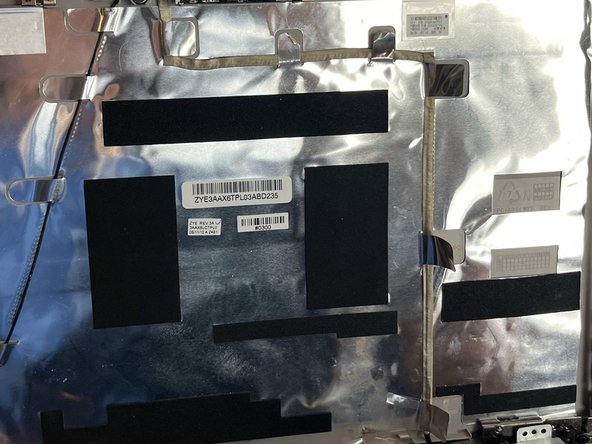
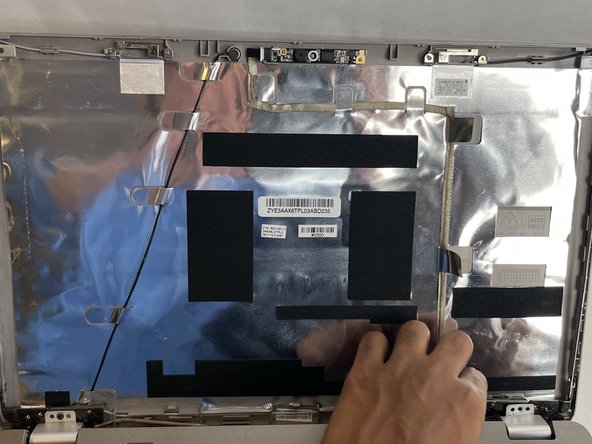
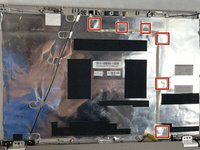
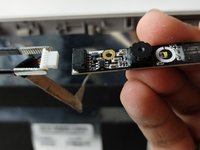
    1. HP G62-234DX Webcam Replacement, Webcam: crwdns2935265:09crwdnd2935265:01crwdnd2935265:03crwdne2935265:0 HP G62-234DX Webcam Replacement, Webcam: crwdns2935265:09crwdnd2935265:02crwdnd2935265:03crwdne2935265:0 HP G62-234DX Webcam Replacement, Webcam: crwdns2935265:09crwdnd2935265:03crwdnd2935265:03crwdne2935265:0
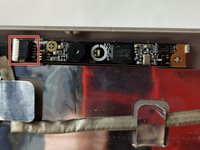
      • Gently unfasten the 6 tabs that hold the webcam cable in place.

      crwdns2952109:0crwdne2952109:0

      crwdns2917038:0crwdne2917038:0

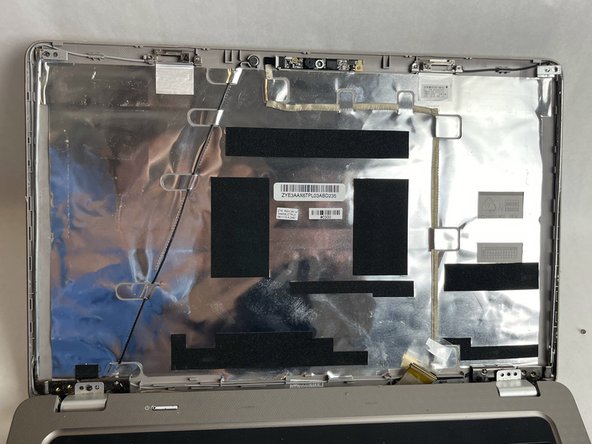
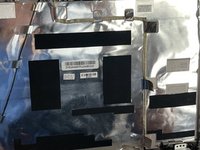
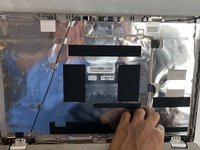
    2. HP G62-234DX Webcam Replacement: crwdns2935265:010crwdnd2935265:01crwdnd2935265:01crwdne2935265:0
      • Gently pull the cable off of the display case.

      • It is still connected to the webcam.

      crwdns2952109:0crwdne2952109:0

      crwdns2917038:0crwdne2917038:0

    3. HP G62-234DX Webcam Replacement: crwdns2935265:011crwdnd2935265:01crwdnd2935265:03crwdne2935265:0 HP G62-234DX Webcam Replacement: crwdns2935265:011crwdnd2935265:02crwdnd2935265:03crwdne2935265:0 HP G62-234DX Webcam Replacement: crwdns2935265:011crwdnd2935265:03crwdnd2935265:03crwdne2935265:0
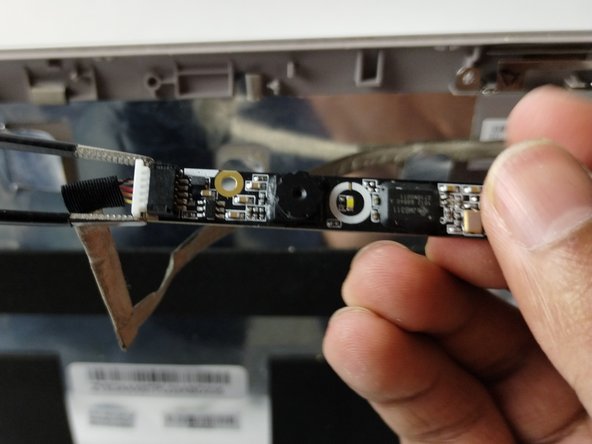
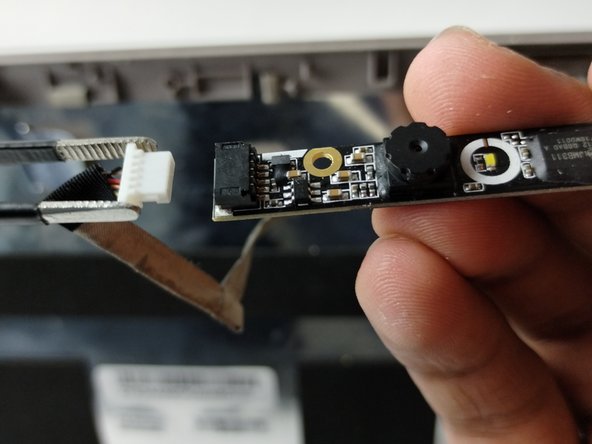
      • Pull the bundled cable connector from the webcam in the same direction as the individual wires are running.

      • Pull evenly on the full width of the cable so that no individual wires are overly strained.

      • Use a spudger to remove the webcam from the case.

      crwdns2952109:0crwdne2952109:0

      crwdns2917038:0crwdne2917038:0

crwdns2915888:0crwdne2915888:0

To reassemble your device, follow these instructions in reverse order.

crwdns2935221:0crwdne2935221:0

crwdns2935227:0crwdne2935227:0

Kate Ferland

crwdns2935283:011/01/23crwdne2935283:0

836 crwdns2915208:0crwdne2915208:0

crwdns2935297:06crwdne2935297:0

crwdns2935287:0crwdne2935287:0

UMass Dartmouth, Team 1-1, Petersen Fall 2023 crwdns2935289:0UMass Dartmouth, Team 1-1, Petersen Fall 2023crwdne2935289:0

UMASSD-PETERSEN-F23S1G1

crwdns2931471:04crwdne2931471:0

crwdns2935297:048crwdne2935297:0

crwdns2947412:00crwdne2947412:0

crwdns2917038:0crwdne2917038:0

crwdns2936625:0crwdne2936625:0:

crwdns2936751:024crwdne2936751:0 1

crwdns2936753:07crwdne2936753:0 9

crwdns2936753:030crwdne2936753:0 24

crwdns2942667:0crwdne2942667:0 378