
HP Chromebook 14-Q010DX Speaker Replacement

crwdns2959932:0crwdnd2959932:0Brandon Nolencrwdnd2959932:0crwdnd2959932:0crwdnd2959932:08crwdnd2959932:0crwdne2959932:0
crwdns2959936:0Sun 8, 2025crwdne2959936:0
crwdns2869540:0crwdne2869540:0: 1,6 mil
crwdns2959988:0crwdne2959988:0
- crwdns2959990:0crwdne2959990:0
- 3
- crwdns2959992:0crwdne2959992:0
- 21
- crwdns2959994:0crwdne2959994:0
- 99
- crwdns2959996:0crwdne2959996:0
- 1.644
crwdns2955950:0crwdne2955950:0: 0
crwdns2959998:0crwdne2959998:0
crwdns2960000:0crwdne2960000:0crwdns2959984:0crwdne2959984:0: 3 4
crwdns2959974:03crwdne2959974:0
crwdns2959970:04crwdne2959970:0
crwdns2959986:0crwdne2959986:0: 1 2
crwdns2959980:01crwdne2959980:0
crwdns2959978:02crwdne2959978:0
crwdns2915892:0crwdne2915892:0
crwdns2959928:0crwdne2959928:0 ↓Use this guide to replace the speakers for your HP Chromebook 14-Q010DX.
A speaker is a piece of hardware that reproduces sound from a video or audio played on your device. If you notice that the speaker is not producing sound or the audio isn't clear/distorted, a faulty speaker might be the root of this problem.
Before using this guide, examine the speaker port of any debris. Usually, a small buildup of debris and dust might cause the speaker ports to be covered causing the speaker to transmit spotty audio. The buildup can be cleared by canned air or a dust blower.
Before starting, make sure to turn off the device and unplug it from all power sources.
crwdns2959930:0crwdne2959930:0


-
-
-
Flip the laptop so the base of the laptop is facing you.
-
Using the #00 screwdriver, unscrew the 13 screws.
 crwdns2952109:0crwdne2952109:0
-
-
-
Start from the top right corner of the laptop and work clockwise with an iFixit opening tool or spudger to pry the keyboard from the frame of the laptop.
-
-
-
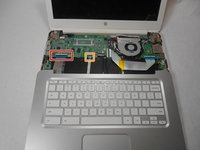
Gently pull the keyboard in the opposite direction of the screen, so the wires beneath are exposed.
-
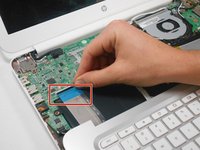
Lift the black flap and pull the blue ribbon gently towards you until it is disconnected.
-
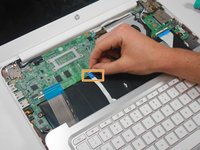
Lift the white flap and pull the blue ribbon towards you until it is disconnected.
-
-
-
-
Lift keyboard slightly and remove the strip gently to prevent damaging any parts.
-
-
-
-
-
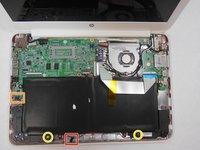
Undo the black tape located on the bottom from the frame of the laptop.
-
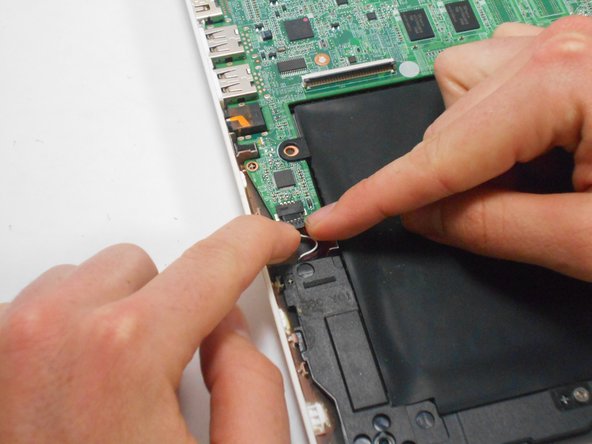
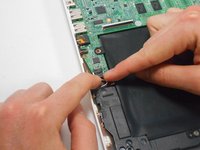
Using fingers or the spudger, slide out the black connector indicated on the left.
-
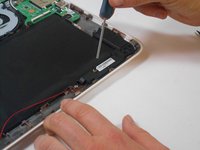
Use a #00 screwdriver to remove the two screws.
-
-
-
Gently remove the speakers.
-
-




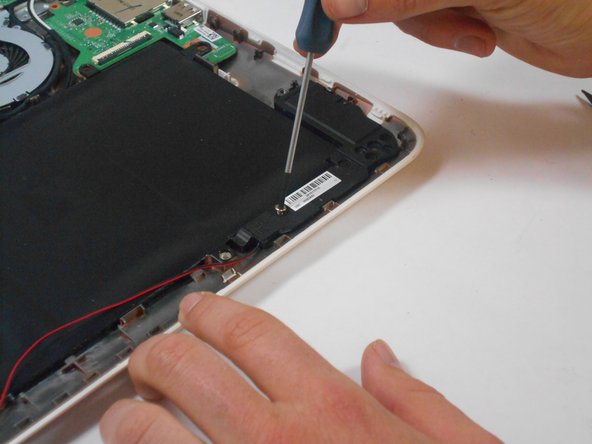

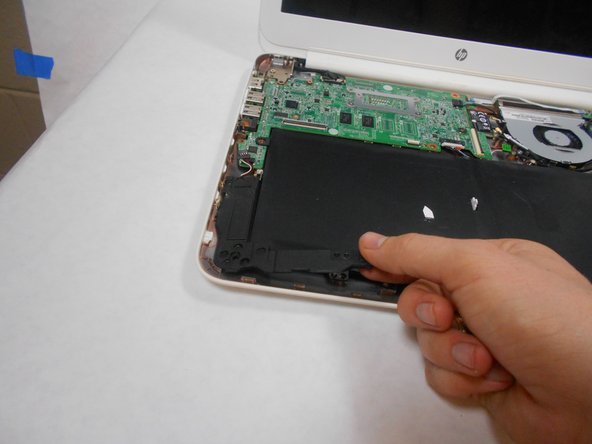
To reassemble your device, follow these instructions in reverse order.
crwdns2935221:0crwdne2935221:0
crwdns2935229:03crwdne2935229:0

crwdns2935287:0crwdne2935287:0

USF Tampa, Team 17-2, Watkins Winter 2015 crwdns2935289:0USF Tampa, Team 17-2, Watkins Winter 2015crwdne2935289:0
USFT-WATKINS-W15S17G2
crwdns2931471:04crwdne2931471:0
crwdns2935297:096crwdne2935297:0
