crwdns2933423:0crwdne2933423:0
crwdns2947577:0crwdnd2947577:0crwdne2947577:0

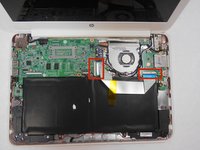
HP Chromebook 14-Q010DX Motherboard Replacement

crwdns2942213:0crwdne2942213:0

  1. HP Chromebook 14-Q010DX Motherboard Replacement, Keyboard and Touchpad: crwdns2935265:01crwdnd2935265:01crwdnd2935265:02crwdne2935265:0 HP Chromebook 14-Q010DX Motherboard Replacement, Keyboard and Touchpad: crwdns2935265:01crwdnd2935265:02crwdnd2935265:02crwdne2935265:0
    • Flip the laptop so the base of the laptop is facing you.

    • Using the #00 screwdriver, unscrew the 13 screws.

    crwdns2952109:0crwdne2952109:0

    crwdns2917038:0crwdne2917038:0

  2. HP Chromebook 14-Q010DX Motherboard Replacement: crwdns2935265:02crwdnd2935265:01crwdnd2935265:03crwdne2935265:0 HP Chromebook 14-Q010DX Motherboard Replacement: crwdns2935265:02crwdnd2935265:02crwdnd2935265:03crwdne2935265:0 HP Chromebook 14-Q010DX Motherboard Replacement: crwdns2935265:02crwdnd2935265:03crwdnd2935265:03crwdne2935265:0
    • Warning! When prying open a laptop it could require some force, but it also has fragile connectors underneath. Use caution so as to avoid breaking these connectors.

    • Start from the top right corner of the laptop and work clockwise with an iFixit opening tool or spudger to pry the keyboard from the frame of the laptop.

    crwdns2952109:0crwdne2952109:0

    crwdns2917038:0crwdne2917038:0

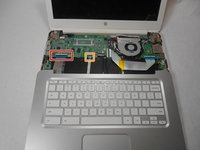
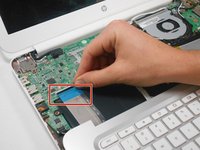
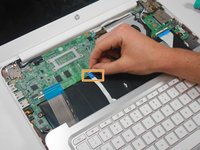
  3. HP Chromebook 14-Q010DX Motherboard Replacement: crwdns2935265:03crwdnd2935265:01crwdnd2935265:03crwdne2935265:0 HP Chromebook 14-Q010DX Motherboard Replacement: crwdns2935265:03crwdnd2935265:02crwdnd2935265:03crwdne2935265:0 HP Chromebook 14-Q010DX Motherboard Replacement: crwdns2935265:03crwdnd2935265:03crwdnd2935265:03crwdne2935265:0
    • Warning! Handle the flaps and ribbon cables with care to prevent damage.

    • Gently pull the keyboard in the opposite direction of the screen, so the wires beneath are exposed.

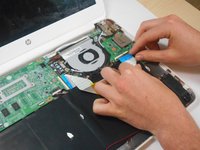
    • Lift the black flap and pull the blue ribbon gently towards you until it is disconnected.

    • Lift the white flap and pull the blue ribbon towards you until it is disconnected.

    crwdns2952109:0crwdne2952109:0

    crwdns2917038:0crwdne2917038:0

  4. HP Chromebook 14-Q010DX Motherboard Replacement: crwdns2935265:04crwdnd2935265:01crwdnd2935265:01crwdne2935265:0
    • Lift keyboard slightly and remove the strip gently to prevent damaging any parts.

    • The tape has no function other than to keep the wire tucked away.

    crwdns2952109:0crwdne2952109:0

    crwdns2917038:0crwdne2917038:0

  5. HP Chromebook 14-Q010DX Motherboard Replacement: crwdns2935265:05crwdnd2935265:01crwdnd2935265:01crwdne2935265:0
    • Set aside the detached keyboard.

    crwdns2952109:0crwdne2952109:0

    crwdns2917038:0crwdne2917038:0

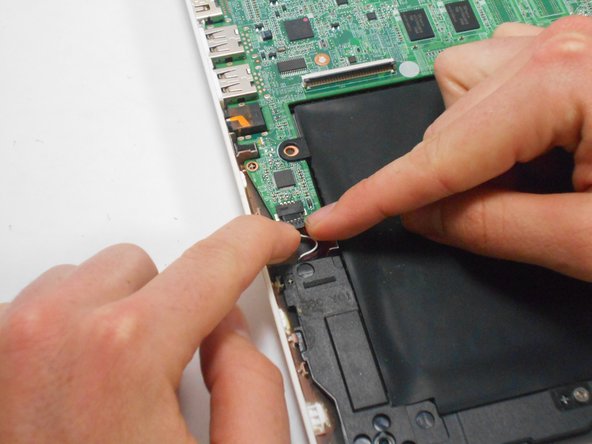
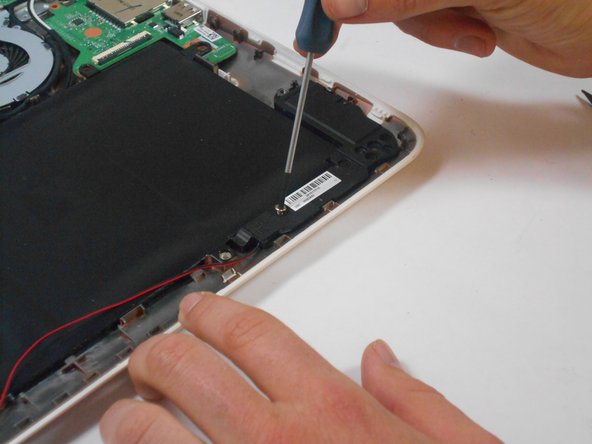
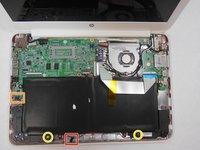
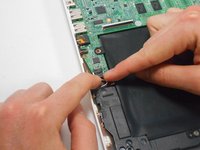
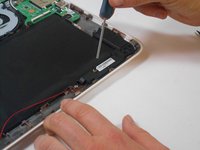
  6. HP Chromebook 14-Q010DX Motherboard Replacement, Speaker: crwdns2935265:06crwdnd2935265:01crwdnd2935265:03crwdne2935265:0 HP Chromebook 14-Q010DX Motherboard Replacement, Speaker: crwdns2935265:06crwdnd2935265:02crwdnd2935265:03crwdne2935265:0 HP Chromebook 14-Q010DX Motherboard Replacement, Speaker: crwdns2935265:06crwdnd2935265:03crwdnd2935265:03crwdne2935265:0
    • Undo the black tape located on the bottom from the frame of the laptop.

    • The tape has no function other than to keep the wire tucked away.

    • Using fingers or the spudger, slide out the black connector indicated on the left.

    • Use a #00 screwdriver to remove the two screws.

    crwdns2952109:0crwdne2952109:0

    crwdns2917038:0crwdne2917038:0

  7. HP Chromebook 14-Q010DX Motherboard Replacement: crwdns2935265:07crwdnd2935265:01crwdnd2935265:02crwdne2935265:0 HP Chromebook 14-Q010DX Motherboard Replacement: crwdns2935265:07crwdnd2935265:02crwdnd2935265:02crwdne2935265:0
    • Gently remove the speakers.

    crwdns2952109:0crwdne2952109:0

    crwdns2917038:0crwdne2917038:0

  8. HP Chromebook 14-Q010DX Motherboard Replacement, Battery: crwdns2935265:08crwdnd2935265:01crwdnd2935265:02crwdne2935265:0 HP Chromebook 14-Q010DX Motherboard Replacement, Battery: crwdns2935265:08crwdnd2935265:02crwdnd2935265:02crwdne2935265:0
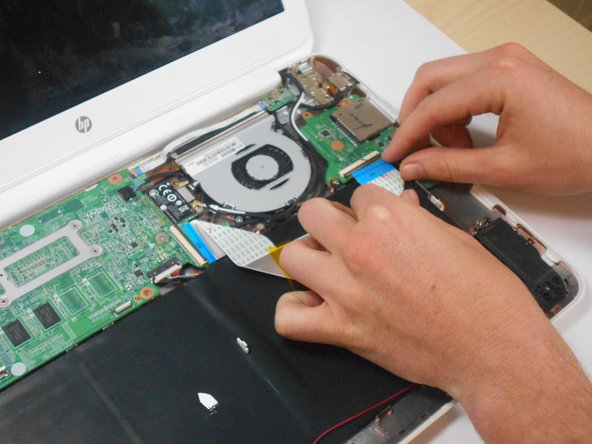
    • Note the shape that this wire strip is resting at and that the blue tip of the strip goes into the right connector for reassembly.

    • Lift the black flaps and gently pull the strip out.

    • Set the strip aside.

    crwdns2952109:0crwdne2952109:0

    crwdns2917038:0crwdne2917038:0

  9. HP Chromebook 14-Q010DX Motherboard Replacement: crwdns2935265:09crwdnd2935265:01crwdnd2935265:03crwdne2935265:0 HP Chromebook 14-Q010DX Motherboard Replacement: crwdns2935265:09crwdnd2935265:02crwdnd2935265:03crwdne2935265:0 HP Chromebook 14-Q010DX Motherboard Replacement: crwdns2935265:09crwdnd2935265:03crwdnd2935265:03crwdne2935265:0
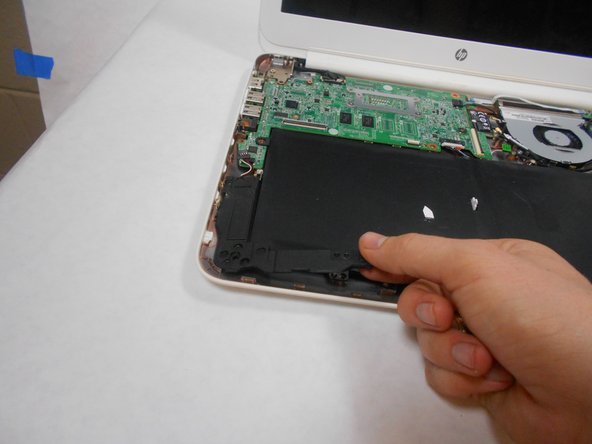
    • Remove the screw.

    • Use your fingers to pull the white tab out of the black slot above the battery.

    crwdns2952109:0crwdne2952109:0

    crwdns2917038:0crwdne2917038:0

  10. HP Chromebook 14-Q010DX Motherboard Replacement: crwdns2935265:010crwdnd2935265:01crwdnd2935265:01crwdne2935265:0
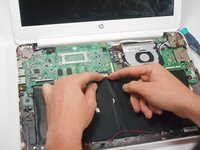
    • Gently remove battery.

    crwdns2952109:0crwdne2952109:0

    crwdns2917038:0crwdne2917038:0

  11. HP Chromebook 14-Q010DX Motherboard Replacement, Bluetooth and Wireless Card: crwdns2935265:011crwdnd2935265:01crwdnd2935265:02crwdne2935265:0 HP Chromebook 14-Q010DX Motherboard Replacement, Bluetooth and Wireless Card: crwdns2935265:011crwdnd2935265:02crwdnd2935265:02crwdne2935265:0
    • Using a spudger, remove the white and black cables from the card.

    crwdns2952109:0crwdne2952109:0

    crwdns2917038:0crwdne2917038:0

  12. HP Chromebook 14-Q010DX Motherboard Replacement: crwdns2935265:012crwdnd2935265:01crwdnd2935265:02crwdne2935265:0 HP Chromebook 14-Q010DX Motherboard Replacement: crwdns2935265:012crwdnd2935265:02crwdnd2935265:02crwdne2935265:0
    • Remove screw from card.

    crwdns2952109:0crwdne2952109:0

    crwdns2917038:0crwdne2917038:0

  13. HP Chromebook 14-Q010DX Motherboard Replacement: crwdns2935265:013crwdnd2935265:01crwdnd2935265:01crwdne2935265:0
    • Gently pull card at a 45° angle to remove it.

    crwdns2952109:0crwdne2952109:0

    crwdns2917038:0crwdne2917038:0

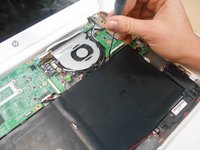
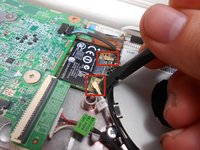
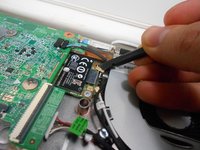
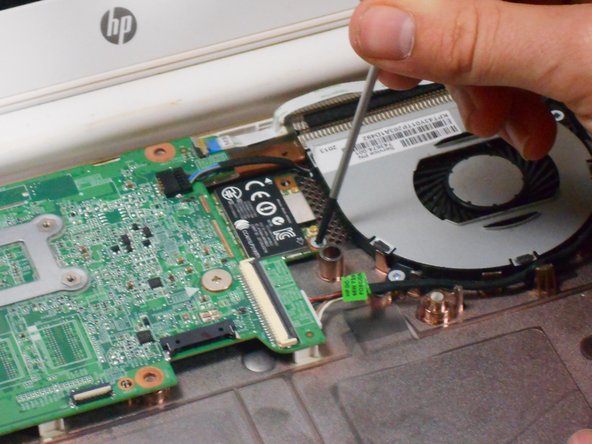
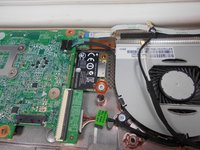
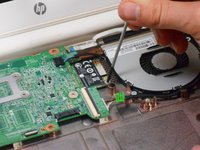
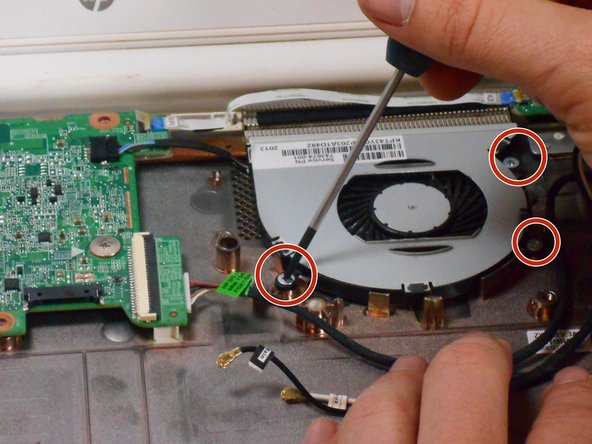
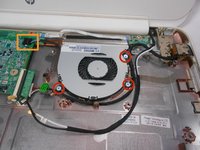
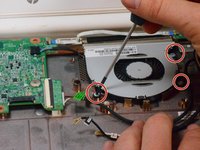
  14. HP Chromebook 14-Q010DX Motherboard Replacement, Fan replacement for a HP Chromebook: crwdns2935265:014crwdnd2935265:01crwdnd2935265:03crwdne2935265:0 HP Chromebook 14-Q010DX Motherboard Replacement, Fan replacement for a HP Chromebook: crwdns2935265:014crwdnd2935265:02crwdnd2935265:03crwdne2935265:0 HP Chromebook 14-Q010DX Motherboard Replacement, Fan replacement for a HP Chromebook: crwdns2935265:014crwdnd2935265:03crwdnd2935265:03crwdne2935265:0
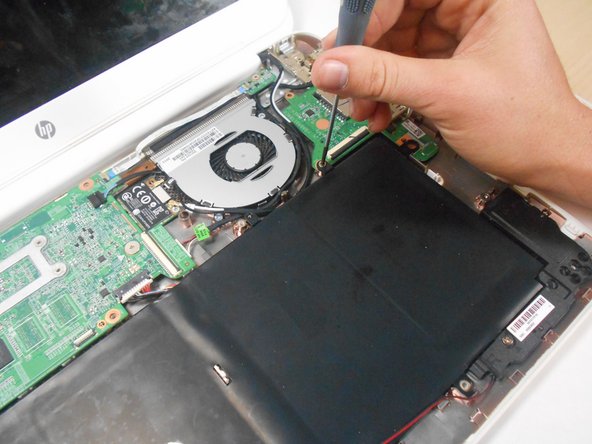
    • Remove the 3 screws around the fan.

    • Using your fingers or the spudger, disconnect the cable connecting the fan to the motherboard.

    crwdns2952109:0crwdne2952109:0

    crwdns2917038:0crwdne2917038:0

  15. HP Chromebook 14-Q010DX Motherboard Replacement: crwdns2935265:015crwdnd2935265:01crwdnd2935265:01crwdne2935265:0
    • Once the cable connecting the fan to the motherboard is revomed gently remove fan with hands.

    crwdns2952109:0crwdne2952109:0

    crwdns2917038:0crwdne2917038:0

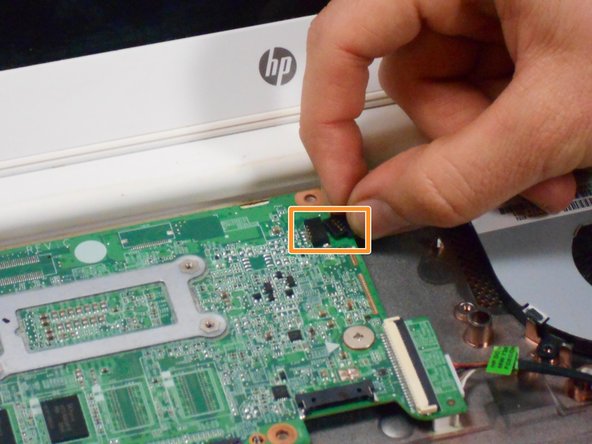
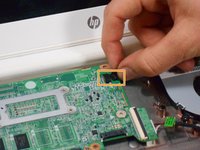
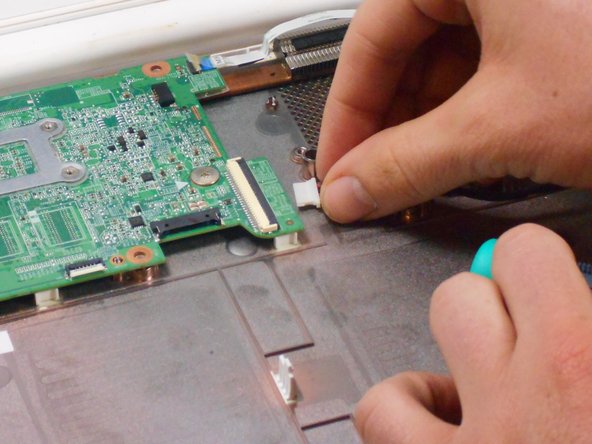
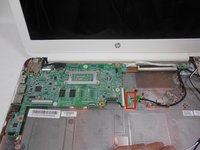
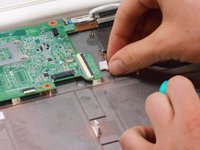
  16. HP Chromebook 14-Q010DX Motherboard Replacement, Motherboard: crwdns2935265:016crwdnd2935265:01crwdnd2935265:02crwdne2935265:0 HP Chromebook 14-Q010DX Motherboard Replacement, Motherboard: crwdns2935265:016crwdnd2935265:02crwdnd2935265:02crwdne2935265:0
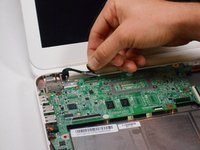
    • Using your fingers or spudger, pull out the connector.

    crwdns2952109:0crwdne2952109:0

    crwdns2917038:0crwdne2917038:0

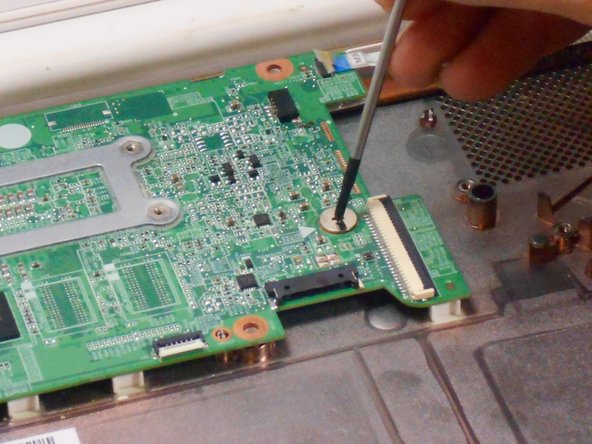
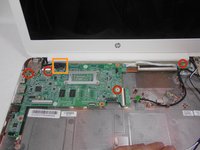
  17. HP Chromebook 14-Q010DX Motherboard Replacement: crwdns2935265:017crwdnd2935265:01crwdnd2935265:03crwdne2935265:0 HP Chromebook 14-Q010DX Motherboard Replacement: crwdns2935265:017crwdnd2935265:02crwdnd2935265:03crwdne2935265:0 HP Chromebook 14-Q010DX Motherboard Replacement: crwdns2935265:017crwdnd2935265:03crwdnd2935265:03crwdne2935265:0
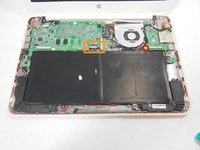
    • Remove all of the indicated screws.

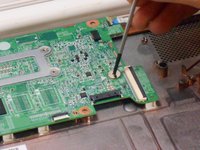
    • Pull up on black strip to remove the monitor cord.

    crwdns2952109:0crwdne2952109:0

    crwdns2917038:0crwdne2917038:0

  18. HP Chromebook 14-Q010DX Motherboard Replacement: crwdns2935265:018crwdnd2935265:01crwdnd2935265:01crwdne2935265:0
    • Gently remove motherboard.

    crwdns2952109:0crwdne2952109:0

    crwdns2917038:0crwdne2917038:0

crwdns2915888:0crwdne2915888:0

To reassemble your device, follow these instructions in reverse order.

crwdns2935221:0crwdne2935221:0

crwdns2935229:02crwdne2935229:0

Kevin Piper

crwdns2935283:001/16/15crwdne2935283:0

1,602 crwdns2915208:0crwdne2915208:0

crwdns2935297:06crwdne2935297:0

crwdns2935287:0crwdne2935287:0

USF Tampa, Team 17-2, Watkins Winter 2015 crwdns2935289:0USF Tampa, Team 17-2, Watkins Winter 2015crwdne2935289:0

USFT-WATKINS-W15S17G2

crwdns2931471:04crwdne2931471:0

crwdns2935297:08crwdne2935297:0

crwdns2947412:04crwdne2947412:0

Can someone just explain for what the sensor board is needed?

martindoerflinger - crwdns2934203:0crwdne2934203:0 crwdns2950251:0crwdne2950251:0
Let's the motherboard know when the lid is closed.

Jeff Briedwell - crwdns2934203:0crwdne2934203:0 crwdns2950251:0crwdne2950251:0

Hi! How do you start a chrome book from motherboard? Since I am doing a project I need help with that question.... Please send a mail with the explanation on my mail: steffe010929@gmail.con

Stefan - crwdns2934203:0crwdne2934203:0 crwdns2950251:0crwdne2950251:0

hope some one is still maintaining this site, i would like to know if i would be able to use a motherboard from another HP chromebook in the same product line for example if i have a motherboard from the 14-q010dx can i swap it with the motherboard from the 14-q010nr? thevet82@gmail.com

david saldivias - crwdns2934203:0crwdne2934203:0 crwdns2950251:0crwdne2950251:0

crwdns2917038:0crwdne2917038:0

crwdns2936625:0crwdne2936625:0:

crwdns2936751:024crwdne2936751:0 2

crwdns2936753:07crwdne2936753:0 6

crwdns2936753:030crwdne2936753:0 40

crwdns2942667:0crwdne2942667:0 5,080