crwdns2933423:0crwdne2933423:0
crwdns2947577:0crwdnd2947577:0crwdne2947577:0

HP Chromebook 14-Q010DX Battery Replacement

crwdns2942213:0crwdne2942213:0

  1. HP Chromebook 14-Q010DX Battery Replacement, Keyboard and Touchpad: crwdns2935265:01crwdnd2935265:01crwdnd2935265:02crwdne2935265:0 HP Chromebook 14-Q010DX Battery Replacement, Keyboard and Touchpad: crwdns2935265:01crwdnd2935265:02crwdnd2935265:02crwdne2935265:0
    • Flip the laptop so the base of the laptop is facing you.

    • Using the #00 screwdriver, unscrew the 13 screws.

    crwdns2952109:0crwdne2952109:0
  2. HP Chromebook 14-Q010DX Battery Replacement: crwdns2935265:02crwdnd2935265:01crwdnd2935265:03crwdne2935265:0 HP Chromebook 14-Q010DX Battery Replacement: crwdns2935265:02crwdnd2935265:02crwdnd2935265:03crwdne2935265:0 HP Chromebook 14-Q010DX Battery Replacement: crwdns2935265:02crwdnd2935265:03crwdnd2935265:03crwdne2935265:0
    • Warning! When prying open a laptop it could require some force, but it also has fragile connectors underneath. Use caution so as to avoid breaking these connectors.

    • Start from the top right corner of the laptop and work clockwise with an iFixit opening tool or spudger to pry the keyboard from the frame of the laptop.

    crwdns2952109:0crwdne2952109:0
  3. HP Chromebook 14-Q010DX Battery Replacement: crwdns2935265:03crwdnd2935265:01crwdnd2935265:03crwdne2935265:0 HP Chromebook 14-Q010DX Battery Replacement: crwdns2935265:03crwdnd2935265:02crwdnd2935265:03crwdne2935265:0 HP Chromebook 14-Q010DX Battery Replacement: crwdns2935265:03crwdnd2935265:03crwdnd2935265:03crwdne2935265:0
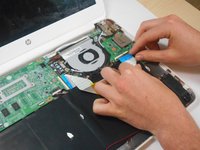
    • Warning! Handle the flaps and ribbon cables with care to prevent damage.

    • Gently pull the keyboard in the opposite direction of the screen, so the wires beneath are exposed.

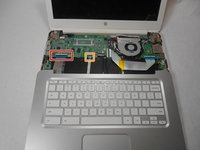
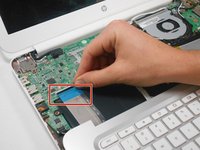
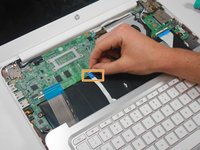
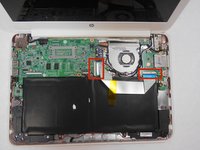
    • Lift the black flap and pull the blue ribbon gently towards you until it is disconnected.

    • Lift the white flap and pull the blue ribbon towards you until it is disconnected.

    crwdns2952109:0crwdne2952109:0
  4. HP Chromebook 14-Q010DX Battery Replacement: crwdns2935265:04crwdnd2935265:01crwdnd2935265:01crwdne2935265:0
    • Lift keyboard slightly and remove the strip gently to prevent damaging any parts.

    • The tape has no function other than to keep the wire tucked away.

    crwdns2952109:0crwdne2952109:0
  5. HP Chromebook 14-Q010DX Battery Replacement: crwdns2935265:05crwdnd2935265:01crwdnd2935265:01crwdne2935265:0
    • Set aside the detached keyboard.

    crwdns2952109:0crwdne2952109:0
  6. HP Chromebook 14-Q010DX Battery Replacement, Speaker: crwdns2935265:06crwdnd2935265:01crwdnd2935265:03crwdne2935265:0 HP Chromebook 14-Q010DX Battery Replacement, Speaker: crwdns2935265:06crwdnd2935265:02crwdnd2935265:03crwdne2935265:0 HP Chromebook 14-Q010DX Battery Replacement, Speaker: crwdns2935265:06crwdnd2935265:03crwdnd2935265:03crwdne2935265:0
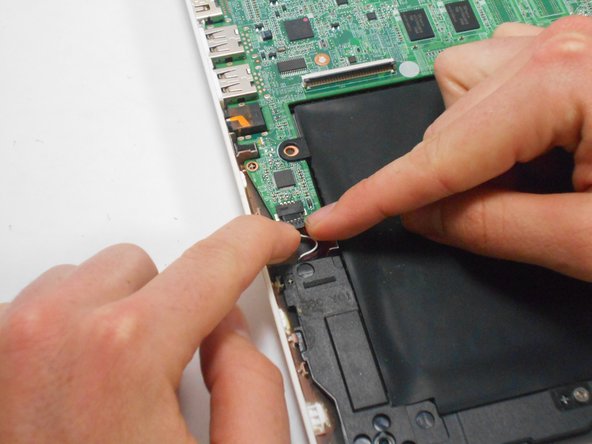
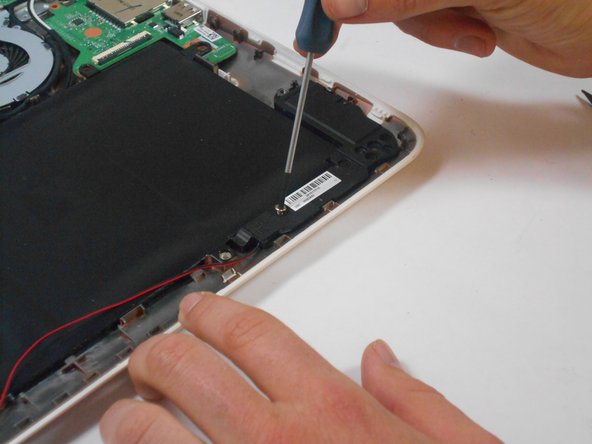
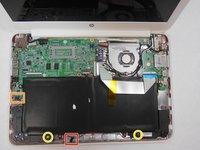
    • Undo the black tape located on the bottom from the frame of the laptop.

    • The tape has no function other than to keep the wire tucked away.

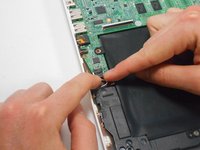
    • Using fingers or the spudger, slide out the black connector indicated on the left.

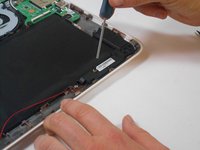
    • Use a #00 screwdriver to remove the two screws.

    crwdns2952109:0crwdne2952109:0
  7. HP Chromebook 14-Q010DX Battery Replacement: crwdns2935265:07crwdnd2935265:01crwdnd2935265:02crwdne2935265:0 HP Chromebook 14-Q010DX Battery Replacement: crwdns2935265:07crwdnd2935265:02crwdnd2935265:02crwdne2935265:0
    • Gently remove the speakers.

    crwdns2952109:0crwdne2952109:0
  8. HP Chromebook 14-Q010DX Battery Replacement, Battery: crwdns2935265:08crwdnd2935265:01crwdnd2935265:02crwdne2935265:0 HP Chromebook 14-Q010DX Battery Replacement, Battery: crwdns2935265:08crwdnd2935265:02crwdnd2935265:02crwdne2935265:0
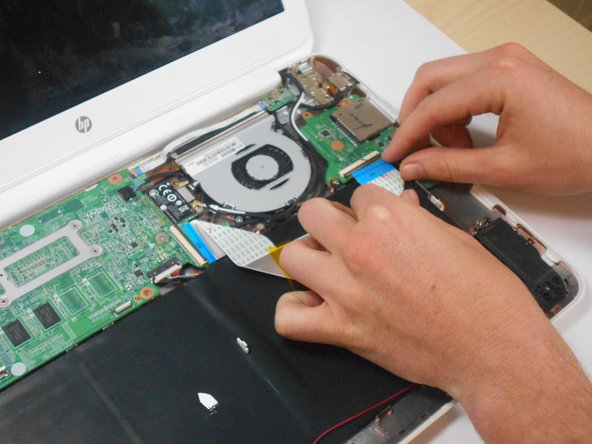
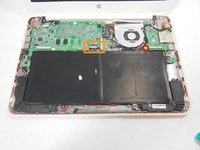
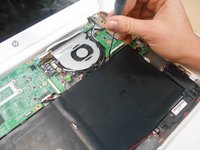
    • Note the shape that this wire strip is resting at and that the blue tip of the strip goes into the right connector for reassembly.

    • Lift the black flaps and gently pull the strip out.

    • Set the strip aside.

    crwdns2952109:0crwdne2952109:0
  9. HP Chromebook 14-Q010DX Battery Replacement: crwdns2935265:09crwdnd2935265:01crwdnd2935265:03crwdne2935265:0 HP Chromebook 14-Q010DX Battery Replacement: crwdns2935265:09crwdnd2935265:02crwdnd2935265:03crwdne2935265:0 HP Chromebook 14-Q010DX Battery Replacement: crwdns2935265:09crwdnd2935265:03crwdnd2935265:03crwdne2935265:0
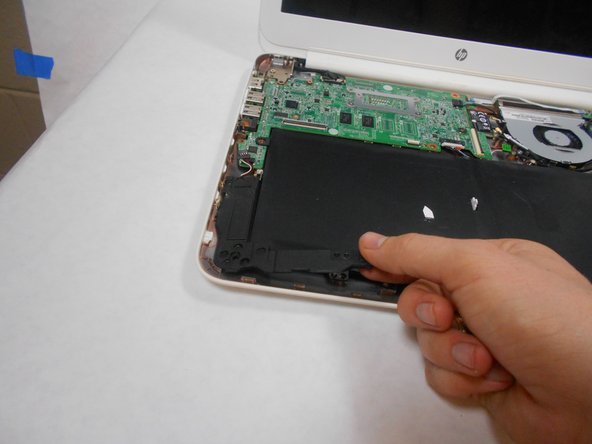
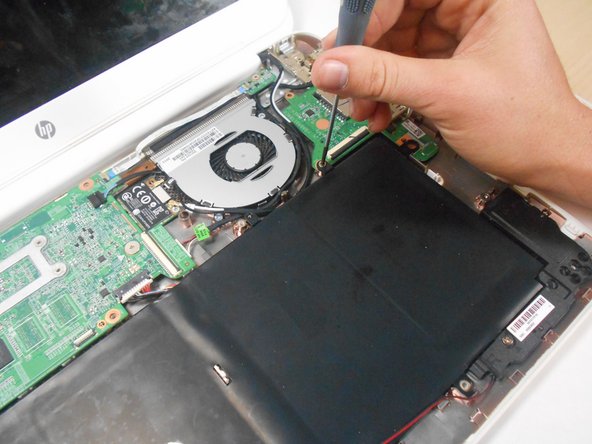
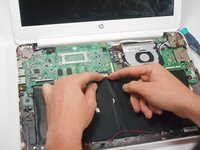
    • Remove the screw.

    • Use your fingers to pull the white tab out of the black slot above the battery.

    crwdns2952109:0crwdne2952109:0
  10. HP Chromebook 14-Q010DX Battery Replacement: crwdns2935265:010crwdnd2935265:01crwdnd2935265:01crwdne2935265:0
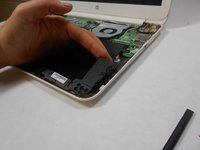
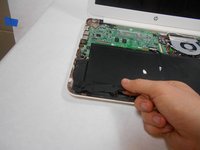
    • Gently remove battery.

    crwdns2952109:0crwdne2952109:0
crwdns2915888:0crwdne2915888:0

To reassemble your device, follow these instructions in reverse order.

crwdns2935229:06crwdne2935229:0

Kevin Piper

crwdns2935283:001/16/15crwdne2935283:0

1.602 crwdns2915208:0crwdne2915208:0

crwdns2935297:06crwdne2935297:0

crwdns2935287:0crwdne2935287:0

USF Tampa, Team 17-2, Watkins Winter 2015 crwdns2935289:0USF Tampa, Team 17-2, Watkins Winter 2015crwdne2935289:0

USFT-WATKINS-W15S17G2

crwdns2931471:04crwdne2931471:0

crwdns2935297:08crwdne2935297:0

crwdns2947412:03crwdne2947412:0

Very clear and concise. Nice going! Thank you.

sparkydog1725 - crwdns2934203:0crwdne2934203:0 crwdns2950251:0crwdne2950251:0
crwdns2917038:0crwdne2917038:0

crwdns2936625:0crwdne2936625:0:

crwdns2936751:024crwdne2936751:0 0

crwdns2936753:07crwdne2936753:0 11

crwdns2936753:030crwdne2936753:0 78

crwdns2942667:0crwdne2942667:0 14,260