crwdns2933423:0crwdne2933423:0
crwdns2947577:0crwdnd2947577:0crwdne2947577:0

GeeksPhone Keon Antenna Replacement

crwdns2942213:0crwdne2942213:0

    1. GeeksPhone Keon  Antenna Replacement, Battery: crwdns2935265:01crwdnd2935265:01crwdnd2935265:02crwdne2935265:0 GeeksPhone Keon  Antenna Replacement, Battery: crwdns2935265:01crwdnd2935265:02crwdnd2935265:02crwdne2935265:0
      • Insert the plastic opening tool into the seam between the front of the device and the rear cover.

      • Slide the plastic opening tool from the bottom of the phone to the top.

      • Use the plastic opening tool to free all the clips attached to the phone.

      crwdns2952109:0crwdne2952109:0

      crwdns2917038:0crwdne2917038:0

    2. GeeksPhone Keon  Antenna Replacement: crwdns2935265:02crwdnd2935265:01crwdnd2935265:01crwdne2935265:0
      • Lift the cover away from the phone.

      crwdns2952109:0crwdne2952109:0

      crwdns2917038:0crwdne2917038:0

    3. GeeksPhone Keon  Antenna Replacement: crwdns2935265:03crwdnd2935265:01crwdnd2935265:01crwdne2935265:0
      • Insert the plastic opening tool into the groove between the bottom of the phone and the battery.

      • Lift the battery with the plastic opening tool and finish removing battery by hand.

      crwdns2952109:0crwdne2952109:0

      crwdns2917038:0crwdne2917038:0

    1. GeeksPhone Keon  Antenna Replacement, Back Plate: crwdns2935265:04crwdnd2935265:01crwdnd2935265:02crwdne2935265:0 GeeksPhone Keon  Antenna Replacement, Back Plate: crwdns2935265:04crwdnd2935265:02crwdnd2935265:02crwdne2935265:0
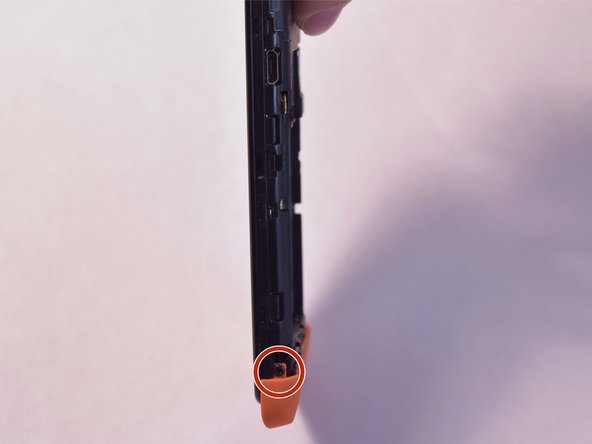
      • Remove the two 5mm T4 screws on the sides of the small orange plate.

      crwdns2952109:0crwdne2952109:0

      crwdns2917038:0crwdne2917038:0

    2. GeeksPhone Keon  Antenna Replacement: crwdns2935265:05crwdnd2935265:01crwdnd2935265:02crwdne2935265:0 GeeksPhone Keon  Antenna Replacement: crwdns2935265:05crwdnd2935265:02crwdnd2935265:02crwdne2935265:0
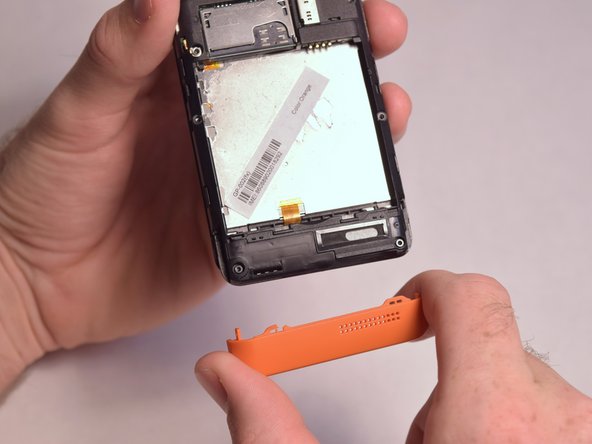
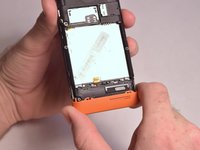
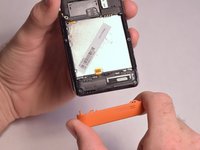
      • Gently remove the small orange plate by pulling it down.

      crwdns2952109:0crwdne2952109:0

      crwdns2917038:0crwdne2917038:0

    3. GeeksPhone Keon  Antenna Replacement: crwdns2935265:06crwdnd2935265:01crwdnd2935265:01crwdne2935265:0
      • Remove the following screws securing the back plate to the device:

      • Two silver 2mm T3 screws

      • Five black 3mm T3 screws

      crwdns2952109:0crwdne2952109:0

      crwdns2917038:0crwdne2917038:0

    4. GeeksPhone Keon  Antenna Replacement: crwdns2935265:07crwdnd2935265:01crwdnd2935265:03crwdne2935265:0 GeeksPhone Keon  Antenna Replacement: crwdns2935265:07crwdnd2935265:02crwdnd2935265:03crwdne2935265:0 GeeksPhone Keon  Antenna Replacement: crwdns2935265:07crwdnd2935265:03crwdnd2935265:03crwdne2935265:0
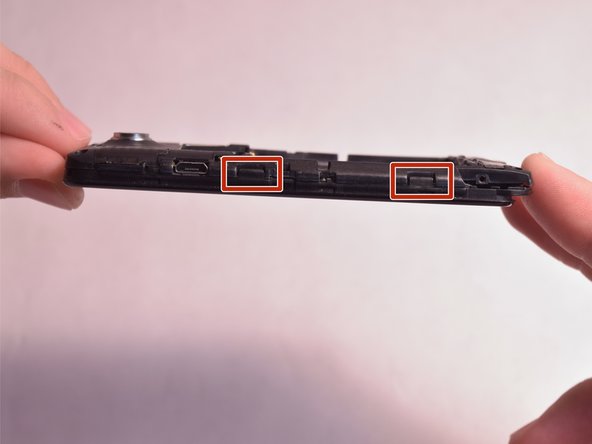
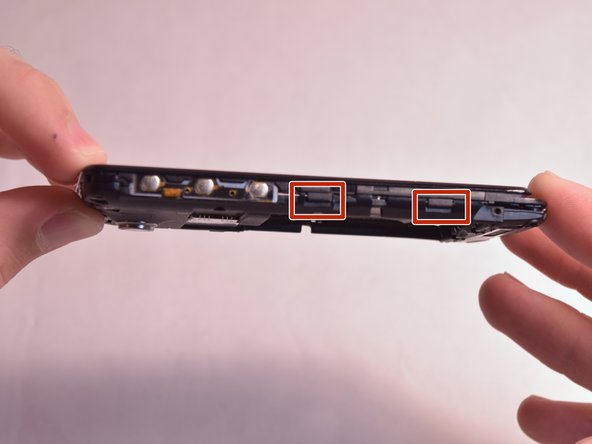
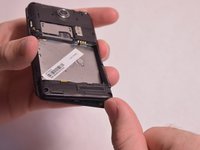
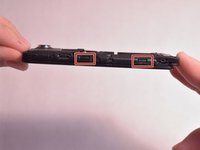
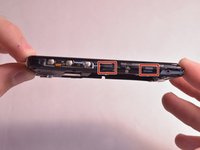
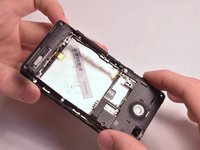
      • Slightly lift up the bottom corner of the backplate.

      • Release the four clips on both sides by pulling them away from the device.

      crwdns2952109:0crwdne2952109:0

      crwdns2917038:0crwdne2917038:0

    5. GeeksPhone Keon  Antenna Replacement: crwdns2935265:08crwdnd2935265:01crwdnd2935265:02crwdne2935265:0 GeeksPhone Keon  Antenna Replacement: crwdns2935265:08crwdnd2935265:02crwdnd2935265:02crwdne2935265:0
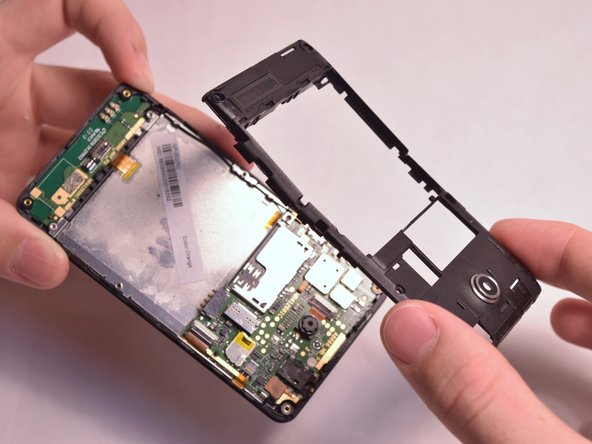
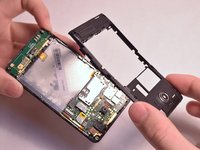
      • Lift the backplate away from the device.

      crwdns2952109:0crwdne2952109:0

      crwdns2917038:0crwdne2917038:0

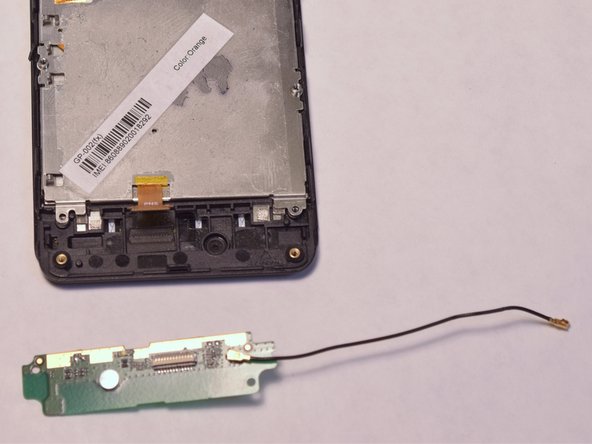
    1. GeeksPhone Keon  Antenna Replacement, Antenna: crwdns2935265:09crwdnd2935265:01crwdnd2935265:01crwdne2935265:0
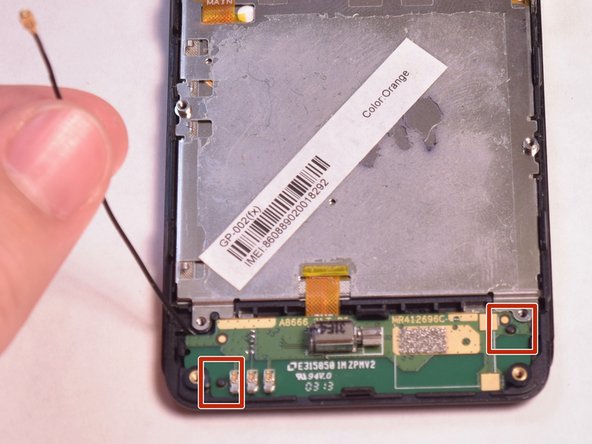
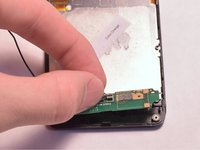
      • Unfasten the black wire from the metal clamps by hand and lift the black wire away from the device.

      • Unfasten the plastic clamps attached to the antenna.

      crwdns2952109:0crwdne2952109:0

      crwdns2917038:0crwdne2917038:0

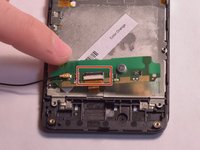
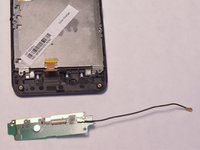
    2. GeeksPhone Keon  Antenna Replacement: crwdns2935265:010crwdnd2935265:01crwdnd2935265:03crwdne2935265:0 GeeksPhone Keon  Antenna Replacement: crwdns2935265:010crwdnd2935265:02crwdnd2935265:03crwdne2935265:0 GeeksPhone Keon  Antenna Replacement: crwdns2935265:010crwdnd2935265:03crwdnd2935265:03crwdne2935265:0
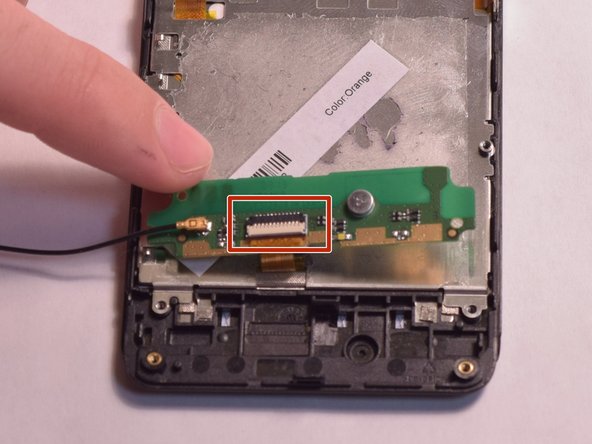
      • Gently lift the antenna and flip it over to reveal a ZIF connector on the back.

      • Flip up the small retaining flap on the ZIF connector and pull the ribbon cable out.

      crwdns2952109:0crwdne2952109:0

      crwdns2917038:0crwdne2917038:0

crwdns2915888:0crwdne2915888:0

To reassemble your device, follow these instructions in reverse order.

crwdns2935221:0crwdne2935221:0

Michael Moran

crwdns2935283:008/26/15crwdne2935283:0

116 crwdns2915208:0crwdne2915208:0

crwdns2935295:0crwdne2935295:0

crwdns2935287:0crwdne2935287:0

USF Tampa, Team 3-5, Eyestone Fall 2015 crwdns2935289:0USF Tampa, Team 3-5, Eyestone Fall 2015crwdne2935289:0

USFT-EYESTONE-F15S3G5

crwdns2931471:04crwdne2931471:0

crwdns2935297:072crwdne2935297:0

crwdns2947412:00crwdne2947412:0

crwdns2917038:0crwdne2917038:0

crwdns2936625:0crwdne2936625:0:

crwdns2936751:024crwdne2936751:0 7

crwdns2936753:07crwdne2936753:0 28

crwdns2936753:030crwdne2936753:0 65

crwdns2942667:0crwdne2942667:0 498