
Gateway MA6 Laptop RAM Replacement

crwdns2959932:0crwdnd2959932:0Chris Naughtoncrwdnd2959932:0crwdnd2959932:0crwdnd2959932:03crwdnd2959932:0crwdne2959932:0
crwdns2959936:0Kho 11, 2014crwdne2959936:0
crwdns2869540:0crwdne2869540:0: 1.7K
crwdns2959988:0crwdne2959988:0
- crwdns2959990:0crwdne2959990:0
- 3
- crwdns2959992:0crwdne2959992:0
- 24
- crwdns2959994:0crwdne2959994:0
- 97
- crwdns2959996:0crwdne2959996:0
- 1,738
crwdns2955950:0crwdne2955950:0: 0
crwdns2959998:0crwdne2959998:0
crwdns2960000:0crwdne2960000:0crwdns2959984:0crwdne2959984:0: 0 1
crwdns2959956:0crwdne2959956:0
crwdns2959968:01crwdne2959968:0
crwdns2959986:0crwdne2959986:0: 0 1
crwdns2959958:0crwdne2959958:0
crwdns2959976:01crwdne2959976:0
crwdns2915892:0crwdne2915892:0
crwdns2959928:0crwdne2959928:0 ↓The RAM in this laptop can be accessed easily with very little disassembly. There are two slots that both accept PC2-5300S RAM.
crwdns2959930:0crwdne2959930:0
crwdns2943215:0crwdne2943215:0

-
-
-
Make sure the switch in the upper right corner of the laptop is switched to the "unlock" position (toward the unlocked padlock icon).
 crwdns2952109:0crwdne2952109:0
-
-
-
Pull the switch on the upper lefthand corner of the laptop towards the unlocked padlock icon.
-
Firmly pull the battery outwards and away from the laptop.
-
-
-
-
-
-
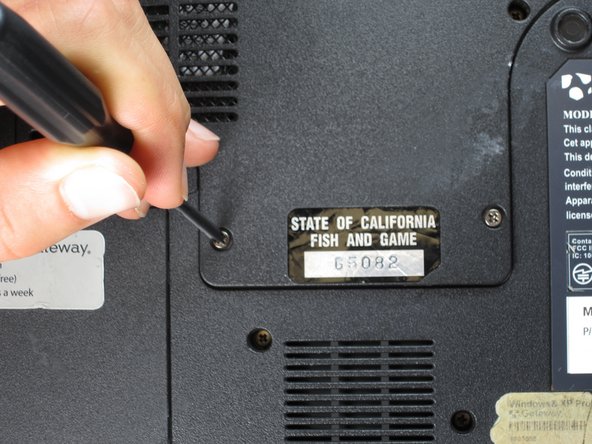
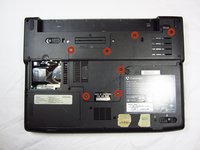
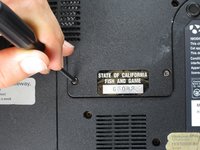
Remove the seven 6 mm Phillips #0 screws from the back of the case.
-
-
-
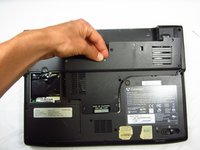
Pull upwards on the top of the back cover to remove it.
-
-
-
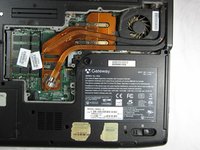
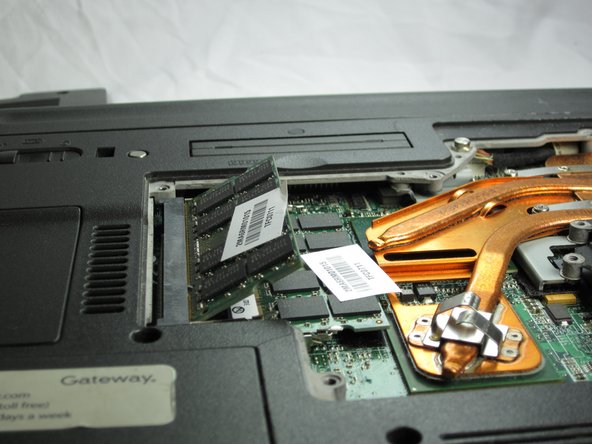
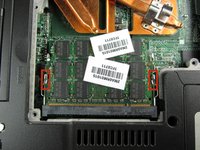
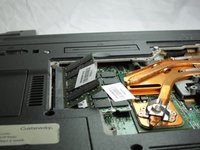
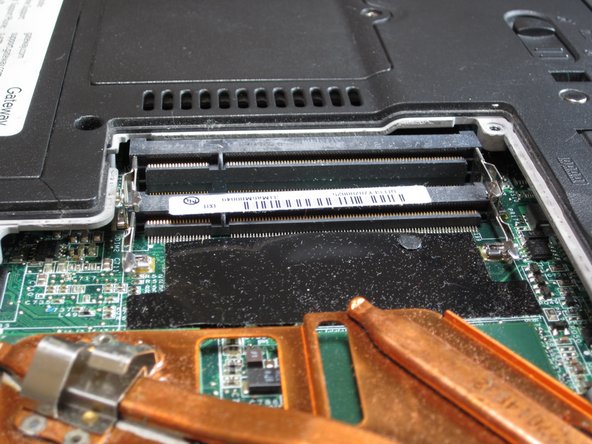
Pull outwards on the silver metal pins to release the upper RAM module.
-
-
-
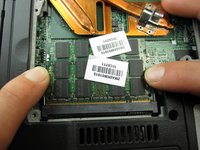
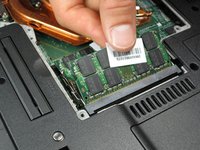
Firmly grasp the outer portion of the RAM module, and pull it outward to remove it from the port.
-
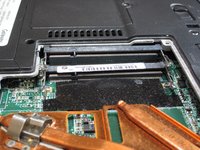
Repeat the same process for the lower RAM module.
-
-







To reassemble your device, follow these instructions in reverse order.

crwdns2935287:0crwdne2935287:0

Cal Poly, Team 6-2, Forte Spring 2014 crwdns2935289:0Cal Poly, Team 6-2, Forte Spring 2014crwdne2935289:0
CPSU-FORTE-S14S6G2
crwdns2931471:05crwdne2931471:0
crwdns2935297:0132crwdne2935297:0
