crwdns2933423:0crwdne2933423:0
crwdns2947577:0crwdnd2947577:0crwdne2947577:0

Fujifilm X30 Lens Replacement

crwdns2869540:0crwdne2869540:0: 6.5K

crwdns2959988:0crwdne2959988:0

crwdns2959990:0crwdne2959990:0
2
crwdns2959992:0crwdne2959992:0
30
crwdns2959994:0crwdne2959994:0
141
crwdns2959996:0crwdne2959996:0
6,512
crwdns2955950:0crwdne2955950:0: 1

crwdns2960002:01crwdne2960002:0.

crwdns2959984:0crwdne2959984:0: 4

crwdns2959974:04crwdne2959974:0

crwdns2959986:0crwdne2959986:0: 1

crwdns2959980:01crwdne2959980:0

crwdns2955944:0crwdne2955944:0: crwdns2931289:01crwdne2931289:0
crwdns2955970:0crwdne2955970:0: crwdns2937801:0crwdne2937801:0
Fujifilm X30 Lens Replacement

crwdns2915892:0crwdne2915892:0

crwdns2959928:0crwdne2959928:0 ↓

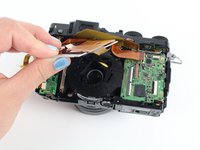
This guide shows how to replace a Fujifilm X30 lens that may be cracked or damaged.

crwdns2959930:0crwdne2959930:0

crwdns2943215:0crwdne2943215:0

    1. Fujifilm X30 Lens Replacement, Battery: crwdns2935265:01crwdnd2935265:01crwdnd2935265:02crwdne2935265:0 Fujifilm X30 Lens Replacement, Battery: crwdns2935265:01crwdnd2935265:02crwdnd2935265:02crwdne2935265:0
      • Turn the camera upside down.

      • Place your thumb on the switch, and slide it towards the center of the camera.

      • The compartment will pop open.

      crwdns2952109:0crwdne2952109:0

      crwdns2917038:0crwdne2917038:0

    2. Fujifilm X30 Lens Replacement: crwdns2935265:02crwdnd2935265:01crwdnd2935265:01crwdne2935265:0
      • Once you have the battery compartment open, slide the orange tab away from the battery until it ejects.

      crwdns2952109:0crwdne2952109:0

      crwdns2917038:0crwdne2917038:0

    3. Fujifilm X30 Lens Replacement: crwdns2935265:03crwdnd2935265:01crwdnd2935265:01crwdne2935265:0
      • Pull the battery out.

      crwdns2952109:0crwdne2952109:0

      crwdns2917038:0crwdne2917038:0

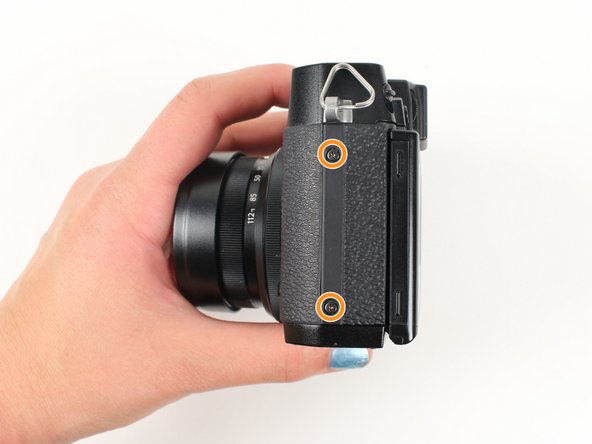
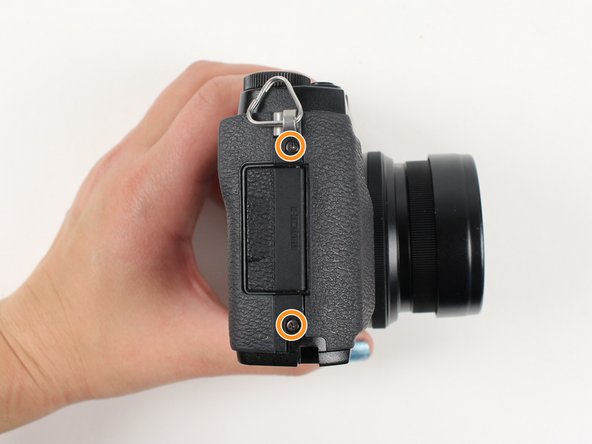
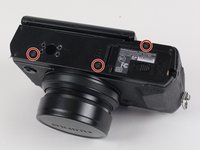
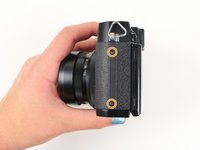
    1. Fujifilm X30 Lens Replacement, Lens: crwdns2935265:04crwdnd2935265:01crwdnd2935265:03crwdne2935265:0 Fujifilm X30 Lens Replacement, Lens: crwdns2935265:04crwdnd2935265:02crwdnd2935265:03crwdne2935265:0 Fujifilm X30 Lens Replacement, Lens: crwdns2935265:04crwdnd2935265:03crwdnd2935265:03crwdne2935265:0
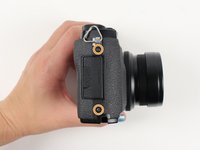
      • Begin by removing the outside screws using a Phillips #000 Screwdriver:

      • Remove the three 3.6 mm silver screws located on the bottom of the camera.

      • Remove all four of the 4.7 mm screws from the sides of the camera.

      crwdns2952109:0crwdne2952109:0

      crwdns2917038:0crwdne2917038:0

    2. Fujifilm X30 Lens Replacement: crwdns2935265:05crwdnd2935265:01crwdnd2935265:02crwdne2935265:0 Fujifilm X30 Lens Replacement: crwdns2935265:05crwdnd2935265:02crwdnd2935265:02crwdne2935265:0
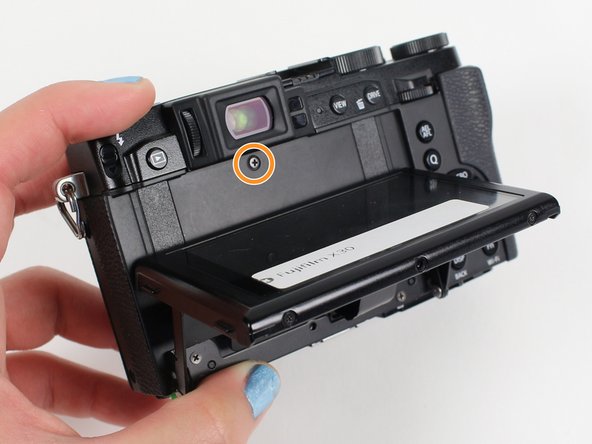
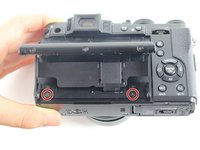
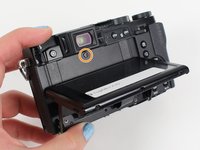
      • Remove all screws listed below using a Phillips #000 Screwdriver:

      • Lift up the screen and remove the two 4.5 mm screws located in the bottom corners.

      • Remove the 4.0 mm screw that is located behind the screen and directly under the eye piece.

      crwdns2952109:0crwdne2952109:0

      crwdns2917038:0crwdne2917038:0

    3. Fujifilm X30 Lens Replacement: crwdns2935265:06crwdnd2935265:01crwdnd2935265:01crwdne2935265:0
      • Carefully remove the bottom piece of the camera.

      crwdns2952109:0crwdne2952109:0

      crwdns2917038:0crwdne2917038:0

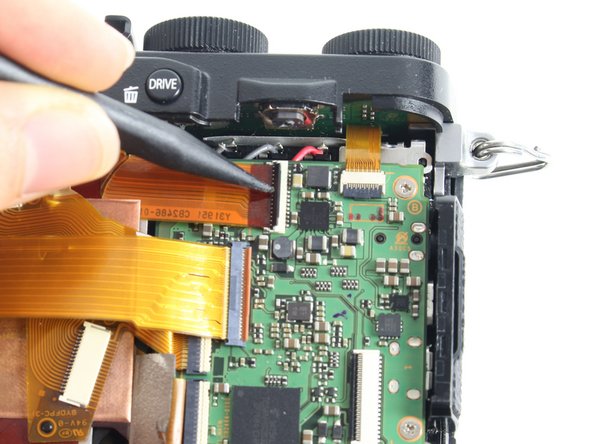
    4. Fujifilm X30 Lens Replacement: crwdns2935265:07crwdnd2935265:01crwdnd2935265:01crwdne2935265:0
      • Do not pull hard when removing the backing because it could rip the orange strip attached to the motherboard.

      • Gently pull off the back of the camera from the left side so that it is partially open.

      • Use a spudger to lift up the tab holding the orange strip and slide the strip out to disconnect it

      • Refer to the next step to see pictures of how to properly use the spudger when removing a strip.

      crwdns2952109:0crwdne2952109:0

      crwdns2917038:0crwdne2917038:0

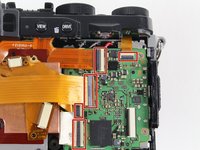
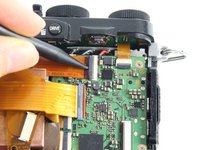
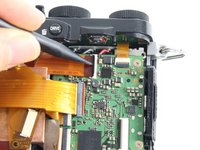
    5. Fujifilm X30 Lens Replacement: crwdns2935265:08crwdnd2935265:01crwdnd2935265:03crwdne2935265:0 Fujifilm X30 Lens Replacement: crwdns2935265:08crwdnd2935265:02crwdnd2935265:03crwdne2935265:0 Fujifilm X30 Lens Replacement: crwdns2935265:08crwdnd2935265:03crwdnd2935265:03crwdne2935265:0
      • For all five indicated orange strips:

      • Use a spudger to lift up the tab holding the orange strip and slide the strip out to disconnect it.

      crwdns2952109:0crwdne2952109:0

      crwdns2917038:0crwdne2917038:0

    6. Fujifilm X30 Lens Replacement: crwdns2935265:09crwdnd2935265:01crwdnd2935265:01crwdne2935265:0
      • For the final orange strip located behind the top strip:

      • Use a spudger to lift up the tab holding the orange strip and slide the strip out to disconnect it.

      crwdns2952109:0crwdne2952109:0

      crwdns2917038:0crwdne2917038:0

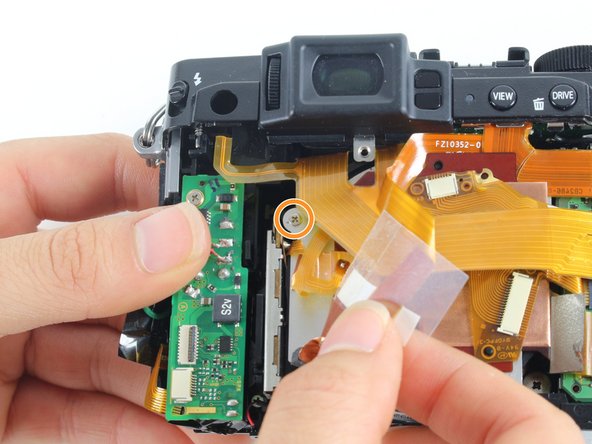
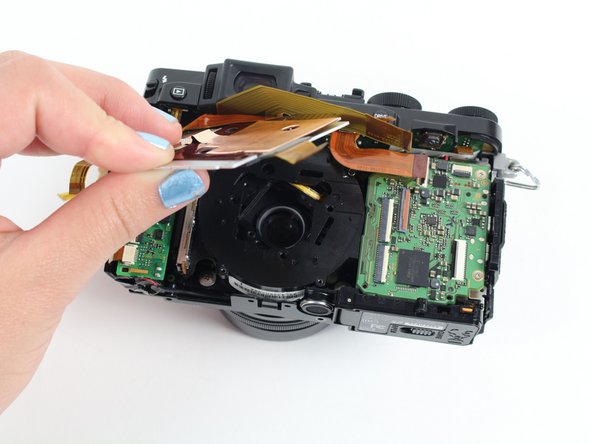
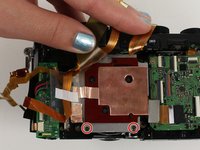
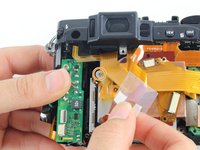
    7. Fujifilm X30 Lens Replacement: crwdns2935265:010crwdnd2935265:01crwdnd2935265:03crwdne2935265:0 Fujifilm X30 Lens Replacement: crwdns2935265:010crwdnd2935265:02crwdnd2935265:03crwdne2935265:0 Fujifilm X30 Lens Replacement: crwdns2935265:010crwdnd2935265:03crwdnd2935265:03crwdne2935265:0
      • Remove all screws listed below using a Phillips #000 Screwdriver:

      • Remove the two 3.4 mm screws at the bottom of the silver plate.

      • Peel back the clear strip to reveal a 2.8 mm screw on the left of the silver plate and remove it.

      • Peel back the copper plate.

      crwdns2952109:0crwdne2952109:0

      crwdns2917038:0crwdne2917038:0

    8. Fujifilm X30 Lens Replacement: crwdns2935265:011crwdnd2935265:01crwdnd2935265:01crwdne2935265:0
      • Remove the three 2.6 mm screws located in the top two corners and the bottom right corner of the motherboard using a Phillips #000 Screwdriver.

      • Lift the motherboard so it is out of your way to remove the lens.

      • You do not need to desolder the motherboard to reach the lens.

      crwdns2952109:0crwdne2952109:0

      crwdns2917038:0crwdne2917038:0

    9. Fujifilm X30 Lens Replacement: crwdns2935265:012crwdnd2935265:01crwdnd2935265:01crwdne2935265:0
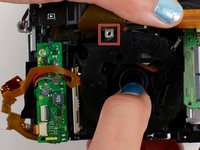
      • Remove the four 4.4 mm silver screws at the corners of the lens using a Phillips #000 Screwdriver.

      crwdns2952109:0crwdne2952109:0

      crwdns2917038:0crwdne2917038:0

    10. Fujifilm X30 Lens Replacement: crwdns2935265:013crwdnd2935265:01crwdnd2935265:02crwdne2935265:0 Fujifilm X30 Lens Replacement: crwdns2935265:013crwdnd2935265:02crwdnd2935265:02crwdne2935265:0
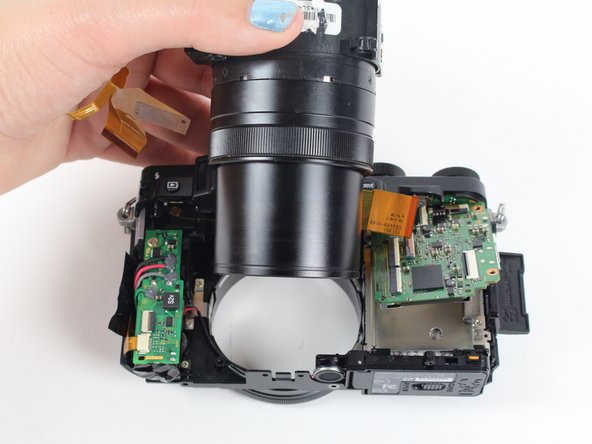
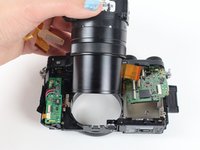
      • Pull the lens down so it can clear the silver tab.

      • Then push the lens with your index fingers from the front of the camera until it is removed.

      crwdns2952109:0crwdne2952109:0

      crwdns2917038:0crwdne2917038:0

crwdns2915888:0crwdne2915888:0

To reassemble your device, follow these instructions in reverse order.

crwdns2935221:0crwdne2935221:0

crwdns2935229:04crwdne2935229:0

Haley Moss

crwdns2935283:001/11/16crwdne2935283:0

370 crwdns2915208:0crwdne2915208:0

crwdns2935295:0crwdne2935295:0

crwdns2935287:0crwdne2935287:0

Cal Poly, Team 70-3, Forte Winter 2016 crwdns2935289:0Cal Poly, Team 70-3, Forte Winter 2016crwdne2935289:0

CPSU-FORTE-W16S70G3

crwdns2931471:05crwdne2931471:0

crwdns2935297:048crwdne2935297:0

crwdns2947412:00crwdne2947412:0

crwdns2917038:0crwdne2917038:0

crwdns2936625:0crwdne2936625:0:

crwdns2936751:024crwdne2936751:0 2

crwdns2936753:07crwdne2936753:0 30

crwdns2936753:030crwdne2936753:0 141

crwdns2959996:0crwdne2959996:0 6,512