crwdns2933423:0crwdne2933423:0
crwdns2947577:0crwdnd2947577:0crwdne2947577:0

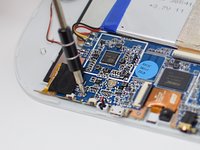
Ematic FunTab 3 Motherboard Replacement

crwdns2869540:0crwdne2869540:0: 729

crwdns2942659:0crwdne2942659:0

crwdns2942661:0crwdne2942661:0
1
crwdns2942663:0crwdne2942663:0
14
crwdns2942665:0crwdne2942665:0
55
crwdns2942667:0crwdne2942667:0
729
crwdns2955950:0crwdne2955950:0: 0

crwdns2942685:0crwdne2942685:0

crwdns2947416:0crwdne2947416:0
Completed: 0

crwdns2942687:0crwdne2942687:0

Favorites: 0

crwdns2942689:0crwdne2942689:0

crwdns2955944:0crwdne2955944:0: 30 - 45 crwdns2931279:0crwdne2931279:0
crwdns2955970:0crwdne2955970:0: crwdns2937801:0crwdne2937801:0
Ematic FunTab 3 Motherboard Replacement

crwdns2915892:0crwdne2915892:0

crwdns2942287:0crwdne2942287:0 ↓

If your device is not charging, turning on, and the volume is not working, and you have recently repaired the screen, speaker, and battery, then your motherboard will need to be replaced. This guide will show you the steps to removing the motherboard from your device.

crwdns2942213:0crwdne2942213:0

crwdns2943215:0crwdne2943215:0

    1. Ematic FunTab 3 Motherboard Replacement, Back Panel: crwdns2935265:01crwdnd2935265:01crwdnd2935265:03crwdne2935265:0 Ematic FunTab 3 Motherboard Replacement, Back Panel: crwdns2935265:01crwdnd2935265:02crwdnd2935265:03crwdne2935265:0 Ematic FunTab 3 Motherboard Replacement, Back Panel: crwdns2935265:01crwdnd2935265:03crwdnd2935265:03crwdne2935265:0
      • Turn off the device before starting

      • To prevent damage, open the device on the side without the buttons.

      • Insert the hooked end of the plastic opening tool in the gap between the screen and the back panel on the edge of the device.

      • Slide the plastic opening tool down the long side of the device.

      • Insert tool again and slide it down the long slide of the case a second time.

      crwdns2952109:0crwdne2952109:0

      crwdns2917038:0crwdne2917038:0

    2. Ematic FunTab 3 Motherboard Replacement: crwdns2935265:02crwdnd2935265:01crwdnd2935265:01crwdne2935265:0
      • Pull the back panel away from the screen.

      crwdns2952109:0crwdne2952109:0

      crwdns2917038:0crwdne2917038:0

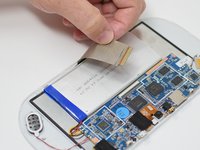
    1. Ematic FunTab 3 Motherboard Replacement, Battery: crwdns2935265:03crwdnd2935265:01crwdnd2935265:01crwdne2935265:0
      • Remove the black tape to reveal the wire ribbon connector.

      crwdns2952109:0crwdne2952109:0

      crwdns2917038:0crwdne2917038:0

    2. Ematic FunTab 3 Motherboard Replacement: crwdns2935265:04crwdnd2935265:01crwdnd2935265:03crwdne2935265:0 Ematic FunTab 3 Motherboard Replacement: crwdns2935265:04crwdnd2935265:02crwdnd2935265:03crwdne2935265:0 Ematic FunTab 3 Motherboard Replacement: crwdns2935265:04crwdnd2935265:03crwdnd2935265:03crwdne2935265:0
      crwdns2935267:0crwdne2935267:0
      Tweezers
      $4.99
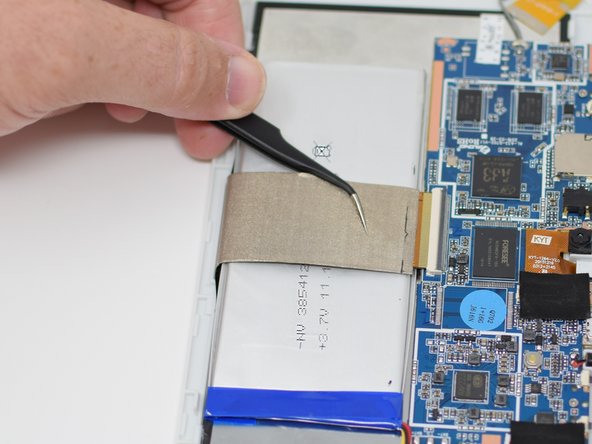
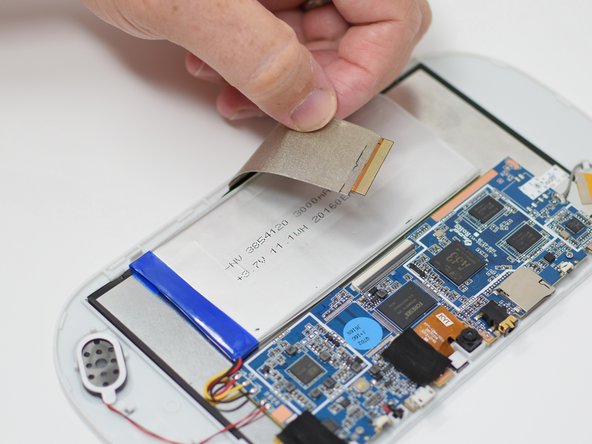
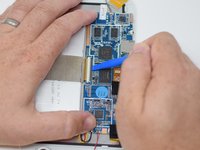
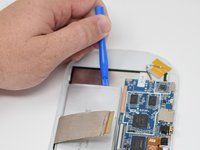
      • Flip up the black retaining tab using the plastic opening tool.

      • Pull out the large wire ribbon that crosses over the battery.

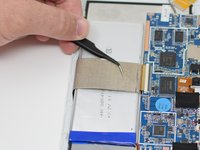
      • You may need tweezers to pull out the wire ribbon.

      crwdns2952109:0crwdne2952109:0

      crwdns2917038:0crwdne2917038:0

    3. Ematic FunTab 3 Motherboard Replacement: crwdns2935265:05crwdnd2935265:01crwdnd2935265:03crwdne2935265:0 Ematic FunTab 3 Motherboard Replacement: crwdns2935265:05crwdnd2935265:02crwdnd2935265:03crwdne2935265:0 Ematic FunTab 3 Motherboard Replacement: crwdns2935265:05crwdnd2935265:03crwdnd2935265:03crwdne2935265:0
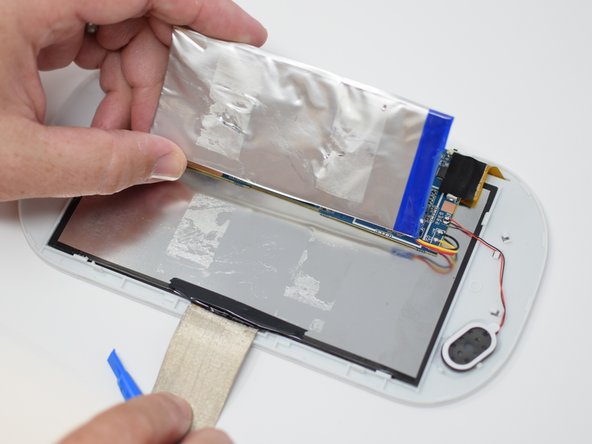
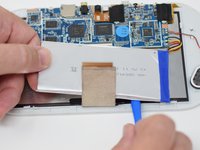
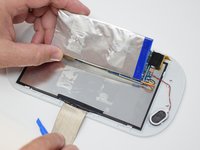
      • Insert the plastic opening tool under the battery.

      • Using the plastic opening tool, pry up the battery.

      • There is tape on the back of the battery. Some more force may be required to separate the battery from the back of the display.

      crwdns2952109:0crwdne2952109:0

      crwdns2917038:0crwdne2917038:0

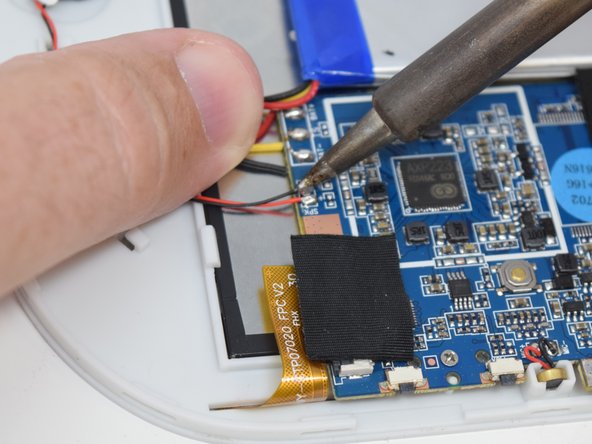
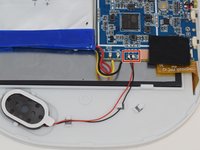
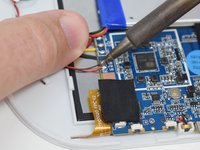
    4. Ematic FunTab 3 Motherboard Replacement: crwdns2935265:06crwdnd2935265:01crwdnd2935265:02crwdne2935265:0 Ematic FunTab 3 Motherboard Replacement: crwdns2935265:06crwdnd2935265:02crwdnd2935265:02crwdne2935265:0
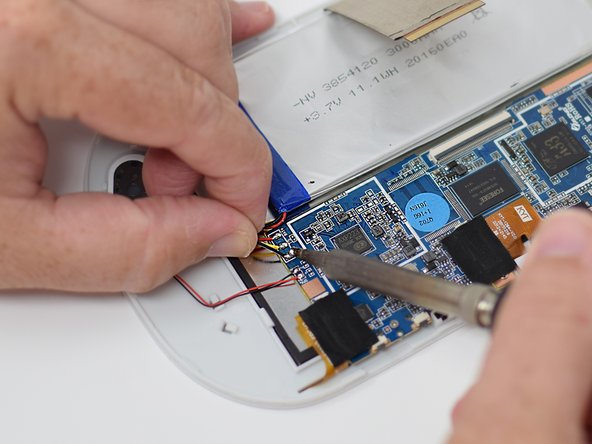
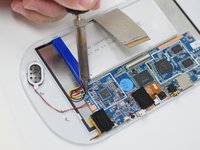
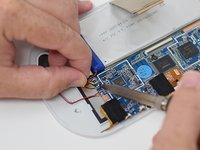
      • Remove the wires from the motherboard using a soldering iron tool. Here is a link on How To Solder and Desolder Connections.

      • After the connections are desoldered, remove the battery.

      • Close the black ribbon retaining tabs once ribbons are inserted during reassembly.

      crwdns2952109:0crwdne2952109:0

      crwdns2917038:0crwdne2917038:0

    1. Ematic FunTab 3 Motherboard Replacement, Speaker: crwdns2935265:07crwdnd2935265:01crwdnd2935265:02crwdne2935265:0 Ematic FunTab 3 Motherboard Replacement, Speaker: crwdns2935265:07crwdnd2935265:02crwdnd2935265:02crwdne2935265:0
      crwdns2952109:0crwdne2952109:0

      crwdns2917038:0crwdne2917038:0

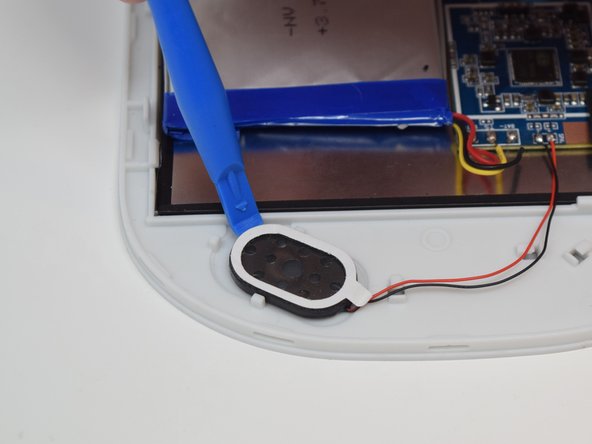
    2. Ematic FunTab 3 Motherboard Replacement: crwdns2935265:08crwdnd2935265:01crwdnd2935265:03crwdne2935265:0 Ematic FunTab 3 Motherboard Replacement: crwdns2935265:08crwdnd2935265:02crwdnd2935265:03crwdne2935265:0 Ematic FunTab 3 Motherboard Replacement: crwdns2935265:08crwdnd2935265:03crwdnd2935265:03crwdne2935265:0
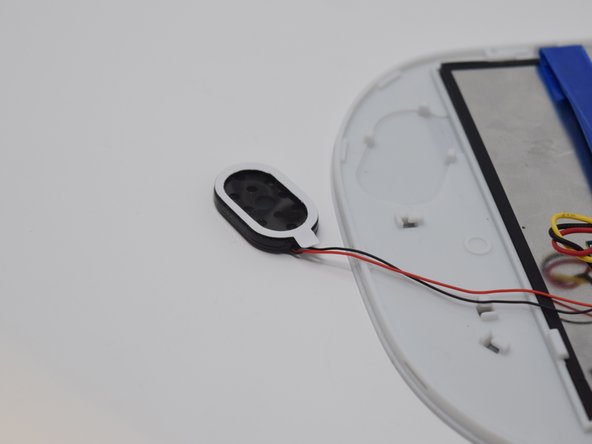
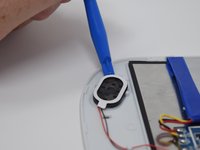
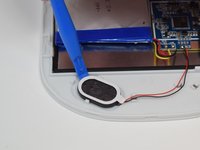
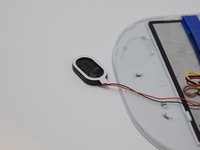
      • After the connections are desoldered, remove the speaker by prying it up using a plastic opening tool.

      • There is glue on the back of the speaker. Some more force may be required.

      crwdns2952109:0crwdne2952109:0

      crwdns2917038:0crwdne2917038:0

    1. Ematic FunTab 3 Motherboard Replacement, Camera: crwdns2935265:09crwdnd2935265:01crwdnd2935265:02crwdne2935265:0 Ematic FunTab 3 Motherboard Replacement, Camera: crwdns2935265:09crwdnd2935265:02crwdnd2935265:02crwdne2935265:0
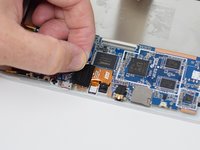
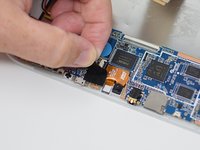
      • Remove the black tape to reveal the wire ribbon connector.

      crwdns2952109:0crwdne2952109:0

      crwdns2917038:0crwdne2917038:0

    2. Ematic FunTab 3 Motherboard Replacement: crwdns2935265:010crwdnd2935265:01crwdnd2935265:01crwdne2935265:0
      • Use the plastic opening tool to flip up the black retaining tab.

      crwdns2952109:0crwdne2952109:0

      crwdns2917038:0crwdne2917038:0

    3. Ematic FunTab 3 Motherboard Replacement: crwdns2935265:011crwdnd2935265:01crwdnd2935265:02crwdne2935265:0 Ematic FunTab 3 Motherboard Replacement: crwdns2935265:011crwdnd2935265:02crwdnd2935265:02crwdne2935265:0
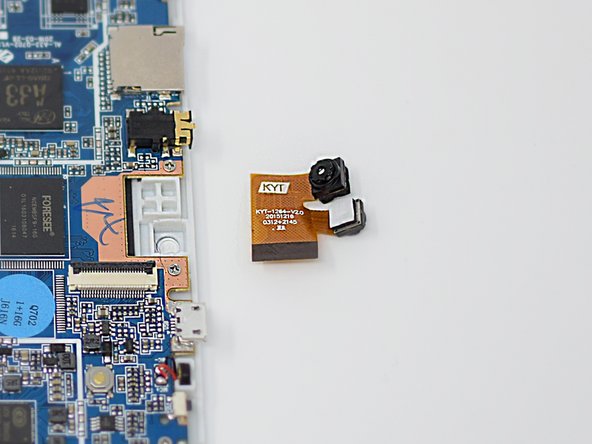
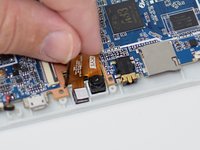
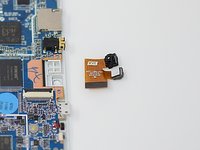
      • Pull out the wire ribbon connected to the camera.

      • The camera is held in place by glue, so extra force may be required.

      • Remove the camera from the device.

      • Close the black ribbon retaining tabs once ribbons are inserted during reassembly.

      crwdns2952109:0crwdne2952109:0

      crwdns2917038:0crwdne2917038:0

    1. Ematic FunTab 3 Motherboard Replacement, Motherboard: crwdns2935265:012crwdnd2935265:01crwdnd2935265:01crwdne2935265:0
      • Remove the black tape to reveal the screen connector.

      crwdns2952109:0crwdne2952109:0

      crwdns2917038:0crwdne2917038:0

    2. Ematic FunTab 3 Motherboard Replacement: crwdns2935265:013crwdnd2935265:01crwdnd2935265:02crwdne2935265:0 Ematic FunTab 3 Motherboard Replacement: crwdns2935265:013crwdnd2935265:02crwdnd2935265:02crwdne2935265:0
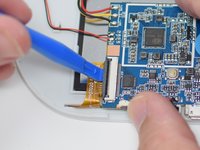
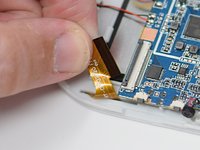
      • Flip up the retaining tab using the plastic opening tool.

      • Pull out the screen wire ribbon to disconnect the screen and motherboard.

      crwdns2952109:0crwdne2952109:0

      crwdns2917038:0crwdne2917038:0

    3. Ematic FunTab 3 Motherboard Replacement: crwdns2935265:014crwdnd2935265:01crwdnd2935265:02crwdne2935265:0 Ematic FunTab 3 Motherboard Replacement: crwdns2935265:014crwdnd2935265:02crwdnd2935265:02crwdne2935265:0
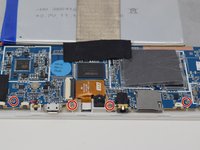
      • Using a PH 00 screwdriver, remove the four 4.5 mm screws that are holding the motherboard in place.

      crwdns2952109:0crwdne2952109:0

      crwdns2917038:0crwdne2917038:0

    4. Ematic FunTab 3 Motherboard Replacement: crwdns2935265:015crwdnd2935265:01crwdnd2935265:01crwdne2935265:0
      • It is now safe to remove and replace the old motherboard with your new motherboard.

      • Close the black ribbon retaining tabs once ribbons are inserted during reassembly.

      crwdns2952109:0crwdne2952109:0

      crwdns2917038:0crwdne2917038:0

crwdns2915888:0crwdne2915888:0

To reassemble your device, follow these instructions in reverse order.

crwdns2935221:0crwdne2935221:0

Amanda Davis

crwdns2935283:007/11/18crwdne2935283:0

581 crwdns2915208:0crwdne2915208:0

crwdns2935297:05crwdne2935297:0

crwdns2935287:0crwdne2935287:0

UW Tacoma, Team S1-G5, Cardinal Summer 2018 crwdns2935289:0UW Tacoma, Team S1-G5, Cardinal Summer 2018crwdne2935289:0

UWT-CARDINAL-SU18S1G5

crwdns2931471:04crwdne2931471:0

crwdns2935297:072crwdne2935297:0

crwdns2947412:00crwdne2947412:0

crwdns2917038:0crwdne2917038:0

crwdns2936625:0crwdne2936625:0:

crwdns2936751:024crwdne2936751:0 1

crwdns2936753:07crwdne2936753:0 14

crwdns2936753:030crwdne2936753:0 55

crwdns2942667:0crwdne2942667:0 729