crwdns2933423:0crwdne2933423:0
crwdns2947577:0crwdnd2947577:0crwdne2947577:0

Disassembling Samsung Galaxy Ace Logic Board

crwdns2942213:0crwdne2942213:0

    1. Disassembling Samsung Galaxy Ace Logic Board, Logic Board: crwdns2935265:01crwdnd2935265:01crwdnd2935265:02crwdne2935265:0 Disassembling Samsung Galaxy Ace Logic Board, Logic Board: crwdns2935265:01crwdnd2935265:02crwdnd2935265:02crwdne2935265:0
      • Remove the battery cover and the battery

      crwdns2952109:0crwdne2952109:0

      crwdns2917038:0crwdne2917038:0

    2. Disassembling Samsung Galaxy Ace Logic Board: crwdns2935265:02crwdnd2935265:01crwdnd2935265:02crwdne2935265:0 Disassembling Samsung Galaxy Ace Logic Board: crwdns2935265:02crwdnd2935265:02crwdnd2935265:02crwdne2935265:0
      • Remove the 7 silver screws with a Phillips #000 screw driver.

      • Sometimes the green one could be a little difficult. Use a tweezer for get it out.

      crwdns2952109:0crwdne2952109:0

      crwdns2917038:0crwdne2917038:0

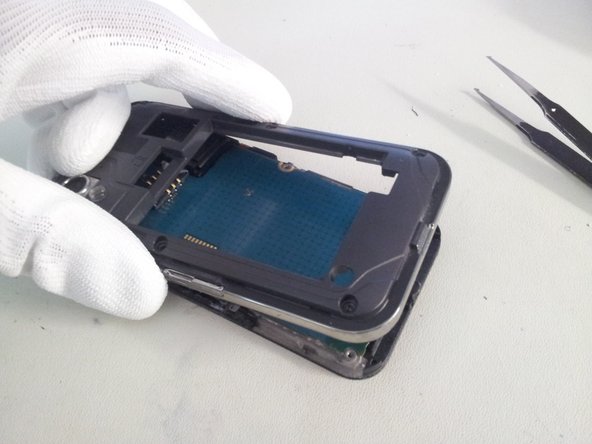
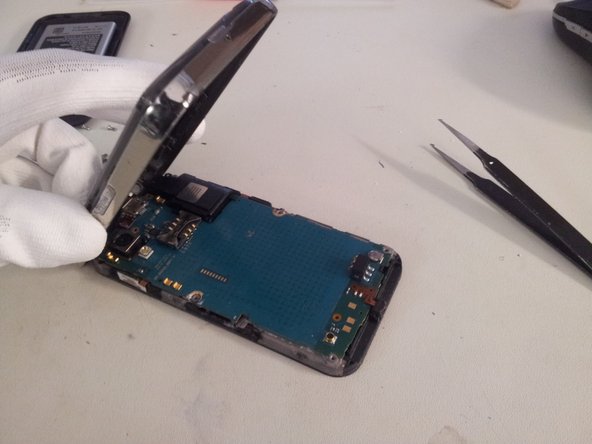
    3. Disassembling Samsung Galaxy Ace Logic Board: crwdns2935265:03crwdnd2935265:01crwdnd2935265:03crwdne2935265:0 Disassembling Samsung Galaxy Ace Logic Board: crwdns2935265:03crwdnd2935265:02crwdnd2935265:03crwdne2935265:0 Disassembling Samsung Galaxy Ace Logic Board: crwdns2935265:03crwdnd2935265:03crwdnd2935265:03crwdne2935265:0
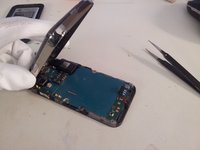
      • Lift gently the back cover from the screen assembly from the bottom.

      crwdns2952109:0crwdne2952109:0

      crwdns2917038:0crwdne2917038:0

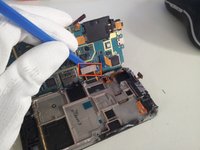
    4. Disassembling Samsung Galaxy Ace Logic Board: crwdns2935265:04crwdnd2935265:01crwdnd2935265:02crwdne2935265:0 Disassembling Samsung Galaxy Ace Logic Board: crwdns2935265:04crwdnd2935265:02crwdnd2935265:02crwdne2935265:0
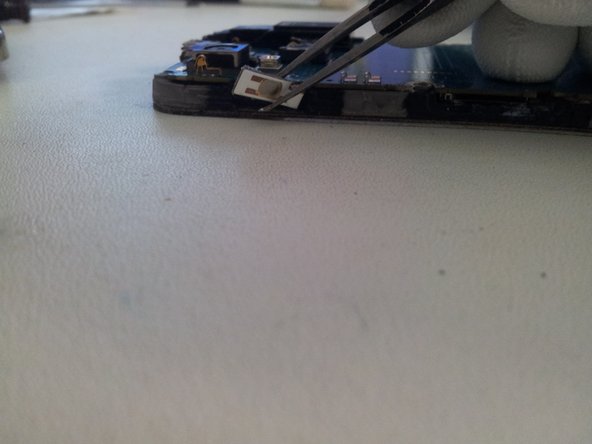
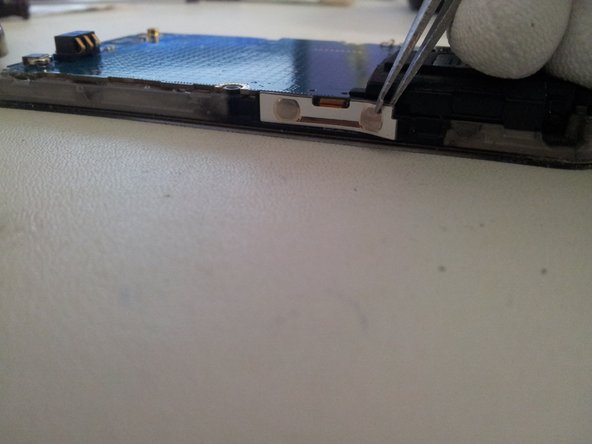
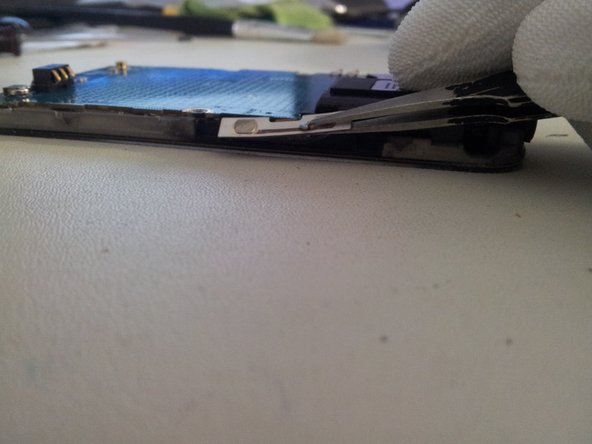
      • Use a flat tweezer for take off the flexible on/off button from the frame.

      • Be careful, the flexible is very delicate; it could be cut if you go too fast.

      crwdns2952109:0crwdne2952109:0

      crwdns2917038:0crwdne2917038:0

    5. Disassembling Samsung Galaxy Ace Logic Board: crwdns2935265:05crwdnd2935265:01crwdnd2935265:03crwdne2935265:0 Disassembling Samsung Galaxy Ace Logic Board: crwdns2935265:05crwdnd2935265:02crwdnd2935265:03crwdne2935265:0 Disassembling Samsung Galaxy Ace Logic Board: crwdns2935265:05crwdnd2935265:03crwdnd2935265:03crwdne2935265:0
      • Use a flat tweezer and take off gently Flexible volume button from the left side.

      • Do the same for the right side.

      • Then lift the flex slowly, if you go fast you may cut the cable.

      crwdns2952109:0crwdne2952109:0

      crwdns2917038:0crwdne2917038:0

    6. Disassembling Samsung Galaxy Ace Logic Board: crwdns2935265:06crwdnd2935265:01crwdnd2935265:01crwdne2935265:0
      • Lift the microphone from the logic board.

      crwdns2952109:0crwdne2952109:0

      crwdns2917038:0crwdne2917038:0

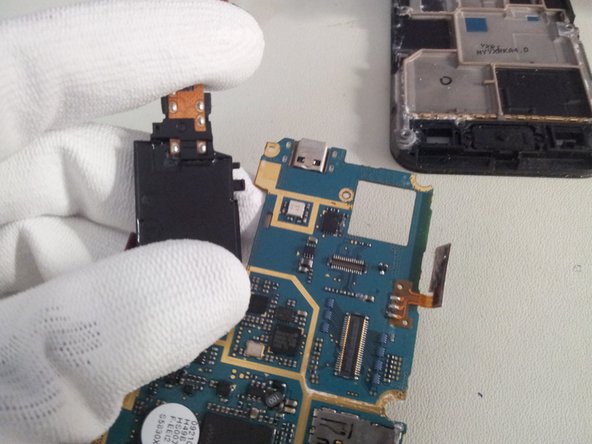
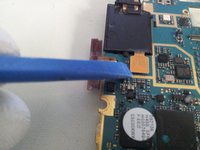
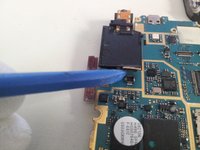
    7. Disassembling Samsung Galaxy Ace Logic Board: crwdns2935265:07crwdnd2935265:01crwdnd2935265:03crwdne2935265:0 Disassembling Samsung Galaxy Ace Logic Board: crwdns2935265:07crwdnd2935265:02crwdnd2935265:03crwdne2935265:0 Disassembling Samsung Galaxy Ace Logic Board: crwdns2935265:07crwdnd2935265:03crwdnd2935265:03crwdne2935265:0
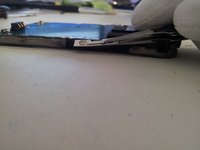
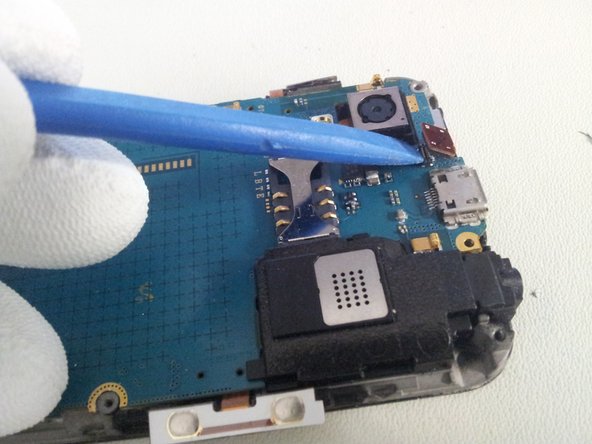
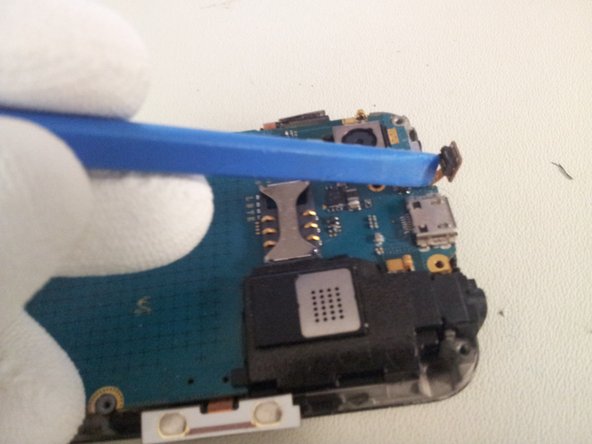
      • Lift the sensor/earpiece cable with the opening tool.

      • Don't force, you may damage the soldering.

      crwdns2952109:0crwdne2952109:0

      crwdns2917038:0crwdne2917038:0

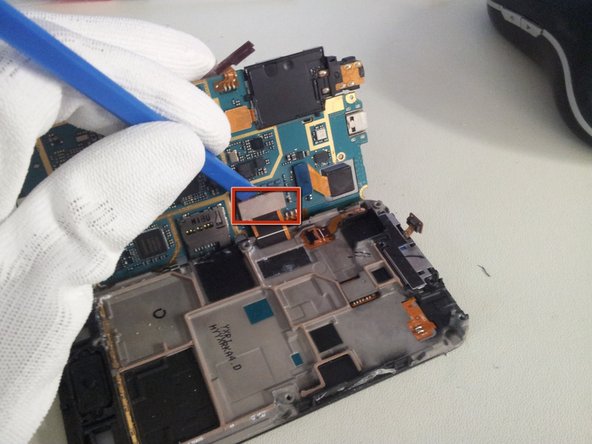
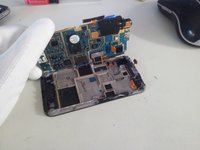
    8. Disassembling Samsung Galaxy Ace Logic Board: crwdns2935265:08crwdnd2935265:01crwdnd2935265:03crwdne2935265:0 Disassembling Samsung Galaxy Ace Logic Board: crwdns2935265:08crwdnd2935265:02crwdnd2935265:03crwdne2935265:0 Disassembling Samsung Galaxy Ace Logic Board: crwdns2935265:08crwdnd2935265:03crwdnd2935265:03crwdne2935265:0
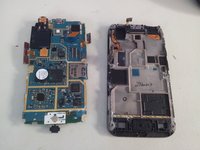
      • Lift the logic board from the right side.

      • Use the removal tool to unplug the display cable from the logic board.

      • You can now separate the Logic board from the display assembly.

      crwdns2952109:0crwdne2952109:0

      crwdns2917038:0crwdne2917038:0

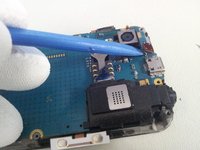
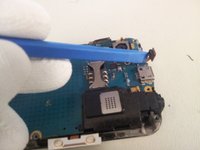
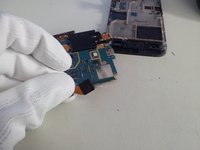
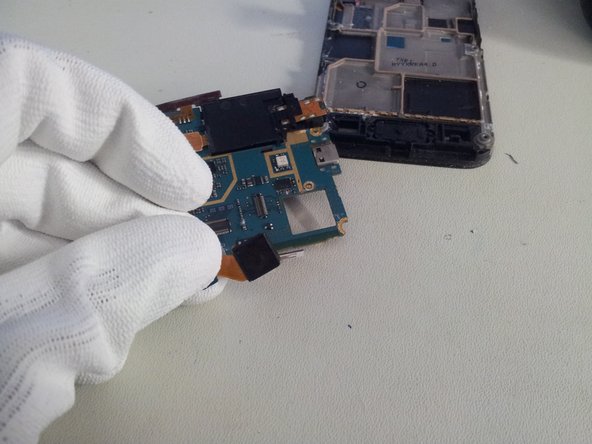
    9. Disassembling Samsung Galaxy Ace Logic Board: crwdns2935265:09crwdnd2935265:01crwdnd2935265:02crwdne2935265:0 Disassembling Samsung Galaxy Ace Logic Board: crwdns2935265:09crwdnd2935265:02crwdnd2935265:02crwdne2935265:0
      • Use the removal tool to unclip the camera module from the Logic board.

      crwdns2952109:0crwdne2952109:0

      crwdns2917038:0crwdne2917038:0

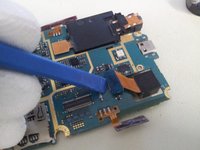
    10. Disassembling Samsung Galaxy Ace Logic Board: crwdns2935265:010crwdnd2935265:01crwdnd2935265:03crwdne2935265:0 Disassembling Samsung Galaxy Ace Logic Board: crwdns2935265:010crwdnd2935265:02crwdnd2935265:03crwdne2935265:0 Disassembling Samsung Galaxy Ace Logic Board: crwdns2935265:010crwdnd2935265:03crwdnd2935265:03crwdne2935265:0
      • Use the removal tool or a spudger to unplug speaker module cable

      • And separate the speaker module from Logic board.

      • Be caution, the module is fixed by plastic teeth to the Logic board. Don't force, just make little wave-movements and the speaker comes on his own.

      crwdns2952109:0crwdne2952109:0

      crwdns2917038:0crwdne2917038:0

    11. Disassembling Samsung Galaxy Ace Logic Board: crwdns2935265:011crwdnd2935265:01crwdnd2935265:01crwdne2935265:0
      • Now you can work with the Logic board.

      crwdns2952109:0crwdne2952109:0

      crwdns2917038:0crwdne2917038:0

crwdns2915888:0crwdne2915888:0

To reassemble your device, follow these instructions in reverse order.

crwdns2935221:0crwdne2935221:0

crwdns2935229:034crwdne2935229:0

finster

crwdns2935283:008/17/11crwdne2935283:0

1 986 crwdns2915208:0crwdne2915208:0

crwdns2935295:0crwdne2935295:0

crwdns2947412:02crwdne2947412:0

Thanks for the post. This is really Helpful

Dave Dayanan - crwdns2934203:0crwdne2934203:0 crwdns2950251:0crwdne2950251:0

im curently selling one thx to you

Kyle at work - crwdns2934203:0crwdne2934203:0 crwdns2950251:0crwdne2950251:0
crwdns2917038:0crwdne2917038:0

crwdns2936625:0crwdne2936625:0:

crwdns2936751:024crwdne2936751:0 1

crwdns2936753:07crwdne2936753:0 15

crwdns2936753:030crwdne2936753:0 51

crwdns2942667:0crwdne2942667:0 27,536