crwdns2933423:0crwdne2933423:0
crwdns2947577:0crwdnd2947577:0crwdne2947577:0

Disassembling Kodak Advantix F350 Front Cover

crwdns2942213:0crwdne2942213:0

    1. Disassembling Kodak Advantix F350 Front Cover, Back Cover: crwdns2935265:01crwdnd2935265:01crwdnd2935265:01crwdne2935265:0
      • Turn off the camera.

      • Locate the power switch on the front of the camera below the camera lens.

      • Slide the switch to the off position.

      crwdns2952109:0crwdne2952109:0

      crwdns2917038:0crwdne2917038:0

    2. Disassembling Kodak Advantix F350 Front Cover: crwdns2935265:02crwdnd2935265:01crwdnd2935265:02crwdne2935265:0 Disassembling Kodak Advantix F350 Front Cover: crwdns2935265:02crwdnd2935265:02crwdnd2935265:02crwdne2935265:0
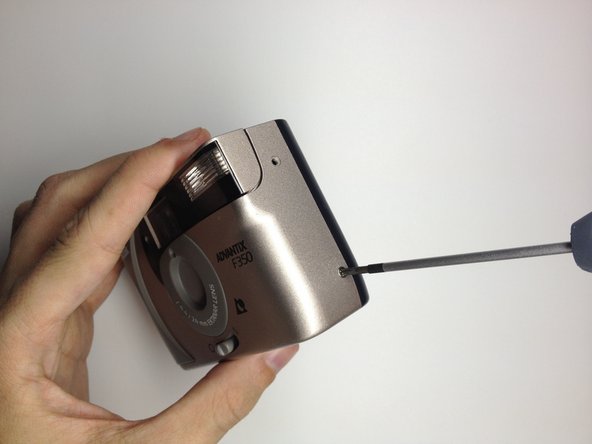
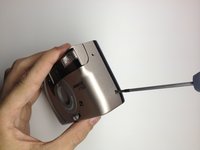
      • Locate the 3 screws that hold the back cover to the camera.

      • One screw is located on the film opener side of the camera.

      • The other screws are located on the opposite side of the camera.

      crwdns2952109:0crwdne2952109:0

      crwdns2917038:0crwdne2917038:0

    3. Disassembling Kodak Advantix F350 Front Cover: crwdns2935265:03crwdnd2935265:01crwdnd2935265:03crwdne2935265:0 Disassembling Kodak Advantix F350 Front Cover: crwdns2935265:03crwdnd2935265:02crwdnd2935265:03crwdne2935265:0 Disassembling Kodak Advantix F350 Front Cover: crwdns2935265:03crwdnd2935265:03crwdnd2935265:03crwdne2935265:0
      • Use the Phillips #00 Precision Screwdriver and remove the screws on the back cover.

      crwdns2952109:0crwdne2952109:0

      crwdns2917038:0crwdne2917038:0

    4. Disassembling Kodak Advantix F350 Front Cover: crwdns2935265:04crwdnd2935265:01crwdnd2935265:02crwdne2935265:0 Disassembling Kodak Advantix F350 Front Cover: crwdns2935265:04crwdnd2935265:02crwdnd2935265:02crwdne2935265:0
      • Open the film door to remove the back cover.

      • Slide the film door lever to the left until the film door opens.

      crwdns2952109:0crwdne2952109:0

      crwdns2917038:0crwdne2917038:0

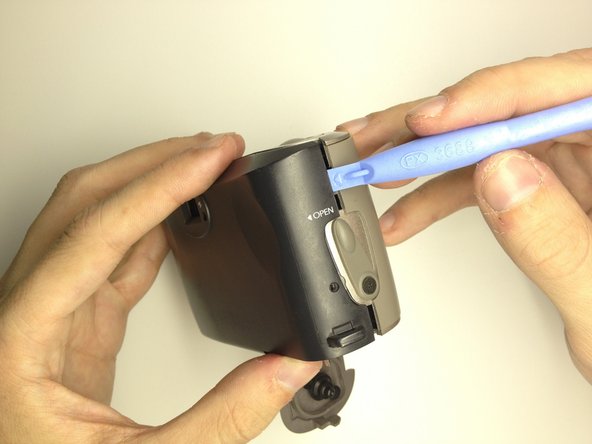
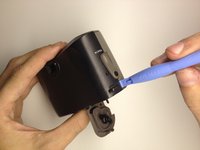
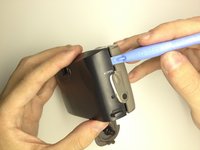
    5. Disassembling Kodak Advantix F350 Front Cover: crwdns2935265:05crwdnd2935265:01crwdnd2935265:02crwdne2935265:0 Disassembling Kodak Advantix F350 Front Cover: crwdns2935265:05crwdnd2935265:02crwdnd2935265:02crwdne2935265:0
      • Use a plastic opening tool to pry the case open until a small gap is present.

      • Repeat this process at the top and bottom of the film door to loosen it.

      crwdns2952109:0crwdne2952109:0

      crwdns2917038:0crwdne2917038:0

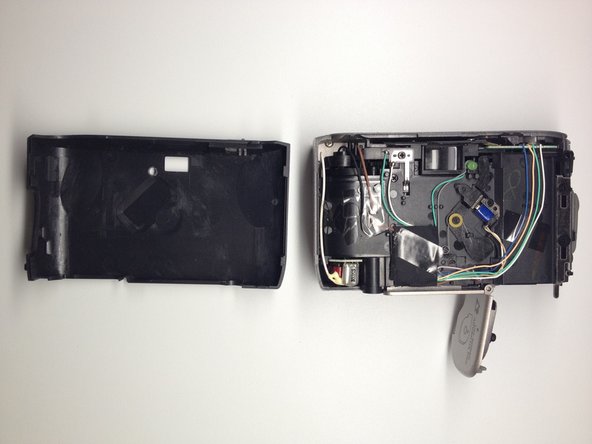
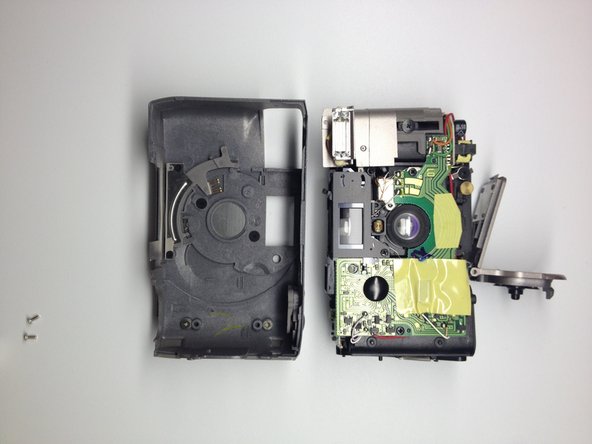
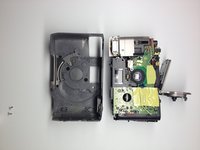
    6. Disassembling Kodak Advantix F350 Front Cover: crwdns2935265:06crwdnd2935265:01crwdnd2935265:03crwdne2935265:0 Disassembling Kodak Advantix F350 Front Cover: crwdns2935265:06crwdnd2935265:02crwdnd2935265:03crwdne2935265:0 Disassembling Kodak Advantix F350 Front Cover: crwdns2935265:06crwdnd2935265:03crwdnd2935265:03crwdne2935265:0
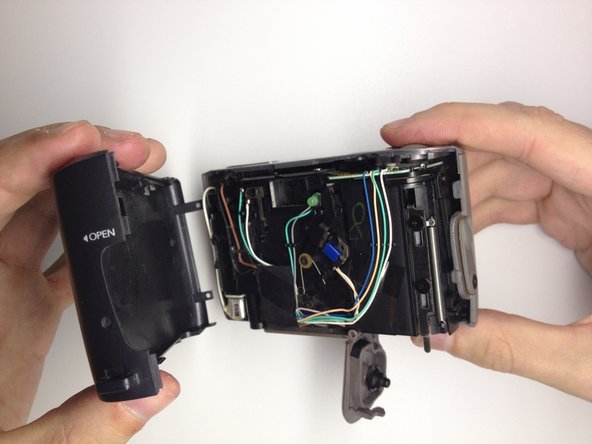
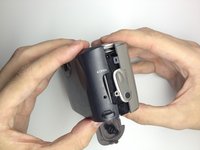
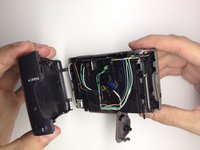
      • Grab the top and bottom of the case firmly as shown.

      • Gently remove the back of the camera case with a slight twisting motion.

      crwdns2952109:0crwdne2952109:0

      crwdns2917038:0crwdne2917038:0

    1. Disassembling Kodak Advantix F350 Front Cover, Front Cover: crwdns2935265:07crwdnd2935265:01crwdnd2935265:02crwdne2935265:0 Disassembling Kodak Advantix F350 Front Cover, Front Cover: crwdns2935265:07crwdnd2935265:02crwdnd2935265:02crwdne2935265:0
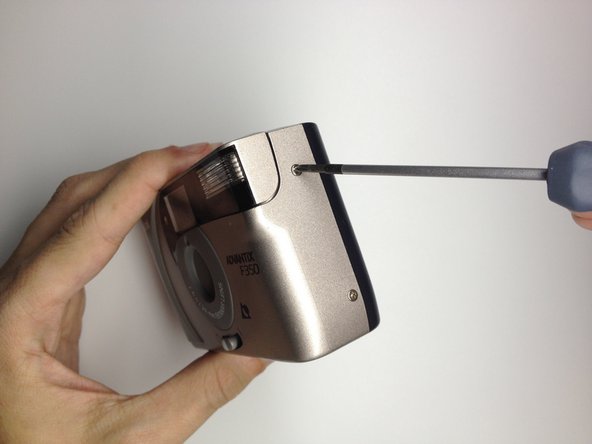
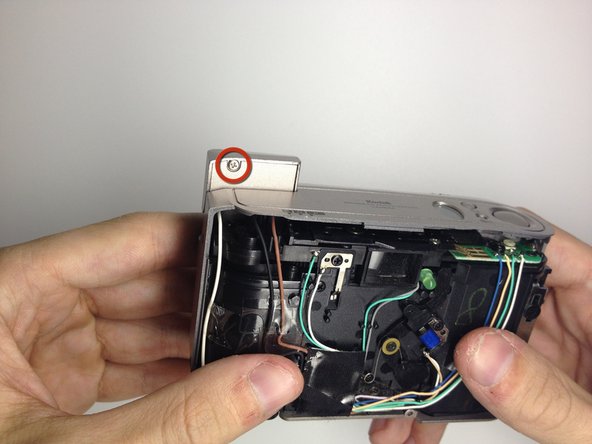
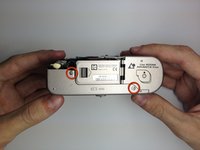
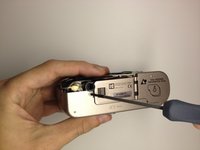
      • Locate the 3 screws on the camera that hold the front cover of the camera to the camera body.

      • The first 2 are located on the bottom of the camera.

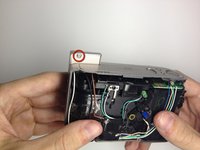
      • The last screw is located behind the flash module.

      • Turn the camera on, and raise the flash module to locate the flash module screw.

      crwdns2952109:0crwdne2952109:0

      crwdns2917038:0crwdne2917038:0

    2. Disassembling Kodak Advantix F350 Front Cover: crwdns2935265:08crwdnd2935265:01crwdnd2935265:02crwdne2935265:0 Disassembling Kodak Advantix F350 Front Cover: crwdns2935265:08crwdnd2935265:02crwdnd2935265:02crwdne2935265:0
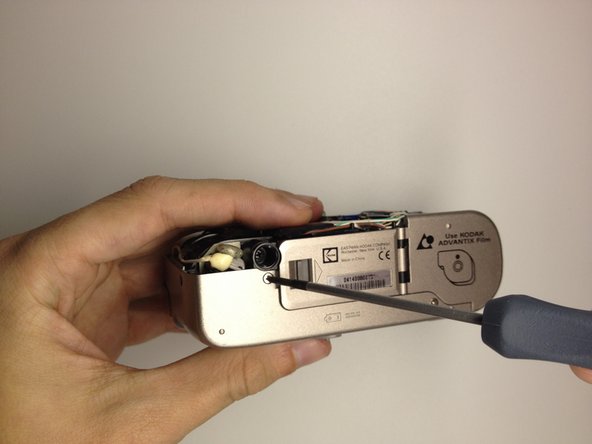
      • Remove the 2 screws at the base of the camera housing.

      • Use the Phillips #00 Precision Screwdriver and remove the screws.

      • Repeat this process for the screw behind the flash module.

      crwdns2952109:0crwdne2952109:0

      crwdns2917038:0crwdne2917038:0

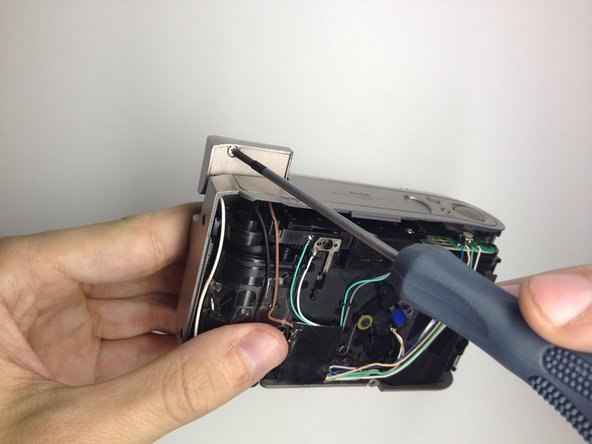
    3. Disassembling Kodak Advantix F350 Front Cover: crwdns2935265:09crwdnd2935265:01crwdnd2935265:02crwdne2935265:0 Disassembling Kodak Advantix F350 Front Cover: crwdns2935265:09crwdnd2935265:02crwdnd2935265:02crwdne2935265:0
      • Remove the screw located under the flash module using the Phillips #00 Precision Screwdriver.

      crwdns2952109:0crwdne2952109:0

      crwdns2917038:0crwdne2917038:0

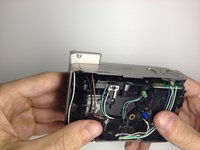
    4. Disassembling Kodak Advantix F350 Front Cover: crwdns2935265:010crwdnd2935265:01crwdnd2935265:02crwdne2935265:0 Disassembling Kodak Advantix F350 Front Cover: crwdns2935265:010crwdnd2935265:02crwdnd2935265:02crwdne2935265:0
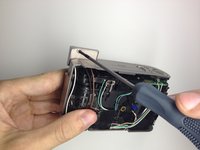
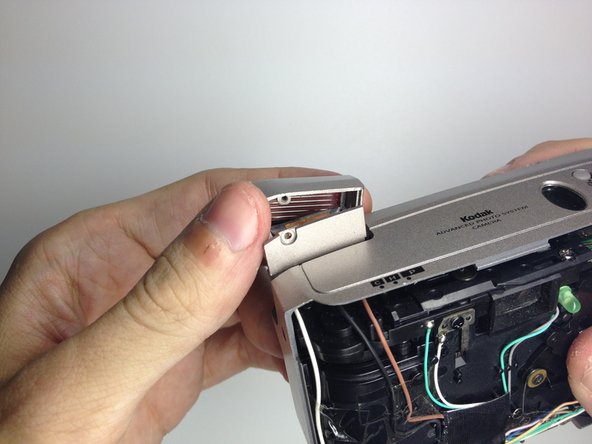
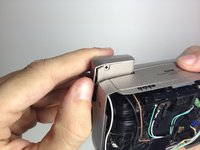
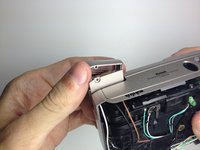
      • Remove the flash cover.

      • Remove the flash module by twisting it up and outward of the camera housing.

      • The cover can now be be removed.

      crwdns2952109:0crwdne2952109:0

      crwdns2917038:0crwdne2917038:0

    5. Disassembling Kodak Advantix F350 Front Cover: crwdns2935265:011crwdnd2935265:01crwdnd2935265:02crwdne2935265:0 Disassembling Kodak Advantix F350 Front Cover: crwdns2935265:011crwdnd2935265:02crwdnd2935265:02crwdne2935265:0
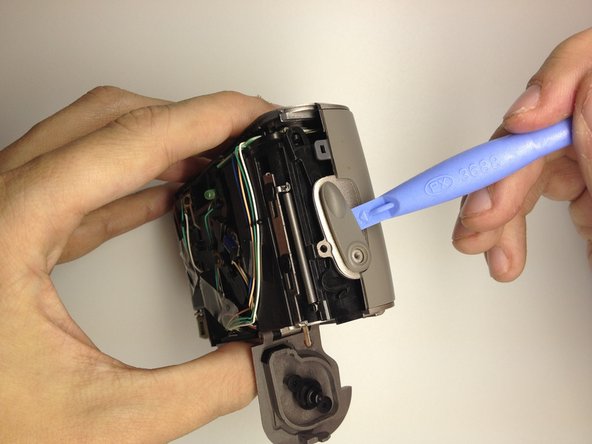
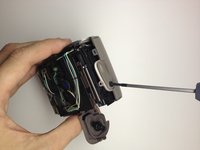
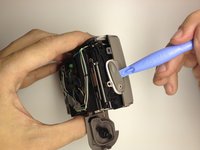
      • Remove the film door lever.

      • Remove the screw holding the film lever in place by using a Phillips #00 Precision Screwdriver.

      • Using a plastic opening tool, gently pry the switch upwards to remove it.

      crwdns2952109:0crwdne2952109:0

      crwdns2917038:0crwdne2917038:0

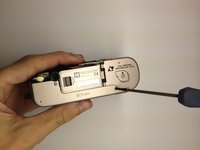
    6. Disassembling Kodak Advantix F350 Front Cover: crwdns2935265:012crwdnd2935265:01crwdnd2935265:01crwdne2935265:0
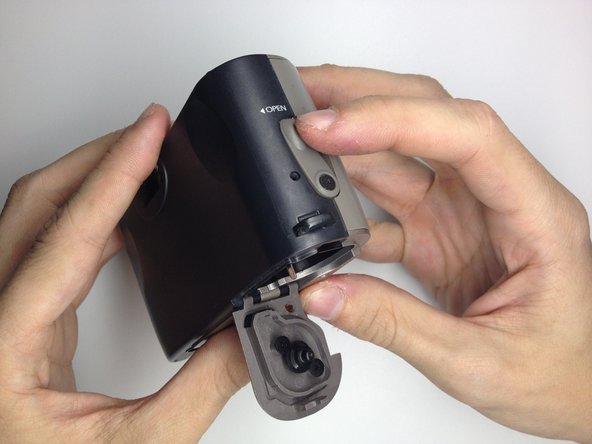
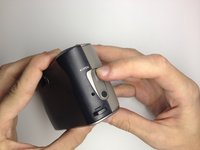
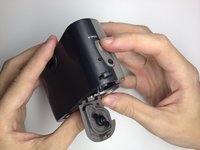
      • Open the battery door by pushing the lever towards the arrow indicated.

      crwdns2952109:0crwdne2952109:0

      crwdns2917038:0crwdne2917038:0

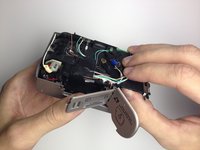
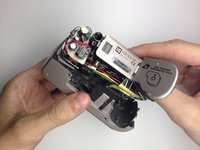
    7. Disassembling Kodak Advantix F350 Front Cover: crwdns2935265:013crwdnd2935265:01crwdnd2935265:03crwdne2935265:0 Disassembling Kodak Advantix F350 Front Cover: crwdns2935265:013crwdnd2935265:02crwdnd2935265:03crwdne2935265:0 Disassembling Kodak Advantix F350 Front Cover: crwdns2935265:013crwdnd2935265:03crwdnd2935265:03crwdne2935265:0
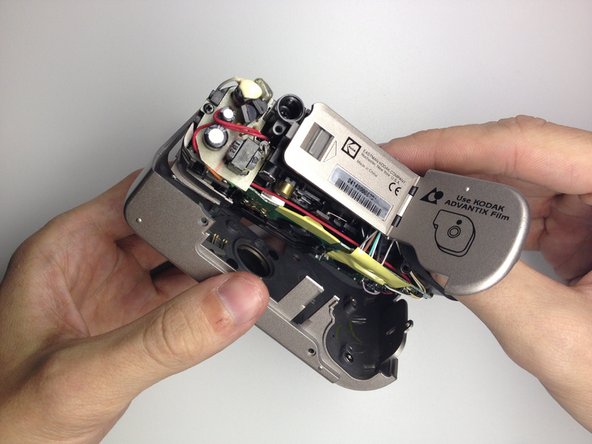
      • Remove the front cover.

      • Insert your thumb in the film hole and gently pry the bottom loose.

      • Once the front is loose, gently pull it out.

      crwdns2952109:0crwdne2952109:0

      crwdns2917038:0crwdne2917038:0

crwdns2915888:0crwdne2915888:0

To reassemble your device, follow these instructions in reverse order.

crwdns2935221:0crwdne2935221:0

David Cottrell

crwdns2935283:010/04/11crwdne2935283:0

103 crwdns2915208:0crwdne2915208:0

crwdns2935297:05crwdne2935297:0

crwdns2935287:0crwdne2935287:0

UW Stout, Team 1-2, Zhou Fall 2011 crwdns2935289:0UW Stout, Team 1-2, Zhou Fall 2011crwdne2935289:0

UWSTOUT-ZHOU-F11S1G2

crwdns2931471:04crwdne2931471:0

crwdns2935297:010crwdne2935297:0

crwdns2947412:00crwdne2947412:0

crwdns2917038:0crwdne2917038:0

crwdns2936625:0crwdne2936625:0:

crwdns2936751:024crwdne2936751:0 1

crwdns2936753:07crwdne2936753:0 5

crwdns2936753:030crwdne2936753:0 29

crwdns2942667:0crwdne2942667:0 1,348