crwdns2933423:0crwdne2933423:0
crwdns2947577:0crwdnd2947577:0crwdne2947577:0

Disassembling Ericsson CF 388 Circuit Board

crwdns2942213:0crwdne2942213:0

    1. Disassembling Ericsson CF 388 Circuit Board, Disassembling Ericsson CF 388 Battery: crwdns2935265:01crwdnd2935265:01crwdnd2935265:03crwdne2935265:0 Disassembling Ericsson CF 388 Circuit Board, Disassembling Ericsson CF 388 Battery: crwdns2935265:01crwdnd2935265:02crwdnd2935265:03crwdne2935265:0 Disassembling Ericsson CF 388 Circuit Board, Disassembling Ericsson CF 388 Battery: crwdns2935265:01crwdnd2935265:03crwdnd2935265:03crwdne2935265:0
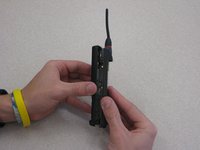
      • To remove the battery from the casing, grab the front panel and back panel with opposite hands (as shown). The back panel is the same as the battery.

      • With your index finger, push in the button on the bottom of the battery to release it.

      • Pull the battery away from the phone.

      crwdns2952109:0crwdne2952109:0

      crwdns2917038:0crwdne2917038:0

    1. Disassembling Ericsson CF 388 Circuit Board, Phone Casing: crwdns2935265:02crwdnd2935265:01crwdnd2935265:03crwdne2935265:0 Disassembling Ericsson CF 388 Circuit Board, Phone Casing: crwdns2935265:02crwdnd2935265:02crwdnd2935265:03crwdne2935265:0 Disassembling Ericsson CF 388 Circuit Board, Phone Casing: crwdns2935265:02crwdnd2935265:03crwdnd2935265:03crwdne2935265:0
      • After removing the battery, the front phone casing becomes accessible.

      • Locate the two star-shaped T6 screws on the bottom end of the rear of the phone, underneath the battery, as indicated by the red circles.

      • Remove these two screws using the Torx T6 Screwdriver.

      crwdns2952109:0crwdne2952109:0

      crwdns2917038:0crwdne2917038:0

    2. Disassembling Ericsson CF 388 Circuit Board: crwdns2935265:03crwdnd2935265:01crwdnd2935265:03crwdne2935265:0 Disassembling Ericsson CF 388 Circuit Board: crwdns2935265:03crwdnd2935265:02crwdnd2935265:03crwdne2935265:0 Disassembling Ericsson CF 388 Circuit Board: crwdns2935265:03crwdnd2935265:03crwdnd2935265:03crwdne2935265:0
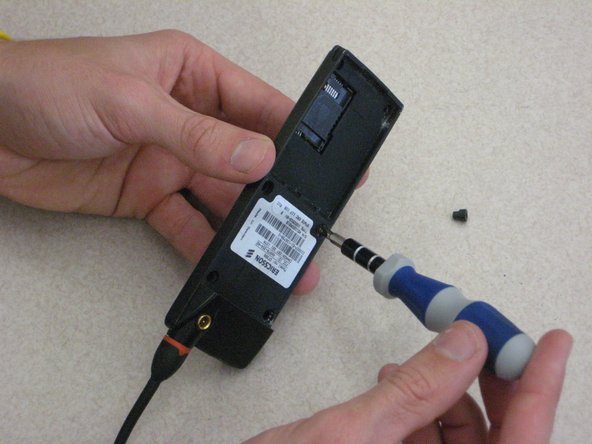
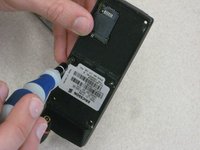
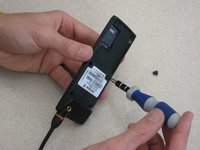
      • Locate the top two U-shaped screws on the back of the phone, as shown by the red circles.

      • Remove these two screws with a SP 2.6 screw driver.

      • Note: Remove gray plastic grommets with screws.

      crwdns2952109:0crwdne2952109:0

      crwdns2917038:0crwdne2917038:0

    3. Disassembling Ericsson CF 388 Circuit Board: crwdns2935265:04crwdnd2935265:01crwdnd2935265:02crwdne2935265:0 Disassembling Ericsson CF 388 Circuit Board: crwdns2935265:04crwdnd2935265:02crwdnd2935265:02crwdne2935265:0
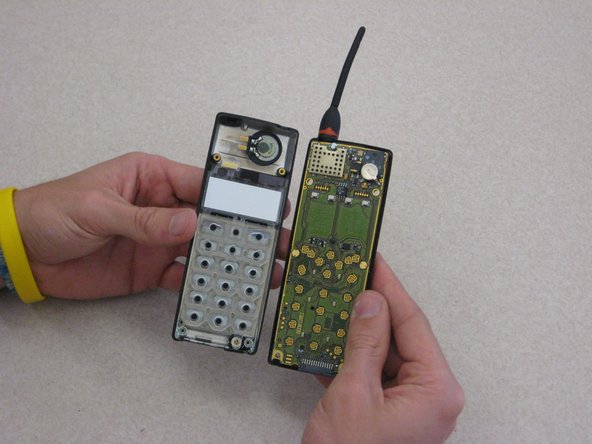
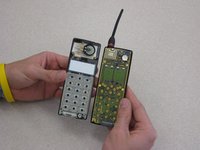
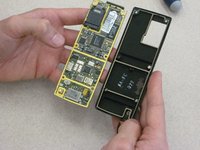
      • Grab opposite panels of the phone casing and carefully open and pull apart the phone, as shown in the image.

      • Note: Be careful not to damage the circuit board and components as you as open the casing.

      crwdns2952109:0crwdne2952109:0

      crwdns2917038:0crwdne2917038:0

    1. Disassembling Ericsson CF 388 Circuit Board, Circuit Board: crwdns2935265:05crwdnd2935265:01crwdnd2935265:01crwdne2935265:0
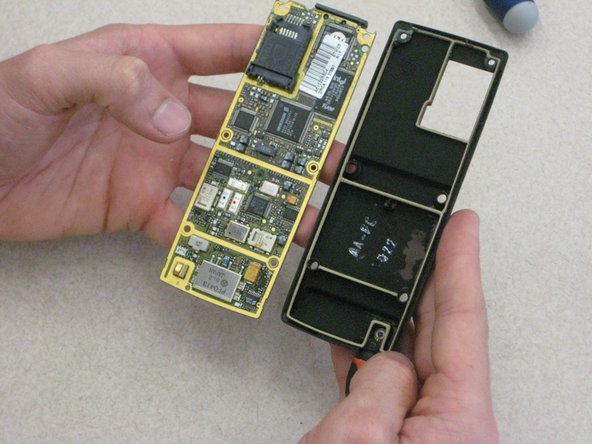
      • Locate the circuit board on the rear side of the front phone casing (right side of image).

      • Locate the mounting screws (indicated by red circles), which attach the board to the rear side of the front phone casing.

      crwdns2952109:0crwdne2952109:0

      crwdns2917038:0crwdne2917038:0

    2. Disassembling Ericsson CF 388 Circuit Board: crwdns2935265:06crwdnd2935265:01crwdnd2935265:03crwdne2935265:0 Disassembling Ericsson CF 388 Circuit Board: crwdns2935265:06crwdnd2935265:02crwdnd2935265:03crwdne2935265:0 Disassembling Ericsson CF 388 Circuit Board: crwdns2935265:06crwdnd2935265:03crwdnd2935265:03crwdne2935265:0
      crwdns2935267:0crwdne2935267:0
      Tweezers
      $4.99
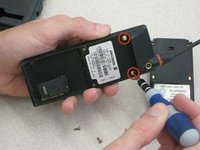
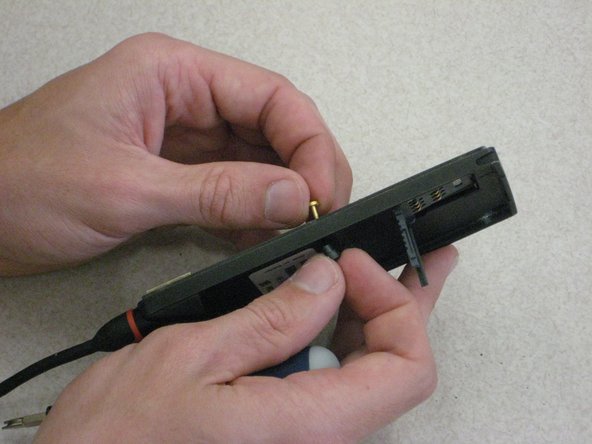
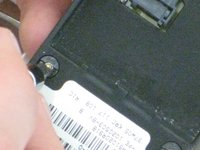
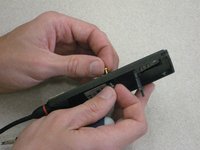
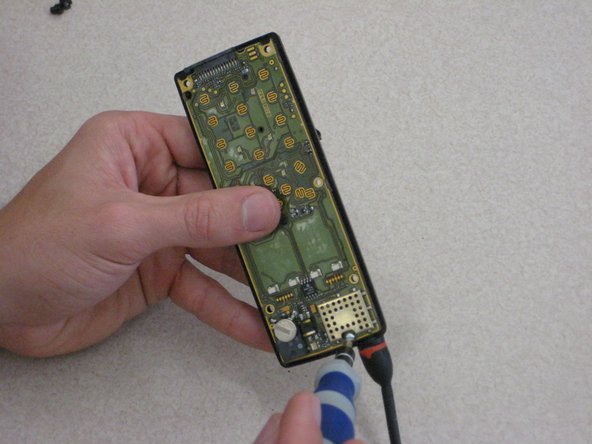
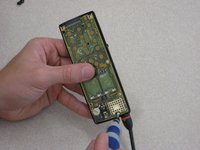
      • Using the SP2.6 u-shaped screw driver in one hand, loosen and remove both center screws. Hold the back part of the screw with the metal tweezers.

      crwdns2952109:0crwdne2952109:0

      crwdns2917038:0crwdne2917038:0

    3. Disassembling Ericsson CF 388 Circuit Board: crwdns2935265:07crwdnd2935265:01crwdnd2935265:02crwdne2935265:0 Disassembling Ericsson CF 388 Circuit Board: crwdns2935265:07crwdnd2935265:02crwdnd2935265:02crwdne2935265:0
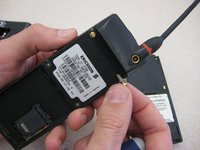
      • Completely remove the two center screw as shown.

      • Note: the hand not holding the screw driver is holding the back part of the screw and the panel in place.

      crwdns2952109:0crwdne2952109:0

      crwdns2917038:0crwdne2917038:0

    4. Disassembling Ericsson CF 388 Circuit Board: crwdns2935265:08crwdnd2935265:01crwdnd2935265:02crwdne2935265:0 Disassembling Ericsson CF 388 Circuit Board: crwdns2935265:08crwdnd2935265:02crwdnd2935265:02crwdne2935265:0
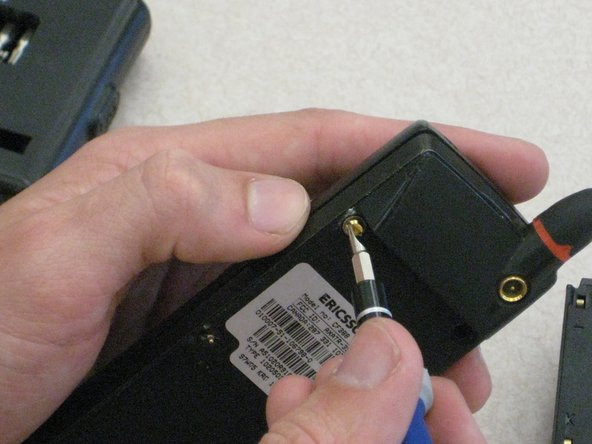
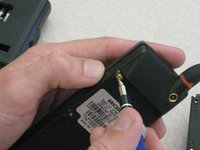
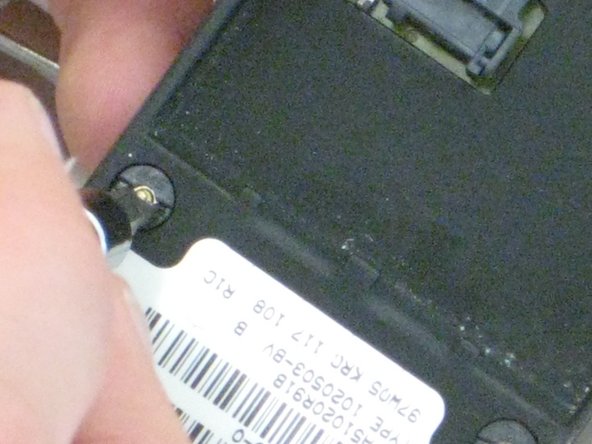
      • Locate the final screw at the top of the phone near the antenna, as shown by the red circle.

      • Using the U-shaped screw driver, remove the top screw.

      crwdns2952109:0crwdne2952109:0

      crwdns2917038:0crwdne2917038:0

    5. Disassembling Ericsson CF 388 Circuit Board: crwdns2935265:09crwdnd2935265:01crwdnd2935265:02crwdne2935265:0 Disassembling Ericsson CF 388 Circuit Board: crwdns2935265:09crwdnd2935265:02crwdnd2935265:02crwdne2935265:0
      • With one hand on the circuit board and one hand on the phone casing, carefully pull apart the circuit board from the front panel casing.

      crwdns2952109:0crwdne2952109:0

      crwdns2917038:0crwdne2917038:0

crwdns2915888:0crwdne2915888:0

To reassemble your device, follow these instructions in reverse order.

crwdns2935221:0crwdne2935221:0

Niccolas Tones

crwdns2935283:003/09/12crwdne2935283:0

60 crwdns2915208:0crwdne2915208:0

crwdns2935297:09crwdne2935297:0

crwdns2935287:0crwdne2935287:0

Clemson, Team 1-1, Benson Spring 2012 crwdns2935289:0Clemson, Team 1-1, Benson Spring 2012crwdne2935289:0

CLEM-BENSON-S12S1G1

crwdns2931471:03crwdne2931471:0

crwdns2935297:0132crwdne2935297:0

crwdns2947412:00crwdne2947412:0

crwdns2917038:0crwdne2917038:0

crwdns2936625:0crwdne2936625:0:

crwdns2936751:024crwdne2936751:0 2

crwdns2936753:07crwdne2936753:0 30

crwdns2936753:030crwdne2936753:0 43

crwdns2942667:0crwdne2942667:0 1,744