
DigiLand DL8006 Motherboard Replacement

crwdns2959932:0crwdnd2959932:0Alec Trelacrwdnd2959932:0crwdnd2959932:0crwdnd2959932:07crwdnd2959932:0crwdne2959932:0
crwdns2959936:0Mud 7, 2024crwdne2959936:0
crwdns2869540:0crwdne2869540:0: 559
crwdns2959988:0crwdne2959988:0
- crwdns2959990:0crwdne2959990:0
- 2
- crwdns2959992:0crwdne2959992:0
- 14
- crwdns2959994:0crwdne2959994:0
- 51
- crwdns2959996:0crwdne2959996:0
- 559
crwdns2955950:0crwdne2955950:0: 0
crwdns2959998:0crwdne2959998:0
crwdns2960000:0crwdne2960000:0crwdns2959984:0crwdne2959984:0: 1 2
crwdns2959972:01crwdne2959972:0
crwdns2959970:02crwdne2959970:0
crwdns2959986:0crwdne2959986:0: 0 1
crwdns2959958:0crwdne2959958:0
crwdns2959976:01crwdne2959976:0
crwdns2862611:0crwdne2862611:0
crwdns2862612:0crwdne2862612:0
crwdns2862625:0crwdne2862625:0
crwdns2862626:0crwdne2862626:0
crwdns2915892:0crwdne2915892:0
crwdns2959928:0crwdne2959928:0 ↓This guide will demonstrate how to replace to the DigiLand DL8006's motherboard. If your device is is experiencing frequent freezes and system lockups, and you have determined that it is not the fault of the RAM, power supply, or CPU, you may need to replace your motherboard. Make sure that you save your data on a separate device, as all the locally stored date will be removed when your motherboard is replaced.
crwdns2959930:0crwdne2959930:0
crwdns2943213:0crwdne2943213:0
-
DigiLand Quad Core 8" DL8006 Motherboardcrwdns2959944:0crwdne2959944:0crwdns2931591:0Amazoncrwdne2931591:0
crwdns2943215:0crwdne2943215:0


-
-
-
Remove the backing of the tablet to reveal the internal components using a plastic opening tool.
 crwdns2952109:0crwdne2952109:0
-
-
-
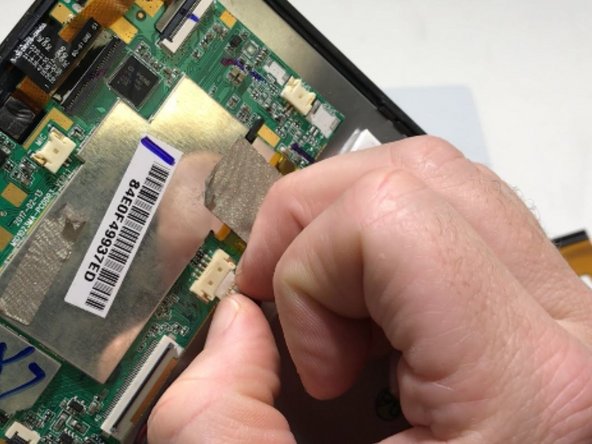
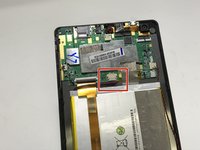
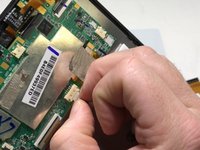
Peel back the metallic tape connecting the motherboard to the tablet body with your fingers.
-
-
-
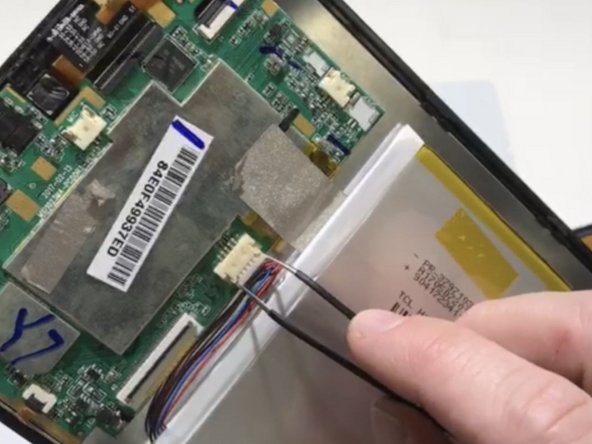
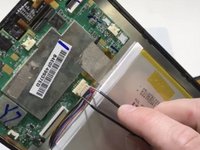
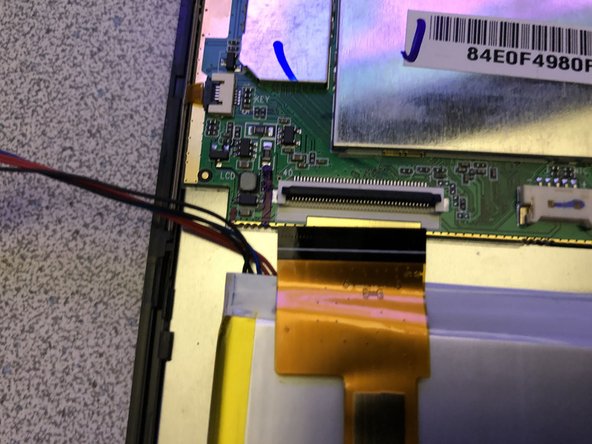
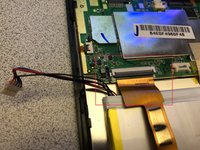
Remove the battery plug from the motherboard.
-
-
crwdns2935267:0crwdne2935267:0Tweezers$4.99
-
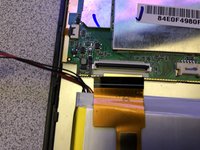
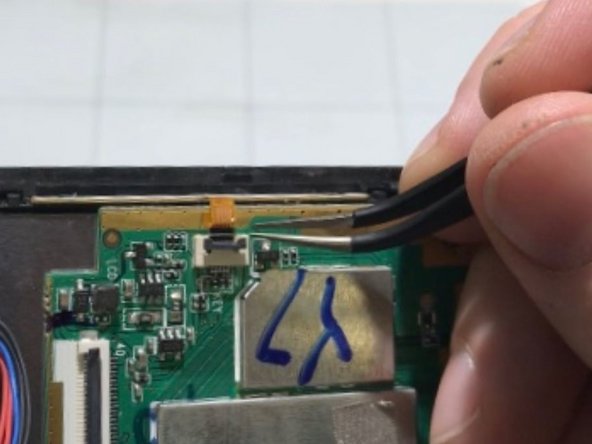
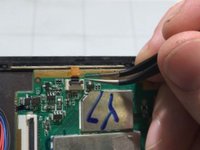
Opening the locking tab of the ZIF connector and carefully remove the upper section of the ribbon cable from the motherboard using tweezers.
-
-
-
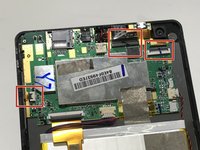
Disconnect the three remaining ribbons by opening the locking tabs of the ZIF connectors and gently pulling the cables out.
-
-
-
-
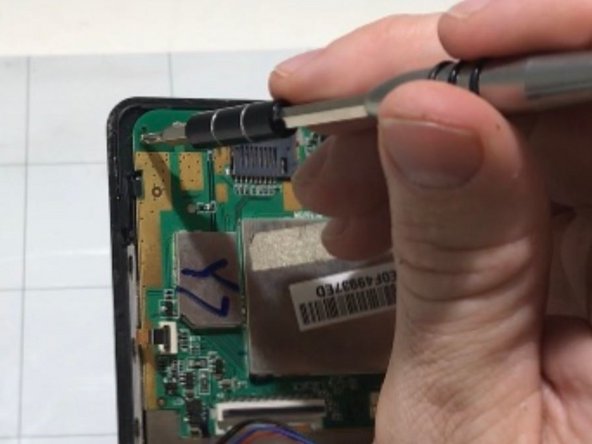
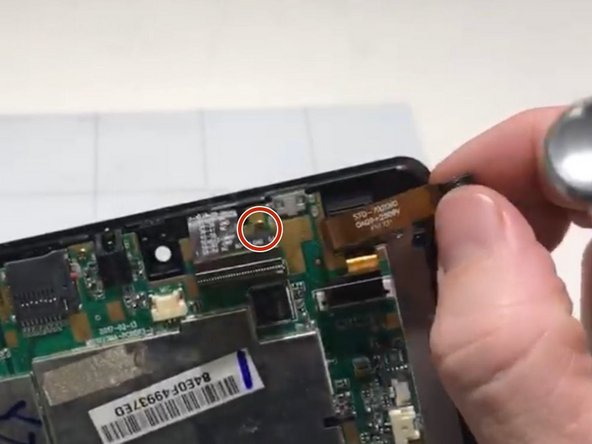
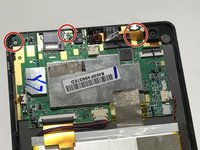
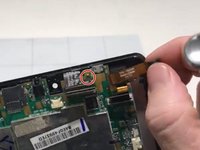
Remove the 3 mounting screws from the motherboard with a Phillips #0 screwdriver.
-
-
-
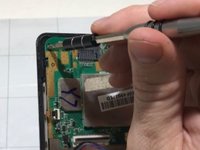
Gently remove the motherboard from the case.
-
-






To reassemble your device, follow these instructions in reverse order.
crwdns2935221:0crwdne2935221:0
crwdns2935227:0crwdne2935227:0

crwdns2935287:0crwdne2935287:0

University of Memphis, Team S2-G5, Kim Fall 2019 crwdns2935289:0University of Memphis, Team S2-G5, Kim Fall 2019crwdne2935289:0
UM-KIM-F19S2G5
crwdns2931471:03crwdne2931471:0
crwdns2935297:060crwdne2935297:0
