crwdns2933423:0crwdne2933423:0
crwdns2947577:0crwdnd2947577:0crwdne2947577:0

Dell VRP100 Lens Replacement

crwdns2869540:0crwdne2869540:0: 1,4K

crwdns2959988:0crwdne2959988:0

crwdns2959990:0crwdne2959990:0
1
crwdns2959992:0crwdne2959992:0
12
crwdns2959994:0crwdne2959994:0
57
crwdns2959996:0crwdne2959996:0
1.393
crwdns2955950:0crwdne2955950:0: 5

crwdns2960004:05crwdne2960004:0.

crwdns2959984:0crwdne2959984:0: 1

crwdns2959972:01crwdne2959972:0

crwdns2959986:0crwdne2959986:0: 0

crwdns2959958:0crwdne2959958:0

crwdns2955944:0crwdne2955944:0: crwdns2931287:025crwdne2931287:0
crwdns2955970:0crwdne2955970:0: crwdns2937801:0crwdne2937801:0
crwdns2862591:0crwdne2862591:0

crwdns2862592:0crwdne2862592:0

Dell VRP100 Lens Replacement

crwdns2915892:0crwdne2915892:0

crwdns2959928:0crwdne2959928:0 ↓

If your Dell VRP100 headset has a cracked, scratched or broken lens you are definitely going to want to replace it. This guide has all the steps for you need replace those beat up lenses with new ones. You will need a metal spudger for parts of this guide.

crwdns2959930:0crwdne2959930:0

crwdns2943215:0crwdne2943215:0

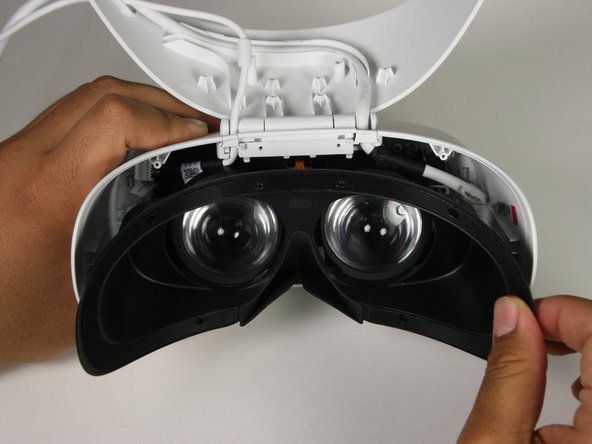
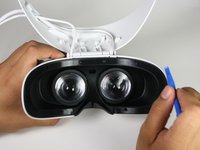
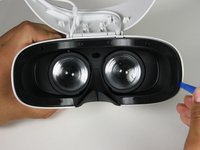
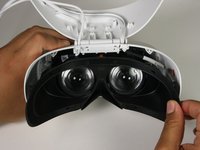
    1. Dell VRP100 Lens Replacement, Cover Panel: crwdns2935265:01crwdnd2935265:01crwdnd2935265:03crwdne2935265:0 Dell VRP100 Lens Replacement, Cover Panel: crwdns2935265:01crwdnd2935265:02crwdnd2935265:03crwdne2935265:0 Dell VRP100 Lens Replacement, Cover Panel: crwdns2935265:01crwdnd2935265:03crwdnd2935265:03crwdne2935265:0
      • Remove the black foam padding by peeling away slowly.

      • Remove the front and back padding from the headset by peeling away slowly.

      crwdns2952109:0crwdne2952109:0

      crwdns2917038:0crwdne2917038:0

    2. Dell VRP100 Lens Replacement: crwdns2935265:02crwdnd2935265:01crwdnd2935265:01crwdne2935265:0
      • Remove the six 5.5mm PH000 screws from the cover by rotating counter-clockwise.

      • Cover panel may need to be pushed in before inserting screws.

      crwdns2952109:0crwdne2952109:0

      crwdns2917038:0crwdne2917038:0

    3. Dell VRP100 Lens Replacement: crwdns2935265:03crwdnd2935265:01crwdnd2935265:03crwdne2935265:0 Dell VRP100 Lens Replacement: crwdns2935265:03crwdnd2935265:02crwdnd2935265:03crwdne2935265:0 Dell VRP100 Lens Replacement: crwdns2935265:03crwdnd2935265:03crwdnd2935265:03crwdne2935265:0
      • Remove the cover using one of the plastic opening tools, and then carefully pull it from the casing.

      crwdns2952109:0crwdne2952109:0

      crwdns2917038:0crwdne2917038:0

    4. Dell VRP100 Lens Replacement: crwdns2935265:04crwdnd2935265:01crwdnd2935265:03crwdne2935265:0 Dell VRP100 Lens Replacement: crwdns2935265:04crwdnd2935265:02crwdnd2935265:03crwdne2935265:0 Dell VRP100 Lens Replacement: crwdns2935265:04crwdnd2935265:03crwdnd2935265:03crwdne2935265:0
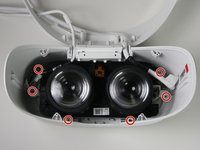
      • Remove the six 5.5mm PH000 screws from the cover by rotating counter-clockwise.

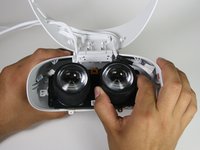
      • Carefully remove the lens and motherboard assembly from the white casing.

      crwdns2952109:0crwdne2952109:0

      crwdns2917038:0crwdne2917038:0

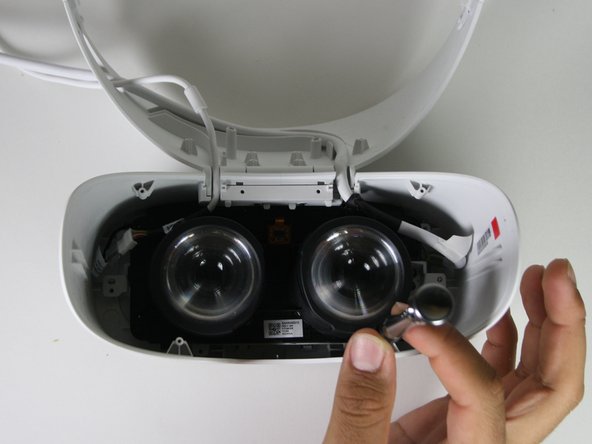
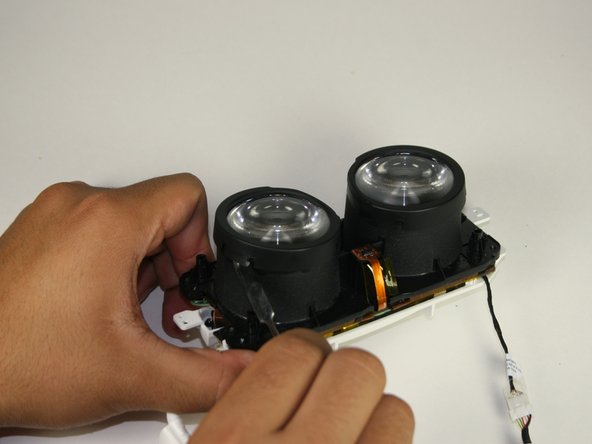
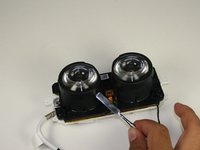
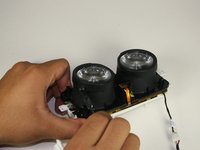
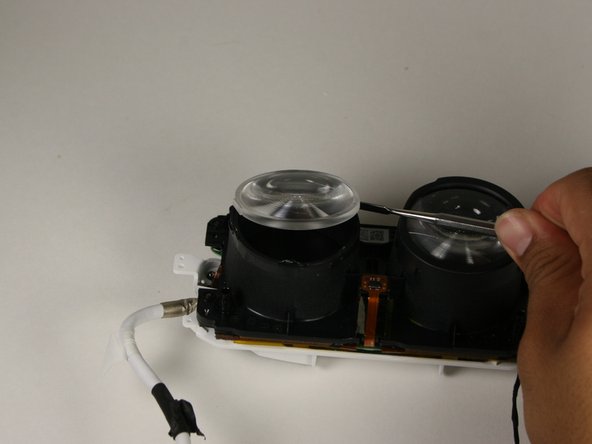
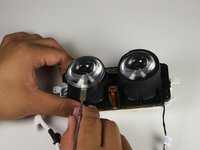
    1. Dell VRP100 Lens Replacement, Lens: crwdns2935265:05crwdnd2935265:01crwdnd2935265:02crwdne2935265:0 Dell VRP100 Lens Replacement, Lens: crwdns2935265:05crwdnd2935265:02crwdnd2935265:02crwdne2935265:0
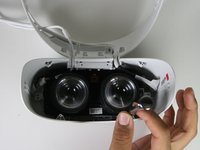
      • Deattach the black cover from the lens with a metal spudger.

      • This will “click” back into place during replacement.

      crwdns2952109:0crwdne2952109:0

      crwdns2917038:0crwdne2917038:0

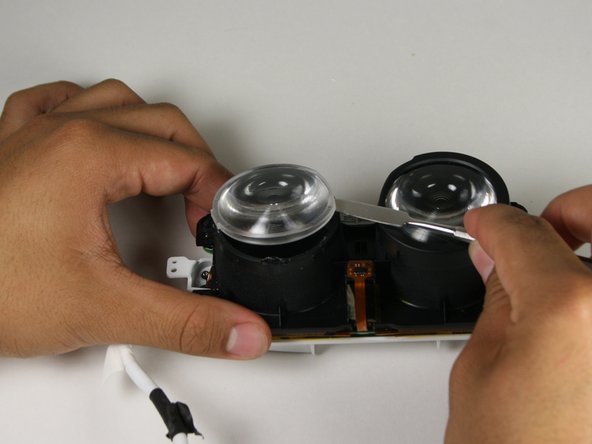
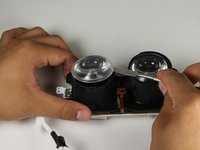
    2. Dell VRP100 Lens Replacement: crwdns2935265:06crwdnd2935265:01crwdnd2935265:03crwdne2935265:0 Dell VRP100 Lens Replacement: crwdns2935265:06crwdnd2935265:02crwdnd2935265:03crwdne2935265:0 Dell VRP100 Lens Replacement: crwdns2935265:06crwdnd2935265:03crwdnd2935265:03crwdne2935265:0
      • Gently insert the metal spudger between the lens and the lens casing.

      • Rotate the spudger around the exterior of the lens and lens housing, separating them.

      • The lens is held in place with an adhesive that will have to be applied during reassembly.

      crwdns2952109:0crwdne2952109:0

      crwdns2917038:0crwdne2917038:0

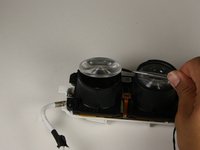
    3. Dell VRP100 Lens Replacement: crwdns2935265:07crwdnd2935265:01crwdnd2935265:01crwdne2935265:0
      • Holding the lens around the outside, gently lift it out of its housing.

      crwdns2952109:0crwdne2952109:0

      crwdns2917038:0crwdne2917038:0

crwdns2915888:0crwdne2915888:0

To reassemble your device, follow these instructions in reverse order.

crwdns2935221:0crwdne2935221:0

crwdns2935227:0crwdne2935227:0

Chris Grabow

crwdns2935283:010/08/18crwdne2935283:0

285 crwdns2915208:0crwdne2915208:0

crwdns2935297:02crwdne2935297:0

crwdns2935287:0crwdne2935287:0

Cal Poly, Team S17-G1, White Fall 2018 crwdns2935289:0Cal Poly, Team S17-G1, White Fall 2018crwdne2935289:0

CPSU-WHITE-F18S17G1

crwdns2931471:04crwdne2931471:0

crwdns2935297:072crwdne2935297:0

crwdns2947412:00crwdne2947412:0

crwdns2917038:0crwdne2917038:0

crwdns2936625:0crwdne2936625:0:

crwdns2936751:024crwdne2936751:0 1

crwdns2936753:07crwdne2936753:0 12

crwdns2936753:030crwdne2936753:0 57

crwdns2959996:0crwdne2959996:0 1,393