crwdns2915892:0crwdne2915892:0
Follow this guide on how to replace the lens unit on your Contour Roam2 if your camera will not record properly or your lens is damaged or scratched.
crwdns2942213:0crwdne2942213:0
-
-
-
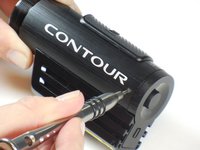
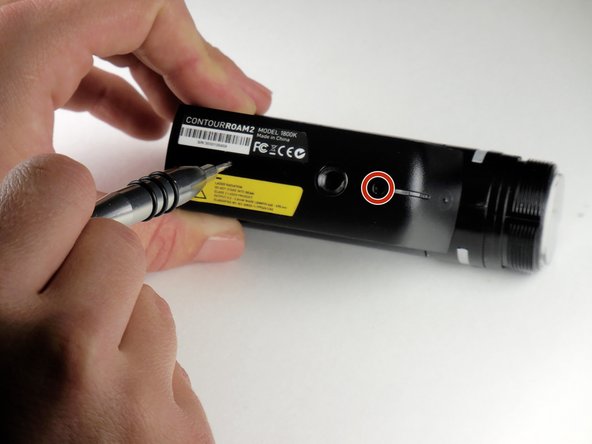
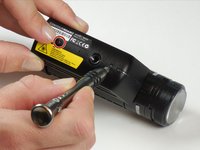
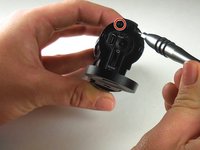
Using the phillips head screwdriver (PH000) locate and remove the 4.45mm (.175in) screw by the 180 degree graphic on the metal ring.
 crwdns2952109:0crwdne2952109:0
-
-
-
Rotate the metal ring counterclockwise until completely removed.
-
-
-
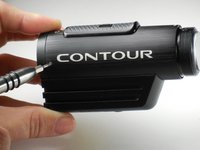
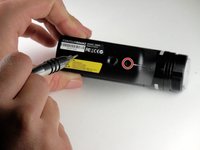
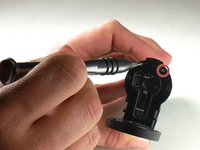
Using the phillips head screwdriver (PH000) remove the two 4.46mm (.175in) screws on each side near the back of the camera.
-
-
-
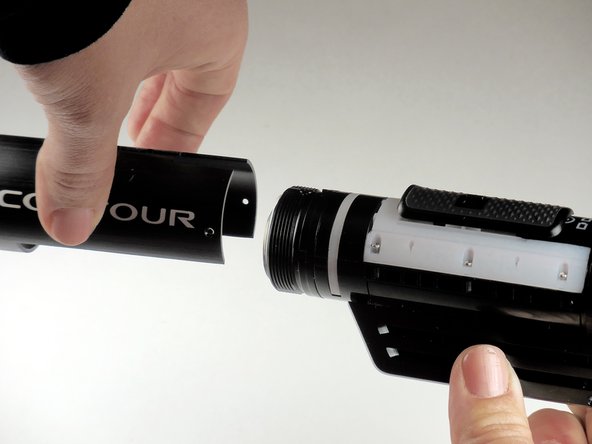
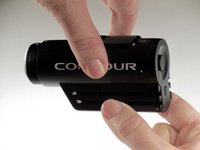
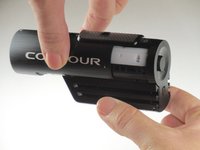
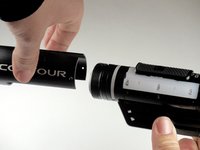
Grab the camera on both sides and slide the outer shell forward until completely removed.
-
-
-
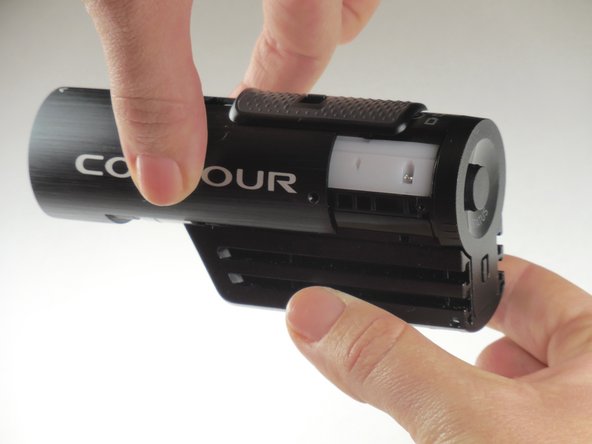
Lift the record slider out.
-
-
-
-
-
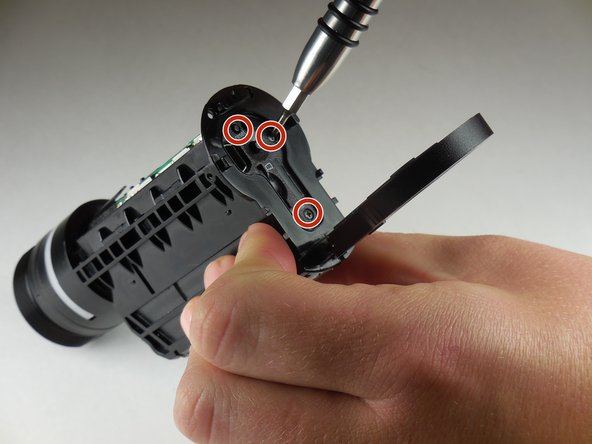
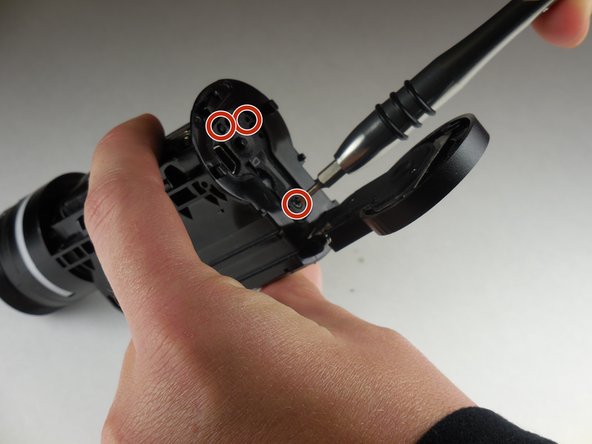
Using the phillips head screwdriver (PH000) remove the two 3.82mm (0.150in) screws on the bottom of mounting piece near the tripod screw-in.
-
-
-
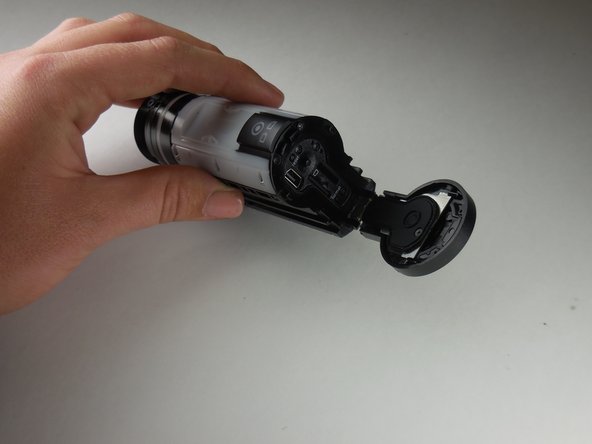
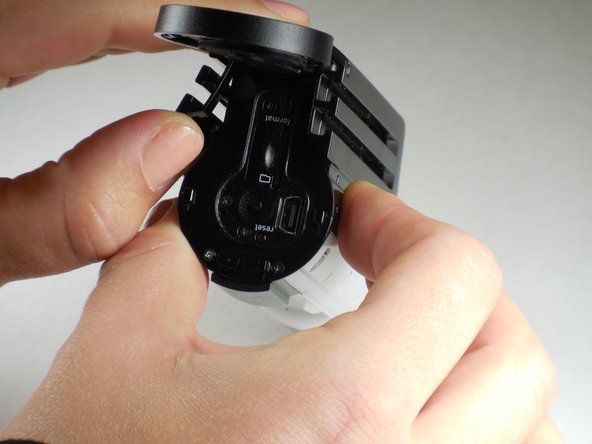
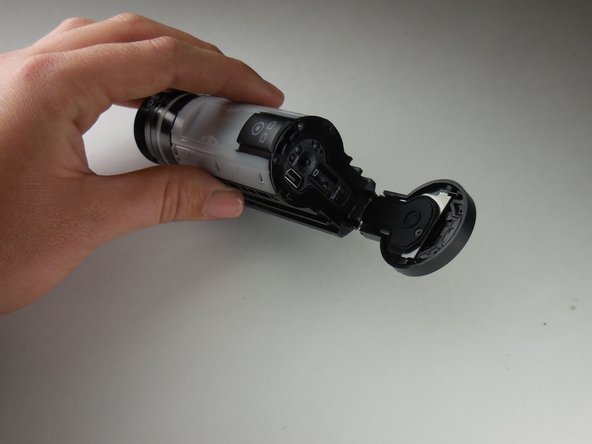
Open the back door by your thumb and index finger on sides of back door and pull upward.
-
-
-
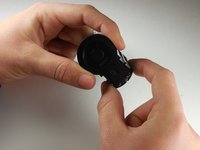
Using your thumb, pry sides outward on back of mount piece.
-
-
-
-
Remove and replace mount piece.
-
-
-
-
-
Open the back door by your thumb and index finger on sides of back door and pull upward.
-
-
-
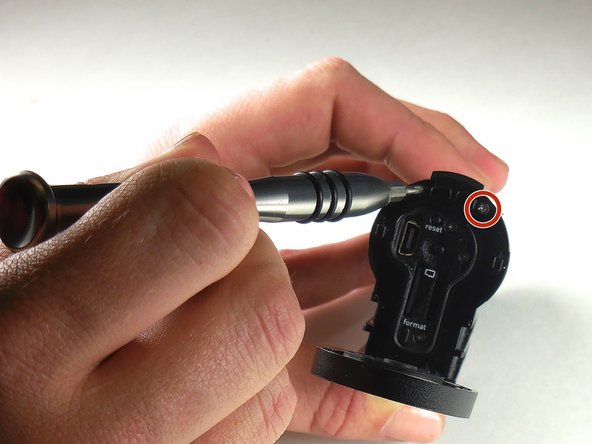
With the phillips head screwdriver (PH000) remove the two 3.31mm (.130inch) screws located at the top, above the reset button.
-
-
-
Also with phillips head screwdriver (PH000) remove the six 6.07mm (0.239in) screws along sides of large white piece.
-
-
-
Locate notch on side of large white plastic piece.
-
-
-
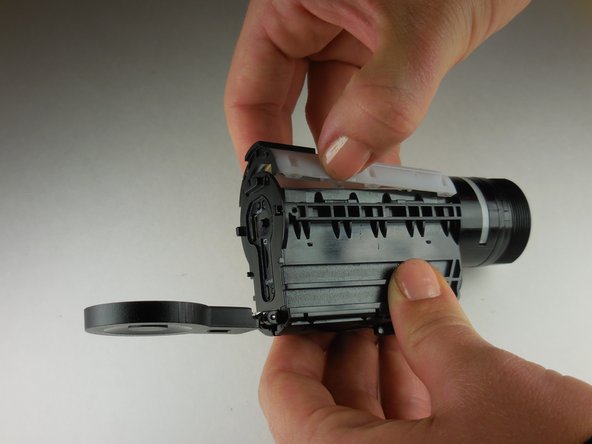
Remove white piece by pressing a fingernail in notch (located in previous step) and lifting up on white piece.
-
-
-
To remove the white piece completely give a gentle pull on ribbon connector.
-
-
-
With a phillips head screwdriver (PH 000), remove the 5.54 mm (0.218 in) screw located next to the tripod screw-in.
-
-
-
Using the phillips head screwdriver (PH 000), remove the remaining three 3.78 mm (0.1445 in) screws located on the back panel of the camera.
-
-
-
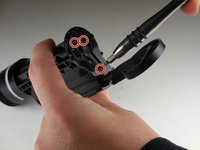
Using the phillips head size PH000 screwdriver remove 3.67mm (0.1445 inch) screw located on the side of logic board within the body of the camera.
-
-
crwdns2935267:0crwdne2935267:0Tweezers$4.99
-
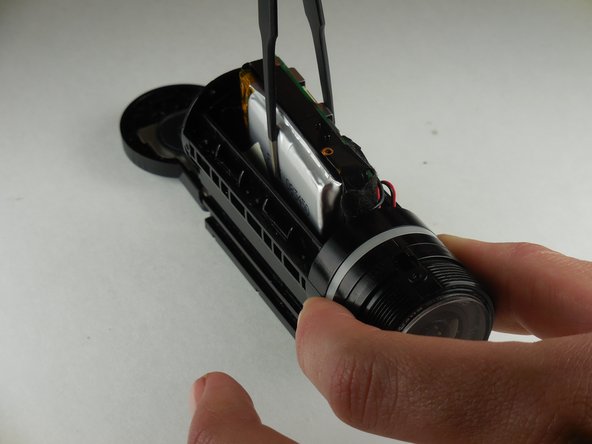
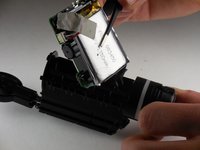
Using flathead tweezers, remove the logic board and the battery from the camera.
-
-
-
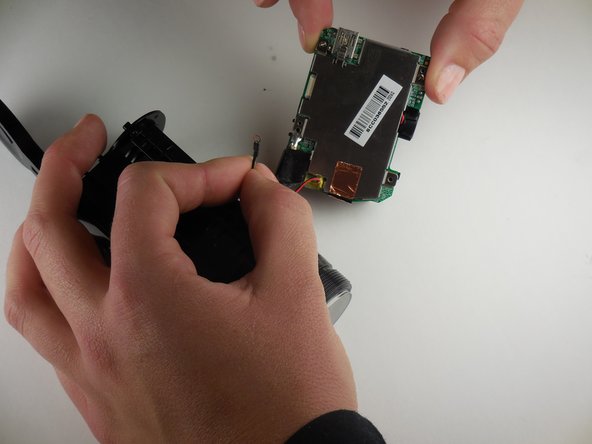
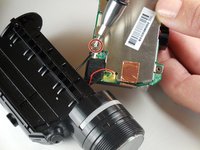
Using a phillips head screwdriver (PH 000), remove the screw connecting the lens unit to the logic board.
-
-
-
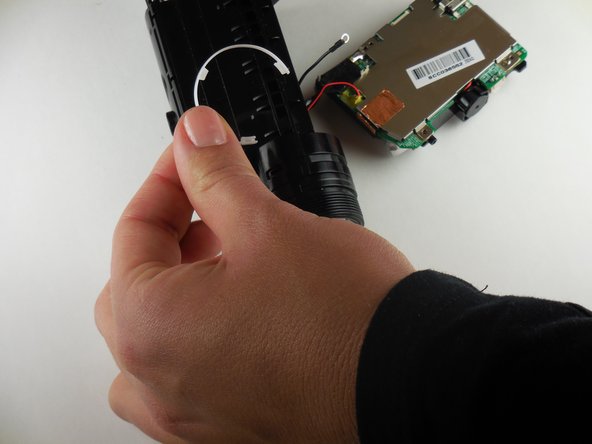
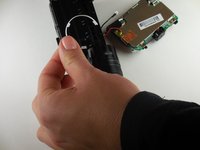
Remove the semicircular white plastic strip near the lens unit.
-
-
-
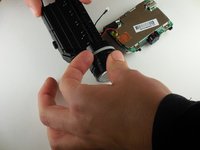
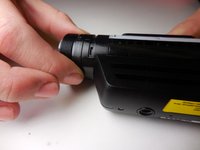
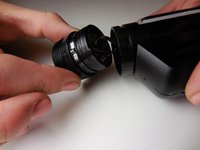
Twist lens unit until able to easily remove
-
-
-
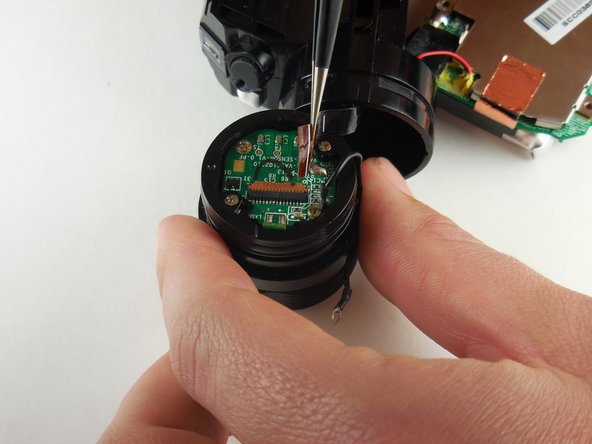
Disconnect the ribbon connector connecting the lens unit to the logic board.
-
-
-
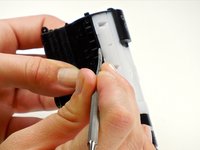
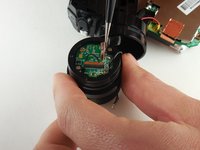
Remove the ribbon connecter from the lens unit by soldering.
-
-






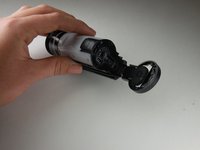


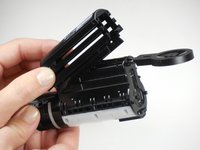
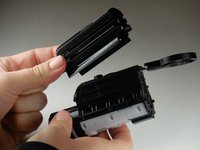





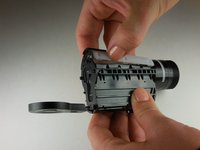
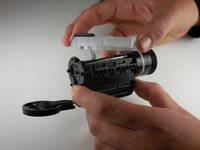


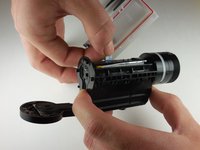
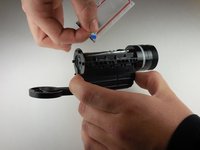













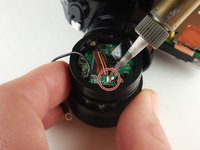
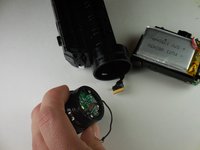
To reassemble your device, follow these instructions in reverse order.
crwdns2935221:0crwdne2935221:0
crwdns2935229:02crwdne2935229:0

crwdns2935287:0crwdne2935287:0

Colorado Springs, Team 4-5, Panko Spring 2015 crwdns2935289:0Colorado Springs, Team 4-5, Panko Spring 2015crwdne2935289:0
UCCS-PANKO-S15S4G5
crwdns2931471:03crwdne2931471:0
crwdns2935297:060crwdne2935297:0
crwdns2947412:03crwdne2947412:0
hola amigos soy de venezuela, hace aproximadamente compre una -contour roam- y se me daño el flex del lente, pero aqui en venezuela no se encuentra ese repuesto y he buscado por internet y no encuentro, ustedes me podrian ayudar de alguna manera con ese problema? mi correo es luiswichin@gmail.com por favor se les agradece alguna respuesta.
luis gerardo - crwdns2934203:0crwdne2934203:0 crwdns2950251:0crwdne2950251:0
hello friends I'm from Venezuela, does about buying a -contour roam- and hurt me flex the lens, but here in Venezuela is not the parts and I have searched the internet and can not find, you could help me somehow with that problem? my email is luiswichin@gmail.com are thanked please any response.
luis gerardo - crwdns2934203:0crwdne2934203:0 crwdns2950251:0crwdne2950251:0
Hello! Where can we find the ribbon connector with 10 pins? Is to short to contain all code on the connector is vissible only JI-HAW AWM E1180… more is missing. I searched many days… I removed it gentle, but when I push it back the head of the band just separated from plastic and broke…
Ilie lucian - crwdns2934203:0crwdne2934203:0 crwdns2950251:0crwdne2950251:0
