crwdns2942213:0crwdne2942213:0
-
-
-
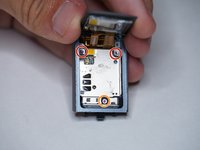
Remove both T3 screws
-
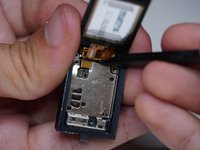
Slide off the plastic piece by lifting out and then up
-
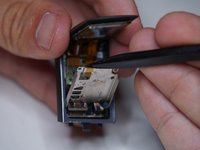
Slide plastic and spring assembly off the rail
 crwdns2952109:0crwdne2952109:0
-
-
-
Heat the glass screen with a blowdryer to soften the adhesives
-
Insert a razor blade between the glass and the body
-
Keep going around the rim of the display until loose
-
-
-
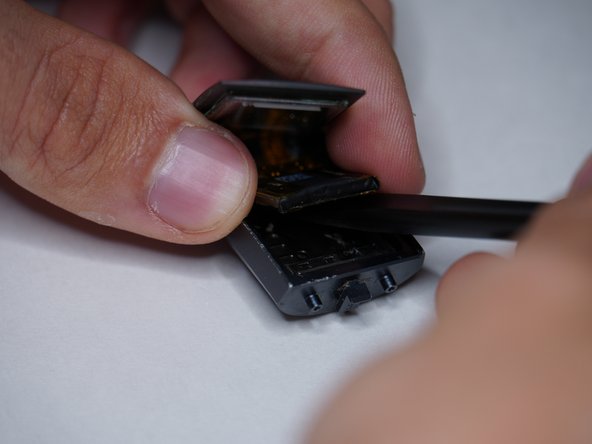
Lift display up gently
-
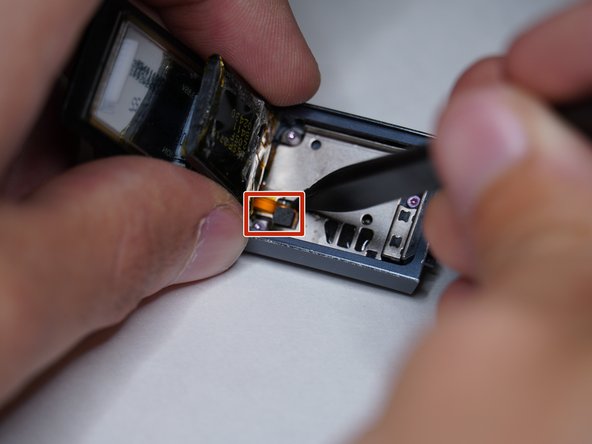
Remove battery connector
-
-
-
-
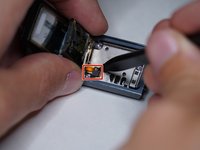
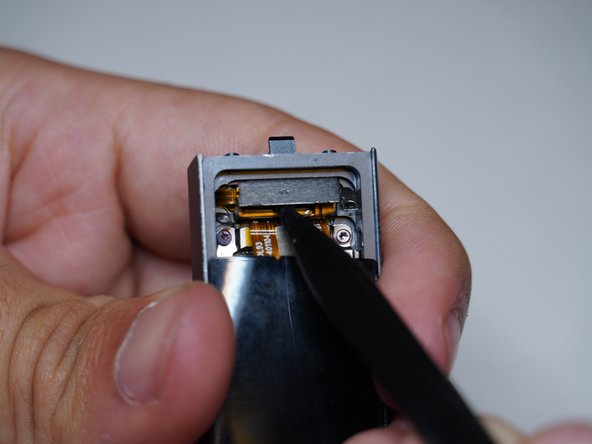
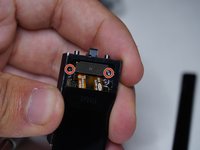
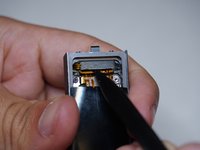
Remove both T2 screws
-
Liftoff metal shield
-
-
-
Remove two T2 screws
-
Remove T3 screw
-
Liftoff metal shield
-
-
-
Liftoff both display connectors
-
-
-
Disconnect vibrator motor
-
Disconnect heartrate and charging connector
-
Remove altimeter
-
-
-
Remove button assembly from case
-
Remove vibrator motor
-
-
-
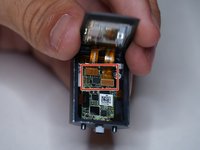
Remove motherboard
-
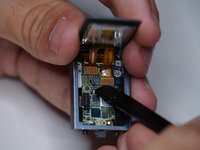
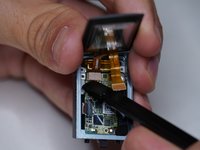
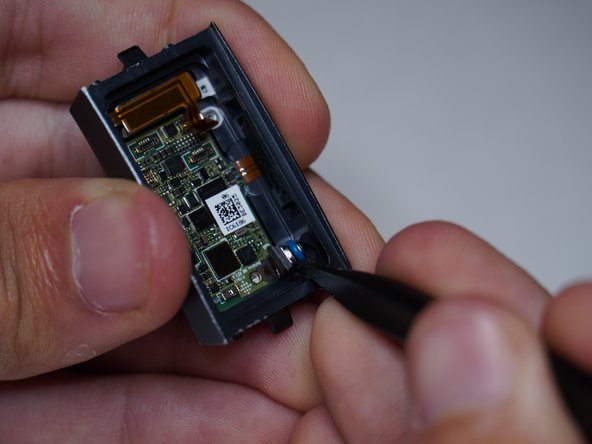
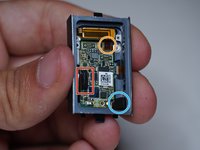
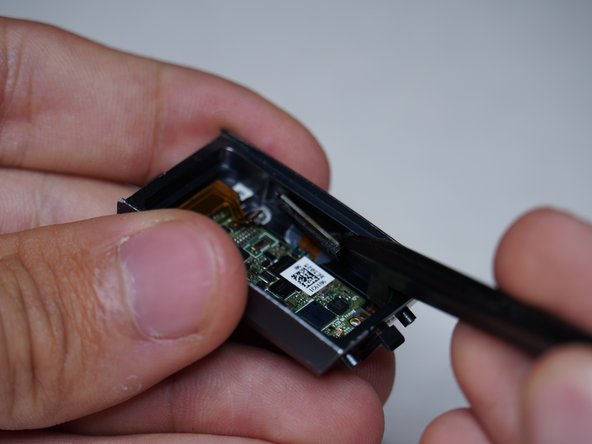
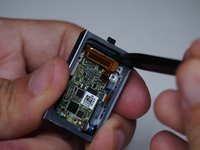
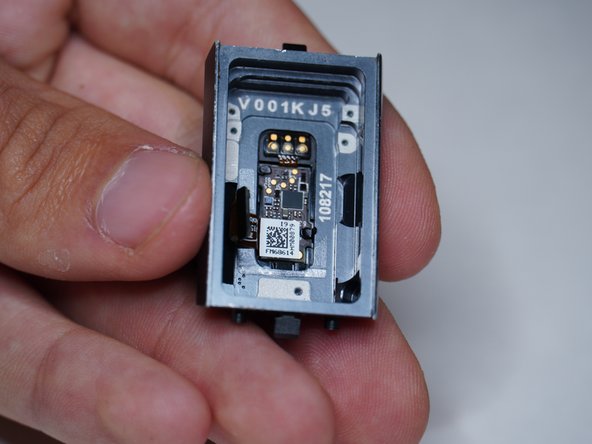
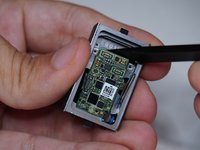
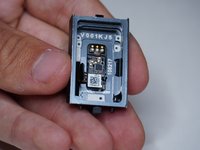
It seems as if the heart rate sensor and charging pins are molded into the case, and I was not able to remove them
-
-











crwdns2935221:0crwdne2935221:0
crwdns2935229:04crwdne2935229:0

crwdns2935287:0crwdne2935287:0

Repair For You crwdns2935289:0Repair For Youcrwdne2935289:0
Business
crwdns2934841:01crwdne2934841:0
crwdns2935297:084crwdne2935297:0
crwdns2947412:012crwdne2947412:0
The tear down pictures are great, but in my Charge 3 I needed a T-1 and a T-2 driver
Julien Baldwin - crwdns2934203:0crwdne2934203:0 crwdns2950251:0crwdne2950251:0
Same, my ifixit pro kit only had a driver for the external screws and did not come with a small enough driver to remove the screws inside the charge 3 unit. I'll need to get the smaller bit from a different kit.
Brian Hall - crwdns2934203:0crwdne2934203:0 crwdns2950251:0crwdne2950251:0
Which step in the teardown guide needed the T1 driver?
ShellingRook27 - crwdns2934203:0crwdne2934203:0 crwdns2950251:0crwdne2950251:0
Great job on this tear-down. Thank you, it really helped in my screen replacement.
AndyZ - crwdns2934203:0crwdne2934203:0 crwdns2950251:0crwdne2950251:0
This tear down was very easy to follow. The heart rate monitor was also sealed in with some adhesive for me too but a little heat gun took it right off. I had suspected water leaked in and that in fact was the culprit after inspecting the connection. corrosion all around the HR monitor.
Nick Herbert - crwdns2934203:0crwdne2934203:0 crwdns2950251:0crwdne2950251:0
