crwdns2933423:0crwdne2933423:0
crwdns2947577:0crwdnd2947577:0crwdne2947577:0

Boogie Board Rip Copper Button Plate Replacement

crwdns2942213:0crwdne2942213:0

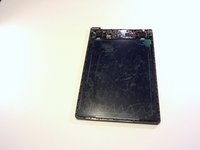
  1. Boogie Board Rip Copper Button Plate Replacement, Accessing the internal components: crwdns2935265:01crwdnd2935265:01crwdnd2935265:02crwdne2935265:0 Boogie Board Rip Copper Button Plate Replacement, Accessing the internal components: crwdns2935265:01crwdnd2935265:02crwdnd2935265:02crwdne2935265:0
    • On the back of the device, remove the four 3/8" Torx head screws using the T-6 Torx bit.

    • A Torx bit is the piece that is inserted into a bit driver, also known as a screw driver.

    crwdns2952109:0crwdne2952109:0
  2. Boogie Board Rip Copper Button Plate Replacement: crwdns2935265:02crwdnd2935265:01crwdnd2935265:03crwdne2935265:0 Boogie Board Rip Copper Button Plate Replacement: crwdns2935265:02crwdnd2935265:02crwdnd2935265:03crwdne2935265:0 Boogie Board Rip Copper Button Plate Replacement: crwdns2935265:02crwdnd2935265:03crwdnd2935265:03crwdne2935265:0
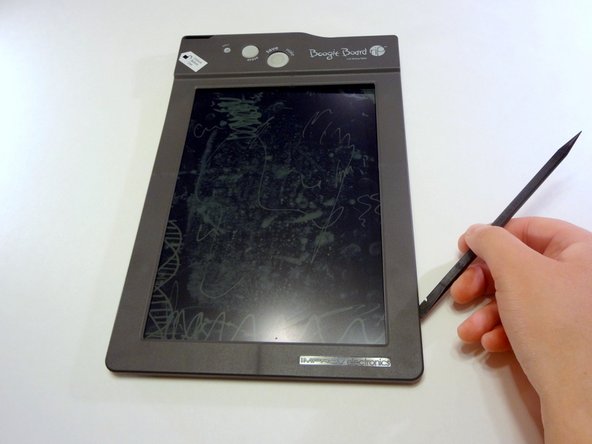
    • Remove the stylus if it is in the housing at the top of the device.

    • Turn the device so you are looking at it from the top down.

    • Using your thumbs on each wall of the stylus housing, open the frame of the device by gently pulling the two sides apart.

    crwdns2952109:0crwdne2952109:0
  3. Boogie Board Rip Copper Button Plate Replacement: crwdns2935265:03crwdnd2935265:01crwdnd2935265:03crwdne2935265:0 Boogie Board Rip Copper Button Plate Replacement: crwdns2935265:03crwdnd2935265:02crwdnd2935265:03crwdne2935265:0 Boogie Board Rip Copper Button Plate Replacement: crwdns2935265:03crwdnd2935265:03crwdnd2935265:03crwdne2935265:0
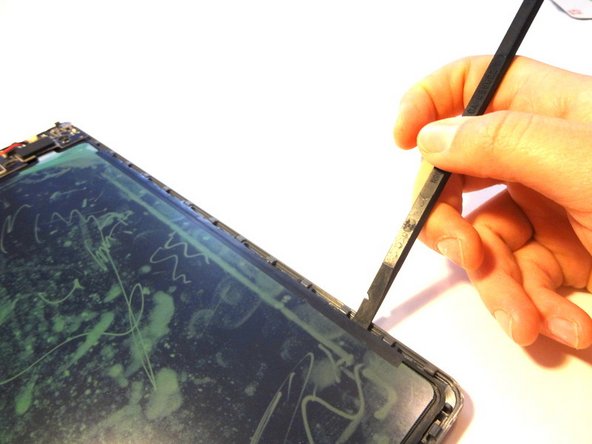
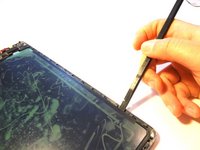
    • Insert a spudger into the seam between the front and back plates of the frame. Unsnap the snaps around the entire frame of the device.

    • Remove the front face plate by pulling it straight up.

    • The unlock switch on the device's side might come off while undoing the internal snaps or removing the face plate. This is perfectly normal.

    crwdns2952109:0crwdne2952109:0
  4. Boogie Board Rip Copper Button Plate Replacement: crwdns2935265:04crwdnd2935265:01crwdnd2935265:02crwdne2935265:0 Boogie Board Rip Copper Button Plate Replacement: crwdns2935265:04crwdnd2935265:02crwdnd2935265:02crwdne2935265:0
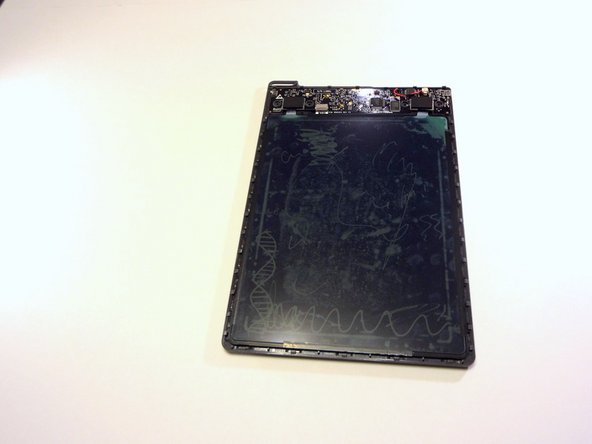
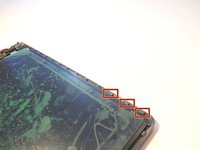
    • Use a spudger (or gently bend the back plate of the device) to unsnap the snaps holding the screen in place.

    crwdns2952109:0crwdne2952109:0
  5. Boogie Board Rip Copper Button Plate Replacement: crwdns2935265:05crwdnd2935265:01crwdnd2935265:02crwdne2935265:0 Boogie Board Rip Copper Button Plate Replacement: crwdns2935265:05crwdnd2935265:02crwdnd2935265:02crwdne2935265:0
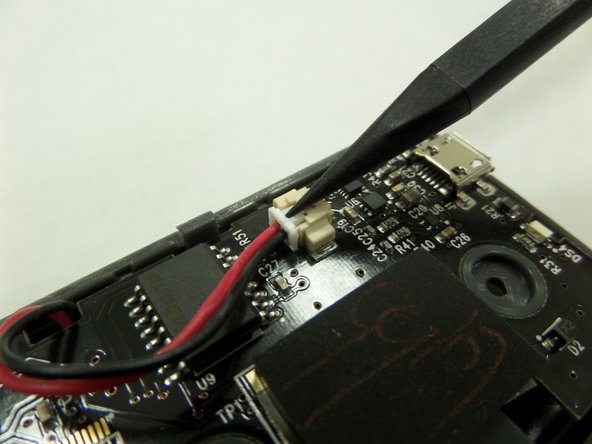
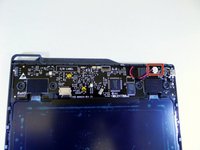
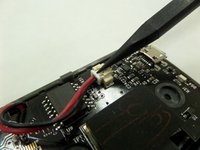
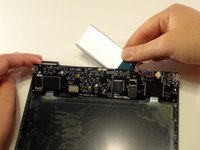
    • With a spudger, press against the lip of the connector closest to the wires to remove the battery connector from the motherboard.

    crwdns2952109:0crwdne2952109:0
  6. Boogie Board Rip Copper Button Plate Replacement: crwdns2935265:06crwdnd2935265:01crwdnd2935265:02crwdne2935265:0 Boogie Board Rip Copper Button Plate Replacement: crwdns2935265:06crwdnd2935265:02crwdnd2935265:02crwdne2935265:0
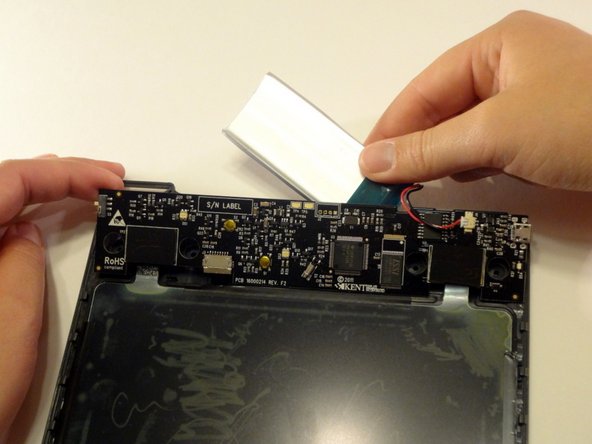
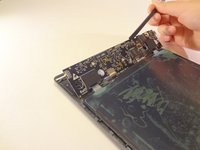
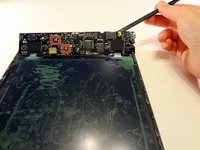
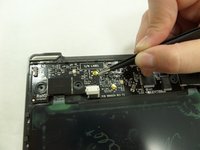
    • Gently lift the motherboard with a spudger or small object by inserting it in the seam between the back frame and the motherboard.

    • Remove the battery hidden behind the motherboard.

    crwdns2952109:0crwdne2952109:0
  7. Boogie Board Rip Copper Button Plate Replacement, Copper Button Plate: crwdns2935265:07crwdnd2935265:01crwdnd2935265:02crwdne2935265:0 Boogie Board Rip Copper Button Plate Replacement, Copper Button Plate: crwdns2935265:07crwdnd2935265:02crwdnd2935265:02crwdne2935265:0
    crwdns2935267:0crwdne2935267:0
    Tweezers
    $4.99
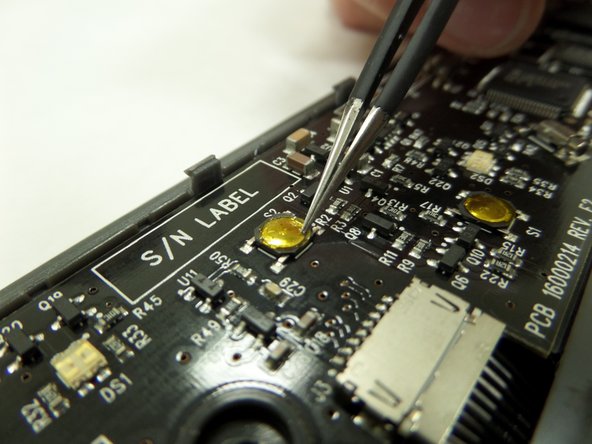
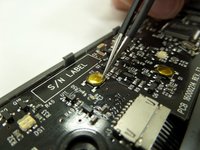
    • Using tweezers gently go around the edges of the copper plate to remove the adhesive.

    crwdns2952109:0crwdne2952109:0
  8. Boogie Board Rip Copper Button Plate Replacement: crwdns2935265:08crwdnd2935265:01crwdnd2935265:02crwdne2935265:0 Boogie Board Rip Copper Button Plate Replacement: crwdns2935265:08crwdnd2935265:02crwdnd2935265:02crwdne2935265:0
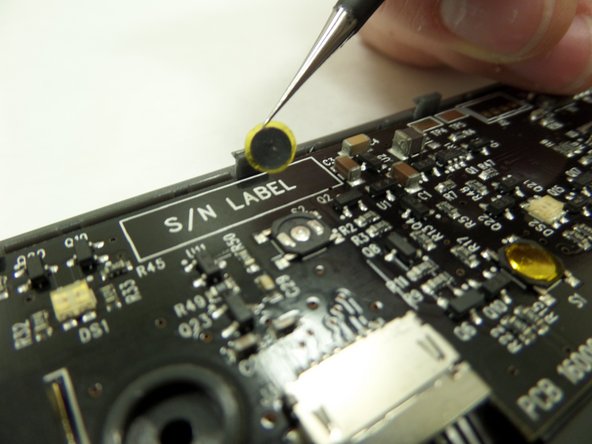
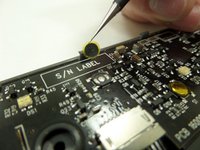
    • Use tweezers to grip the outer edge of the copper plate and lift the button straight off.

    crwdns2952109:0crwdne2952109:0
crwdns2915888:0crwdne2915888:0

To reassemble your device, follow these instructions in reverse order.

Gareth

crwdns2935283:009/09/14crwdne2935283:0

360 crwdns2915208:0crwdne2915208:0

crwdns2935297:03crwdne2935297:0

crwdns2935287:0crwdne2935287:0

CSU Fullerton, Team 2-6, Bruce Fall 2014 crwdns2935289:0CSU Fullerton, Team 2-6, Bruce Fall 2014crwdne2935289:0

CSUF-BRUCE-F14S2G6

crwdns2931471:04crwdne2931471:0

crwdns2935297:06crwdne2935297:0

crwdns2947412:00crwdne2947412:0

crwdns2917038:0crwdne2917038:0

crwdns2936625:0crwdne2936625:0:

crwdns2936751:024crwdne2936751:0 2

crwdns2936753:07crwdne2936753:0 7

crwdns2936753:030crwdne2936753:0 48

crwdns2942667:0crwdne2942667:0 2,932