crwdns2933423:0crwdne2933423:0
crwdns2947577:0crwdnd2947577:0crwdne2947577:0

Blu Studio 5.5 S Screen Replacement

crwdns2942213:0crwdne2942213:0

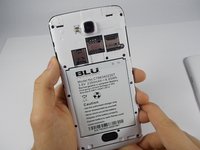
    1. Blu Studio 5.5 S Screen Replacement, Back Casing: crwdns2935265:01crwdnd2935265:01crwdnd2935265:01crwdne2935265:0
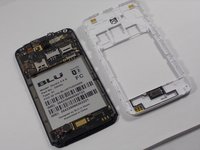
      • In order to remove the back case, start by flipping the phone to the back side and look at it from the top.

      crwdns2952109:0crwdne2952109:0

      crwdns2917038:0crwdne2917038:0

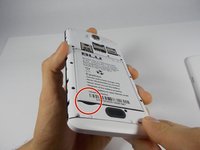
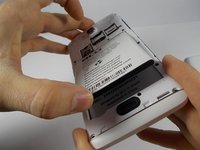
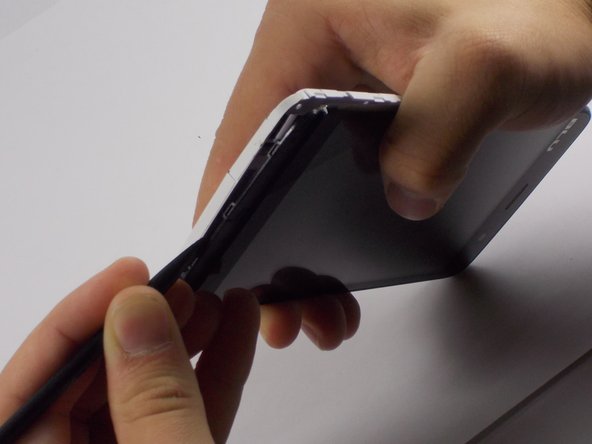
    2. Blu Studio 5.5 S Screen Replacement, Applying Pressure: crwdns2935265:02crwdnd2935265:01crwdnd2935265:03crwdne2935265:0 Blu Studio 5.5 S Screen Replacement, Applying Pressure: crwdns2935265:02crwdnd2935265:02crwdnd2935265:03crwdne2935265:0 Blu Studio 5.5 S Screen Replacement, Applying Pressure: crwdns2935265:02crwdnd2935265:03crwdnd2935265:03crwdne2935265:0
      • Place your finger in the small notch on the left side of the charging port (facing from the back).

      • Once your finger is in the notch, pull the back case towards yourself to remove it.

      crwdns2952109:0crwdne2952109:0

      crwdns2917038:0crwdne2917038:0

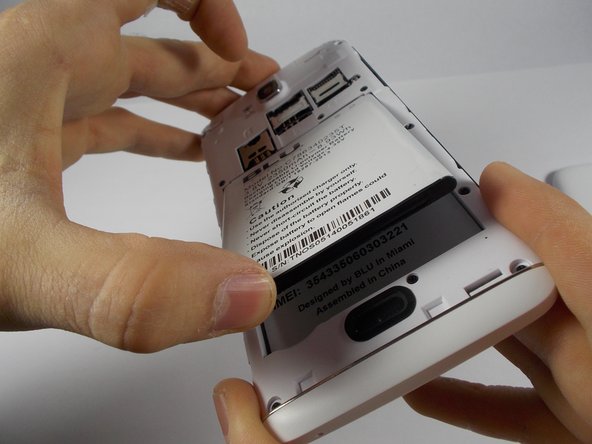
    1. Blu Studio 5.5 S Screen Replacement, Battery: crwdns2935265:03crwdnd2935265:01crwdnd2935265:03crwdne2935265:0 Blu Studio 5.5 S Screen Replacement, Battery: crwdns2935265:03crwdnd2935265:02crwdnd2935265:03crwdne2935265:0 Blu Studio 5.5 S Screen Replacement, Battery: crwdns2935265:03crwdnd2935265:03crwdnd2935265:03crwdne2935265:0
      • Once the back case is removed, locate the battery. It is the large brick embedded in the phone. It has BLU Products, a caution statement, and a barcode on it.

      • Insert your finger into the notch near the lower left of the battery, apply pressure and lift up.

      crwdns2952109:0crwdne2952109:0

      crwdns2917038:0crwdne2917038:0

    1. Blu Studio 5.5 S Screen Replacement, Midframe: crwdns2935265:04crwdnd2935265:01crwdnd2935265:03crwdne2935265:0 Blu Studio 5.5 S Screen Replacement, Midframe: crwdns2935265:04crwdnd2935265:02crwdnd2935265:03crwdne2935265:0 Blu Studio 5.5 S Screen Replacement, Midframe: crwdns2935265:04crwdnd2935265:03crwdnd2935265:03crwdne2935265:0
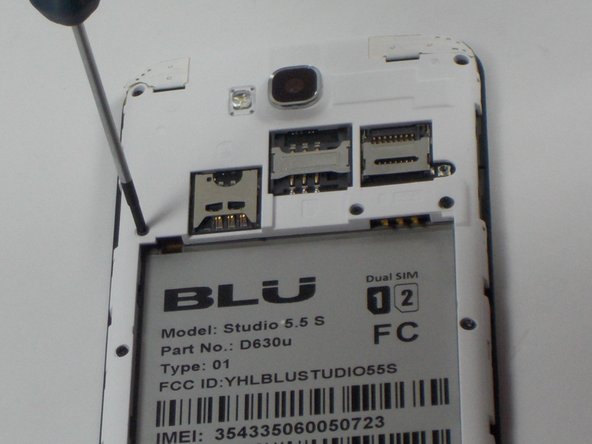
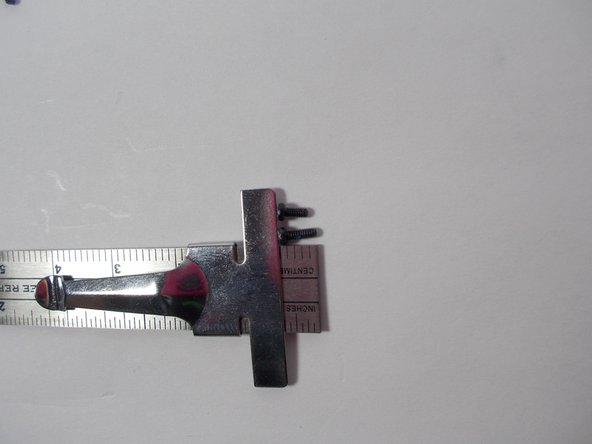
      • The speaker is located behind the inner back case. Using a Phillips #0 screwdriver, unscrew the 10, 7mm screws.

      • Using the Phillips #00 screwdriver, unscrew the two, 10mm screws at the bottom.

      crwdns2952109:0crwdne2952109:0

      crwdns2917038:0crwdne2917038:0

    2. Blu Studio 5.5 S Screen Replacement, Aesthetic Bottom Case: crwdns2935265:05crwdnd2935265:01crwdnd2935265:01crwdne2935265:0
      • Apply pressure and pop off the bottom aesthetic case, being careful not to break it.

      crwdns2952109:0crwdne2952109:0

      crwdns2917038:0crwdne2917038:0

    3. Blu Studio 5.5 S Screen Replacement: crwdns2935265:06crwdnd2935265:01crwdnd2935265:03crwdne2935265:0 Blu Studio 5.5 S Screen Replacement: crwdns2935265:06crwdnd2935265:02crwdnd2935265:03crwdne2935265:0 Blu Studio 5.5 S Screen Replacement: crwdns2935265:06crwdnd2935265:03crwdnd2935265:03crwdne2935265:0
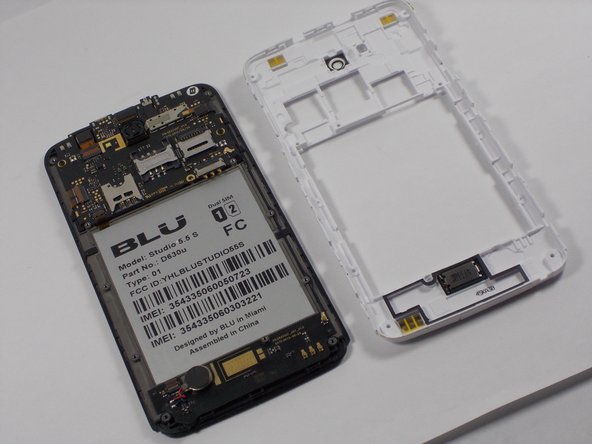
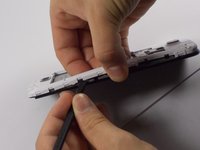
      • Use the Spudger to pop the inner back casing off. Do this by lightly raising the side of the battery housing, then sliding the Spudger around the case.

      • Pick up the inner back case and flip it over.

      crwdns2952109:0crwdne2952109:0

      crwdns2917038:0crwdne2917038:0

    1. Blu Studio 5.5 S Screen Replacement, Motherboard: crwdns2935265:07crwdnd2935265:01crwdnd2935265:03crwdne2935265:0 Blu Studio 5.5 S Screen Replacement, Motherboard: crwdns2935265:07crwdnd2935265:02crwdnd2935265:03crwdne2935265:0 Blu Studio 5.5 S Screen Replacement, Motherboard: crwdns2935265:07crwdnd2935265:03crwdnd2935265:03crwdne2935265:0
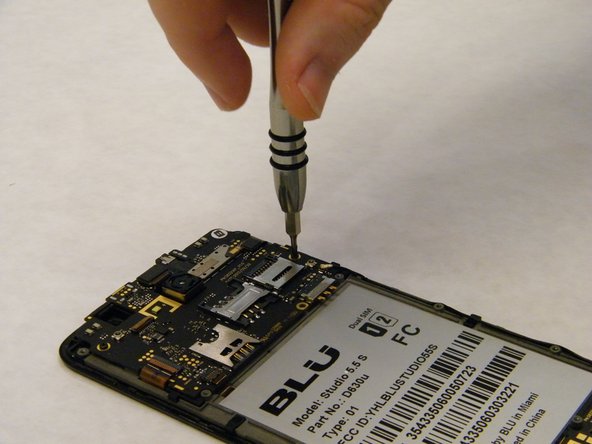
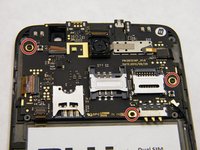
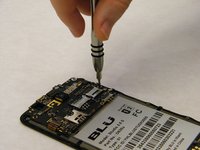
      • Remove the three 7 mm screws using the Phillips #00 Screwdiver.

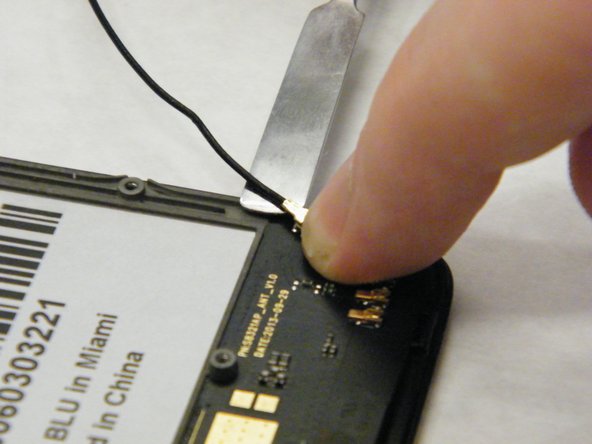
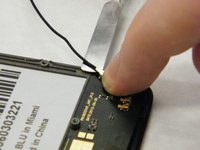
      • Disconnect motherboard plug connector near bottom right of battery using fingers to pull off the cap plug.

      crwdns2952109:0crwdne2952109:0

      crwdns2917038:0crwdne2917038:0

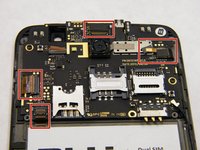
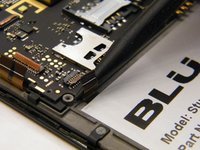
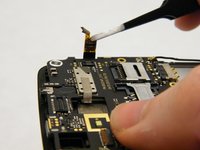
    2. Blu Studio 5.5 S Screen Replacement: crwdns2935265:08crwdnd2935265:01crwdnd2935265:03crwdne2935265:0 Blu Studio 5.5 S Screen Replacement: crwdns2935265:08crwdnd2935265:02crwdnd2935265:03crwdne2935265:0 Blu Studio 5.5 S Screen Replacement: crwdns2935265:08crwdnd2935265:03crwdnd2935265:03crwdne2935265:0
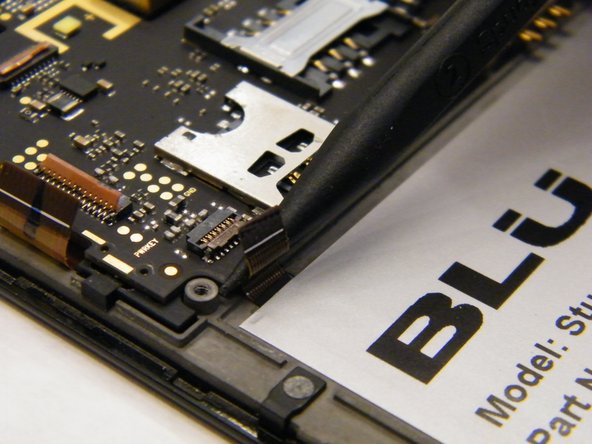
      • Use the nylon spudger to lift the release tabs by carefully grabbing the tabs from the sides and lifting up.

      • Release the four ribbon wires from the motherboard.

      crwdns2952109:0crwdne2952109:0

      crwdns2917038:0crwdne2917038:0

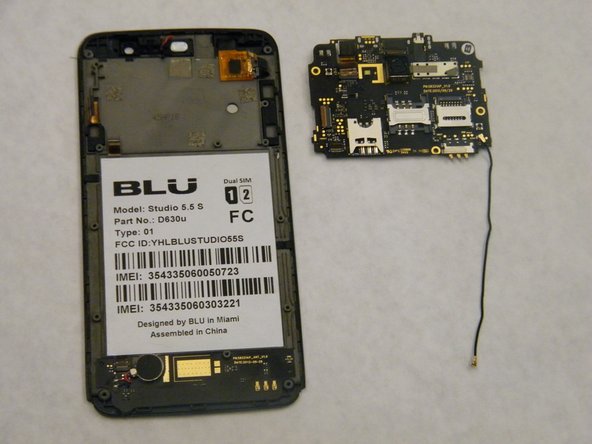
    3. Blu Studio 5.5 S Screen Replacement: crwdns2935265:09crwdnd2935265:01crwdnd2935265:02crwdne2935265:0 Blu Studio 5.5 S Screen Replacement: crwdns2935265:09crwdnd2935265:02crwdnd2935265:02crwdne2935265:0
      crwdns2935267:0crwdne2935267:0
      Tweezers
      $4.99
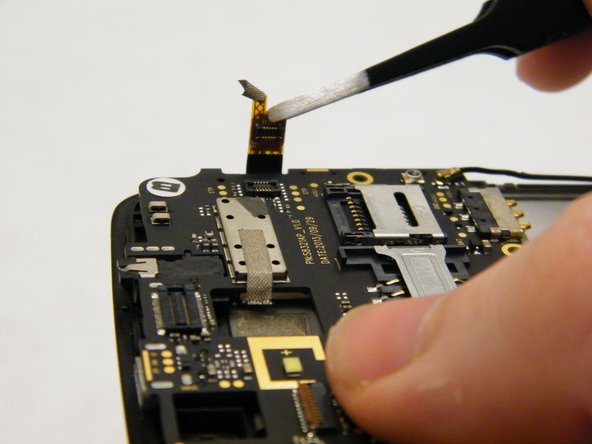
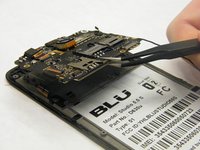
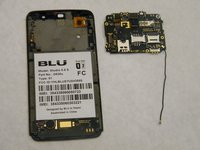
      • Use the tweezers to grip the bottom of the motherboard and lift up.

      crwdns2952109:0crwdne2952109:0

      crwdns2917038:0crwdne2917038:0

    1. Blu Studio 5.5 S Screen Replacement, Screen: crwdns2935265:010crwdnd2935265:01crwdnd2935265:02crwdne2935265:0 Blu Studio 5.5 S Screen Replacement, Screen: crwdns2935265:010crwdnd2935265:02crwdnd2935265:02crwdne2935265:0
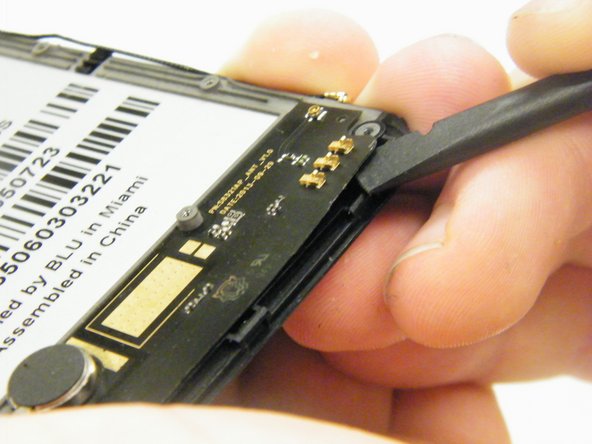
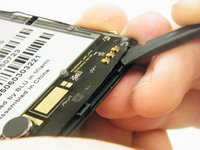
      • Remove speaker circuit board from bottom of the phone by using a Spudger to gently lift up.

      • The speaker circuit board is attached with adhesive. Be careful not to break when removing.

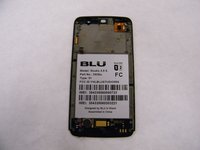
      • Once this piece is removed, you can replace your part with the new screen and digitizer assembly.

      crwdns2952109:0crwdne2952109:0

      crwdns2917038:0crwdne2917038:0

crwdns2915888:0crwdne2915888:0

To reassemble your device, follow these instructions in reverse order.

crwdns2935221:0crwdne2935221:0

crwdns2935227:0crwdne2935227:0

Greg Cerabona

crwdns2935283:003/04/17crwdne2935283:0

167 crwdns2915208:0crwdne2915208:0

crwdns2935295:0crwdne2935295:0

crwdns2935287:0crwdne2935287:0

IUPUI, Team S2-G2, Wilson Spring 2017 crwdns2935289:0IUPUI, Team S2-G2, Wilson Spring 2017crwdne2935289:0

IUPUI-WILSON-S17S2G2

crwdns2931471:05crwdne2931471:0

crwdns2935297:024crwdne2935297:0

crwdns2947412:00crwdne2947412:0

crwdns2917038:0crwdne2917038:0

crwdns2936625:0crwdne2936625:0:

crwdns2936751:024crwdne2936751:0 2

crwdns2936753:07crwdne2936753:0 16

crwdns2936753:030crwdne2936753:0 91

crwdns2942667:0crwdne2942667:0 1,454