
BlackBerry Bold 9700 Keyboard Replacement

crwdns2959932:0crwdnd2959932:0Dannycrwdnd2959932:0crwdnd2959932:0crwdnd2959932:03crwdnd2959932:0crwdne2959932:0
crwdns2959936:0Kho 22, 2015crwdne2959936:0
crwdns2869540:0crwdne2869540:0: 2K
crwdns2959988:0crwdne2959988:0
- crwdns2959990:0crwdne2959990:0
- 1
- crwdns2959992:0crwdne2959992:0
- 18
- crwdns2959994:0crwdne2959994:0
- 89
- crwdns2959996:0crwdne2959996:0
- 2,040
crwdns2955950:0crwdne2955950:0: 0
crwdns2959998:0crwdne2959998:0
crwdns2960000:0crwdne2960000:0crwdns2959984:0crwdne2959984:0: 0 1
crwdns2959956:0crwdne2959956:0
crwdns2959968:01crwdne2959968:0
crwdns2959986:0crwdne2959986:0: 0 1
crwdns2959958:0crwdne2959958:0
crwdns2959976:01crwdne2959976:0
crwdns2915892:0crwdne2915892:0
crwdns2959928:0crwdne2959928:0 ↓Replacing the keyboard of the BlackBerry Bold 9700 is one of the easier repairs you will do. All it takes is a bit of prying and a screwdriver. The process of replacing the keyboard of your BlackBerry Bold 9700 will allow you to become familiar with your device and restore full functionality.
crwdns2959930:0crwdne2959930:0
crwdns2943213:0crwdne2943213:0
-
BlackBerry Bold 9700 OEM Qwerty Keyboardcrwdns2959944:0crwdne2959944:0crwdns2931591:0Amazoncrwdne2931591:0
crwdns2943215:0crwdne2943215:0


-
-
-
Remove the back panel by sliding it downward and lifting it away from the phone.
 crwdns2952109:0crwdne2952109:0
-
-
-
Remove the battery by lifting the bottom edge of the battery from the bottom of the phone and up from the case.
-
(Warning: Power-off the device before removing the battery.)
-
-
-
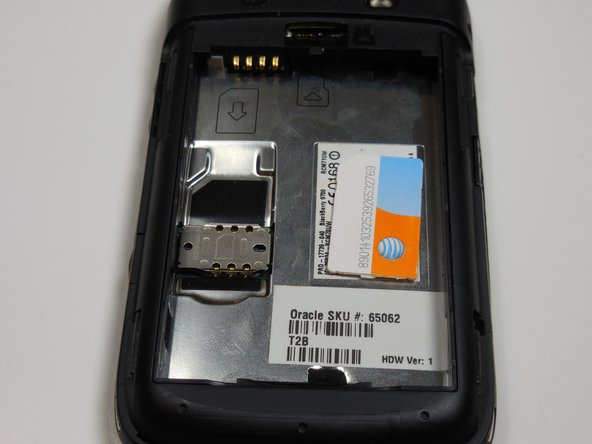
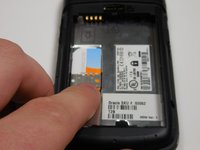
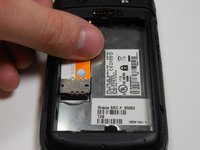
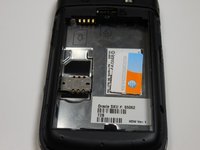
Remove the SIM card by pushing the card vertically through the bracket towards the top of the device.
-
-
-
-
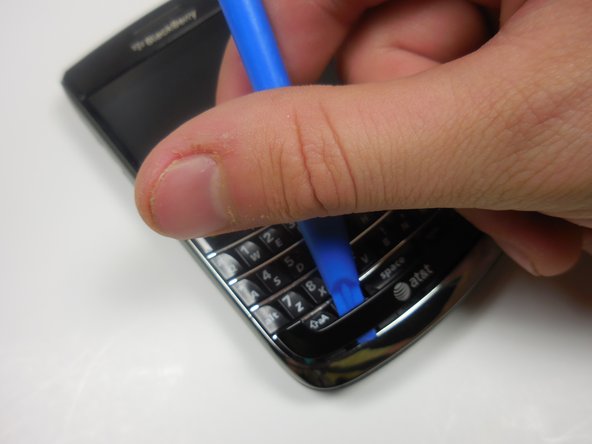
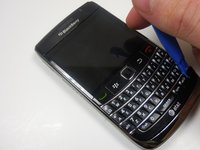
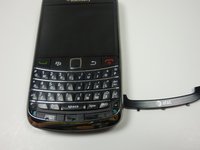
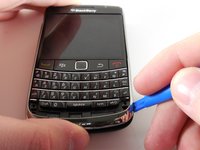
Use the plastic opening tool to gently pry the bottom panel with the AT&T logo away from the phone.
-
Note: You will hear a snapping sound.
-
-
-
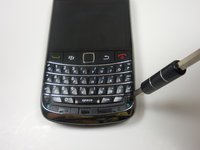
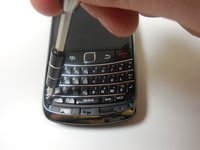
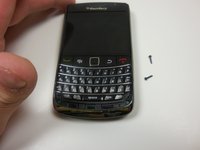
Remove the front panel 5.57mm Torx head screws x2 with the T5 Torx screwdriver.
-
-
-
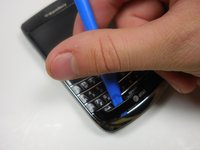
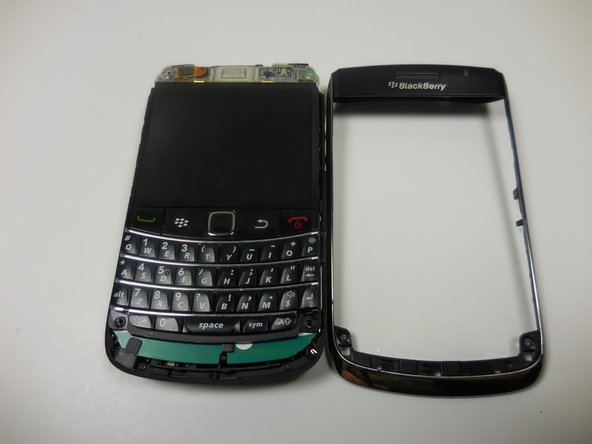
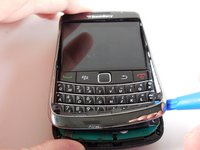
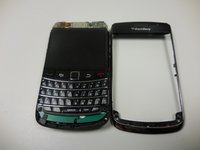
Use the plastic opening tool to remove the frame.
-
-
-
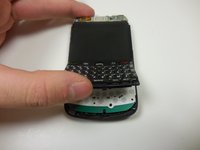
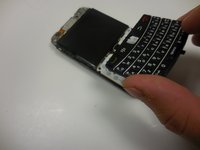
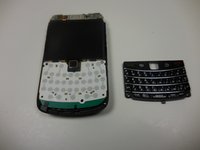
Gently lift the bottom of the keyboard up with your fingers and pull it toward the bottom of the phone.
-
-
-
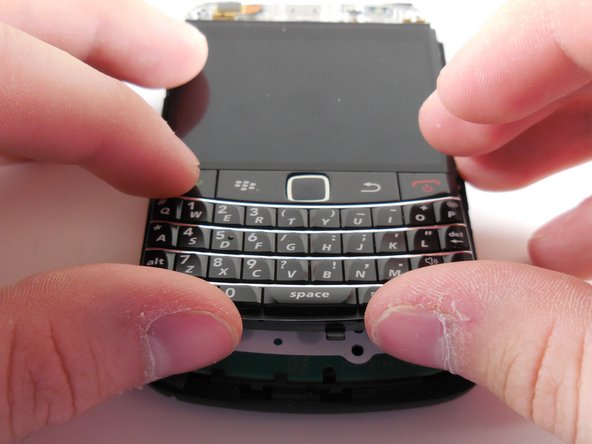
Align the new keyboard to the bottom of the screen with the track pad slot angled downward.
-
Once the keyboard is flush with the screen, push the keyboard into place.
-
-












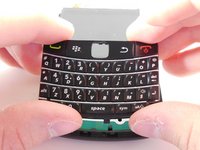
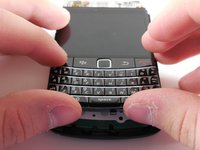
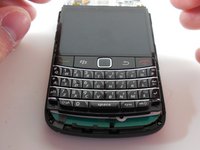
To reassemble your device, follow these steps in reverse.

crwdns2935287:0crwdne2935287:0

Colorado Springs, Team 9-3, Panko Spring 2015 crwdns2935289:0Colorado Springs, Team 9-3, Panko Spring 2015crwdne2935289:0
UCCS-PANKO-S15S9G3
crwdns2931471:02crwdne2931471:0
crwdns2935297:072crwdne2935297:0
