crwdns2933423:0crwdne2933423:0
crwdns2947577:0crwdnd2947577:0crwdne2947577:0

BlackBerry 7100g Battery Terminal Replacement

crwdns2942213:0crwdne2942213:0

    1. BlackBerry 7100g Battery Terminal Replacement, Battery: crwdns2935265:01crwdnd2935265:01crwdnd2935265:01crwdne2935265:0
      • Turn over your BalckBerry 7100g so that the back cover is facing up.

      • Locate the battery cover release button near the bottom of the back panel.

      crwdns2952109:0crwdne2952109:0

      crwdns2917038:0crwdne2917038:0

    2. BlackBerry 7100g Battery Terminal Replacement: crwdns2935265:02crwdnd2935265:01crwdnd2935265:03crwdne2935265:0 BlackBerry 7100g Battery Terminal Replacement: crwdns2935265:02crwdnd2935265:02crwdnd2935265:03crwdne2935265:0 BlackBerry 7100g Battery Terminal Replacement: crwdns2935265:02crwdnd2935265:03crwdnd2935265:03crwdne2935265:0
      • Push down on the release button with one thumb.

      • Slide the battery cover off with the other thumb.

      crwdns2952109:0crwdne2952109:0

      crwdns2917038:0crwdne2917038:0

    3. BlackBerry 7100g Battery Terminal Replacement: crwdns2935265:03crwdnd2935265:01crwdnd2935265:01crwdne2935265:0
      • Remove the battery from the battery housing by flipping up the top of the battery.

      crwdns2952109:0crwdne2952109:0

      crwdns2917038:0crwdne2917038:0

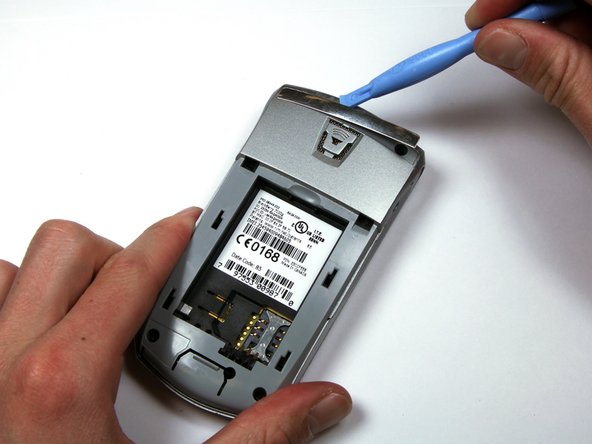
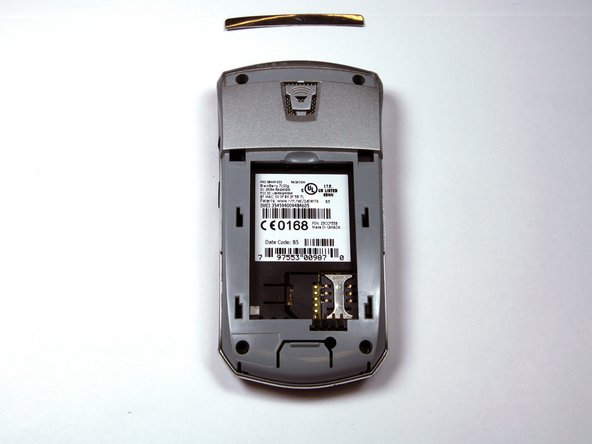
    1. BlackBerry 7100g Battery Terminal Replacement, Housing: crwdns2935265:04crwdnd2935265:01crwdnd2935265:03crwdne2935265:0 BlackBerry 7100g Battery Terminal Replacement, Housing: crwdns2935265:04crwdnd2935265:02crwdnd2935265:03crwdne2935265:0 BlackBerry 7100g Battery Terminal Replacement, Housing: crwdns2935265:04crwdnd2935265:03crwdnd2935265:03crwdne2935265:0
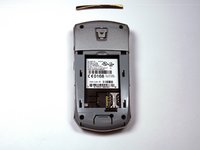
      • Locate the silver strip near the top of your BlackBerry.

      • Use a plastic opening tool to pry off the edge of the silver lining.

      • Slide the tool along the length of the silver strip to completely remove it.

      crwdns2952109:0crwdne2952109:0

      crwdns2917038:0crwdne2917038:0

    2. BlackBerry 7100g Battery Terminal Replacement: crwdns2935265:05crwdnd2935265:01crwdnd2935265:02crwdne2935265:0 BlackBerry 7100g Battery Terminal Replacement: crwdns2935265:05crwdnd2935265:02crwdnd2935265:02crwdne2935265:0
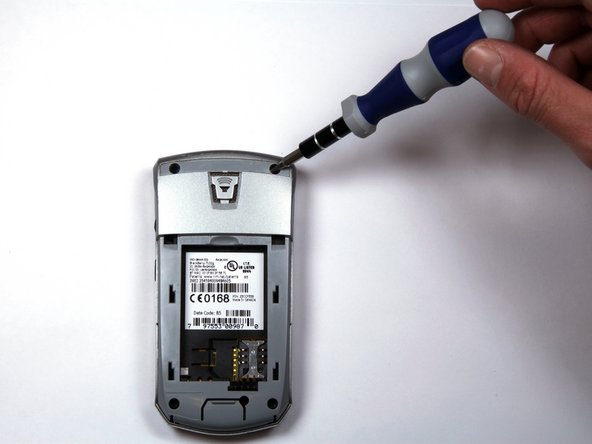
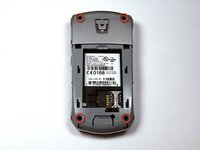
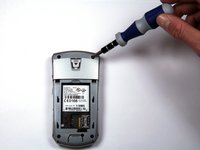
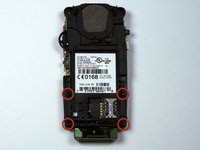
      • Do not lose the screws. They are quite small and can easily be misplaced.

      • Locate and unscrew the four (4) screws using a T6 screwdriver.

      crwdns2952109:0crwdne2952109:0

      crwdns2917038:0crwdne2917038:0

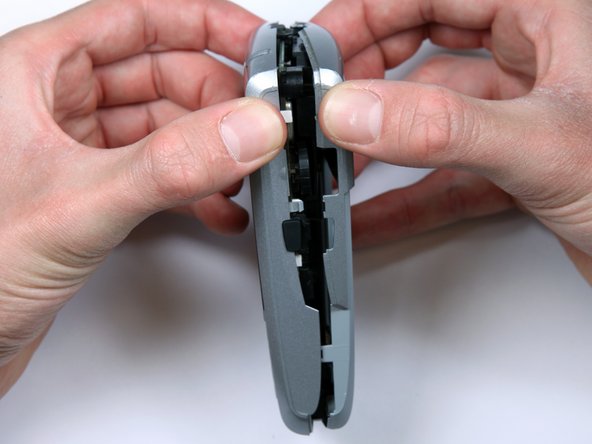
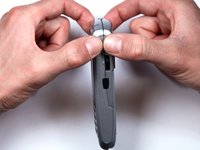
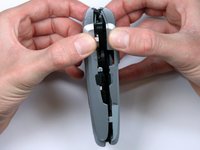
    3. BlackBerry 7100g Battery Terminal Replacement: crwdns2935265:06crwdnd2935265:01crwdnd2935265:03crwdne2935265:0 BlackBerry 7100g Battery Terminal Replacement: crwdns2935265:06crwdnd2935265:02crwdnd2935265:03crwdne2935265:0 BlackBerry 7100g Battery Terminal Replacement: crwdns2935265:06crwdnd2935265:03crwdnd2935265:03crwdne2935265:0
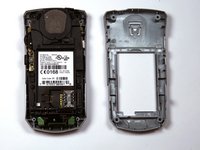
      • The keypad cover may fall out of the housing when prying the housing apart.

      • Tightly pinch the top of the front and back halves of the housing.

      • Carefully pry the two halves of the housing apart.

      crwdns2952109:0crwdne2952109:0

      crwdns2917038:0crwdne2917038:0

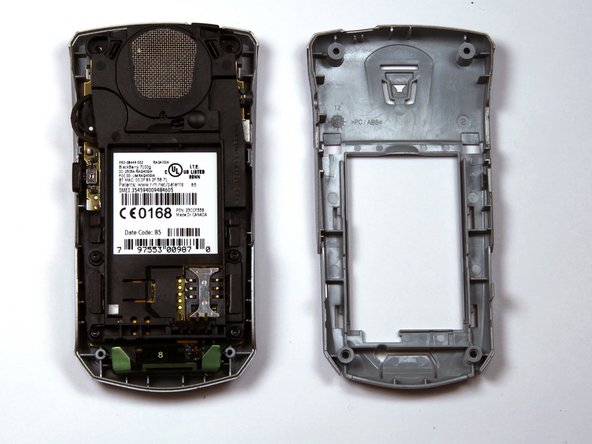
    4. BlackBerry 7100g Battery Terminal Replacement: crwdns2935265:07crwdnd2935265:01crwdnd2935265:01crwdne2935265:0
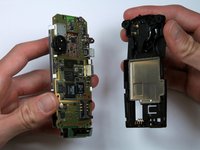
      • You can now easily remove the "guts" of the phone from the housing.

      crwdns2952109:0crwdne2952109:0

      crwdns2917038:0crwdne2917038:0

    1. BlackBerry 7100g Battery Terminal Replacement, Battery Terminal: crwdns2935265:08crwdnd2935265:01crwdnd2935265:02crwdne2935265:0 BlackBerry 7100g Battery Terminal Replacement, Battery Terminal: crwdns2935265:08crwdnd2935265:02crwdnd2935265:02crwdne2935265:0
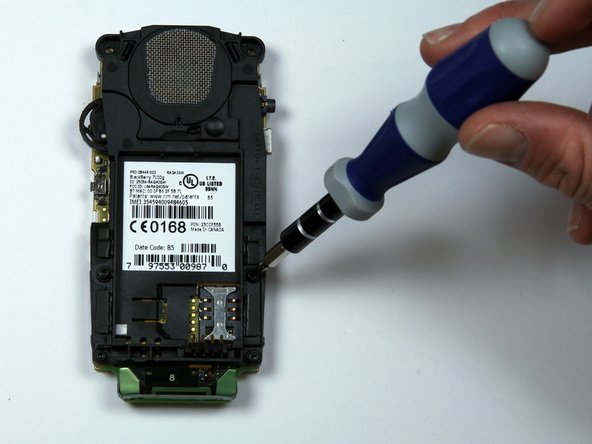
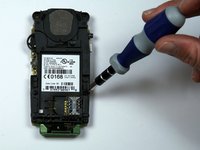
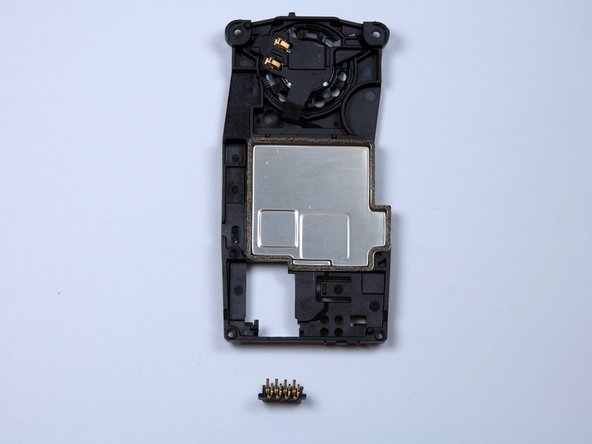
      • Remove the four screws holding the battery and speaker housing to the motherboard.

      crwdns2952109:0crwdne2952109:0

      crwdns2917038:0crwdne2917038:0

    2. BlackBerry 7100g Battery Terminal Replacement: crwdns2935265:09crwdnd2935265:01crwdnd2935265:03crwdne2935265:0 BlackBerry 7100g Battery Terminal Replacement: crwdns2935265:09crwdnd2935265:02crwdnd2935265:03crwdne2935265:0 BlackBerry 7100g Battery Terminal Replacement: crwdns2935265:09crwdnd2935265:03crwdnd2935265:03crwdne2935265:0
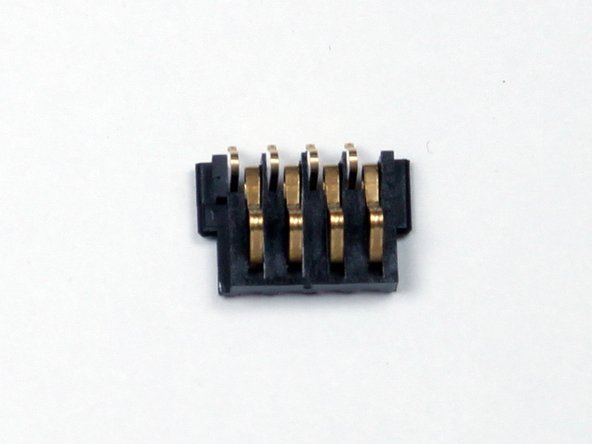
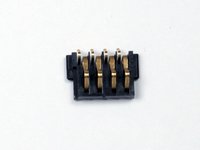
      • Once the battery housing is seperated from the motherboard, the battery terminal will slide off the battery housing.

      • The small plastic piece with four metal pins is the battery terminal shown in the third picture.

      crwdns2952109:0crwdne2952109:0

      crwdns2917038:0crwdne2917038:0

crwdns2915888:0crwdne2915888:0

To reassemble your device, follow these instructions in reverse order.

crwdns2935221:0crwdne2935221:0

Kellan

crwdns2935283:003/30/10crwdne2935283:0

277 crwdns2915208:0crwdne2915208:0

crwdns2935297:03crwdne2935297:0

crwdns2935287:0crwdne2935287:0

Cal Poly, Team 25-87, Amido Spring 2010 crwdns2935289:0Cal Poly, Team 25-87, Amido Spring 2010crwdne2935289:0

CPSU-AMIDO-S10S25G87

crwdns2931471:04crwdne2931471:0

crwdns2935297:096crwdne2935297:0

crwdns2947412:00crwdne2947412:0

crwdns2917038:0crwdne2917038:0

crwdns2936625:0crwdne2936625:0:

crwdns2936751:024crwdne2936751:0 6

crwdns2936753:07crwdne2936753:0 30

crwdns2936753:030crwdne2936753:0 49

crwdns2942667:0crwdne2942667:0 3,612