crwdns2933423:0crwdne2933423:0
crwdns2947577:0crwdnd2947577:0crwdne2947577:0

Backbone One Right Trigger Replacement

crwdns2942213:0crwdne2942213:0

  1. Backbone One Right Trigger Replacement, Remove the screws: crwdns2935265:01crwdnd2935265:01crwdnd2935265:01crwdne2935265:0
    • Use a Phillips screwdriver to remove the four 5.9 mm-long screws.

    crwdns2952109:0crwdne2952109:0

    crwdns2917038:0crwdne2917038:0

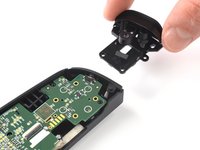
  2. Backbone One Right Trigger Replacement, Rotate the upper part: crwdns2935265:02crwdnd2935265:01crwdnd2935265:03crwdne2935265:0 Backbone One Right Trigger Replacement, Rotate the upper part: crwdns2935265:02crwdnd2935265:02crwdnd2935265:03crwdne2935265:0 Backbone One Right Trigger Replacement, Rotate the upper part: crwdns2935265:02crwdnd2935265:03crwdnd2935265:03crwdne2935265:0
    • Lift up the upper cover of the controller.

    • Swing the upper cover over and place it on the controller case.

    • Make sure that the interconnecting cable has no tension.

    crwdns2952109:0crwdne2952109:0

    crwdns2917038:0crwdne2917038:0

  3. Backbone One Right Trigger Replacement, Remove the protective tape: crwdns2935265:03crwdnd2935265:01crwdnd2935265:03crwdne2935265:0 Backbone One Right Trigger Replacement, Remove the protective tape: crwdns2935265:03crwdnd2935265:02crwdnd2935265:03crwdne2935265:0 Backbone One Right Trigger Replacement, Remove the protective tape: crwdns2935265:03crwdnd2935265:03crwdnd2935265:03crwdne2935265:0
    crwdns2935267:0crwdne2935267:0
    Tweezers
    $4.99
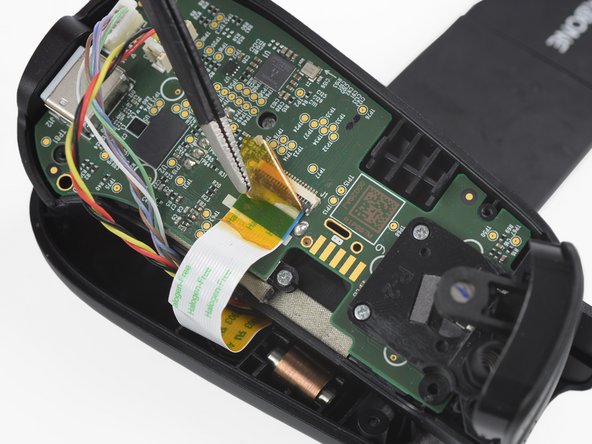
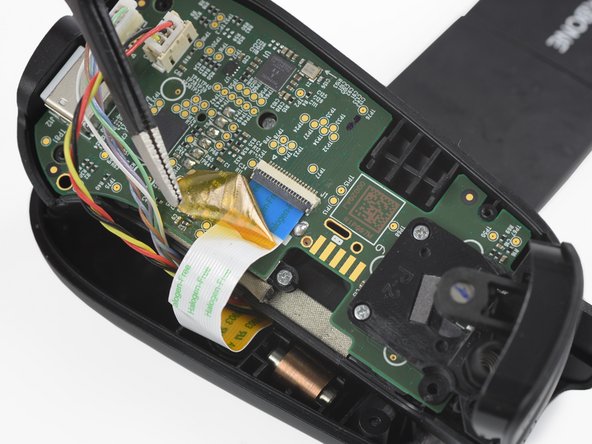
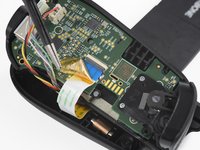
    • Use a pair of tweezers to remove the yellow protective tape which is placed over the interconnect cable and the connector.

    crwdns2952109:0crwdne2952109:0

    crwdns2917038:0crwdne2917038:0

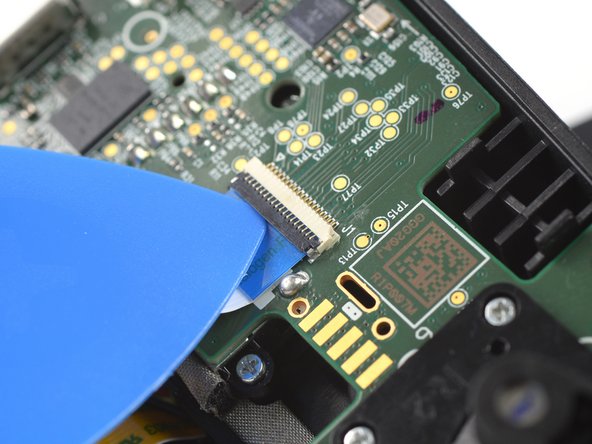
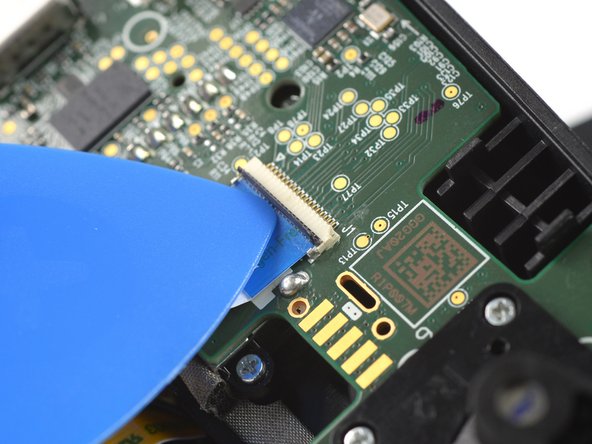
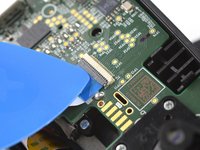
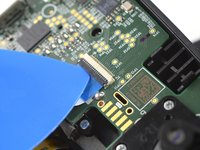
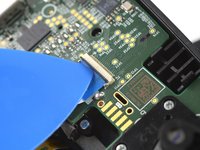
  4. Backbone One Right Trigger Replacement, Open the interconnect cable ZIF connector: crwdns2935265:04crwdnd2935265:01crwdnd2935265:03crwdne2935265:0 Backbone One Right Trigger Replacement, Open the interconnect cable ZIF connector: crwdns2935265:04crwdnd2935265:02crwdnd2935265:03crwdne2935265:0 Backbone One Right Trigger Replacement, Open the interconnect cable ZIF connector: crwdns2935265:04crwdnd2935265:03crwdnd2935265:03crwdne2935265:0
    • Use the tip of an opening pick to open the gray flap of the interconnect cable ZIF connector by pushing it upwards.

    crwdns2952109:0crwdne2952109:0

    crwdns2917038:0crwdne2917038:0

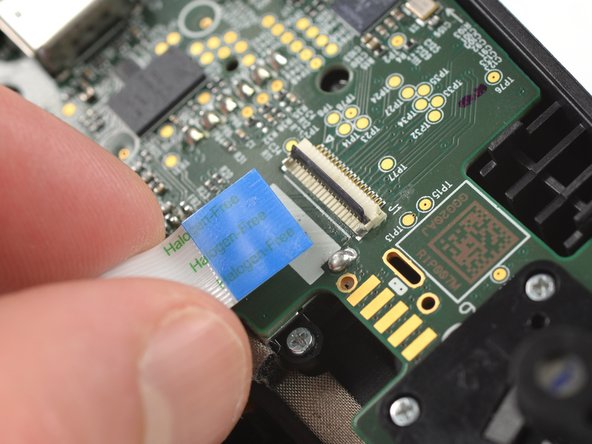
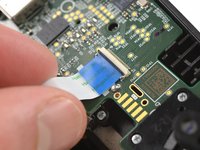
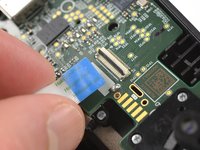
  5. Backbone One Right Trigger Replacement, Disconnect the interconnect cable: crwdns2935265:05crwdnd2935265:01crwdnd2935265:02crwdne2935265:0 Backbone One Right Trigger Replacement, Disconnect the interconnect cable: crwdns2935265:05crwdnd2935265:02crwdnd2935265:02crwdne2935265:0
    • Disconnect the cable by pulling it straight out the ZIF connector.

    crwdns2952109:0crwdne2952109:0

    crwdns2917038:0crwdne2917038:0

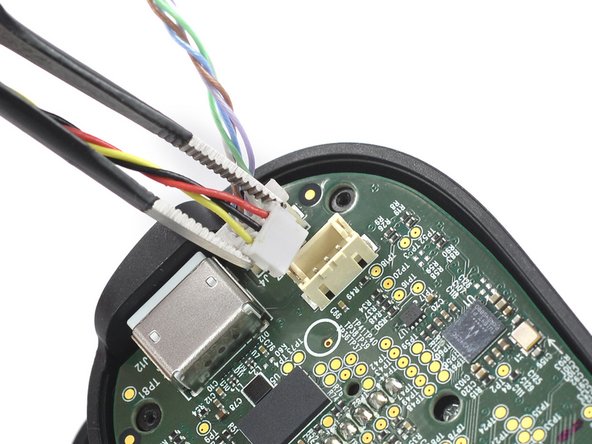
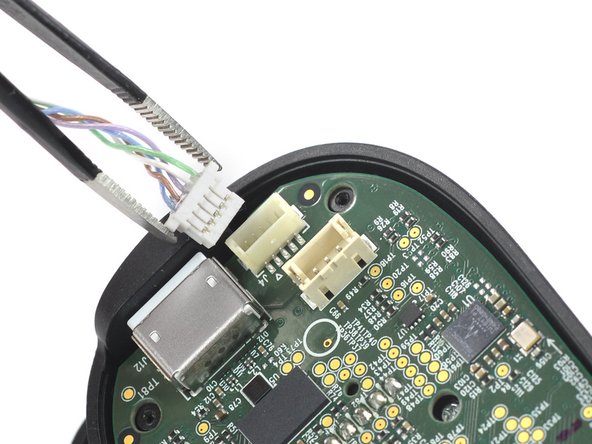
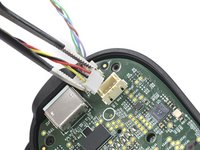
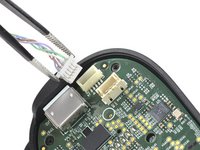
  6. Backbone One Right Trigger Replacement, Disconnect the phone connector cables: crwdns2935265:06crwdnd2935265:01crwdnd2935265:03crwdne2935265:0 Backbone One Right Trigger Replacement, Disconnect the phone connector cables: crwdns2935265:06crwdnd2935265:02crwdnd2935265:03crwdne2935265:0 Backbone One Right Trigger Replacement, Disconnect the phone connector cables: crwdns2935265:06crwdnd2935265:03crwdnd2935265:03crwdne2935265:0
    • Use a pair of tweezers to disconnect the phone connector cables out from their sockets.

    crwdns2952109:0crwdne2952109:0

    crwdns2917038:0crwdne2917038:0

  7. Backbone One Right Trigger Replacement, Separate the upper case: crwdns2935265:07crwdnd2935265:01crwdnd2935265:01crwdne2935265:0
    • Separate the the upper case of the left controller handle.

    crwdns2952109:0crwdne2952109:0

    crwdns2917038:0crwdne2917038:0

  8. Backbone One Right Trigger Replacement, Remove the screws: crwdns2935265:08crwdnd2935265:01crwdnd2935265:01crwdne2935265:0
    • Use a Phillips screwdriver to remove the three 5.9 mm-long screws.

    crwdns2952109:0crwdne2952109:0

    crwdns2917038:0crwdne2917038:0

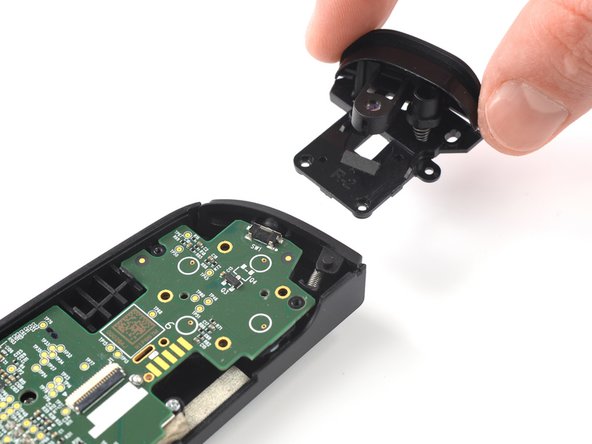
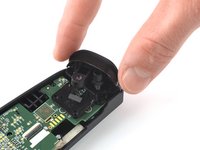
  9. Backbone One Right Trigger Replacement, Remove the trigger: crwdns2935265:09crwdnd2935265:01crwdnd2935265:02crwdne2935265:0 Backbone One Right Trigger Replacement, Remove the trigger: crwdns2935265:09crwdnd2935265:02crwdnd2935265:02crwdne2935265:0
    • Remove the trigger.

    crwdns2952109:0crwdne2952109:0

    crwdns2917038:0crwdne2917038:0

crwdns2915888:0crwdne2915888:0

To reassemble your device, follow these instructions in reverse order.

Opening didn’t go as planned? Answers community for help.

crwdns2935221:0crwdne2935221:0

crwdns2935227:0crwdne2935227:0

Adriana Zwink

crwdns2935283:012/18/19crwdne2935283:0

67,169 crwdns2915208:0crwdne2915208:0

crwdns2935297:0167crwdne2935297:0

crwdns2935287:0crwdne2935287:0

iFixit crwdns2935289:0iFixitcrwdne2935289:0

Staff

crwdns2931471:0122crwdne2931471:0

crwdns2935297:025,947crwdne2935297:0

crwdns2947412:02crwdne2947412:0

where can I buy a right trigger replacement?

pelony felony - crwdns2934203:0crwdne2934203:0 crwdns2950251:0crwdne2950251:0

where can I buy a right trigger replacement?

Ricardo Gazo Rosario - crwdns2934203:0crwdne2934203:0 crwdns2950251:0crwdne2950251:0

crwdns2917038:0crwdne2917038:0

crwdns2936625:0crwdne2936625:0:

crwdns2936751:024crwdne2936751:0 2

crwdns2936753:07crwdne2936753:0 8

crwdns2936753:030crwdne2936753:0 62

crwdns2942667:0crwdne2942667:0 1,775