crwdns2933423:0crwdne2933423:0
crwdns2947577:0crwdnd2947577:0crwdne2947577:0

AvertX HD810 PoE Cable Replacement

crwdns2942213:0crwdne2942213:0

  1. AvertX HD810 PoE Cable Replacement, Clear Dome Cover: crwdns2935265:01crwdnd2935265:01crwdnd2935265:03crwdne2935265:0 AvertX HD810 PoE Cable Replacement, Clear Dome Cover: crwdns2935265:01crwdnd2935265:02crwdnd2935265:03crwdne2935265:0 AvertX HD810 PoE Cable Replacement, Clear Dome Cover: crwdns2935265:01crwdnd2935265:03crwdnd2935265:03crwdne2935265:0
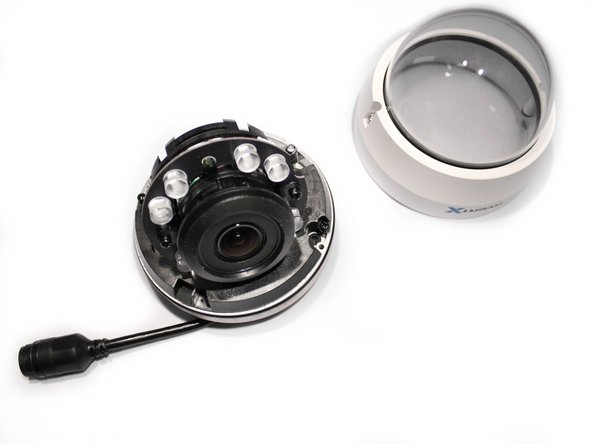
    • Lift off the paintable snap-on cover from the AvertX HD810 dome security camera.

    • Optimally, the device should be turned off and the PoE (Power over Ethernet) unplugged.

    crwdns2952109:0crwdne2952109:0

    crwdns2917038:0crwdne2917038:0

  2. AvertX HD810 PoE Cable Replacement: crwdns2935265:02crwdnd2935265:01crwdnd2935265:02crwdne2935265:0 AvertX HD810 PoE Cable Replacement: crwdns2935265:02crwdnd2935265:02crwdnd2935265:02crwdne2935265:0
    • Loosen both 10mm screws on either side of the clear dome cover housing using a T10 Torx security screwdriver.

    • It is not recommended to remove the screws from the clear dome cover housing. The screws are apart of the cover and not intended to come out.

    crwdns2952109:0crwdne2952109:0

    crwdns2917038:0crwdne2917038:0

  3. AvertX HD810 PoE Cable Replacement: crwdns2935265:03crwdnd2935265:01crwdnd2935265:03crwdne2935265:0 AvertX HD810 PoE Cable Replacement: crwdns2935265:03crwdnd2935265:02crwdnd2935265:03crwdne2935265:0 AvertX HD810 PoE Cable Replacement: crwdns2935265:03crwdnd2935265:03crwdnd2935265:03crwdne2935265:0
    • Gently pull off the clear dome cover from the camera base.

    crwdns2952109:0crwdne2952109:0

    crwdns2917038:0crwdne2917038:0

  4. AvertX HD810 PoE Cable Replacement, PoE Cable: crwdns2935265:04crwdnd2935265:01crwdnd2935265:03crwdne2935265:0 AvertX HD810 PoE Cable Replacement, PoE Cable: crwdns2935265:04crwdnd2935265:02crwdnd2935265:03crwdne2935265:0 AvertX HD810 PoE Cable Replacement, PoE Cable: crwdns2935265:04crwdnd2935265:03crwdnd2935265:03crwdne2935265:0
    • Make sure the device is turned off and unplugged completely before attempting any more disassembly .

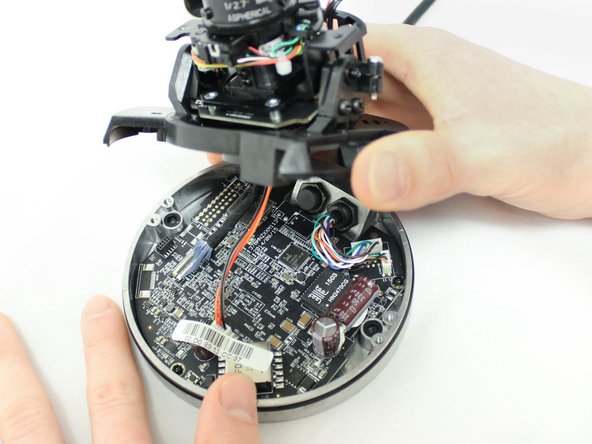
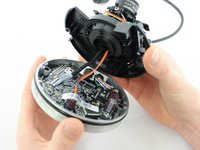
    • Unscrew the two 10mm screws holding the plastic camera base to the metal camera base using the PH1 screwdriver.

    • Be aware that cables are still connected under this base, and gently lift the plastic base with the camera away from the metal base with the motherboard.

    crwdns2952109:0crwdne2952109:0

    crwdns2917038:0crwdne2917038:0

  5. AvertX HD810 PoE Cable Replacement: crwdns2935265:05crwdnd2935265:01crwdnd2935265:03crwdne2935265:0 AvertX HD810 PoE Cable Replacement: crwdns2935265:05crwdnd2935265:02crwdnd2935265:03crwdne2935265:0 AvertX HD810 PoE Cable Replacement: crwdns2935265:05crwdnd2935265:03crwdnd2935265:03crwdne2935265:0
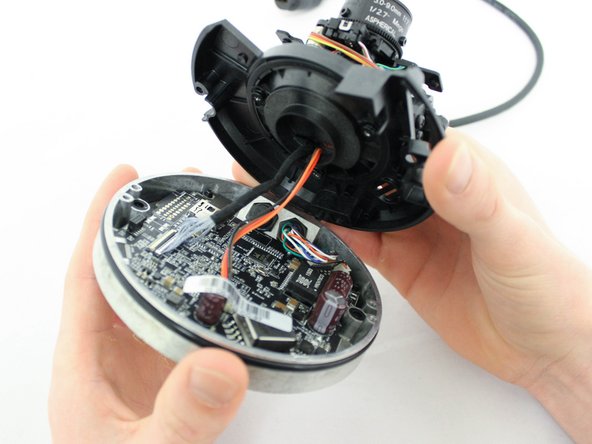
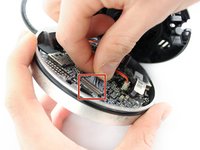
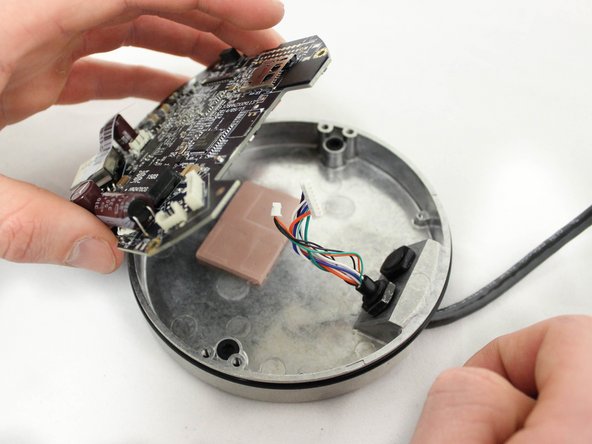
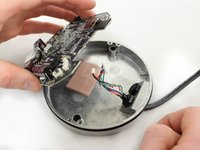
    • Disconnect the two cables from the camera base motherboard by gently but firmly pulling directly away from their respective ports.

    • Disconnect the two PoE (Power over Ethernet) cables from the motherboard by gently but firmly pulling the connected cables directly away from their respective ports.

    crwdns2952109:0crwdne2952109:0

    crwdns2917038:0crwdne2917038:0

  6. AvertX HD810 PoE Cable Replacement: crwdns2935265:06crwdnd2935265:01crwdnd2935265:03crwdne2935265:0 AvertX HD810 PoE Cable Replacement: crwdns2935265:06crwdnd2935265:02crwdnd2935265:03crwdne2935265:0 AvertX HD810 PoE Cable Replacement: crwdns2935265:06crwdnd2935265:03crwdnd2935265:03crwdne2935265:0
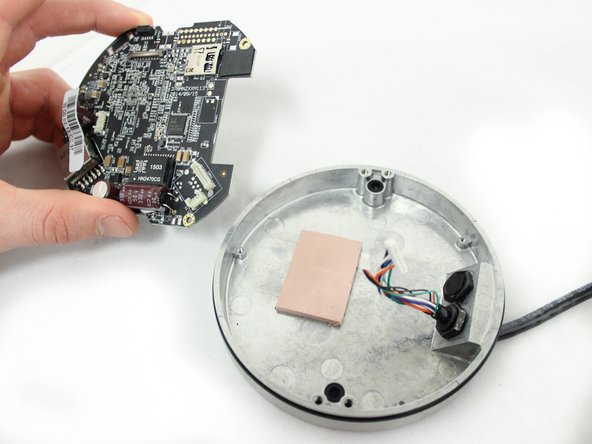
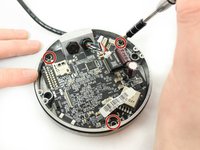
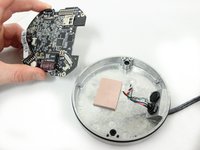
    • Using a nonmagnetic, PH000 Phillips Head screwdriver, remove the three 6mm screws that hold the motherboard to the metal base.

    • Set the motherboard aside on a non-static surface.

    crwdns2952109:0crwdne2952109:0

    crwdns2917038:0crwdne2917038:0

  7. AvertX HD810 PoE Cable Replacement: crwdns2935265:07crwdnd2935265:01crwdnd2935265:03crwdne2935265:0 AvertX HD810 PoE Cable Replacement: crwdns2935265:07crwdnd2935265:02crwdnd2935265:03crwdne2935265:0 AvertX HD810 PoE Cable Replacement: crwdns2935265:07crwdnd2935265:03crwdnd2935265:03crwdne2935265:0
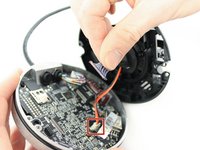
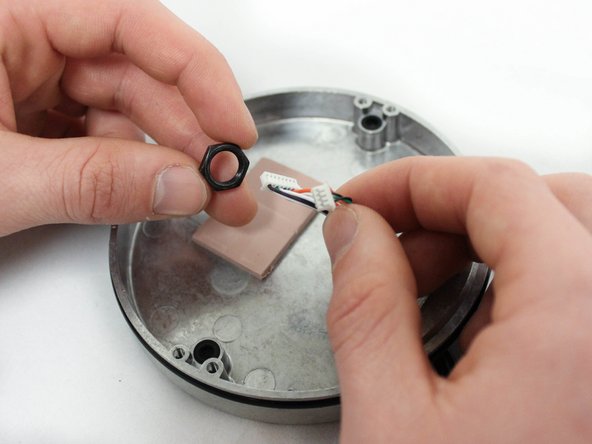
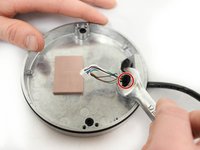
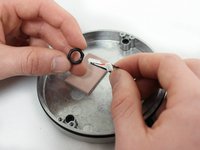
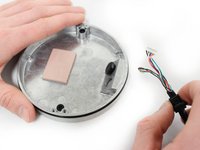
    • Remove the 1/2" hex nut holding the cable in place to the metal base with a 1/2" open-ended wrench.

    crwdns2952109:0crwdne2952109:0

    crwdns2917038:0crwdne2917038:0

  8. AvertX HD810 PoE Cable Replacement: crwdns2935265:08crwdnd2935265:01crwdnd2935265:02crwdne2935265:0 AvertX HD810 PoE Cable Replacement: crwdns2935265:08crwdnd2935265:02crwdnd2935265:02crwdne2935265:0
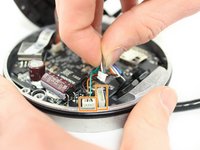
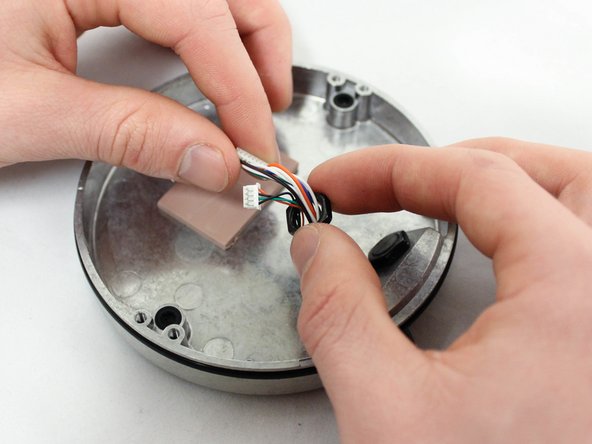
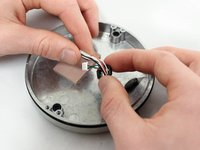
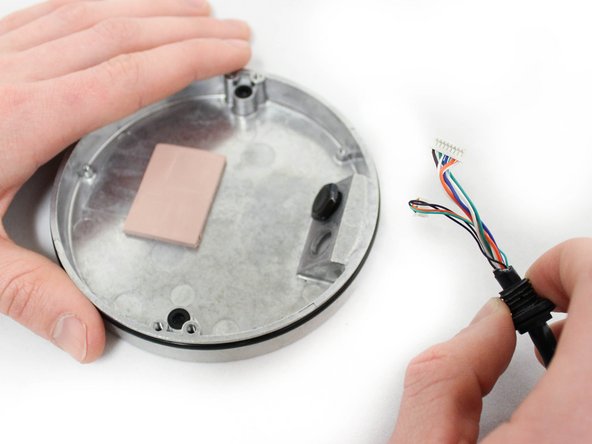
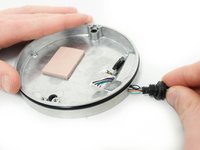
    • Pull the PoE cable away from the metal camera base while angling the plastic connectors through the hole

    crwdns2952109:0crwdne2952109:0

    crwdns2917038:0crwdne2917038:0

crwdns2915888:0crwdne2915888:0

To reassemble your device, follow these instructions in reverse order.

crwdns2935221:0crwdne2935221:0

Luke Browning

crwdns2935283:001/18/17crwdne2935283:0

316 crwdns2915208:0crwdne2915208:0

crwdns2935297:03crwdne2935297:0

crwdns2935287:0crwdne2935287:0

Eastern Washington University, Team 2-3, Crane Winter 2017 crwdns2935289:0Eastern Washington University, Team 2-3, Crane Winter 2017crwdne2935289:0

EWU-CRANE-W17S2G3

crwdns2931471:03crwdne2931471:0

crwdns2935297:010crwdne2935297:0

crwdns2947412:00crwdne2947412:0

crwdns2917038:0crwdne2917038:0

crwdns2936625:0crwdne2936625:0:

crwdns2936751:024crwdne2936751:0 0

crwdns2936753:07crwdne2936753:0 2

crwdns2936753:030crwdne2936753:0 17

crwdns2942667:0crwdne2942667:0 818