crwdns2933423:0crwdne2933423:0
crwdns2947577:0crwdnd2947577:0crwdne2947577:0

Asus ROG Strix GL702VS Trackpad Replacement

crwdns2942213:0crwdne2942213:0

    1. Asus ROG Strix GL702VS Trackpad Replacement, Back Cover: crwdns2935265:01crwdnd2935265:01crwdnd2935265:01crwdne2935265:0
      • Flip the computer so the bottom of the laptop is facing up.

      crwdns2952109:0crwdne2952109:0

      crwdns2917038:0crwdne2917038:0

    2. Asus ROG Strix GL702VS Trackpad Replacement: crwdns2935265:02crwdnd2935265:01crwdnd2935265:01crwdne2935265:0
      • Remove the ten JIS #0 screws around the edge of the laptop.

      • The two bottom screws are slightly shorter

      crwdns2952109:0crwdne2952109:0

      crwdns2917038:0crwdne2917038:0

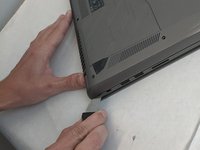
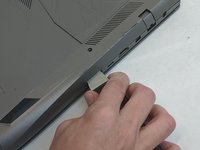
    3. Asus ROG Strix GL702VS Trackpad Replacement: crwdns2935265:03crwdnd2935265:01crwdnd2935265:02crwdne2935265:0 Asus ROG Strix GL702VS Trackpad Replacement: crwdns2935265:03crwdnd2935265:02crwdnd2935265:02crwdne2935265:0
      • Use a Jimmy to carefully free each side of the bottom casing.

      crwdns2952109:0crwdne2952109:0

      crwdns2917038:0crwdne2917038:0

    4. Asus ROG Strix GL702VS Trackpad Replacement: crwdns2935265:04crwdnd2935265:01crwdnd2935265:01crwdne2935265:0
      • Lift up the back casing from the computer.

      • You may hear clicking or snapping sounds. This is just the plastic clips coming loose.

      crwdns2952109:0crwdne2952109:0

      crwdns2917038:0crwdne2917038:0

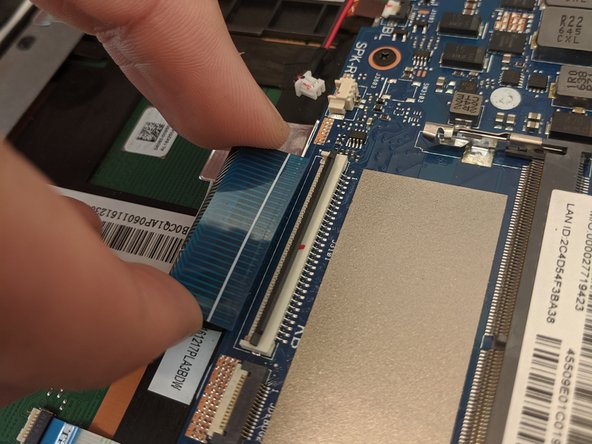
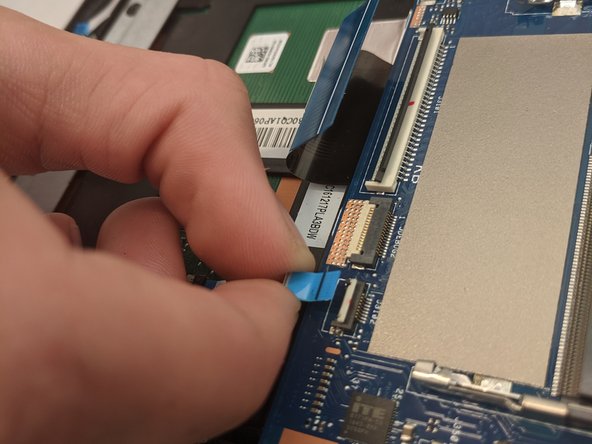
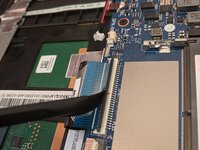
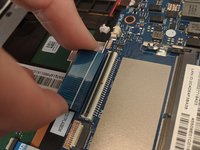
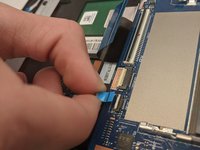
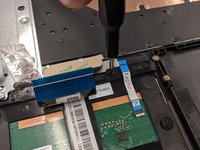
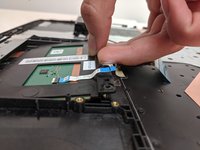
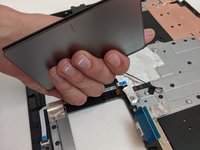
    1. Asus ROG Strix GL702VS Trackpad Replacement, Trackpad: crwdns2935265:05crwdnd2935265:01crwdnd2935265:03crwdne2935265:0 Asus ROG Strix GL702VS Trackpad Replacement, Trackpad: crwdns2935265:05crwdnd2935265:02crwdnd2935265:03crwdne2935265:0 Asus ROG Strix GL702VS Trackpad Replacement, Trackpad: crwdns2935265:05crwdnd2935265:03crwdnd2935265:03crwdne2935265:0
      • Disconnect the ribbon cables from the connectors at the bottom of the motherboard by lifting up the tabs with a nylon spudger tool.

      • Slide the ribbon cables out of the connectors on the motherboard.

      crwdns2952109:0crwdne2952109:0

      crwdns2917038:0crwdne2917038:0

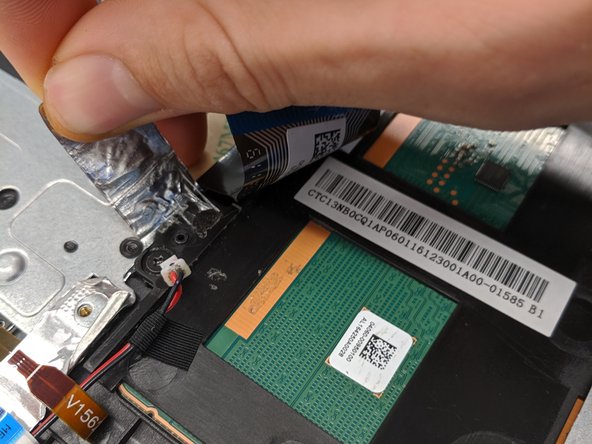
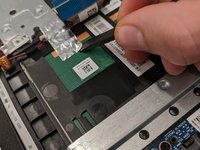
    2. Asus ROG Strix GL702VS Trackpad Replacement: crwdns2935265:06crwdnd2935265:01crwdnd2935265:02crwdne2935265:0 Asus ROG Strix GL702VS Trackpad Replacement: crwdns2935265:06crwdnd2935265:02crwdnd2935265:02crwdne2935265:0
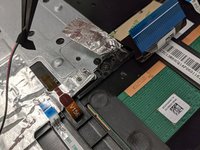
      • Remove the covering foil holding the trackpad into place.

      • Completely peel the foil back to ensure it does not interfere with the following processes.

      crwdns2952109:0crwdne2952109:0

      crwdns2917038:0crwdne2917038:0

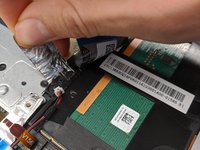
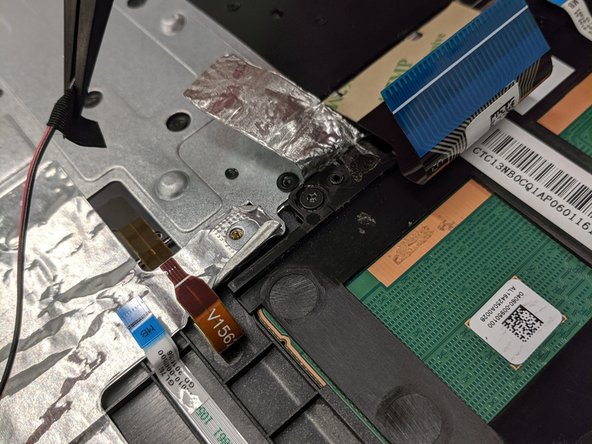
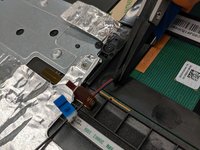
    3. Asus ROG Strix GL702VS Trackpad Replacement: crwdns2935265:07crwdnd2935265:01crwdnd2935265:02crwdne2935265:0 Asus ROG Strix GL702VS Trackpad Replacement: crwdns2935265:07crwdnd2935265:02crwdnd2935265:02crwdne2935265:0
      crwdns2935267:0crwdne2935267:0
      Tweezers
      $4.99
      • Lift up speaker cable that is laying overtop using a pair of tweezers.

      • Do not to overextend the wire since you may accidently pull the wire out.

      crwdns2952109:0crwdne2952109:0

      crwdns2917038:0crwdne2917038:0

    4. Asus ROG Strix GL702VS Trackpad Replacement: crwdns2935265:08crwdnd2935265:01crwdnd2935265:03crwdne2935265:0 Asus ROG Strix GL702VS Trackpad Replacement: crwdns2935265:08crwdnd2935265:02crwdnd2935265:03crwdne2935265:0 Asus ROG Strix GL702VS Trackpad Replacement: crwdns2935265:08crwdnd2935265:03crwdnd2935265:03crwdne2935265:0
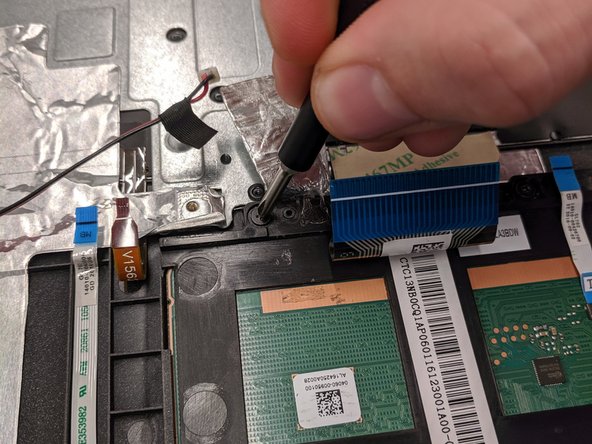
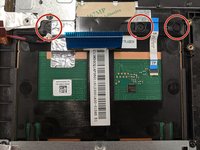
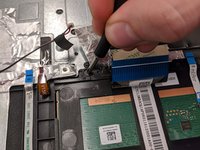
      • Remove the three 4mm JIS #0 screws that are securing the trackpad.

      crwdns2952109:0crwdne2952109:0

      crwdns2917038:0crwdne2917038:0

    5. Asus ROG Strix GL702VS Trackpad Replacement: crwdns2935265:09crwdnd2935265:01crwdnd2935265:02crwdne2935265:0 Asus ROG Strix GL702VS Trackpad Replacement: crwdns2935265:09crwdnd2935265:02crwdnd2935265:02crwdne2935265:0
      • Once freed, slide the trackpad backwards towards the center of laptop.

      • This may require some jiggling. Lifting the laptop off your working surface may help.

      • Sliding the trackpad back in can be a bit tricky. Ensure it is fully seated before continuing reassembly.

      crwdns2952109:0crwdne2952109:0

      crwdns2917038:0crwdne2917038:0

crwdns2915888:0crwdne2915888:0

To reassemble your device, follow these instructions in reverse order.

crwdns2935221:0crwdne2935221:0

Conor H Allen

crwdns2935283:009/16/19crwdne2935283:0

640 crwdns2915208:0crwdne2915208:0

crwdns2935297:05crwdne2935297:0

crwdns2935287:0crwdne2935287:0

Embry-Riddle Aeronautical University, Team S8-G6, Salas Fall 2019 crwdns2935289:0Embry-Riddle Aeronautical University, Team S8-G6, Salas Fall 2019crwdne2935289:0

ERAU-SALAS-F19S8G6

crwdns2931471:04crwdne2931471:0

crwdns2935297:043crwdne2935297:0

crwdns2947412:00crwdne2947412:0

crwdns2917038:0crwdne2917038:0

crwdns2936625:0crwdne2936625:0:

crwdns2936751:024crwdne2936751:0 0

crwdns2936753:07crwdne2936753:0 9

crwdns2936753:030crwdne2936753:0 40

crwdns2942667:0crwdne2942667:0 1,387