crwdns2933423:0crwdne2933423:0
crwdns2947577:0crwdnd2947577:0crwdne2947577:0

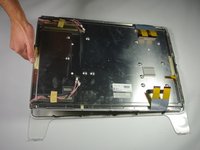
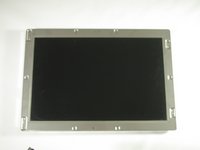
Apple Cinema Display M8149 LCD Screen Replacement

crwdns2942213:0crwdne2942213:0

    1. Apple Cinema Display M8149 LCD Screen Replacement, Control Boards: crwdns2935265:01crwdnd2935265:01crwdnd2935265:03crwdne2935265:0 Apple Cinema Display M8149 LCD Screen Replacement, Control Boards: crwdns2935265:01crwdnd2935265:02crwdnd2935265:03crwdne2935265:0 Apple Cinema Display M8149 LCD Screen Replacement, Control Boards: crwdns2935265:01crwdnd2935265:03crwdnd2935265:03crwdne2935265:0
      • Before starting, make sure the display is unplugged.

      • Place the Cinema Display so that it is lying on its face and the feet are pointed away from you.

      • Remove the three screws (9.52 x 4.43mm) that connect the back foot to the hinge using the Hex Key.

      • Remove the back foot from the hinge mount by grabbing the foot and pulling upwards.

      crwdns2952109:0crwdne2952109:0

      crwdns2917038:0crwdne2917038:0

    2. Apple Cinema Display M8149 LCD Screen Replacement: crwdns2935265:02crwdnd2935265:01crwdnd2935265:03crwdne2935265:0 Apple Cinema Display M8149 LCD Screen Replacement: crwdns2935265:02crwdnd2935265:02crwdnd2935265:03crwdne2935265:0 Apple Cinema Display M8149 LCD Screen Replacement: crwdns2935265:02crwdnd2935265:03crwdnd2935265:03crwdne2935265:0
      • Remove the eighteen (5.25 x 4.43 mm) screws around the edge of the backplate using the Hex key.

      • Disconnect the small white connector leading to the display's Power button.

      • Gently lift the backplate off of the display. Completely remove the backplate and set it aside.

      crwdns2952109:0crwdne2952109:0

      crwdns2917038:0crwdne2917038:0

    3. Apple Cinema Display M8149 LCD Screen Replacement: crwdns2935265:03crwdnd2935265:01crwdnd2935265:02crwdne2935265:0 Apple Cinema Display M8149 LCD Screen Replacement: crwdns2935265:03crwdnd2935265:02crwdnd2935265:02crwdne2935265:0
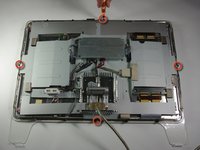
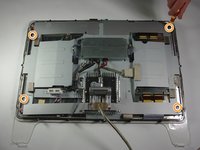
      • Use a Phillips #2 screwdriver to remove the four (9.52 x 3.43 mm) screws on the outer rim of the metal cover.

      • Next, remove the four cover (11.91 x 2.89 mm) screws located at the corners of the metal cover using the Phillips #2 screwdriver.

      crwdns2952109:0crwdne2952109:0

      crwdns2917038:0crwdne2917038:0

    4. Apple Cinema Display M8149 LCD Screen Replacement: crwdns2935265:04crwdnd2935265:01crwdnd2935265:03crwdne2935265:0 Apple Cinema Display M8149 LCD Screen Replacement: crwdns2935265:04crwdnd2935265:02crwdnd2935265:03crwdne2935265:0 Apple Cinema Display M8149 LCD Screen Replacement: crwdns2935265:04crwdnd2935265:03crwdnd2935265:03crwdne2935265:0
      • Unplug the large brown plug in the center-right, that connects the control board to the rest of the display.

      • Unplug the blue and gray plug on the right side of the control board. Repeat with the left side.

      crwdns2952109:0crwdne2952109:0

      crwdns2917038:0crwdne2917038:0

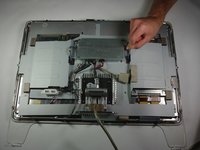
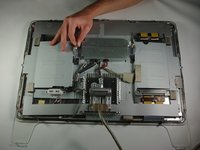
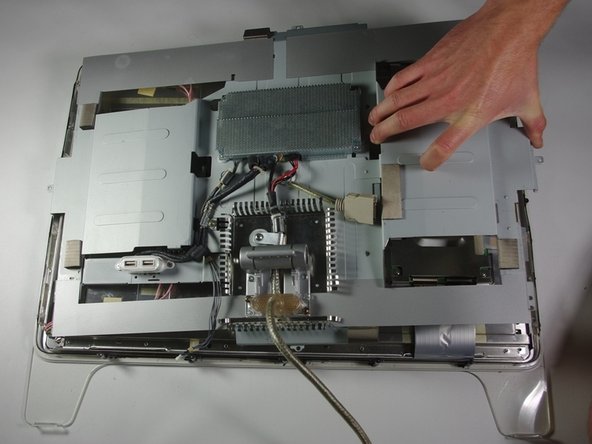
    5. Apple Cinema Display M8149 LCD Screen Replacement: crwdns2935265:05crwdnd2935265:01crwdnd2935265:02crwdne2935265:0 Apple Cinema Display M8149 LCD Screen Replacement: crwdns2935265:05crwdnd2935265:02crwdnd2935265:02crwdne2935265:0
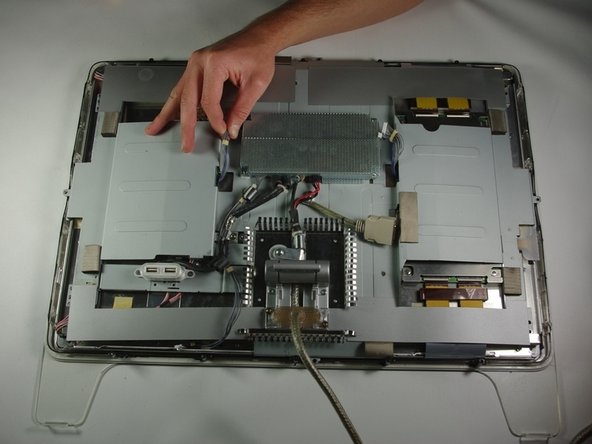
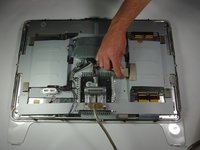
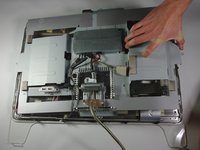
      • Gently lift the large metal cover which spans across the back of the whole display.

      crwdns2952109:0crwdne2952109:0

      crwdns2917038:0crwdne2917038:0

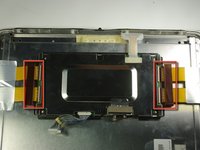
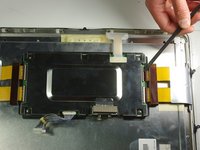
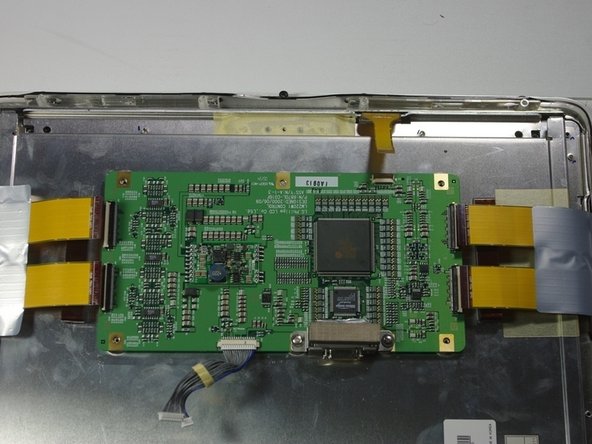
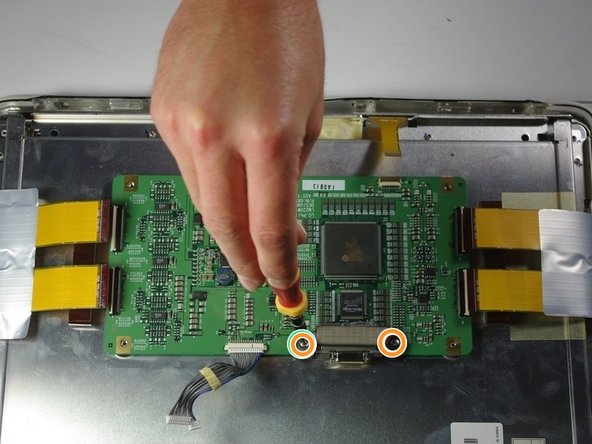
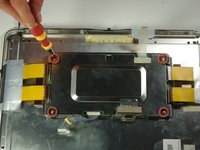
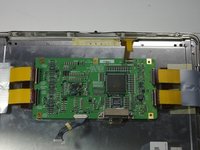
    1. Apple Cinema Display M8149 LCD Screen Replacement, LCD Control Board: crwdns2935265:06crwdnd2935265:01crwdnd2935265:03crwdne2935265:0 Apple Cinema Display M8149 LCD Screen Replacement, LCD Control Board: crwdns2935265:06crwdnd2935265:02crwdnd2935265:03crwdne2935265:0 Apple Cinema Display M8149 LCD Screen Replacement, LCD Control Board: crwdns2935265:06crwdnd2935265:03crwdnd2935265:03crwdne2935265:0
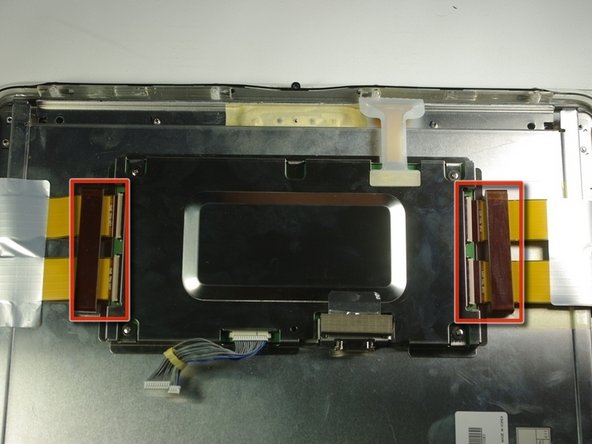
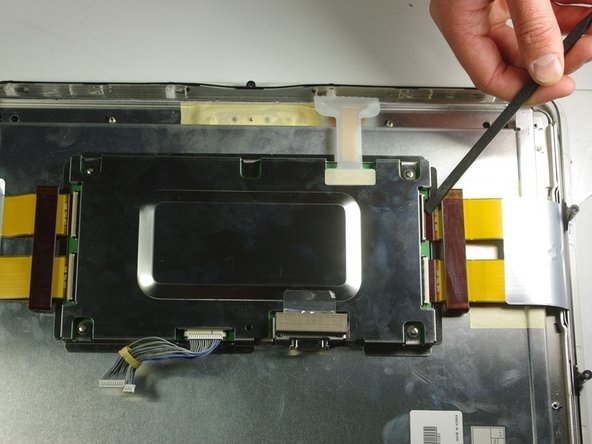
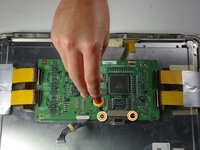
      • Carefully remove the two tape plugs on either side of the control board using a spudger.

      crwdns2952109:0crwdne2952109:0

      crwdns2917038:0crwdne2917038:0

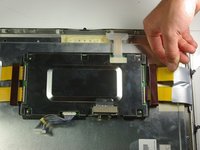
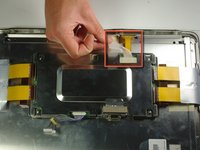
    2. Apple Cinema Display M8149 LCD Screen Replacement: crwdns2935265:07crwdnd2935265:01crwdnd2935265:03crwdne2935265:0 Apple Cinema Display M8149 LCD Screen Replacement: crwdns2935265:07crwdnd2935265:02crwdnd2935265:03crwdne2935265:0 Apple Cinema Display M8149 LCD Screen Replacement: crwdns2935265:07crwdnd2935265:03crwdnd2935265:03crwdne2935265:0
      • Pull the previously removed tape out from the metal box with your hand.

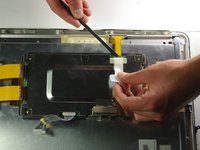
      • Peel back the white plastic cover located on the tape plug and unplug the tape plug on the right side of the unit using the spudger.

      crwdns2952109:0crwdne2952109:0

      crwdns2917038:0crwdne2917038:0

    3. Apple Cinema Display M8149 LCD Screen Replacement: crwdns2935265:08crwdnd2935265:01crwdnd2935265:03crwdne2935265:0 Apple Cinema Display M8149 LCD Screen Replacement: crwdns2935265:08crwdnd2935265:02crwdnd2935265:03crwdne2935265:0 Apple Cinema Display M8149 LCD Screen Replacement: crwdns2935265:08crwdnd2935265:03crwdnd2935265:03crwdne2935265:0
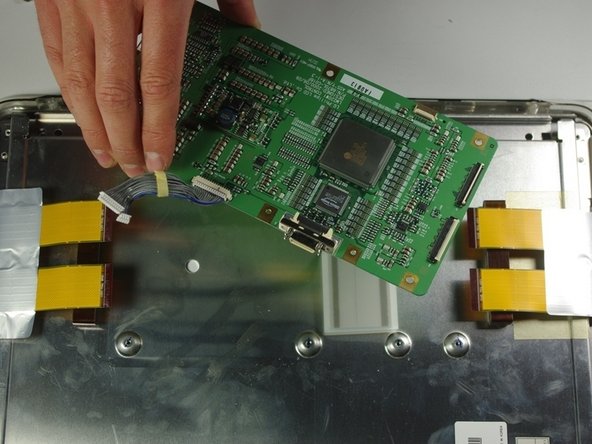
      • Unscrew the four screws (4.79x2.33mm) on the metal box using the Phillips #2 screwdriver.

      • Lift the metal cover off to reveal a circuit board.

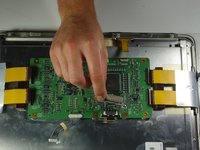
      • Remove the two terminal screws (4.79x2.34mm) using the Phillips #2 screwdriver.

      crwdns2952109:0crwdne2952109:0

      crwdns2917038:0crwdne2917038:0

    4. Apple Cinema Display M8149 LCD Screen Replacement: crwdns2935265:09crwdnd2935265:01crwdnd2935265:02crwdne2935265:0 Apple Cinema Display M8149 LCD Screen Replacement: crwdns2935265:09crwdnd2935265:02crwdnd2935265:02crwdne2935265:0
      • Remove the terminal cover.

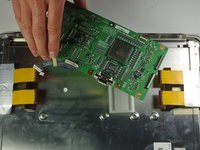
      • Remove the circuit board from the right side of the unit by gently lifting it out.

      crwdns2952109:0crwdne2952109:0

      crwdns2917038:0crwdne2917038:0

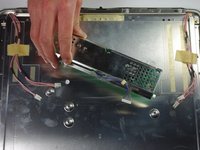
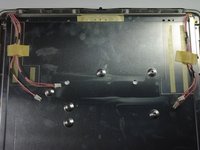
    1. Apple Cinema Display M8149 LCD Screen Replacement, Voltage Inverter: crwdns2935265:010crwdnd2935265:01crwdnd2935265:03crwdne2935265:0 Apple Cinema Display M8149 LCD Screen Replacement, Voltage Inverter: crwdns2935265:010crwdnd2935265:02crwdnd2935265:03crwdne2935265:0 Apple Cinema Display M8149 LCD Screen Replacement, Voltage Inverter: crwdns2935265:010crwdnd2935265:03crwdnd2935265:03crwdne2935265:0
      • Turn your attention to the left side of the cinema display.

      • Using your fingers, unplug the small white plugs with pink wires from the top and bottom of the circuit board.

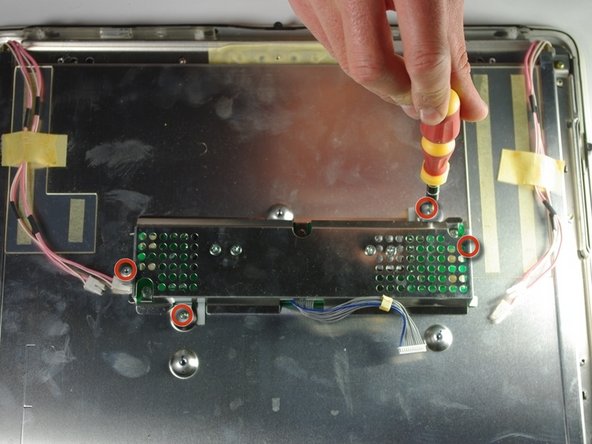
      • Using the PH 2 screw driver, remove the four screws (6.9 x 2.55 mm) holding down the circuit board.

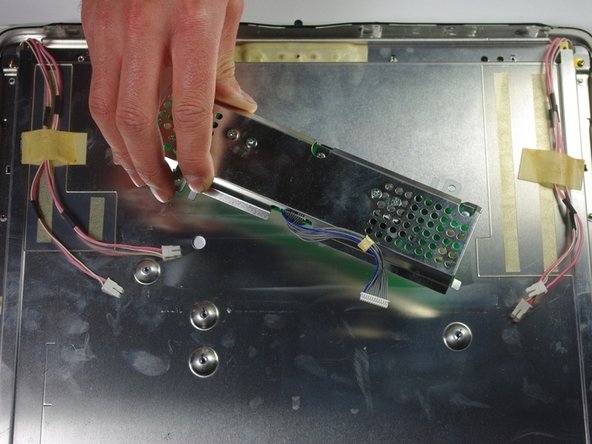
      • Remove the circuit board by gently lifting it from the display.

      crwdns2952109:0crwdne2952109:0

      crwdns2917038:0crwdne2917038:0

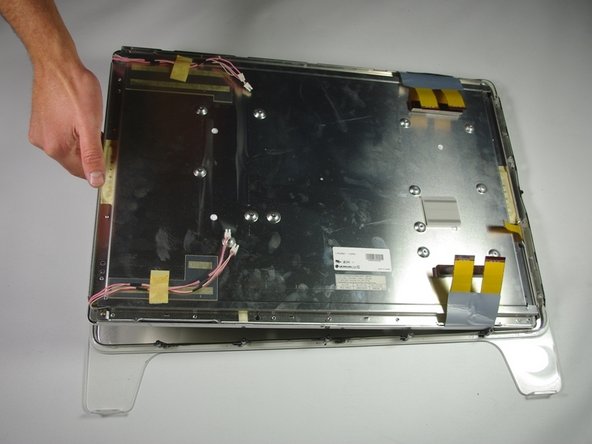
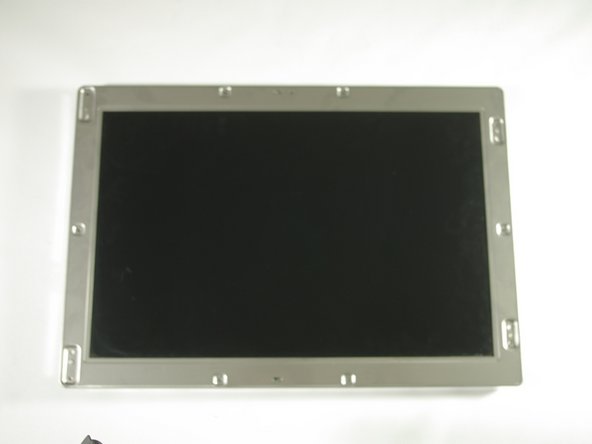
    1. Apple Cinema Display M8149 LCD Screen Replacement, LCD Screen: crwdns2935265:011crwdnd2935265:01crwdnd2935265:03crwdne2935265:0 Apple Cinema Display M8149 LCD Screen Replacement, LCD Screen: crwdns2935265:011crwdnd2935265:02crwdnd2935265:03crwdne2935265:0 Apple Cinema Display M8149 LCD Screen Replacement, LCD Screen: crwdns2935265:011crwdnd2935265:03crwdnd2935265:03crwdne2935265:0
      • Lift the screen from the surrounding front cover by sliding your fingers between the two pieces and lifting.

      crwdns2952109:0crwdne2952109:0

      crwdns2917038:0crwdne2917038:0

crwdns2915888:0crwdne2915888:0

To reassemble your device, follow these instructions in reverse order.

crwdns2935221:0crwdne2935221:0

crwdns2935229:03crwdne2935229:0

Curtis Musashi

crwdns2935283:004/01/11crwdne2935283:0

157 crwdns2915208:0crwdne2915208:0

crwdns2935295:0crwdne2935295:0

crwdns2935287:0crwdne2935287:0

Cal Poly, Team 10-41, Forte Spring 2011 crwdns2935289:0Cal Poly, Team 10-41, Forte Spring 2011crwdne2935289:0

CPSU-FORTE-S11S10G41

crwdns2931471:05crwdne2931471:0

crwdns2935297:024crwdne2935297:0

crwdns2947412:02crwdne2947412:0

hello! where can i buy lcd screen for m8149?

jgill1971 - crwdns2934203:0crwdne2934203:0 crwdns2950251:0crwdne2950251:0
Does anyone know where to get an inexpensive LCD replacement. Mine went primarily magneta except for the outer edges after zapping the pram?! Totally bummed as I bought a DVI to ADC power source and now the monitor is useless in it’s current state. C’est la vie!

le_grand - crwdns2934203:0crwdne2934203:0 crwdns2950251:0crwdne2950251:0

crwdns2917038:0crwdne2917038:0

crwdns2936625:0crwdne2936625:0:

crwdns2936751:024crwdne2936751:0 1

crwdns2936753:07crwdne2936753:0 6

crwdns2936753:030crwdne2936753:0 48

crwdns2942667:0crwdne2942667:0 9,539