crwdns2933423:0crwdne2933423:0
crwdns2947577:0crwdnd2947577:0crwdne2947577:0

Amazon Fire Phone Display Replacement

crwdns2942213:0crwdne2942213:0

  1. Amazon Fire Phone Display Replacement, Tape the screen: crwdns2935265:01crwdnd2935265:01crwdnd2935265:01crwdne2935265:0
    • If the display is damaged, use clear packing tape to contain any glass shards.

    • Make sure the entire surface of the display is covered with tape.

    • Wear safety glasses to protect your eyes.

    crwdns2952109:0crwdne2952109:0
  2. Amazon Fire Phone Display Replacement, Power off, remove SIM card, remove screws: crwdns2935265:02crwdnd2935265:01crwdnd2935265:03crwdne2935265:0 Amazon Fire Phone Display Replacement, Power off, remove SIM card, remove screws: crwdns2935265:02crwdnd2935265:02crwdnd2935265:03crwdne2935265:0 Amazon Fire Phone Display Replacement, Power off, remove SIM card, remove screws: crwdns2935265:02crwdnd2935265:03crwdnd2935265:03crwdne2935265:0
    • Power off your phone.

    • Remove the SIM card from the left side of the phone by pressing the small hole and allowing it to eject using the 0.8 screwdriver head.

    • Remove the two 4mm screws on the bottom of the phone using the Torx T3 screwdriver.

    crwdns2952109:0crwdne2952109:0
  3. Amazon Fire Phone Display Replacement: crwdns2935265:03crwdnd2935265:01crwdnd2935265:03crwdne2935265:0 Amazon Fire Phone Display Replacement: crwdns2935265:03crwdnd2935265:02crwdnd2935265:03crwdne2935265:0 Amazon Fire Phone Display Replacement: crwdns2935265:03crwdnd2935265:03crwdnd2935265:03crwdne2935265:0
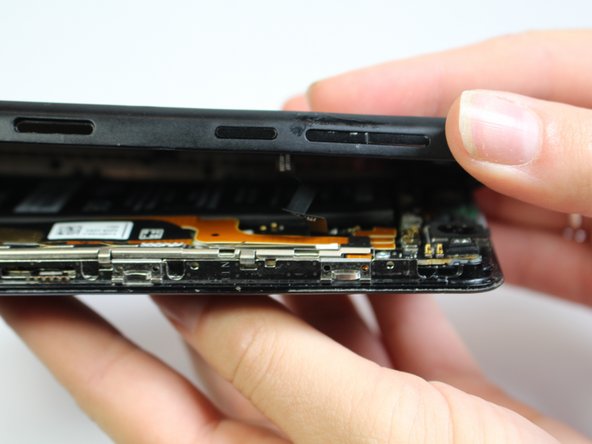
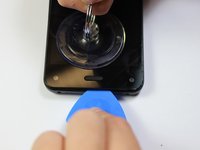
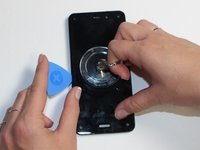
    • Press the small suction cup just above the home button.

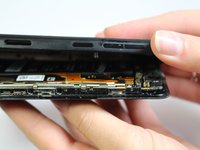
    • While lifting up on the suction cup insert an opening pick into the crevice between the screen and back casing to pry the screen off carefully.

    • Carefully separate the two halves to avoid tearing the volume rocker ribbon cable.

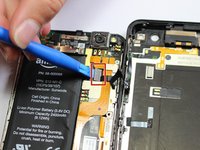
    • Using the opening tool, disconnect the volume rocker ribbon cable from the base of the phone freeing the two halves of the phone.

    crwdns2952109:0crwdne2952109:0
  4. Amazon Fire Phone Display Replacement, Remove Bracket: crwdns2935265:04crwdnd2935265:01crwdnd2935265:01crwdne2935265:0
    • Using the J000 screwdriver head, remove the three 3mm screws holding the bracket in place.

    • Remove the silver bracket that was held into place by the three screws just removed.

    crwdns2952109:0crwdne2952109:0
  5. Amazon Fire Phone Display Replacement, Disconnect Battery: crwdns2935265:05crwdnd2935265:01crwdnd2935265:01crwdne2935265:0
    • Disconnect the battery connection cable by using the plastic opening tool and applying light pressure upwards on the cable.

    crwdns2952109:0crwdne2952109:0
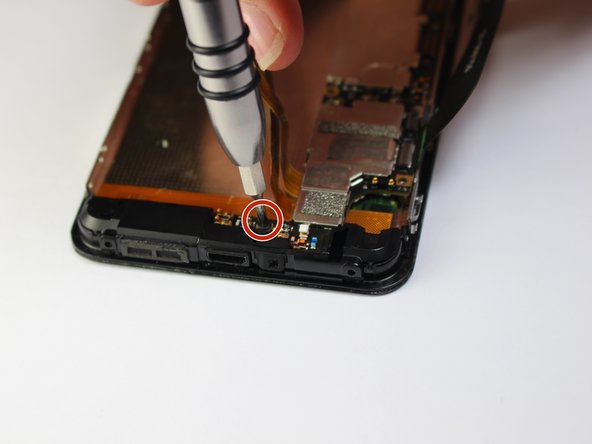
  6. Amazon Fire Phone Display Replacement, Micro-USB Port: crwdns2935265:06crwdnd2935265:01crwdnd2935265:02crwdne2935265:0 Amazon Fire Phone Display Replacement, Micro-USB Port: crwdns2935265:06crwdnd2935265:02crwdnd2935265:02crwdne2935265:0
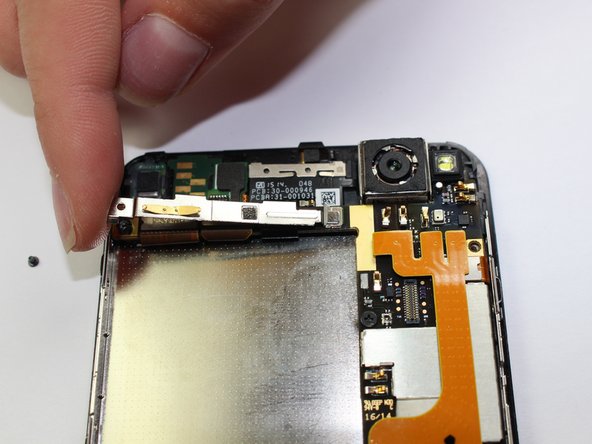
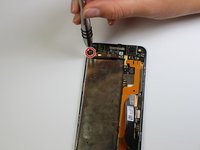
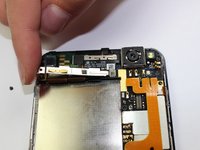
    • Unscrew the 1mm screw on the top left side of the phone

    • Maneuver the bracket off slowly

    crwdns2952109:0crwdne2952109:0
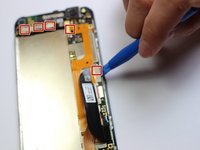
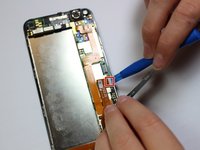
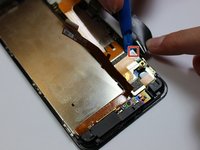
  7. Amazon Fire Phone Display Replacement: crwdns2935265:07crwdnd2935265:01crwdnd2935265:03crwdne2935265:0 Amazon Fire Phone Display Replacement: crwdns2935265:07crwdnd2935265:02crwdnd2935265:03crwdne2935265:0 Amazon Fire Phone Display Replacement: crwdns2935265:07crwdnd2935265:03crwdnd2935265:03crwdne2935265:0
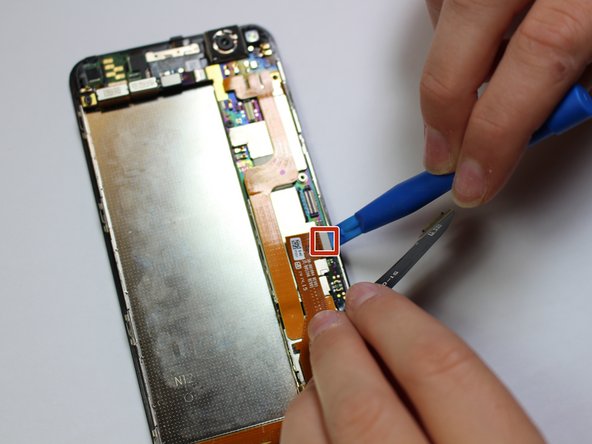
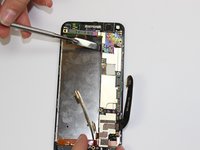
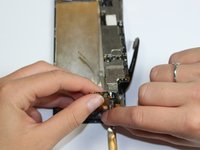
    • Disconnect the 9 cables along the top and right side of motherboard using the plastic opening tool

    crwdns2952109:0crwdne2952109:0
  8. Amazon Fire Phone Display Replacement: crwdns2935265:08crwdnd2935265:01crwdnd2935265:01crwdne2935265:0
    • Unscrew the 3mm screw located on the top left side of the phone with a flat head

    crwdns2952109:0crwdne2952109:0
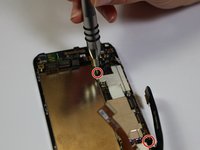
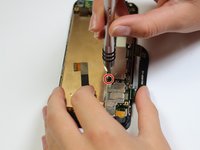
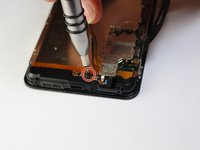
  9. Amazon Fire Phone Display Replacement: crwdns2935265:09crwdnd2935265:01crwdnd2935265:03crwdne2935265:0 Amazon Fire Phone Display Replacement: crwdns2935265:09crwdnd2935265:02crwdnd2935265:03crwdne2935265:0 Amazon Fire Phone Display Replacement: crwdns2935265:09crwdnd2935265:03crwdnd2935265:03crwdne2935265:0
    • Unscrew the four 2mm screws along the right side of the motherboard with a philips head

    crwdns2952109:0crwdne2952109:0
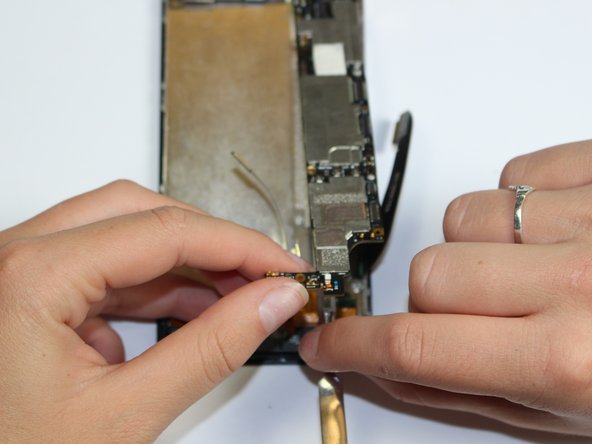
  10. Amazon Fire Phone Display Replacement: crwdns2935265:010crwdnd2935265:01crwdnd2935265:02crwdne2935265:0 Amazon Fire Phone Display Replacement: crwdns2935265:010crwdnd2935265:02crwdnd2935265:02crwdne2935265:0
    • Carefully lift up the motherboard and using the spudger pry camera from the camera holder

    crwdns2952109:0crwdne2952109:0
  11. Amazon Fire Phone Display Replacement: crwdns2935265:011crwdnd2935265:01crwdnd2935265:01crwdne2935265:0
    • Lift off bottom plastic piece with flat antenna cables

    crwdns2952109:0crwdne2952109:0
  12. Amazon Fire Phone Display Replacement, Display: crwdns2935265:012crwdnd2935265:01crwdnd2935265:01crwdne2935265:0
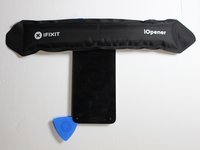
    • We recommend you clean your microwave before preceding to heat up the iOpener.

    • Place the iOpener in the center of the microwave.

    • Heat the iOpener for thirty seconds.

    • Be careful not to overheat the iOpener and always wait at least three minutes before reheating the iOpener

    crwdns2952109:0crwdne2952109:0
  13. Amazon Fire Phone Display Replacement: crwdns2935265:013crwdnd2935265:01crwdnd2935265:01crwdne2935265:0
    • Lay the iOpener on side 1 of the phone for 90 seconds before attempting to open the front panel

    crwdns2952109:0crwdne2952109:0
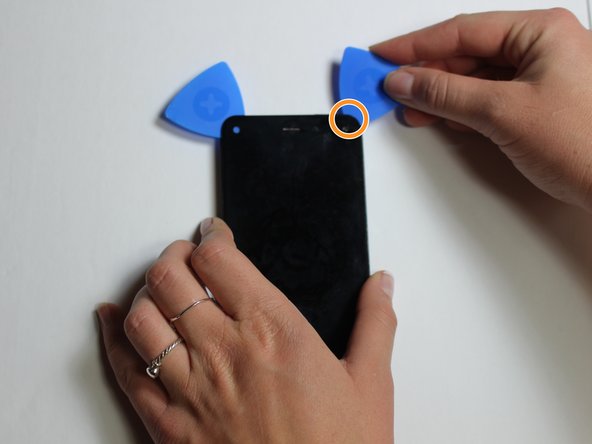
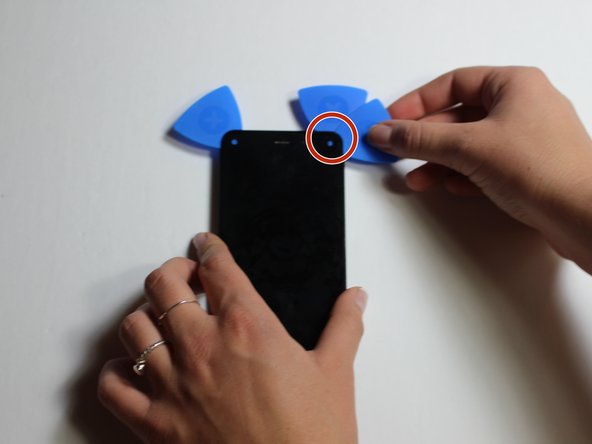
  14. Amazon Fire Phone Display Replacement: crwdns2935265:014crwdnd2935265:01crwdnd2935265:03crwdne2935265:0 Amazon Fire Phone Display Replacement: crwdns2935265:014crwdnd2935265:02crwdnd2935265:03crwdne2935265:0 Amazon Fire Phone Display Replacement: crwdns2935265:014crwdnd2935265:03crwdnd2935265:03crwdne2935265:0
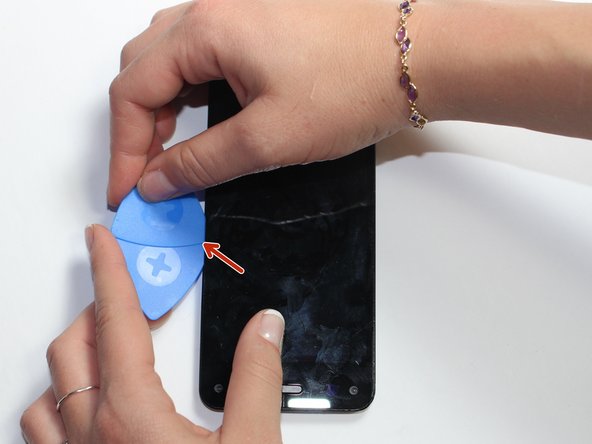
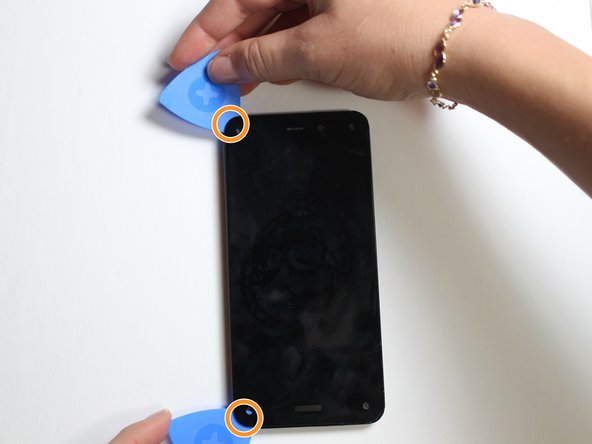
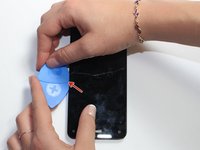
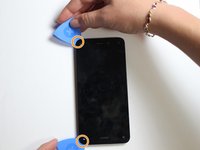
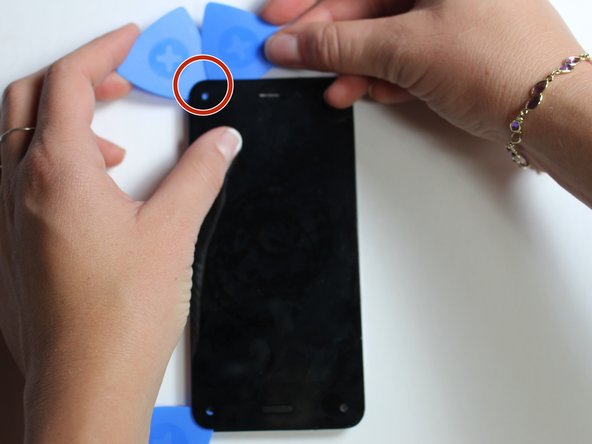
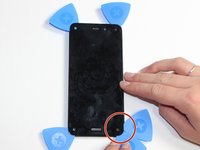
    • Using the Suction Cup to slightly lift the screen, pry one opening pick into side of the phone.

    • Insert another opening pick next to the first one.

    • Slowly slide the two Picks to the corners of the phone.

    crwdns2952109:0crwdne2952109:0
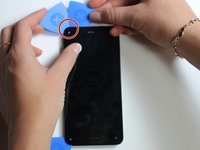
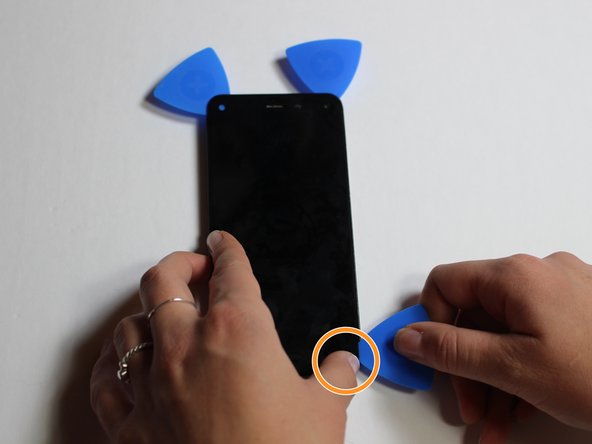
  15. Amazon Fire Phone Display Replacement: crwdns2935265:015crwdnd2935265:01crwdnd2935265:03crwdne2935265:0 Amazon Fire Phone Display Replacement: crwdns2935265:015crwdnd2935265:02crwdnd2935265:03crwdne2935265:0 Amazon Fire Phone Display Replacement: crwdns2935265:015crwdnd2935265:03crwdnd2935265:03crwdne2935265:0
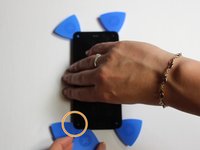
    • Place the iOpener on side 2 of the phone for 90 seconds.

    • Insert another pick into side 2 of the phone.

    • Slowly slide the pick to the next corner.

    • If necessary, reheat the iOpener. Don't reheat it more than once every 3 minutes.

    crwdns2952109:0crwdne2952109:0
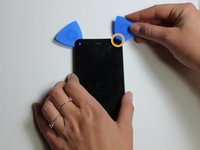
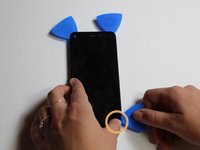
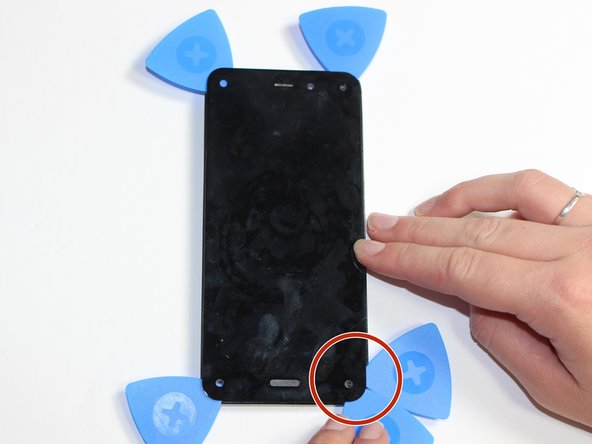
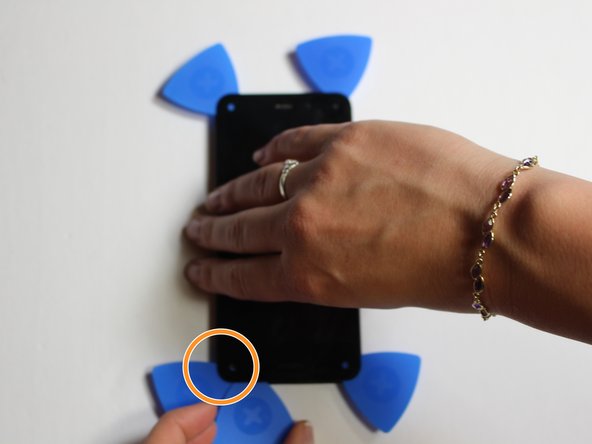
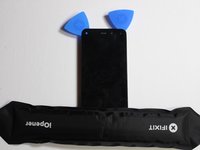
  16. Amazon Fire Phone Display Replacement: crwdns2935265:016crwdnd2935265:01crwdnd2935265:03crwdne2935265:0 Amazon Fire Phone Display Replacement: crwdns2935265:016crwdnd2935265:02crwdnd2935265:03crwdne2935265:0 Amazon Fire Phone Display Replacement: crwdns2935265:016crwdnd2935265:03crwdnd2935265:03crwdne2935265:0
    • Place the iOpener on the 3rd side of the phone for 90 seconds.

    • Place a pick in the corner of the phone.

    • Slowly slide the the pick to the opposite corner of the phone.

    crwdns2952109:0crwdne2952109:0
  17. Amazon Fire Phone Display Replacement: crwdns2935265:017crwdnd2935265:01crwdnd2935265:03crwdne2935265:0 Amazon Fire Phone Display Replacement: crwdns2935265:017crwdnd2935265:02crwdnd2935265:03crwdne2935265:0 Amazon Fire Phone Display Replacement: crwdns2935265:017crwdnd2935265:03crwdnd2935265:03crwdne2935265:0
    • Place the iOpener on the last edge of the phone for 90 seconds.

    • Place the pick in the corner.

    • Slowly slide the pick to the opposite corner.

    crwdns2952109:0crwdne2952109:0
  18. Amazon Fire Phone Display Replacement: crwdns2935265:018crwdnd2935265:01crwdnd2935265:01crwdne2935265:0
    • Carefully separate the screen from the front panel of the phone by inserting the picks farther towards the center and pulling the screen off.

    • Slowly and carefully do this to avoid breaking, bending or shattering the screen.

    • If part of the screen isn't easily coming off try reheating the iOpener and placing it on the problem area.

    crwdns2952109:0crwdne2952109:0
  19. Amazon Fire Phone Display Replacement: crwdns2935265:019crwdnd2935265:01crwdnd2935265:01crwdne2935265:0
    • Remove the screen slowly.

    • Pull the cable out of the hole carefully.

    crwdns2952109:0crwdne2952109:0
crwdns2915888:0crwdne2915888:0

To reassemble your device, follow these instructions in reverse order.

crwdns2935229:05crwdne2935229:0

Lissandra Ilcyn

crwdns2935283:010/05/15crwdne2935283:0

889 crwdns2915208:0crwdne2915208:0

crwdns2935297:02crwdne2935297:0

crwdns2935287:0crwdne2935287:0

Cal Poly, Team 5-7, Maness Fall 2015 crwdns2935289:0Cal Poly, Team 5-7, Maness Fall 2015crwdne2935289:0

CPSU-MANESS-F15S5G7

crwdns2931471:05crwdne2931471:0

crwdns2935297:010crwdne2935297:0

crwdns2947410:01crwdne2947410:0

crwdns2917038:0crwdne2917038:0

crwdns2936625:0crwdne2936625:0:

crwdns2936751:024crwdne2936751:0 1

crwdns2936753:07crwdne2936753:0 15

crwdns2936753:030crwdne2936753:0 101

crwdns2942667:0crwdne2942667:0 5,874