
APS Tech 101629 Internal Drive Component Replacement

crwdns2959932:0crwdnd2959932:0Alexis Weckelcrwdnd2959932:0crwdnd2959932:0crwdnd2959932:04crwdnd2959932:0crwdne2959932:0
crwdns2959936:0Mud 28, 2014crwdne2959936:0
crwdns2869540:0crwdne2869540:0: 1.7K
crwdns2959988:0crwdne2959988:0
- crwdns2959990:0crwdne2959990:0
- 2
- crwdns2959992:0crwdne2959992:0
- 19
- crwdns2959994:0crwdne2959994:0
- 82
- crwdns2959996:0crwdne2959996:0
- 1,741
crwdns2955950:0crwdne2955950:0: 0
crwdns2959998:0crwdne2959998:0
crwdns2960000:0crwdne2960000:0crwdns2959984:0crwdne2959984:0: 2 3
crwdns2959974:02crwdne2959974:0
crwdns2959970:03crwdne2959970:0
crwdns2959986:0crwdne2959986:0: 4 5
crwdns2959982:04crwdne2959982:0
crwdns2959978:05crwdne2959978:0
crwdns2915892:0crwdne2915892:0
crwdns2959928:0crwdne2959928:0 ↓This repair guide will walk you through the steps to removing and replacing the internal drive component of your APS Tech 101629 CD-Drive. First the external casing will need to be removed.
crwdns2959930:0crwdne2959930:0
crwdns2943215:0crwdne2943215:0


-
-
-
Pry all four of the plastic feet off the bottom of the enclosure using the iPod opening tool.
 crwdns2952109:0crwdne2952109:0
-
-
-
Unscrew the four screws previously covered by the feet with a Phillips #1 screwdriver.
-
-
-
Flip the device right side up.
-
Gently slide the casing upwards and off the hard drive.
-
-
-
-
Flip device upside down again.
-
Gently pry the bottom gray casing away from the device.
-
-
-
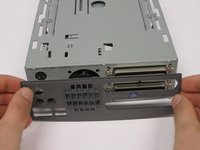
Rotate so the back of the device is facing you.
-
Gently pry the back casing away.
-
When the back casing is removed, the fan will become loose.
-
-
-
-
-
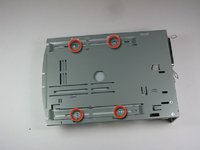
Flip so device is upside down.
-
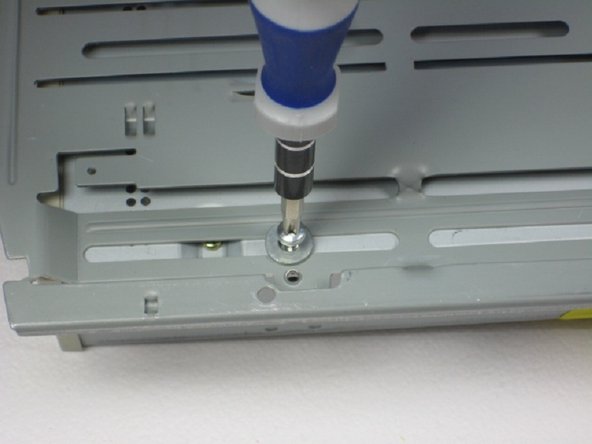
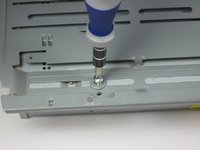
Remove 4 screws with Phillips #1 screw driver.
-
-
-
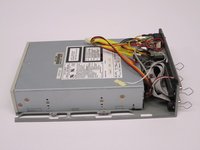
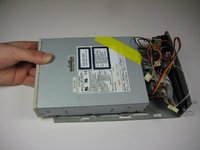
Slide the internal drive component away from the back of the device.
-
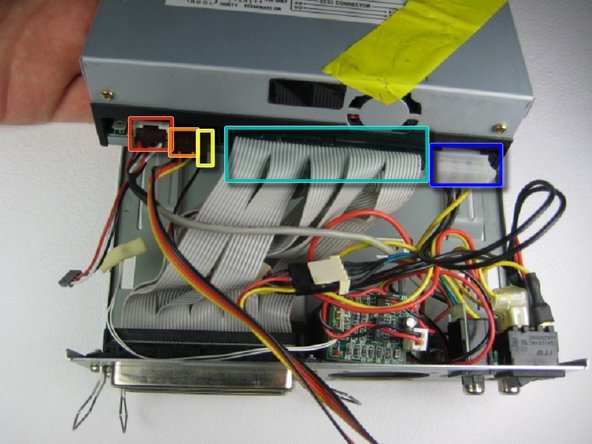
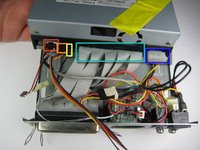
Remove the connections from the back of the internal component in the order of your choosing, we suggest left to right. The connections are:
-
Audio Connection
-
SCSI ID
-
Terminate On
-
SCSI Connection
-
DC Input (power)
-
-


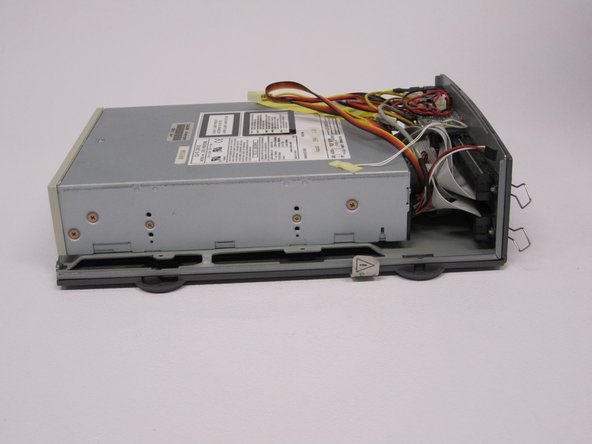
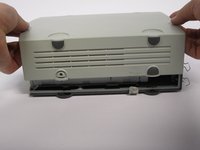
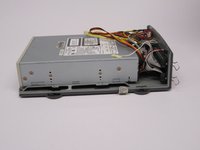


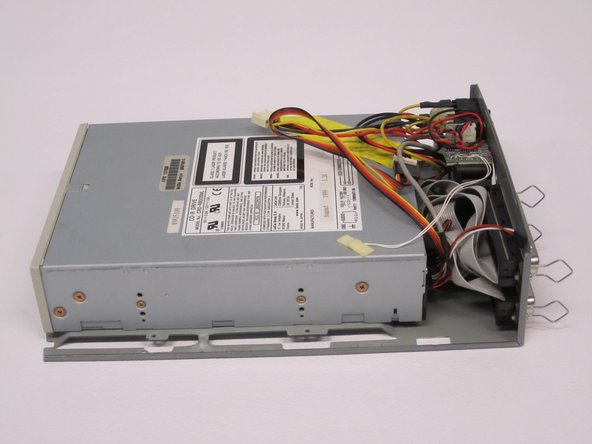


To reassemble your device, follow these instructions in reverse order.
crwdns2935221:0crwdne2935221:0
crwdns2935229:02crwdne2935229:0

crwdns2935287:0crwdne2935287:0

Cal Poly, Team 24-60, Amido Spring 2011 crwdns2935289:0Cal Poly, Team 24-60, Amido Spring 2011crwdne2935289:0
CPSU-AMIDO-S11S24G60
crwdns2931471:05crwdne2931471:0
crwdns2935297:072crwdne2935297:0
