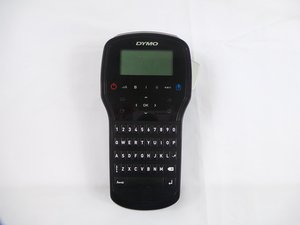
Keyboard
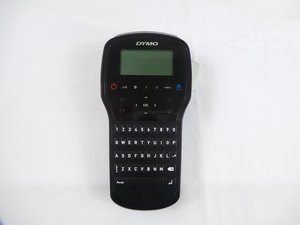
|
crwdns2933313:01crwdne2933313:0 crwdns2934263:00crwdne2934263:0 |
What are all the hidden menus on the device? |
|
crwdns2933313:01crwdne2933313:0 crwdns2934263:00crwdne2934263:0 |
My device language or region is wrong and I can't find the settings. |
|
crwdns2933313:01crwdne2933313:0 crwdns2934263:00crwdne2934263:0 |
My screen is too dark or looks faded. |
|
crwdns2933313:01crwdne2933313:0 crwdns2934263:00crwdne2934263:0 |
Why is my alphabet coming up with Spanish characters |
If you are having difficulties with the Dymo LabelManager 280, try referring to the troubleshooting page.
Compared to the previous versions, the LabelManager 280 has a few major features not present in previous versions. This version enables you to create labels with 6 font sizes, 7 text styles, 8 boxes plus underline, as well as 220 symbols and clipart images. It also comes with a rechargeable Lithium-Ion battery.
The Dymo LabelManager 280 model name is printed directly onto the back cover of the printer.
LabelManager 280 Quick Reference Guide
DYMO LabelManager 280 User Guide
DYMO LabelManager 280 User Guide
DYMO LabelManager 280 Guía del Usuario
USFT-EYESTONE-S16S6G5
crwdns2931471:03crwdne2931471:0
crwdns2935297:036crwdne2935297:0
crwdns2936751:024crwdne2936751:0 5
crwdns2936753:07crwdne2936753:0 16
crwdns2936753:030crwdne2936753:0 77
crwdns2959996:0crwdne2959996:0 2,803