
 2
2 ペアリング前のアップデートが出来ない
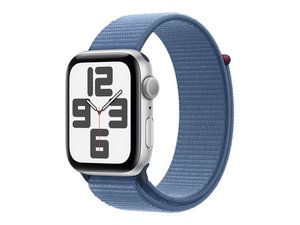
When I try to pair my Apple Watch SE (2nd generation) with my iPhone,
the update screen appears, and if I skip it, the pairing resets.
If I proceed with the update,
"Update cannot be completed successfully.
Could not check for software updates because you are not connected to the Internet."
An error message appears on the iPhone screen, and clicking "Try Again" simply repeats this message and does not proceed.
Please let me know if there is a solution.
iPhoneでAppleWatch SE(第2世代)ペアリングをしようとした時に
アップデート画面が出て、スキップするとペアリングがリセットしてしまう
アップデートを進めてみた場合には
「アップデートを確実できません、
インターネットに接続されていないため、
ソウウェア・アップデートを確認できませんでした」
というエラーメッセージがiPhone画面に表示され、やり直すをクリックしても、このメッセージが繰り返させるだけで先に進みません。
解決策が有れば御教授願います。
crwdns2934109:0crwdne2934109:0
crwdns2889612:0crwdne2889612:0
0
